VoiceDash
Voice typing & quick notes
Designed for iPhone, iPad
Free · In-app purchases
- Age rating4+
- CategoryProductivity
- DeveloperAmirahmad Bornaee
- LanguagesEnglish
- Size65.8 MB
Links to the official App Store page
Download.org hosts no file of VoiceDash. The button opens its official App Store page, published by Amirahmad Bornaee. Listing last checked on Nov 17, 2026.
Screenshots

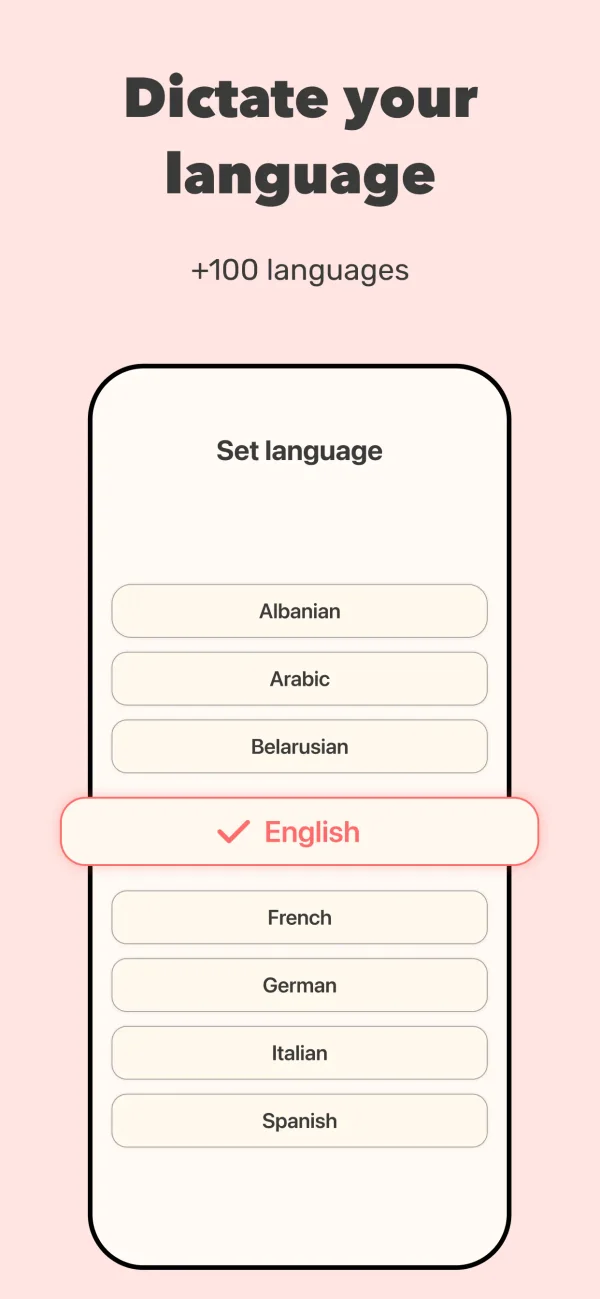

About
Speak naturally. VoiceDash delivers perfection. The trusted productivity tool for professionals, creators, students, and business leaders worldwide.
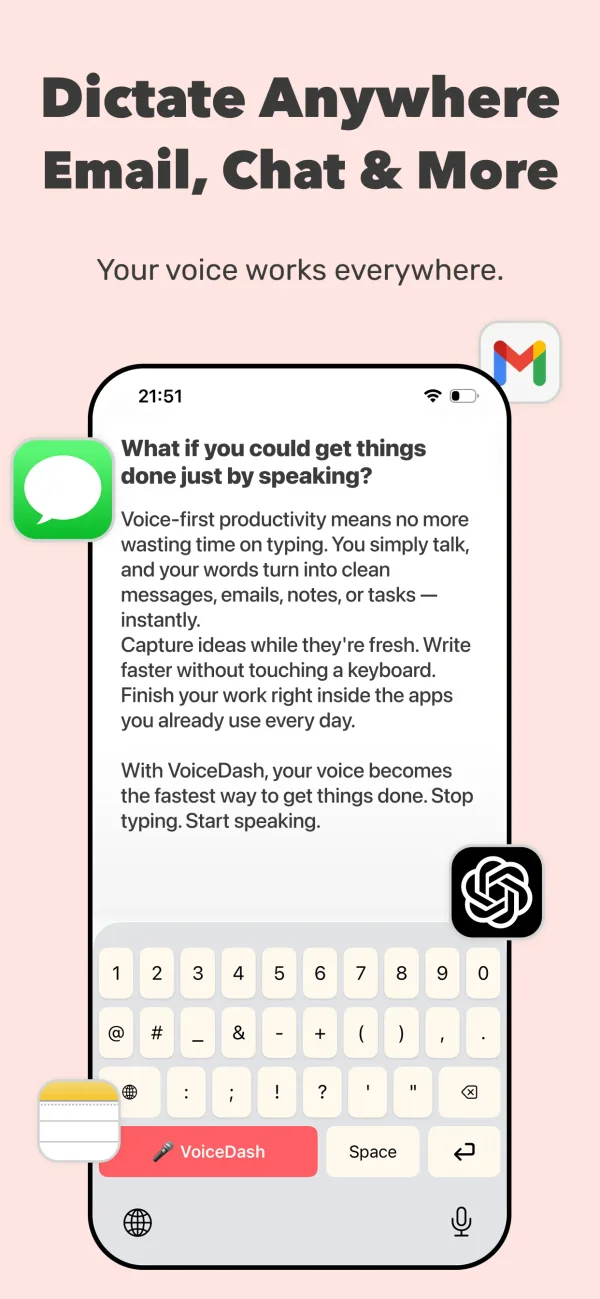
VoiceDash transforms your voice into flawless text with unparalleled speed and precision. Our AI-powered keyboard seamlessly integrates with all your favorite apps—Slack, Messages, Email, WhatsApp, ChatGPT, Google Docs, and more—instantly converting your spoken words into polished, properly formatted text. Whether you're jotting quick notes, composing lengthy communications, or recording detailed conversations, VoiceDash helps you work up to 4 times faster than traditional typing.
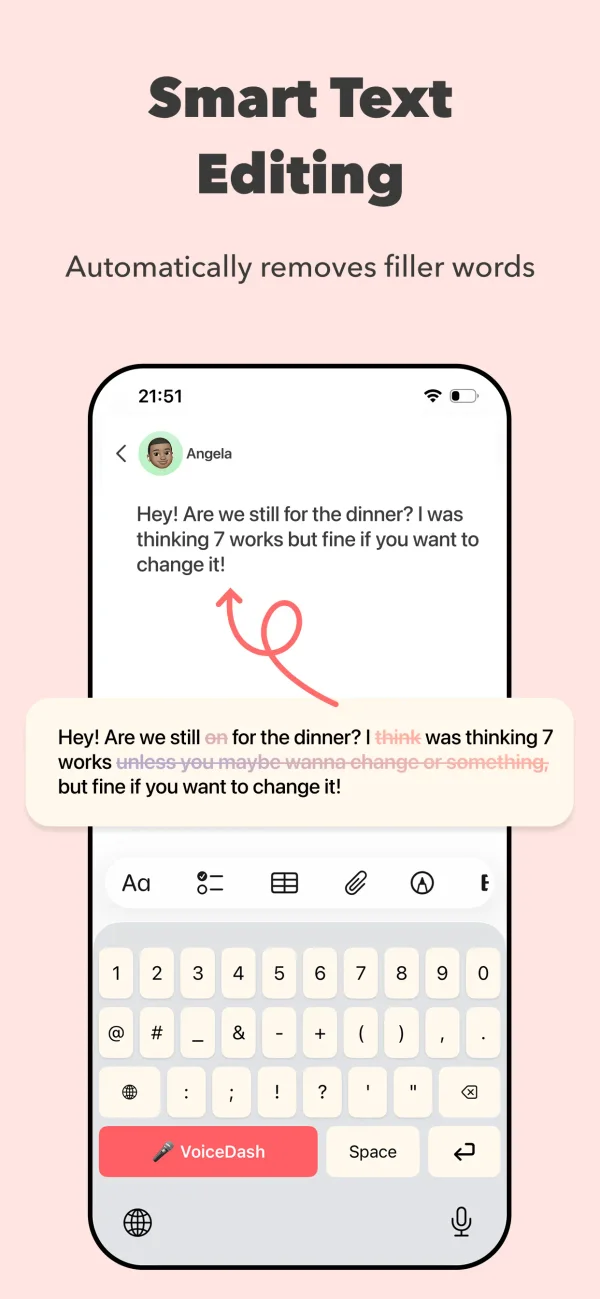
On the move, during your commute, or in quiet environments? VoiceDash refines everything you say into clear, professional text. No verbal fillers, no autocorrect mistakes, no awkward expressions—just rapid, smooth writing that authentically represents your voice.
Why VoiceDash
• Premium Voice Keyboard Technology: Express yourself verbally across all applications with intelligent formatting tailored to emails, messages, and more.
• Intelligent Text Refinement: Your words, professionally edited and ready for sending without manual corrections.
• Universal App Compatibility: Seamlessly works with everything from email clients to productivity tools.
• Conversational Interface: No special commands needed—VoiceDash automatically handles all punctuation and formatting.
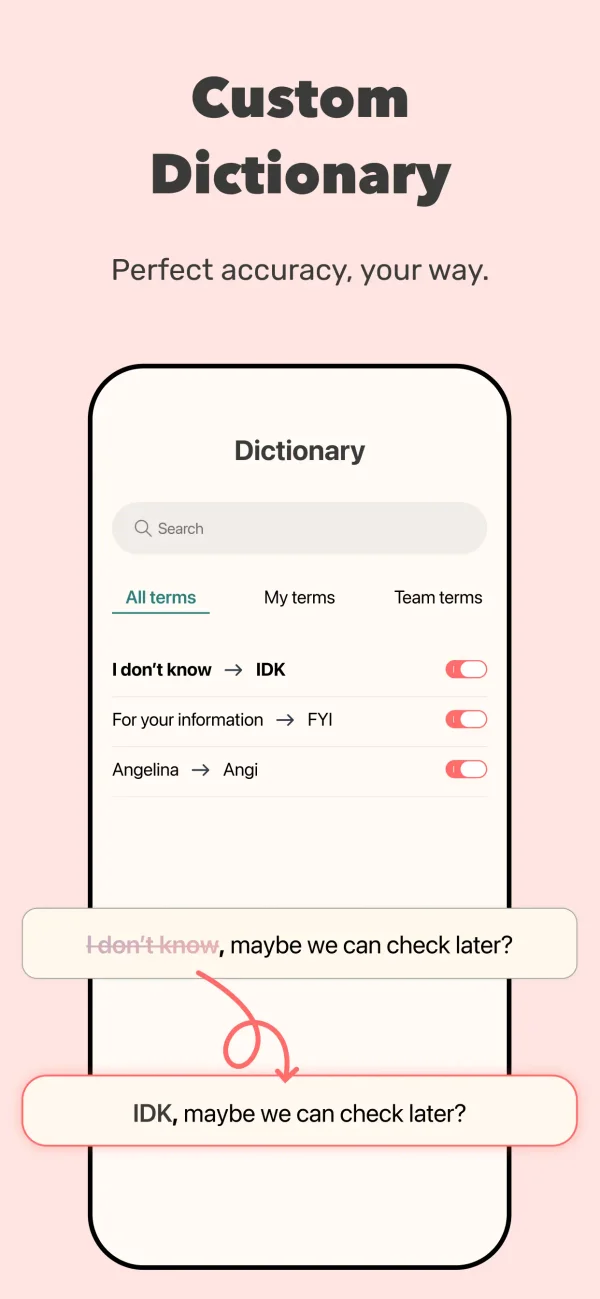
• Personalization Features: Easily add specialized terminology, names, and industry-specific phrases to your custom dictionary.
• Discreet Dictation: Speak quietly without disturbing those around you.
• Instant Thought Capture: Use convenient shortcuts to save ideas immediately and access them across devices.
• Multilingual Support: Function effectively in over 50 languages.
Perfect For
• Handling correspondence while multitasking
• Creating documents on the go
• Providing comprehensive team responses without touching your device
• Capturing inspiration whenever and wherever it strikes
Start with our free tier offering a weekly word allocation. Upgrade to our Premium plan for unlimited dictation and enhanced capabilities. Synchronizes effortlessly between mobile devices and our desktop applications for Mac and Windows.
TERMS, PRIVACY & CONDITIONS
Read on https://voicedash.ai/privacy-policy/ and https://www.apple.com/legal/internet-services/itunes/dev/stdeula/
What’s new
Version 2.1.0 · Jun 25, 2026
minor improvements
App privacy
What Amirahmad Bornaee declares on the App Store about how this app handles data.
-
Data not collected
The developer does not collect any data from this app.
Privacy practices may vary, for example with the features you use or your age.
Information
- Seller
- Amirahmad Bornaee
- Category
- Productivity
- Version
- 2.1.0
- Updated
- Jun 25, 2026
- Released
- Apr 2, 2026
- Size
- 65.8 MB
- Requires
- iOS 17.2 or later
- Age rating
- 4+
- Price
- Free
- In-app purchases
- Yes
- Languages
- English
- Copyright
- © 2026 Jumpstart Ventures FZE
You might also like
-
 remio - AI Agent & RecorderCapture ideas on the go
-
 AI Emaily - Unified AI InboxYour inbox runs itself quietly
-
 Dart Project ManagementAI-native project management
-
 Transcript LOLTranscribe & Summarise Audio
-
 Blip AI: Voice Typing KeyboardSpeech to Text & AI Dictation
-
 Vocal: record voice messagesRecord & share audio messages
-
 Prismical - AI Note TakerTranscribe meetings and memos
-
 Spellar: AI Meeting Note TakerNo-bot notes for Zoom & Teams
-
 MyMemo: AI Second BrainVoice Notes & Meeting Summary
-
 Speech To Note - Voice To TextProductivity