- Age rating4+
- CategoryBusiness
- DeveloperBlueScope Buildings NA
- Size104.9 MB
Links to the official App Store page
Download.org hosts no file of VP Locate. The button opens its official App Store page, published by BlueScope Buildings NA. Listing last checked on Nov 12, 2026.
Screenshots
About
VP Locate TM is an easy to use and unique jobsite coordination tool. This powerful tool is designed to help VP Builders and Erectors maintain visibility of incoming orders, save time unloading and staging steel, and locate material on site to speed the installation process. There is no special hardware required - all you need is your smart device.
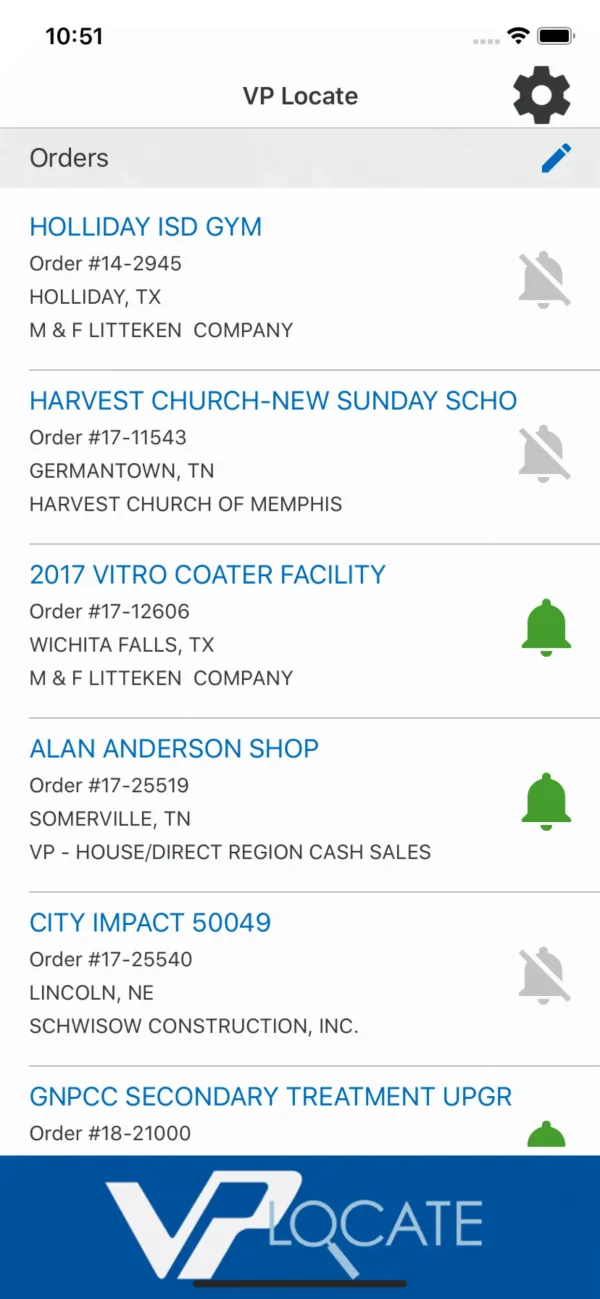
• View the status of trucks loaded, in transit or on the jobsite in real-time
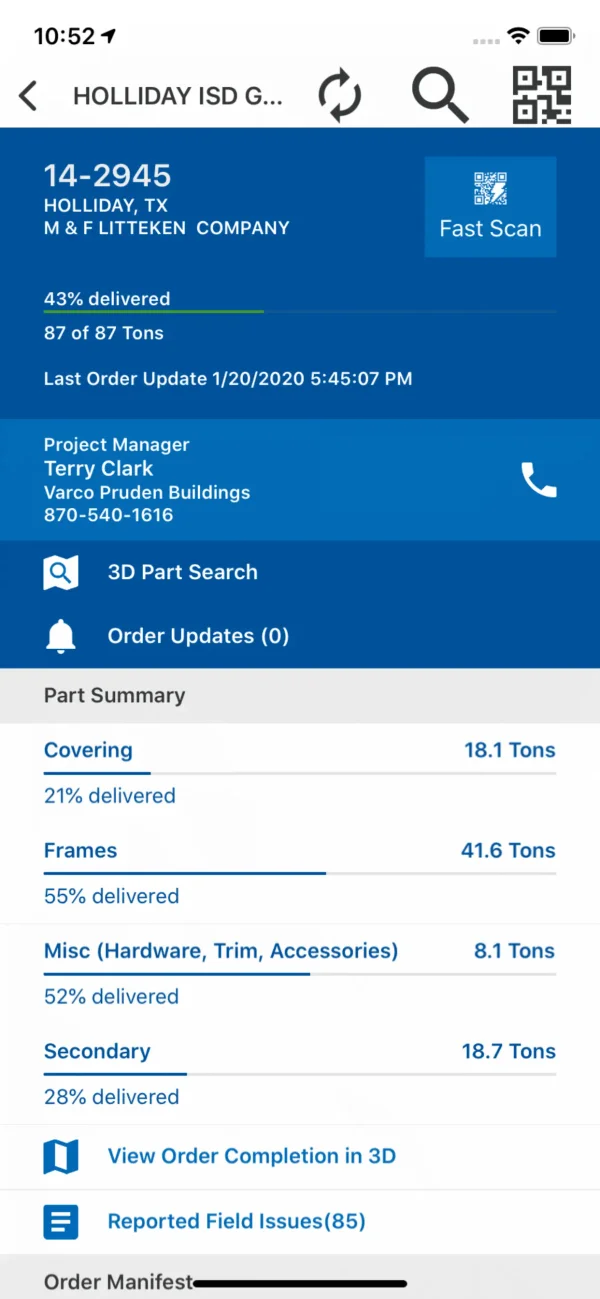
• View and search detailed truck and phase manifest
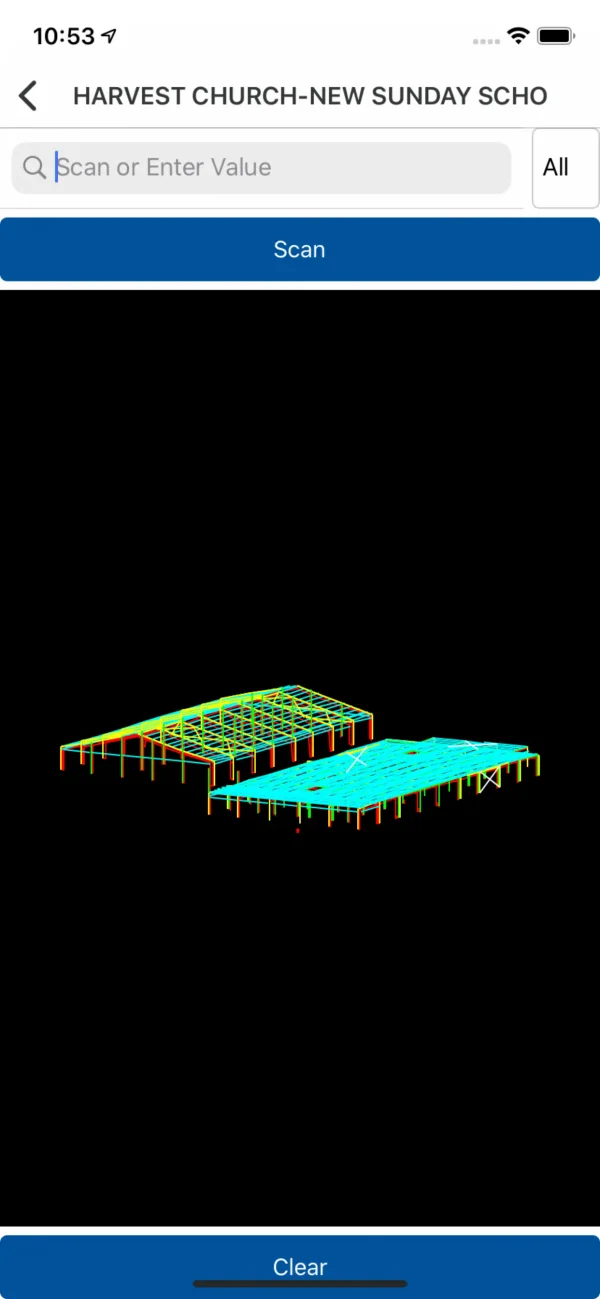
• Built-in scanning uses the device’s camera for scanning Bill of Ladings, parts, and packages
• Map functions help locate materials on the jobsite
• 3D Part search and display aides in staging materials to speed the installation process
• Wildcard search for parts, packages, or package contents
• Report field issues to Varco Pruden using the camera and communication features
• Communication feature allows for easy coordination with your VP Project Manager via phone or email with pictures from your jobsite
• Cloud based technology allows multiple users to operate independently
• Ability to work offline, storing data on the device to sync with the cloud when available
What’s new
Version 2.0.1 (33) · May 23, 2024
This version 2.0.1 (33) contains fixes and enhancements to the previous 2.0.0 (27) release. I included more messaging when it is busy downloading data. This includes when you login and it is downloading a new order list, syncing the device with the cloud, getting field issues (especially the pictures), running a field issue report, downloading the graphic data for the 3d display, downloading a new order list for manage orders, forcing a refresh of the order data, downloading a new list of builders (internal only), getting truck photos. Anything that might take a significant amount of time will have the wait cursor and a message for what is happening. Corrections are: It now downloads a new order list when you click on manage orders (the pencil). An issue when a user that didn't have any orders in their "My Orders" list. Changed the color on switches to have a light green background when they are turned on. Part searching in previous versions would seem to lockup as you were typing in the part number, this was because the search started immediately. Now there is a 2.5 second pause before it starts the search to allow you to type in the part number. On a 1600+ ton order, searching for a specific part is now almost immediate. On iOS, if the search for a part returned enough packages that you needed to scroll, the keyboard wouldn't move out of the way so you could scroll to the bottom of the list. I now force the keyboard to disappear when you scroll. If you want the keyboard back, click in the search bar and it will return. Added the ability to request a field issue report on an individual field issue.
If you have any issues or ideas, don't hesitate to contact me.
Alan Anderson
AAnderson@vp.com
App privacy
What BlueScope Buildings NA declares on the App Store about how this app handles data.
-
Data linked to you
May be collected and linked to your identity.
- Location
- Contact info
Privacy practices may vary, for example with the features you use or your age.
Information
- Seller
- BlueScope Buildings North America, Inc
- Category
- Business
- Version
- 2.0.1 (33)
- Updated
- May 23, 2024
- Released
- Dec 14, 2017
- Size
- 104.9 MB
- Requires
- iOS 11.0 or later
- Age rating
- 4+
- Price
- Free
- Copyright
- © 2024 BlueScope Buildings North America, Inc