
VR Mobile - Vibration Testing
Vibration Signal Analyzer
Designed for iPhone, iPad, iPod touch
Free
- Age rating4+
- CategoryUtilities
- DeveloperVibration Research Corporation
- LanguagesEnglish
- Size34.3 MB
Links to the official App Store page
Download.org hosts no file of VR Mobile - Vibration Testing. The button opens its official App Store page, published by Vibration Research Corporation. Listing last checked on Nov 12, 2026.
Screenshots
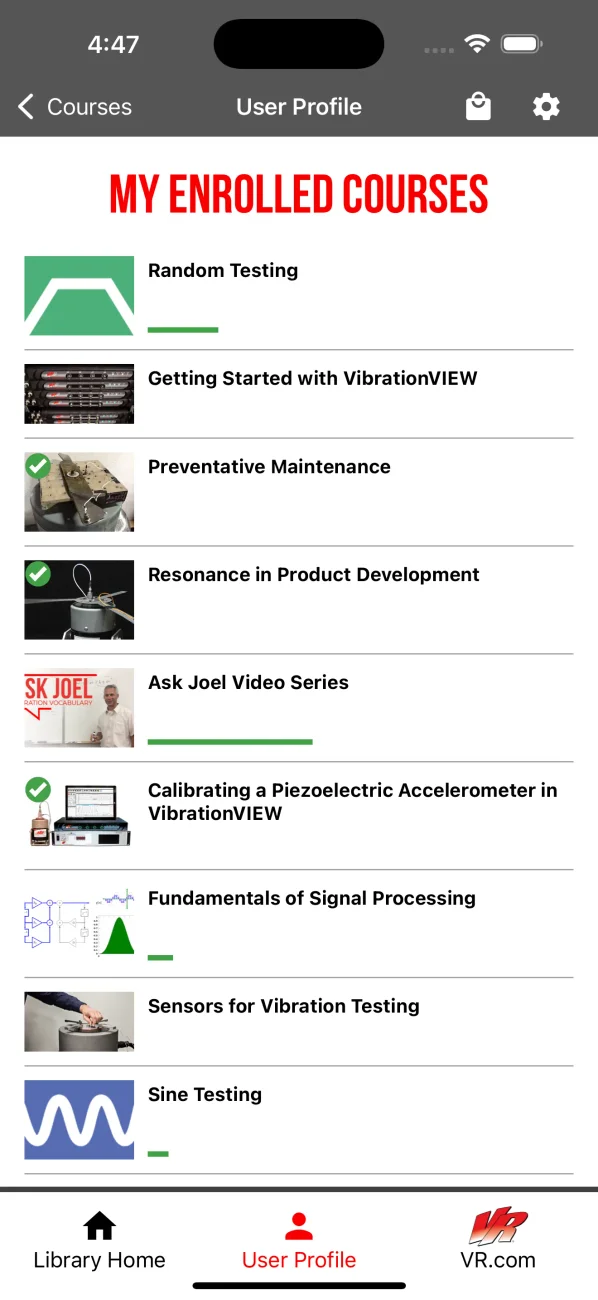
About
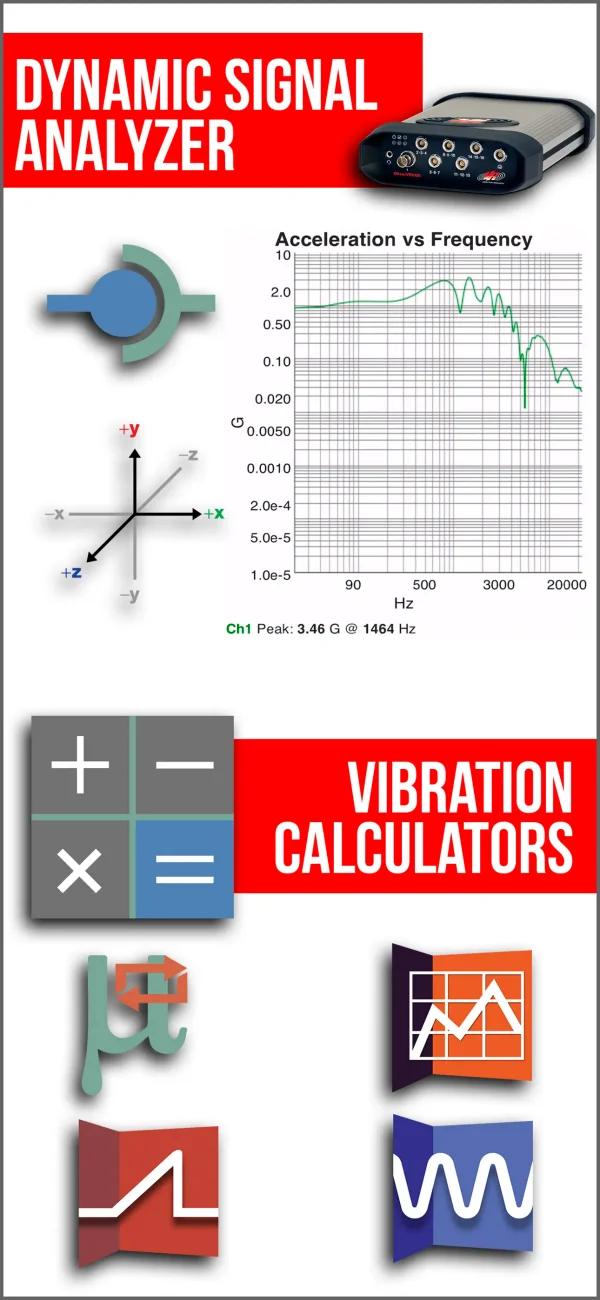
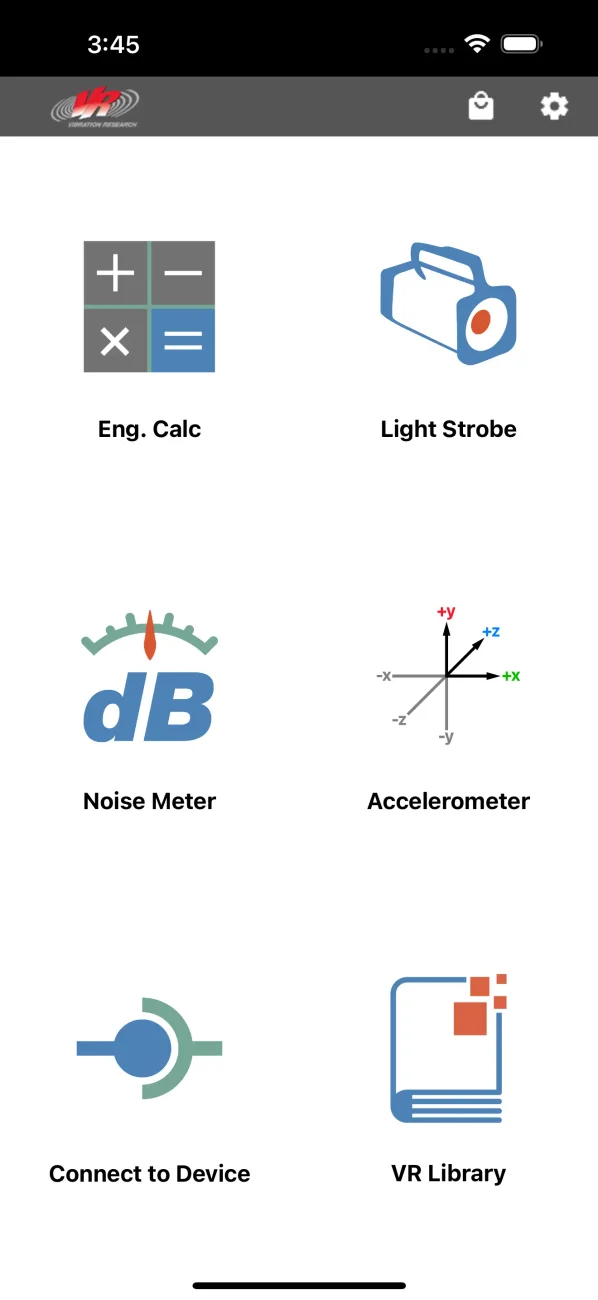
VR Mobile connects to any Vibration Research hardware device for live vibration test monitoring via an iPhone or iPad. It also contains engineering calculators, a light strobe, a noise SPL meter, and an accelerometer--all from your mobile device!
FEATURES:
Connect to the ObserVR1000 dynamic signal analyzer and data acquisition (DAQ) device
- Set up inputs and record & monitor data
- Live FFT Analysis
- Use your mobile device's camera to record video in sync with your ObserVR1000 and/or GoPro® camera(s)
Remotely control vibration tests running in the VibrationVIEW software
- Start/stop tests
- View graphs
- Adjust amplitude and frequency
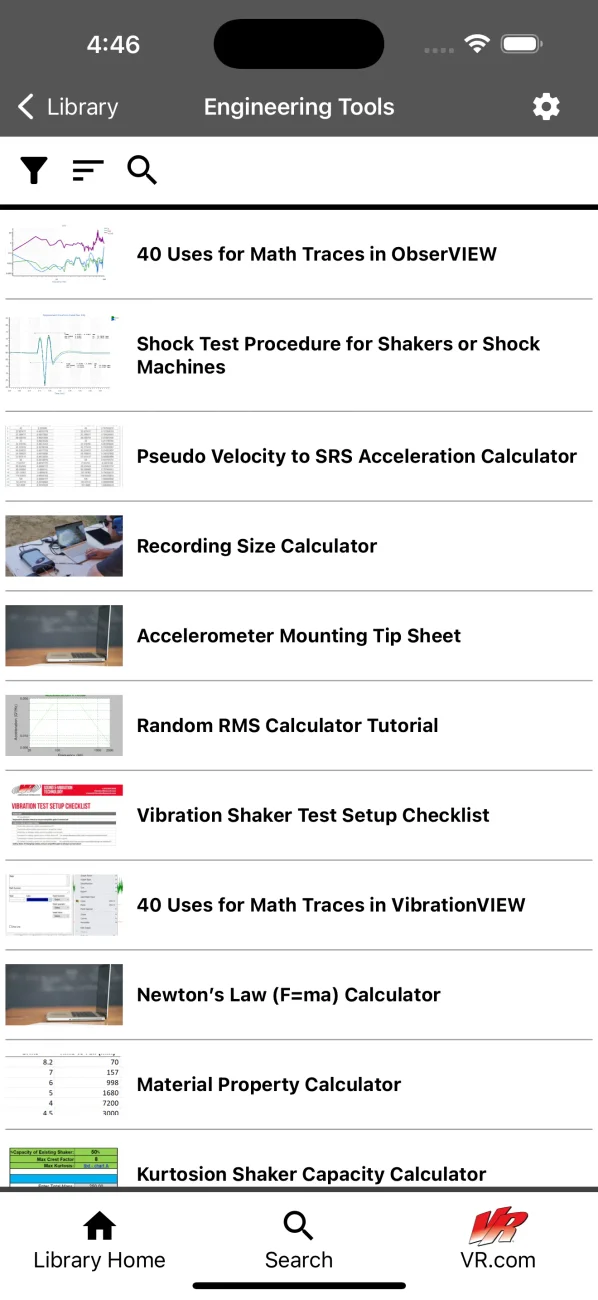
VR Library
- Complete courses, take quizzes and earn certificates on VR University
- Browse articles, case studies, engineering tools, research papers, and more
- Watch video tips and tech talks
- Gain access to VR product manuals
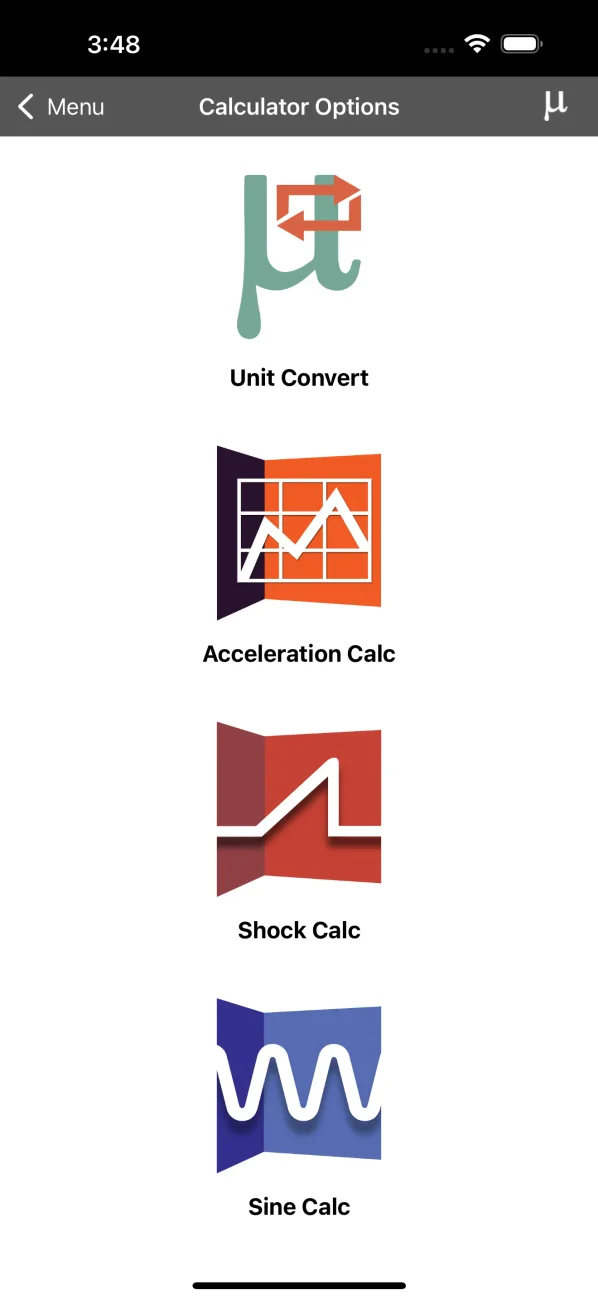
Max acceleration calculator
- Calculate the maximum acceleration a shaker can output based on system mass
Unit converter
- Convert acceleration, force, mass, velocity, displacement, and more
Sine calculator
- Calculate acceleration, frequency, velocity, and displacement based on sinusoidal motion
Shock calculator
- Select the impact type (plastic or elastic) and the pulse type, and the shock calculator will calculate the remaining two values given two inputs: acceleration, impact time, velocity change, and height change
Noise meter
- Measure the minimum, current, and maximum decibels (dB) from your mobile device's microphone
Accelerometer
- Measure the minimum, current, and maximum acceleration in each of your mobile device's accelerometer axes
- Zero-out acceleration to calibrate for an uneven surface
Strobe light
- Strobe your device's screen and/or flash LED from 1 to 30 Hz; strobing helps display objects vibrating too fast for the eye to see
VR products
- View VR's vibration test controllers and dynamic signal analyzers
- Watch YouTube videos from VR
- Visit VR's website
- Browse VR's LinkedIn page
What’s new
Version 3.6.5 · Aug 27, 2026
Fixed crash when using Scan to Connect
App privacy
What Vibration Research Corporation declares on the App Store about how this app handles data.
-
Data used to track you
May be used to track you across apps and websites owned by other companies.
- Usage data
-
Data linked to you
May be collected and linked to your identity.
- Usage data
Privacy practices may vary, for example with the features you use or your age.
Information
- Seller
- Vibration Research
- Category
- Utilities
- Version
- 3.6.5
- Updated
- Aug 27, 2026
- Released
- Oct 13, 2011
- Size
- 34.3 MB
- Requires
- iOS 13.0 or later
- Age rating
- 4+
- Price
- Free
- Languages
- English
- Copyright
- © 2026 Vibration Research Corporation
You might also like
-
 Vibration analysisVibrometer
-
 Smart Vibration Meter・DetectorSeismometer - Earthquake Alert
-
 Structural Floor VibrationMeasure, Evaluate, and Record
-
 Wiser VibeUtilities
-
 Seismometer+Vibration meter
-
 Vibration Detector Sensoraccelerometer & RMS monitor
-
 LD AtlasNoise & Vibration Monitoring
-
 Sound & Vibration MetersPro Sound & Vibration Detector
-
 Vibration Meter - EMF MeterMagnetic Field Detector
-
 Balancer AdashUtilities