- Age rating4+
- CategoryUtilities
- DeveloperStephan Dobrowolski
- LanguagesEnglish
- Size45.5 MB
Links to the official App Store page
Download.org hosts no file of WaidmannsCam. The button opens its official App Store page, published by Stephan Dobrowolski. Listing last checked on Nov 15, 2026.
Screenshots


About
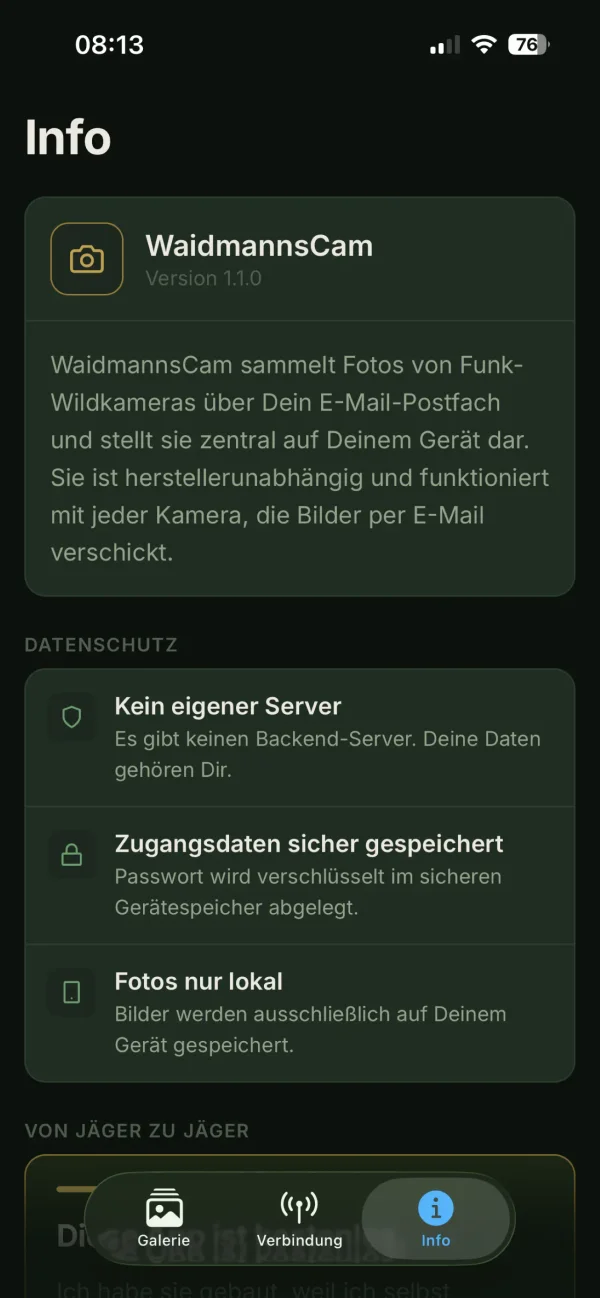
WaidmannsCam collects photos from your wireless wildlife cameras directly from your email inbox—automatically, in the background, without the cloud, and without any additional subscription.
Wireless wildlife cameras send new images via email to an address you specify, possibly after you’ve purchased a premium subscription. WaidmannsCam can “fish” the images out of your inbox and display them in the app: The app connects directly to your inbox via POP3 or IMAP, detects new wildlife camera photos, and saves them locally on your device. You’ll receive a notification—and see your images immediately in a clear gallery.
POP3 AND IMAP
Select the protocol supported by your email account: POP3 or IMAP. Preset configurations are available for popular providers like iCloud, Outlook, GMX, Web.de, and T-Online—just one tap is all it takes.
MANUFACTURER-INDEPENDENT
Works with any camera that sends photos via email—without any proprietary app or manufacturer cloud.
COMPLETELY PRIVATE
Your photos stay on your device. There is no dedicated server, no cloud synchronization, and no sharing of data with third parties. The password is stored encrypted in the secure device storage (iOS Keychain). As the developer of this app, I have no access to your data.
AUTOMATIC IN THE BACKGROUND
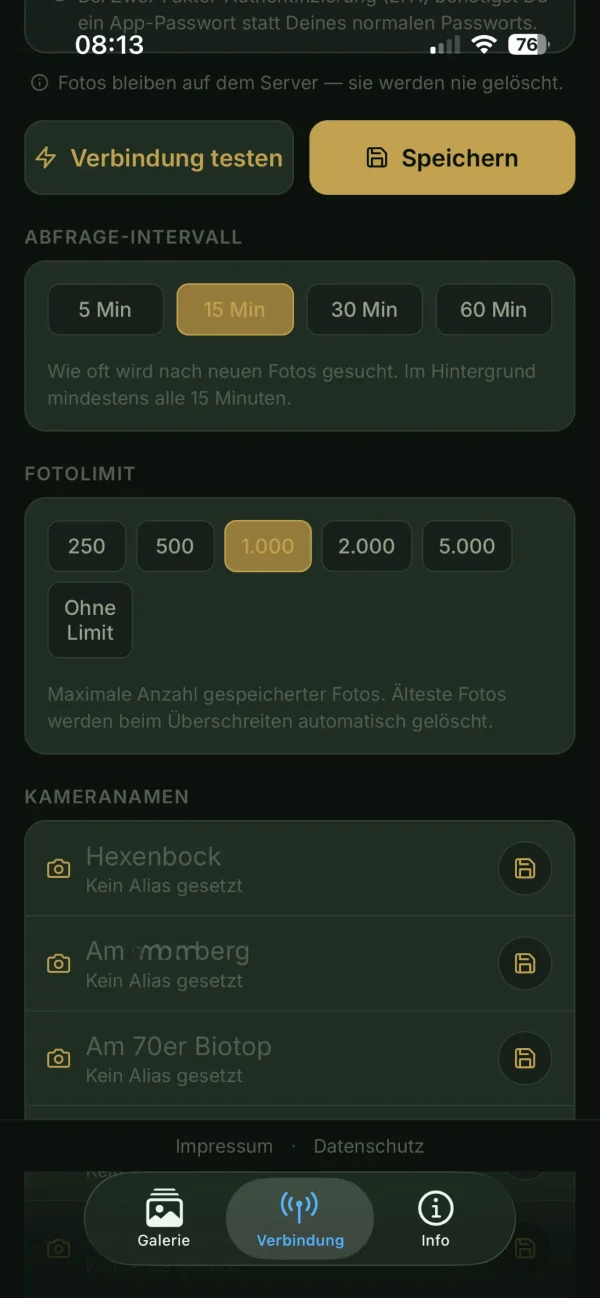
Set the check interval to your liking. The app regularly checks your inbox in the background and notifies you via local push notification as soon as new photos are available. (Minimum interval on iOS: 15 minutes.)
MULTIPLE CAMERAS
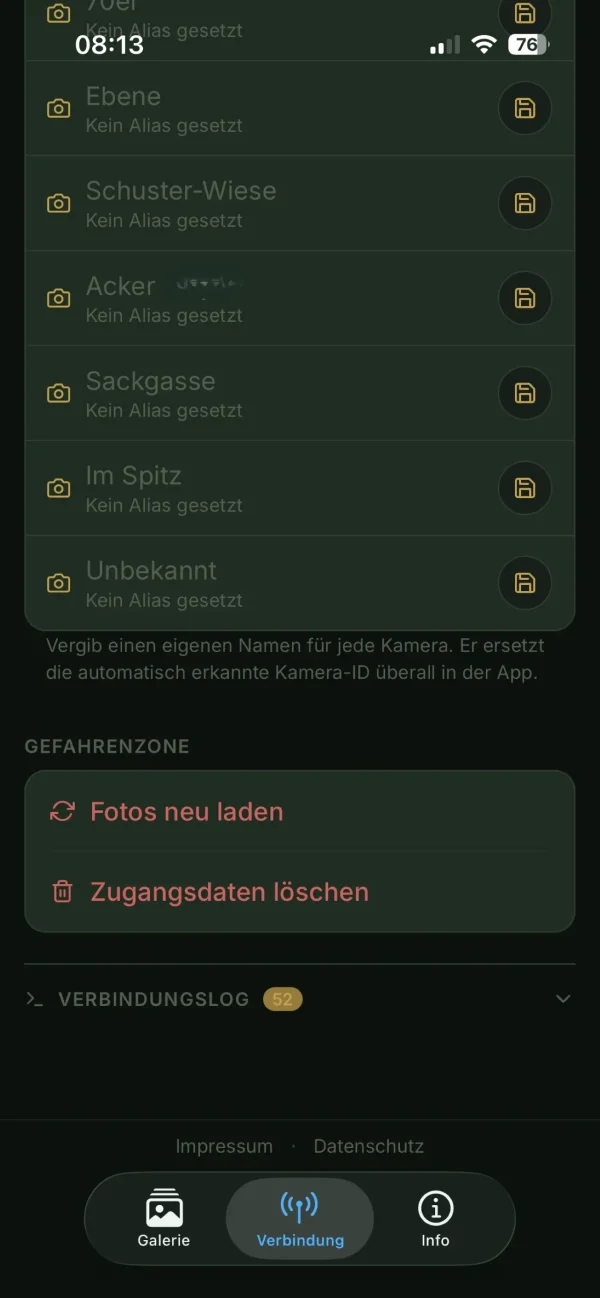
If you operate multiple wildlife cameras, WaidmannsCam automatically identifies the cameras based on the email content whenever possible. You can filter by camera in the gallery.
HOW IT WORKS
1. Your wildlife camera sends a new photo via email
2. WaidmannsCam connects to this mailbox via POP3 or IMAP
3. New images are downloaded and stored locally
4. You receive a notification on your device
SETUP IN ONE MINUTE
Open the “Connection” tab, select POP3 or IMAP, tap on a provider icon if necessary, and enter your login credentials. Done.
This app is free—no subscription, no in-app purchases, no ads.
What’s new
Version 1.2.0 · Jun 22, 2026
Version 1.2.0
This version makes WaidmannsCam more reliable and faster:
– Preview image in notifications: New photos now appear directly as an image in the notification—visible at a glance without opening the app.
– No more missed photos: The app automatically reloads all photos received since the last time you opened it—with no gaps and no duplicate notifications.
– Progress indicator during reloading: When there are many new photos, you can see how far the download has progressed.
– Improved photo detail view: Easily swipe between filtered photos and hide text when zooming or tapping—for an uninterrupted full-screen view.
– Notifications per camera: Notifications can now be differentiated by camera.
– Improved stability: More reliable background photo retrieval, smoother image processing, and several crashes fixed.
Thank you for your feedback—it’s directly incorporated into future development.
App privacy
What Stephan Dobrowolski declares on the App Store about how this app handles data.
-
Data not collected
The developer does not collect any data from this app.
Privacy practices may vary, for example with the features you use or your age.
Information
- Seller
- Stephan Dobrowolski
- Category
- Utilities
- Version
- 1.2.0
- Updated
- Jun 22, 2026
- Released
- Mar 25, 2026
- Size
- 45.5 MB
- Requires
- iOS 15.1 or later
- Age rating
- 4+
- Languages
- English
- Copyright
- © 2026 WaidmannsCam (Stephan Dobrowolski)