
Wait — Focus Timer & Planner
Deep Work and Personal OS
Designed for iPhone, iPad, Mac, iPod touch
Free · In-app purchases
- Age rating4+
- CategoryProductivity
- DeveloperGiulio Fontana
- LanguagesEnglish+ 10 more
- Size102.2 MB
Links to the official App Store page
Download.org hosts no file of Wait — Focus Timer & Planner. The button opens its official App Store page, published by Giulio Fontana. Listing last checked on Nov 17, 2026.
Screenshots


About
Most productivity apps just track tasks. WAIT helps you master your time.
Focus, plan, and capture your ideas in one unified system designed for Deep Work.
Focus, plan and capture everything in one place — and turn your time into real progress.
WHY WAIT?
WAIT isn't just a timer; it’s an ecosystem. Whether you are on your iPhone, working at your Mac, or immersed in Apple Vision Pro, WAIT stays with you to ensure maximum consistency.
SMART FOCUS TIMER
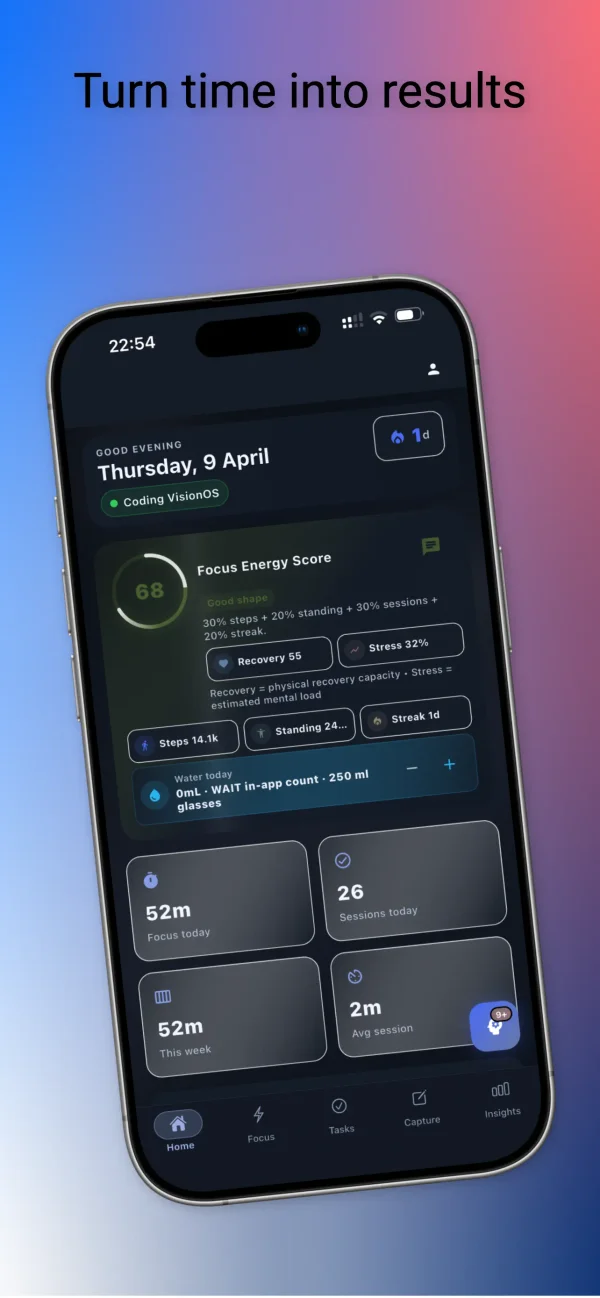
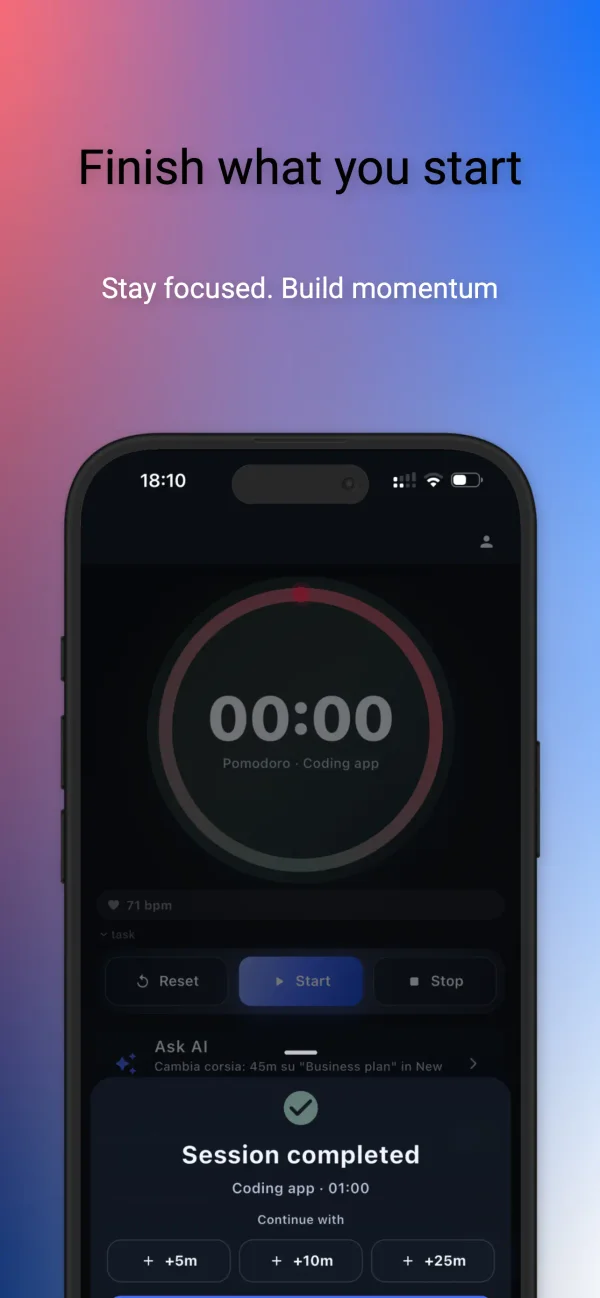
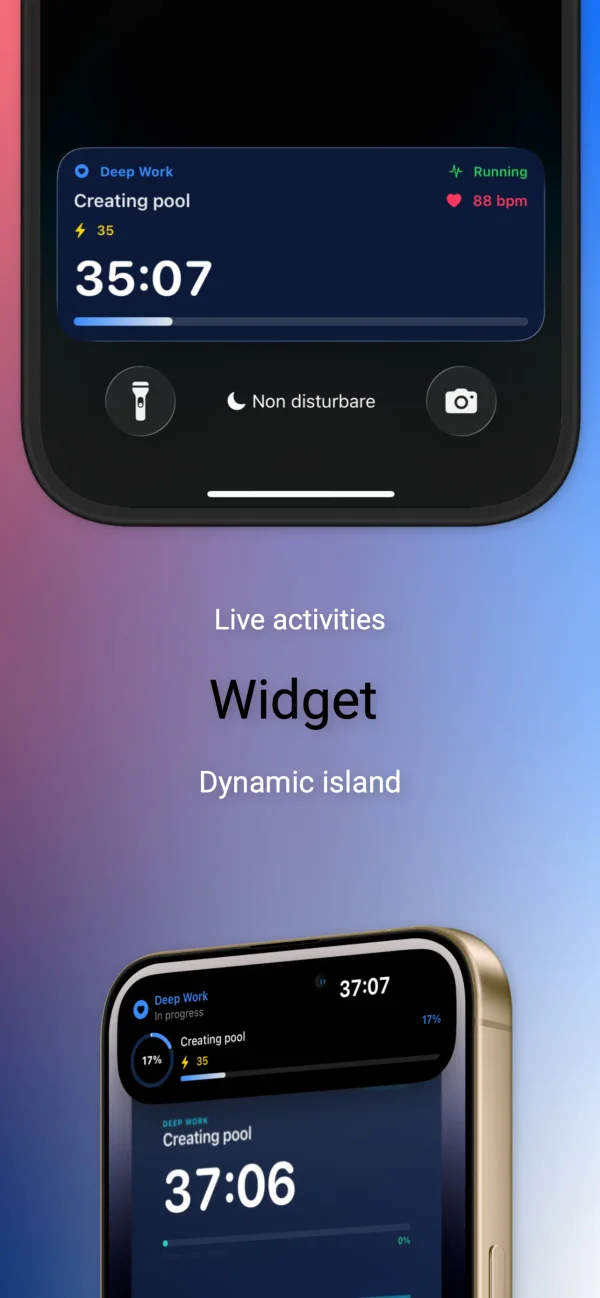
Master the Pomodoro technique or use custom sessions. Follow your progress at a glance with Live Activities and Dynamic Island support. Need 5 more minutes? Extend your session with one tap from your Lock Screen.
Focus Timer
• Pomodoro or custom sessions
• Background sessions with smart notifications
• Live countdown on Lock Screen & Dynamic Island
• Quick extend actions (+5 / +10 / +25 min)
INTEGRATED PLANNER
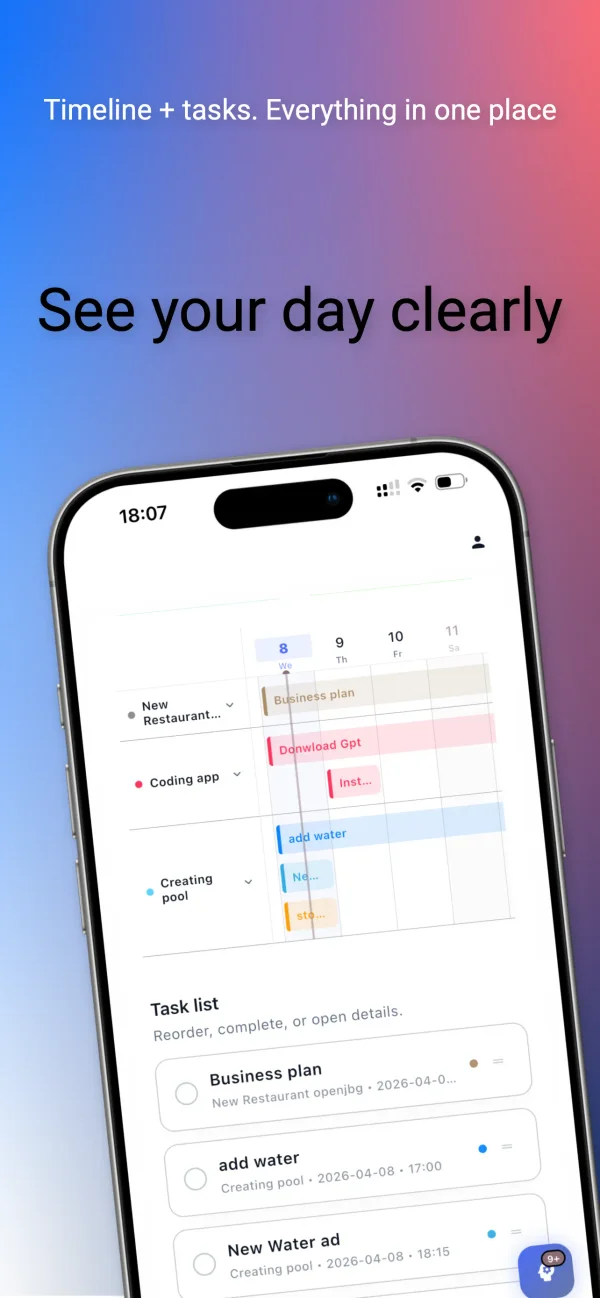
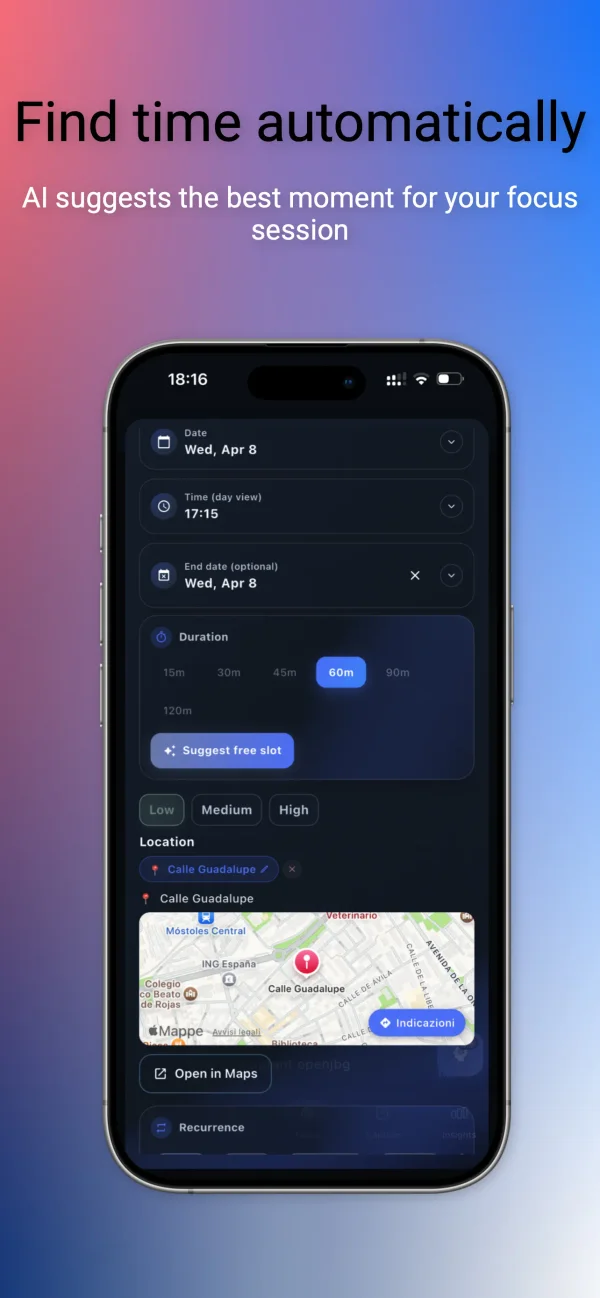
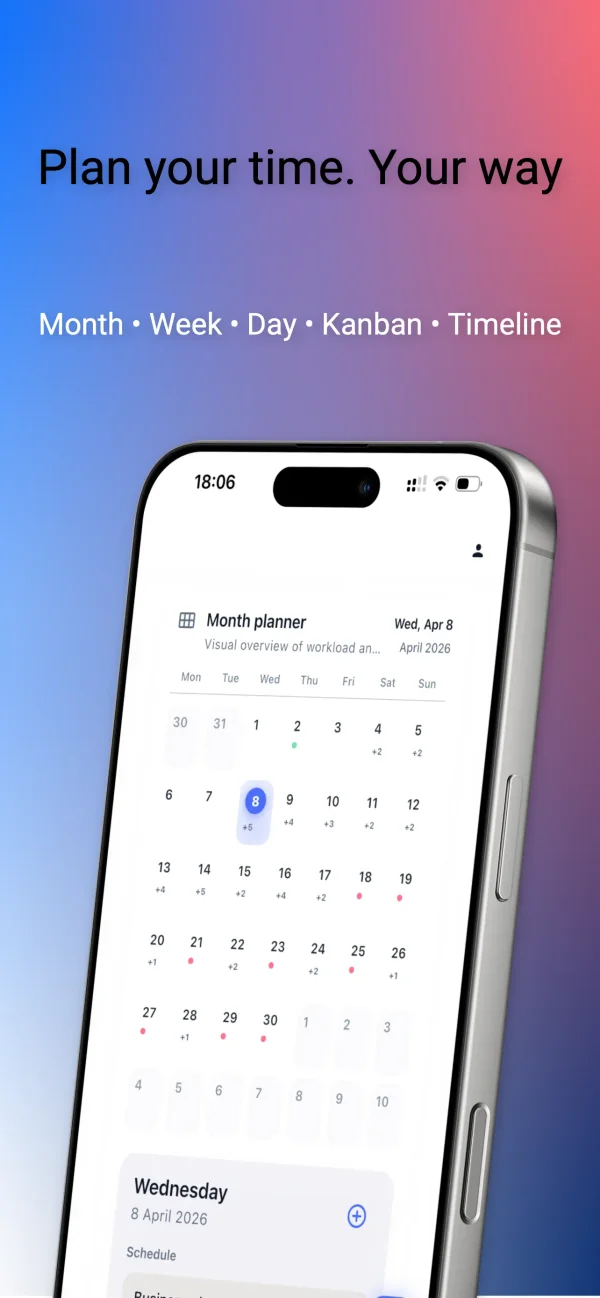
Don’t just list tasks—schedule them. Drag & drop your goals into your day and start a focus session directly from any task. Full Apple & Google Calendar integration.
Planner
• Day, week, kanbann and month views
• Drag & drop tasks
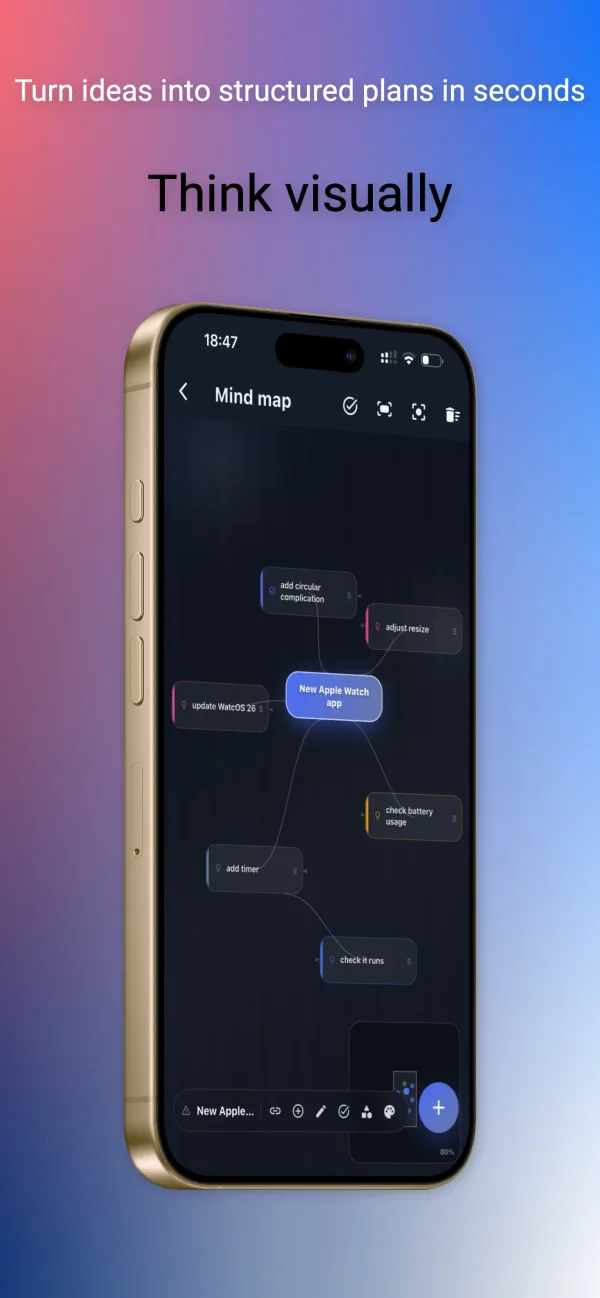
• Project lists with mind map
• Connect tasks directly to focus sessions
• Calendar integration (Apple & Google)
QUICK CAPTURE & OCR
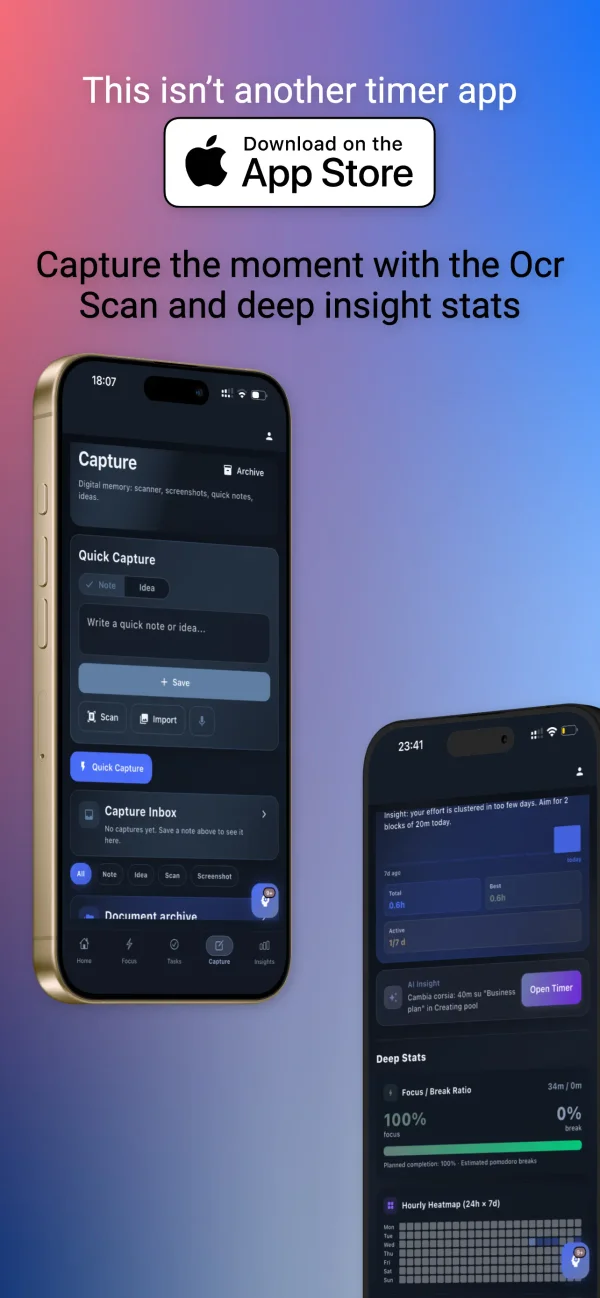
Never lose an idea. Scan documents, import PDFs, or dictate notes. Convert any capture into an actionable task in seconds.
Capture
• Save ideas, notes, links and documents instantly
• OCR scan and PDF import
• Convert any idea into a task in seconds
Insights
• Track focus time, streaks and progress
• See when you work best
• Visual stats by project and time
PRIVATE AI COACH
Improve your habits with our on-device AI. It analyzes your sessions locally to give you personalized tips without ever compromising your privacy.
AI Coach
• Personalized suggestions based on your sessions
• Works offline with on-device intelligence
• Helps you improve consistency and focus
Unlike traditional productivity apps, WAIT is designed as a system — not just a tool.
It connects your focus time, your tasks and your ideas into one continuous workflow.
ALL YOUR DEVICES, ONE SYSTEM
Experience seamless productivity across:
iPhone & iPad: Widgets and Live Activities.
Mac: Global shortcuts for your workflow.
Apple Watch: Full standalone app with complications.
Apple Vision Pro: Immersive focus environment.
Apple TV: Ambient focus mode for your office.
Start focusing better today.
Subscription automatically renews unless cancelled at least 24 hours before the end of the current period. You can manage or cancel your subscription in your App Store account settings.
Terms of Use (EULA):
https://www.apple.com/legal/internet-services/itunes/dev/stdeula/
What’s new
Version 2026.2.4 · May 15, 2026
- Bug fix
- Add Japanese
- Add Chinese
- Add Korean
App privacy
What Giulio Fontana declares on the App Store about how this app handles data.
-
Data linked to you
May be collected and linked to your identity.
- Health and fitness
- Purchases
- Location
- Contact info
- User content
- Identifiers
- Usage data
-
Data not linked to you
May be collected but is not linked to your identity.
- Diagnostics
Privacy practices may vary, for example with the features you use or your age.
Information
- Seller
- Giulio Fontana
- Category
- Productivity
- Version
- 2026.2.4
- Updated
- May 15, 2026
- Released
- Jan 26, 2026
- Size
- 102.2 MB
- Requires
- iOS 15.5 or later
- Age rating
- 4+
- Price
- Free
- In-app purchases
- Yes
- Languages
- English, French, German, Italian, Japanese, Korean, Portuguese, Russian, Simplified Chinese, Spanish, Traditional Chinese
- Copyright
- © 2026 Rokia Ltd
You might also like
-
 Sive: Brain Dump AI PlannerTo-dos, reminders & calendar
-
 Timer_i26 – Focus TimerADHD Routine & Timer
-
 Pomodoro Timer: Focus & BreakCalm, minimal focus sessions
-
 AchieveItBreak down, conquer one by one
-
 NumiciStreamline Your Research
-
 Groundwork: Focus & HabitsADHD habit builder & routine
-
 Daylume: AI PlannerAI Planner for Executives
-
 ZenFocus: True Study TimeReal Study Time, Not Seat Time
-
 Fruitsful: Pomodoro TimerStudy Focus & App Blocker
-
 Halm: Journal & KalenderBrain Dump mit lokaler KI