
- Age rating4+
- CategoryHealth & Fitness
- DeveloperDaisuke Kajiwara
- Size11.7 MB
Links to the official App Store page
Download.org hosts no file of Walkabout - Step & Explore. The button opens its official App Store page, published by Daisuke Kajiwara. Listing last checked on Nov 14, 2026.
Screenshots
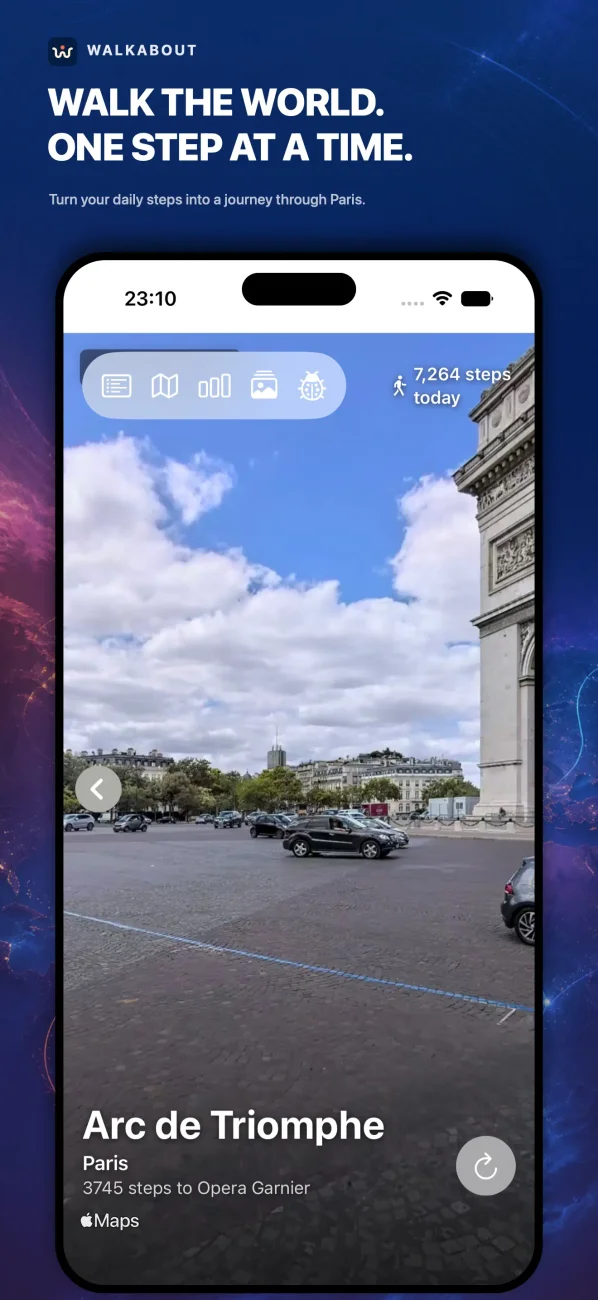
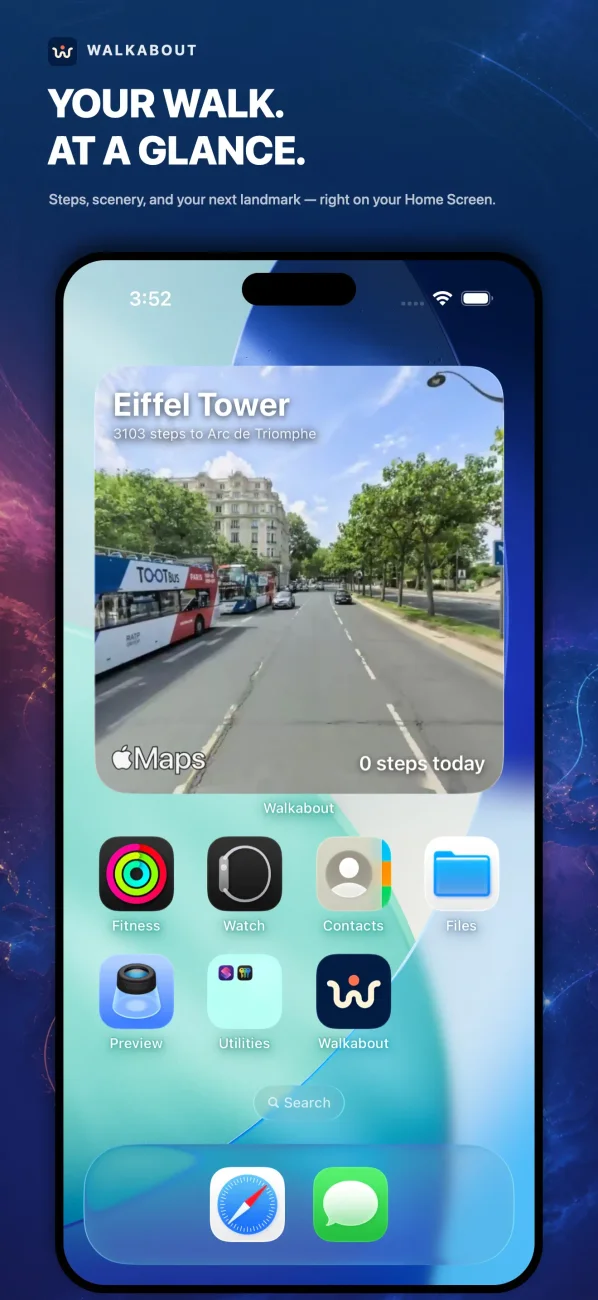
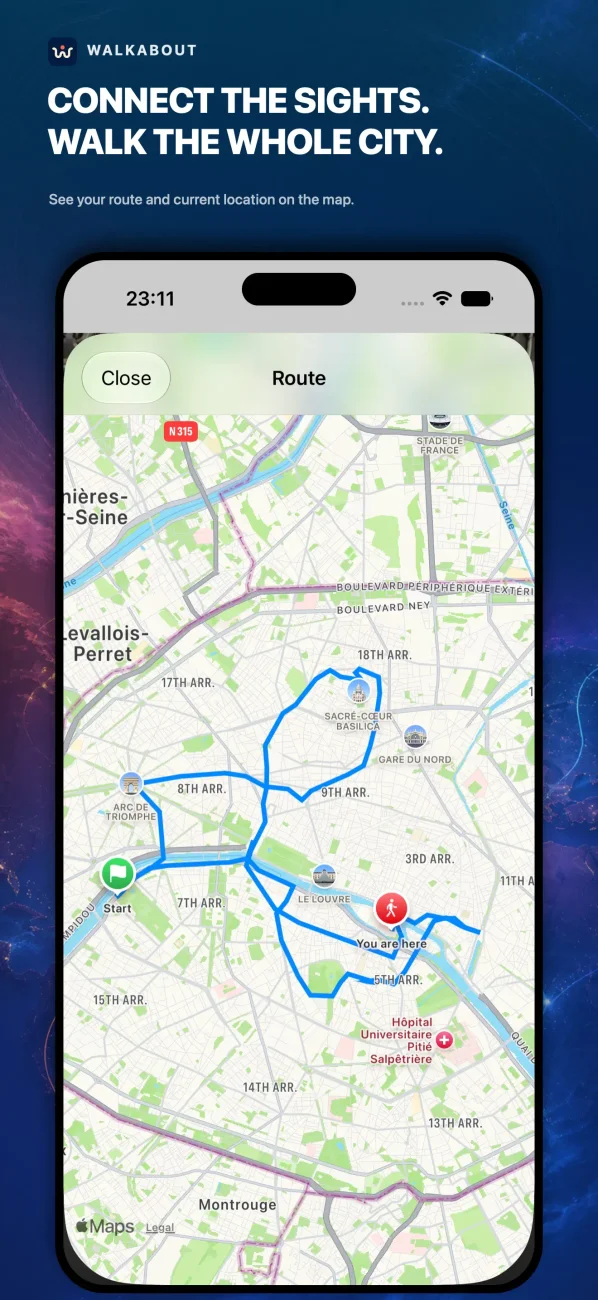
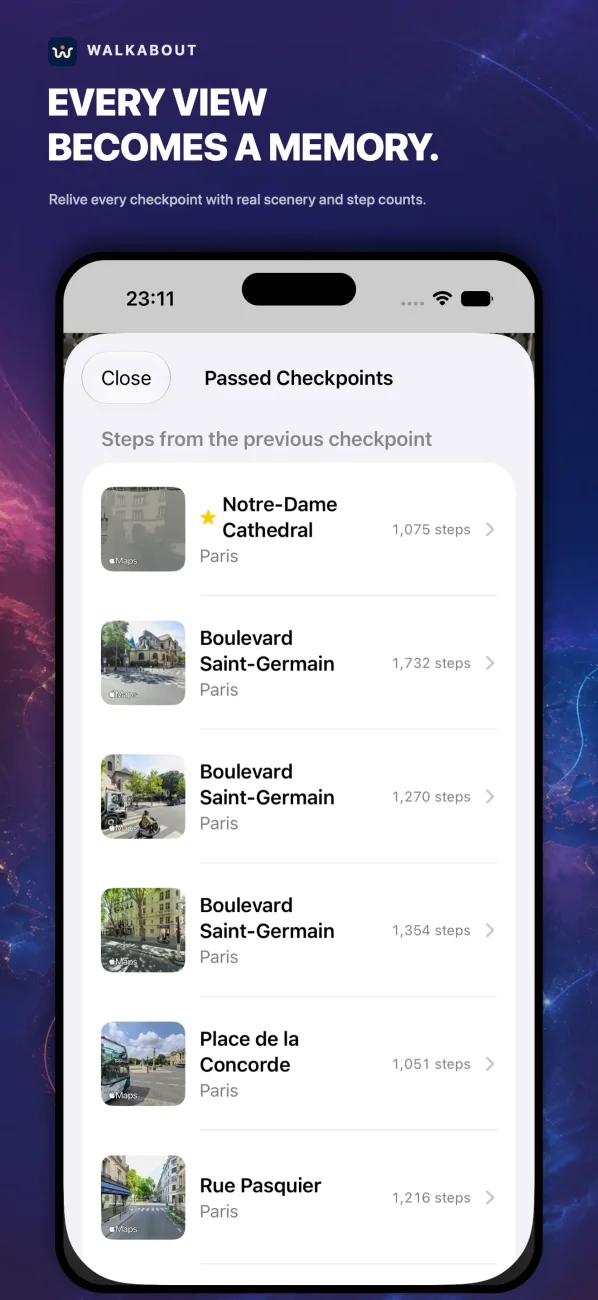
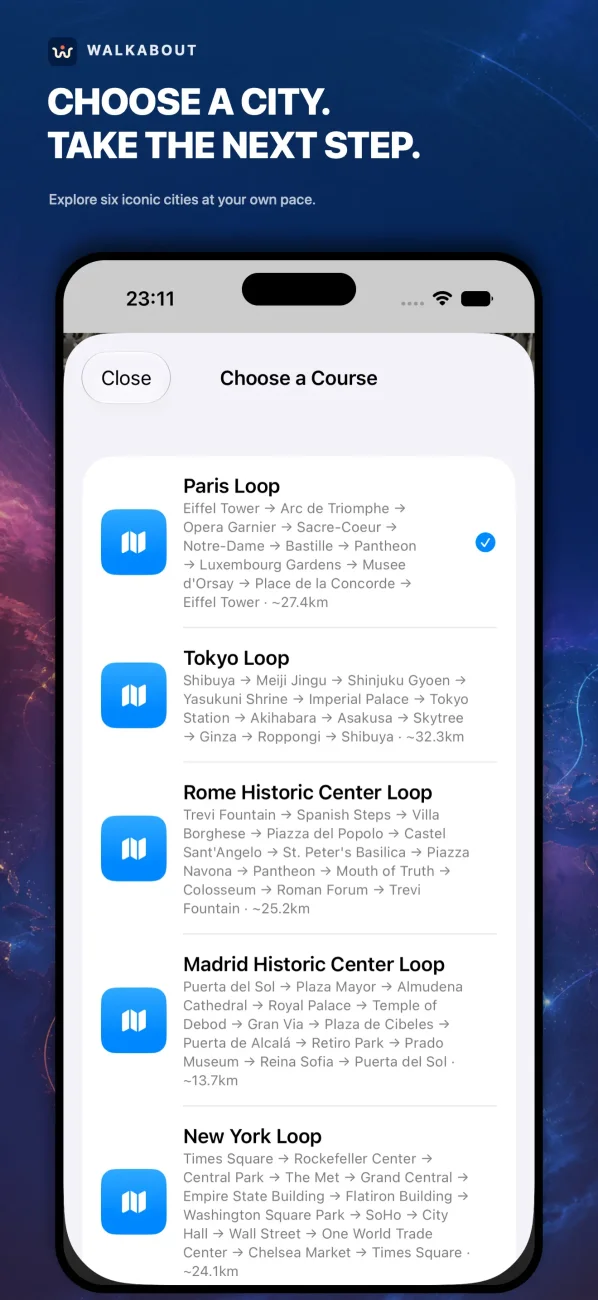
About
Walkabout turns your everyday steps into a walk through the world's most iconic streets.
Using real footage from Apple Maps' Look Around, Walkabout advances you along a curated walking route — through Tokyo, Paris, New York, London, Rome, or Madrid — based on the actual steps you take, tracked via Apple Health.
No treadmill screens, no fake progress bars — just real photography of real streets, unlocked one step at a time.
HOW IT WORKS
• Pick a course: a landmark-dense loop through one of six cities
• Walk in real life — your steps move you forward on the route
• See where you are: each checkpoint shows an actual photo of that spot
• Check your progress anytime from the home screen widget
COURSES
• Tokyo Loop — Shibuya, Meiji Jingu, Asakusa, Skytree, Ginza
• Paris Loop — Eiffel Tower, Arc de Triomphe, Notre-Dame
• New York Loop — Times Square, Central Park, Wall Street
• London Loop — Big Ben, Tower Bridge, the London Eye
• Rome Historic Center Loop — Trevi Fountain, Pantheon, Colosseum
• Madrid Historic Center Loop — Puerta del Sol, Plaza Mayor, Royal Palace
Walkabout only reads your step count — nothing else. Your health data stays on your device and is never sent anywhere or used for advertising. Free to use, supported by ads.
What’s new
Version 1.2 · Aug 31, 2026
Finish a lap and the city's route now draws itself, closing the loop you just walked.
New
• A lap you complete is marked with the course drawn out, and the total steps you have walked on it
• Major landmarks can now show a tour of that place (advertising)
Changed
• Choosing a checkpoint you have passed takes you straight there, instead of opening it inside the list first
• The app now always uses the dark appearance
Fixed
• The checkpoint you had gone back to could be lost when you closed the full-screen view
• A white band could appear at the top of the screen in light appearance
App privacy
What Daisuke Kajiwara declares on the App Store about how this app handles data.
-
Data linked to you
May be collected and linked to your identity.
- Location
- Identifiers
- Usage data
-
Data not linked to you
May be collected but is not linked to your identity.
- Health and fitness
- Purchases
Privacy practices may vary, for example with the features you use or your age.
Information
- Seller
- Daisuke Kajiwara
- Category
- Health & Fitness
- Version
- 1.2
- Updated
- Aug 31, 2026
- Released
- Aug 21, 2026
- Size
- 11.7 MB
- Requires
- iOS 17.0 or later
- Age rating
- 4+
- Copyright
- © 2026 Stryde Studio
You might also like
-
 ロマンチック街道を歩くHealth & Fitness
-
 WorldScape: Walk & Collect648 dioramas from 52 countries
-
 Ukiyo WalkArt That Grows With Your Walks
-
 Strolloria: Grow as You WalkHealth & Fitness
-
 Piyori - Bedtime Bird HabitGrow a bird while phone rests
-
 NEKOMICHI - 猫と歩く散歩記録Health & Fitness
-
 StepwayHealth & Fitness
-
 歩こう!中山道Health & Fitness
-
 散歩で世界旅行-アルクタビHealth & Fitness
-
 猫の庭 - 歩いて育てる、猫と会える歩数計Health & Fitness