Wallpaper Shuffler
Your wallpaper, on rotation
Designed for iPhone, iPad
Free · In-app purchases
- Age rating4+
- CategoryGraphics & Design
- DeveloperBox of Otters, LLC
- LanguagesEnglish
- Size13.0 MB
Links to the official App Store page
Download.org hosts no file of Wallpaper Shuffler. The button opens its official App Store page, published by Box of Otters, LLC. Listing last checked on Nov 17, 2026.
Screenshots
About
Your wallpaper should not be a decision you make once and live with for a year.
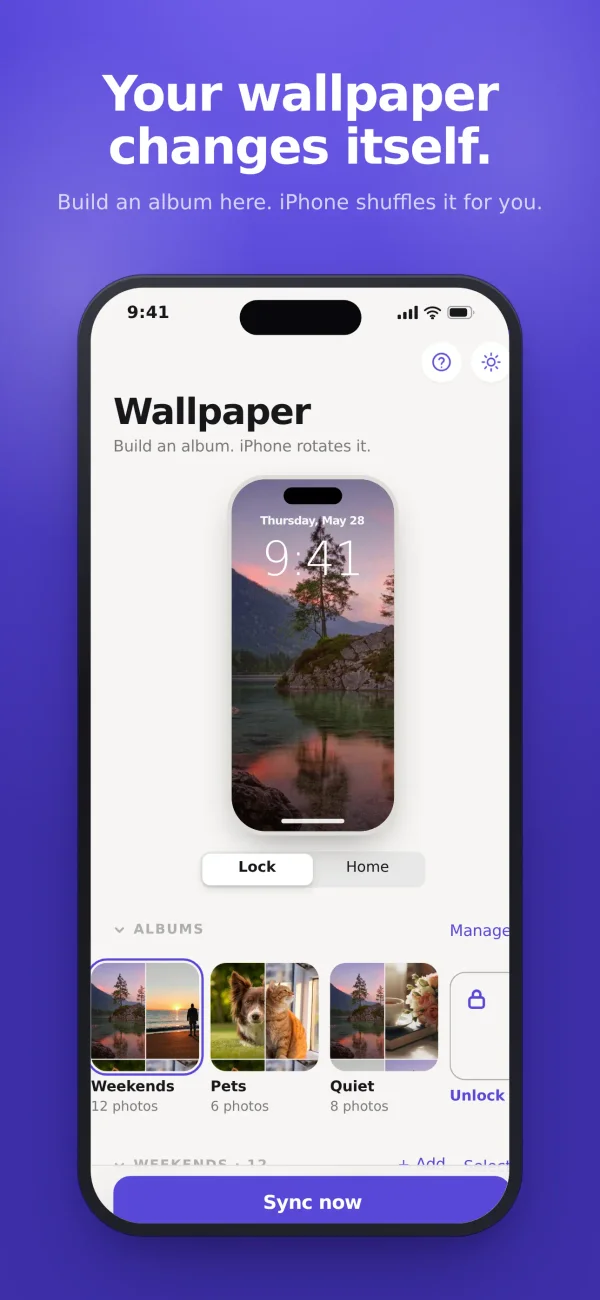
Wallpaper Shuffler rotates through photos you pick. Choose a few, set how often, and it handles the rest. Fifteen minutes, six hours, once a day, once a week, or a brand new one every single time you unlock your phone.
BUILD ALBUMS
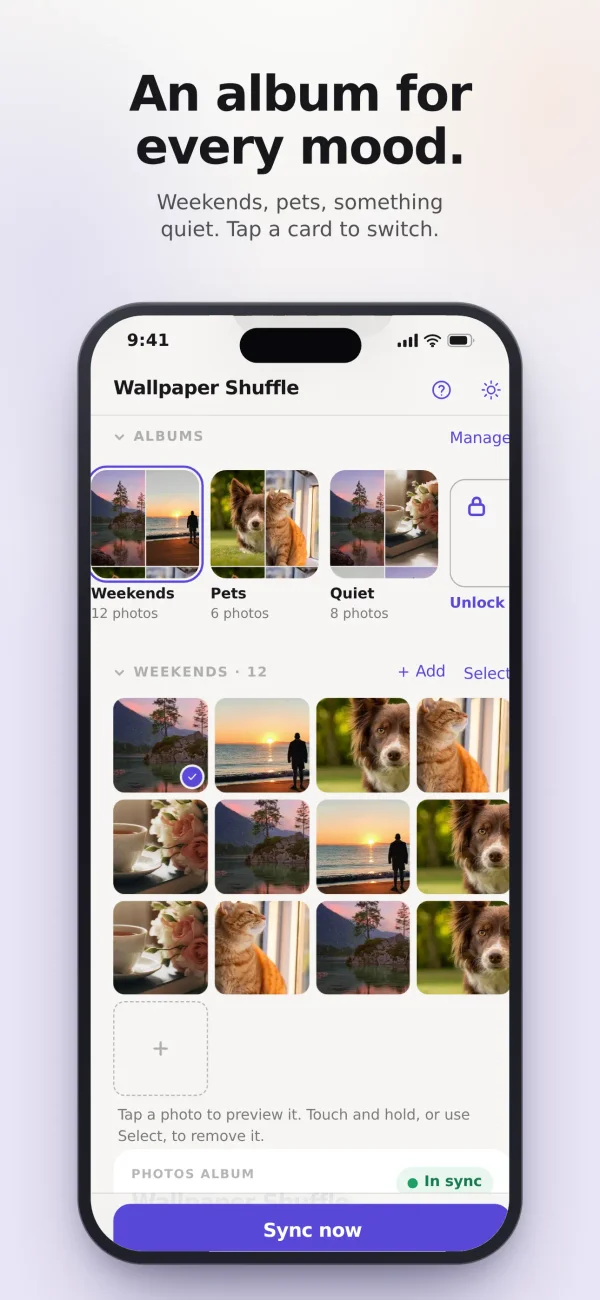
An album is a group of photos that rotates on its own. One for weekends, one for pets, one for the shots you actually want on your lock screen. Tap a card to switch between them.
AUTO-ADD
Turn it on and new photos from your camera join the rotation by themselves. Only new ones. Nothing already sitting in your library moves anywhere.
FIVE WAYS TO FRAME A PHOTO
Fill, fit, stretch, center, or tile. Portrait shots stop getting cropped into an armpit, and panoramas stop getting cropped into a wall.
SEPARATE SCREENS
Run the same album everywhere, or give the lock screen its own album, its own order, and its own timing.
BATCH EDITING
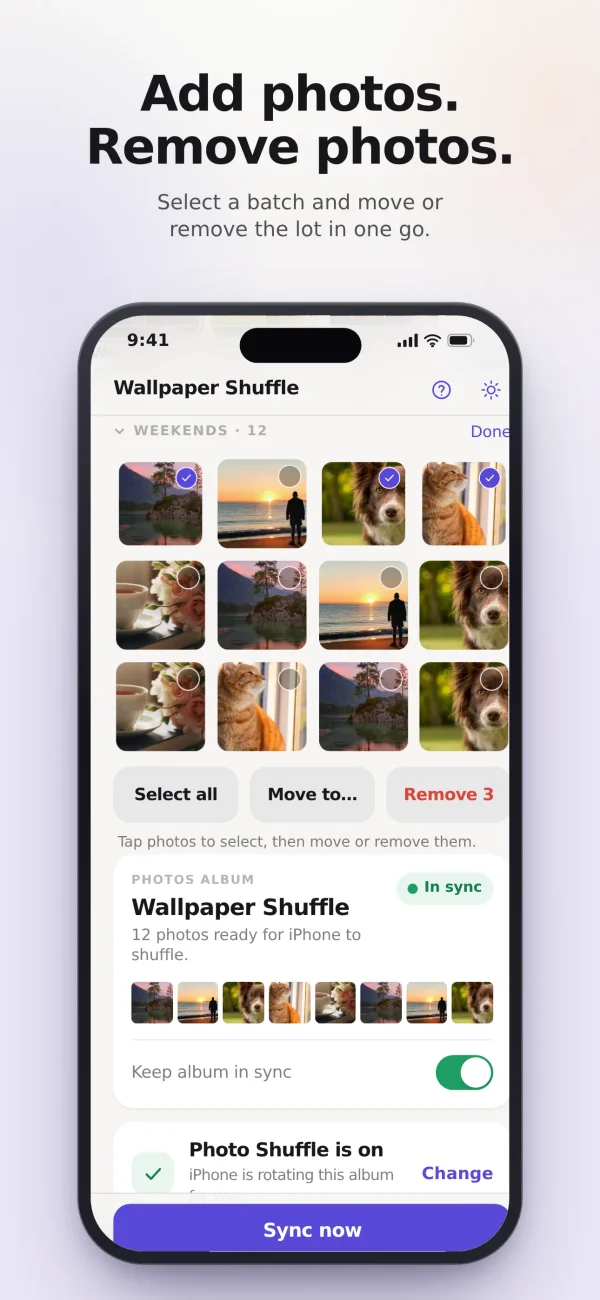
Select a handful of photos and move or remove all of them at once.
SEVENTEEN LANGUAGES
English, Spanish, Portuguese, French, German, Italian, Dutch, Polish, Turkish, Russian, Ukrainian, Indonesian, Hindi, Japanese, Korean, and both Simplified and Traditional Chinese.
ON iPHONE
Apple does not let any app set your wallpaper directly. So this app builds a Photos album and hands it to the Photo Shuffle feature Apple already ships. Sync once, point iOS at the album, and it rotates from then on. Setup takes about twenty seconds and the app walks you through it.
WHAT IT DOES NOT DO
No ads. No subscription. No account. Your photos never leave your phone. Anonymous crash and usage reports only.
Two albums are free forever, along with every other feature. If you want more than two, that is one small purchase, once. There is also a tip jar, which unlocks nothing at all and exists purely for people who want to leave one.
What’s new
Version 1.14 · Sep 28, 2026
The tip jar prompt now waits for a natural moment instead of interrupting you, and it asks at most twice, ever.
Under the hood: better crash reporting, so problems get found and fixed faster.
App privacy
What Box of Otters, LLC declares on the App Store about how this app handles data.
-
Data not collected
The developer does not collect any data from this app.
Privacy practices may vary, for example with the features you use or your age.
Information
- Seller
- Box of Otters, LLC
- Category
- Graphics & Design
- Version
- 1.14
- Updated
- Sep 28, 2026
- Released
- Aug 25, 2026
- Size
- 13.0 MB
- Requires
- iOS 16.0 or later
- Age rating
- 4+
- Price
- Free
- In-app purchases
- Yes
- Languages
- English
- Copyright
- © 2026 Box of Otters, LLC
You might also like
-
 MiraFolio - Wallpaper ShufflePhoto Rotation, Private Album
-
 Shuffle Wall: Wallpaper MakerGraphic Design Backgrounds
-
 TatLens: Tattoo Design Try-OnPlacement & Size Simulator
-
 Random Wallpapers+ - RandWallLive Photo, Reddit Backgrounds
-
 DIY Wallpaper Maker DIYScreenDesign Aesthetic Screen
-
 Wallpapers Maker +Calendar Lock and Home Screen
-
 InkCraft: Tattoo Design Try OnAI Generator & Stencil Maker
-
 Flashes: Tattoo AI GeneratorTry On, Creator, Stencil, Font
-
 4K Wallpapers - PhoneWalls HDLive, Depth, DIY & Lock Screen
-
 Fuzoji: AI Emoji Maker & MergeMix Different, Create Stickers