
Warehouse: Tag Storage
Find items with QR tags
Designed for iPhone
Free · In-app purchases
- Age rating4+
- CategoryProductivity
- DeveloperJonas Loderhose
- LanguagesEnglish
- Size15.7 MB
Links to the official App Store page
Download.org hosts no file of Warehouse: Tag Storage. The button opens its official App Store page, published by Jonas Loderhose. Listing last checked on Nov 18, 2026.
Screenshots


About
Stop searching through boxes, shelves, garages, and storage rooms. Warehouse gives every item a clear place—and camera guidance brings you back to it when you need it.
TAG LOCATIONS, NOT EVERY ITEM
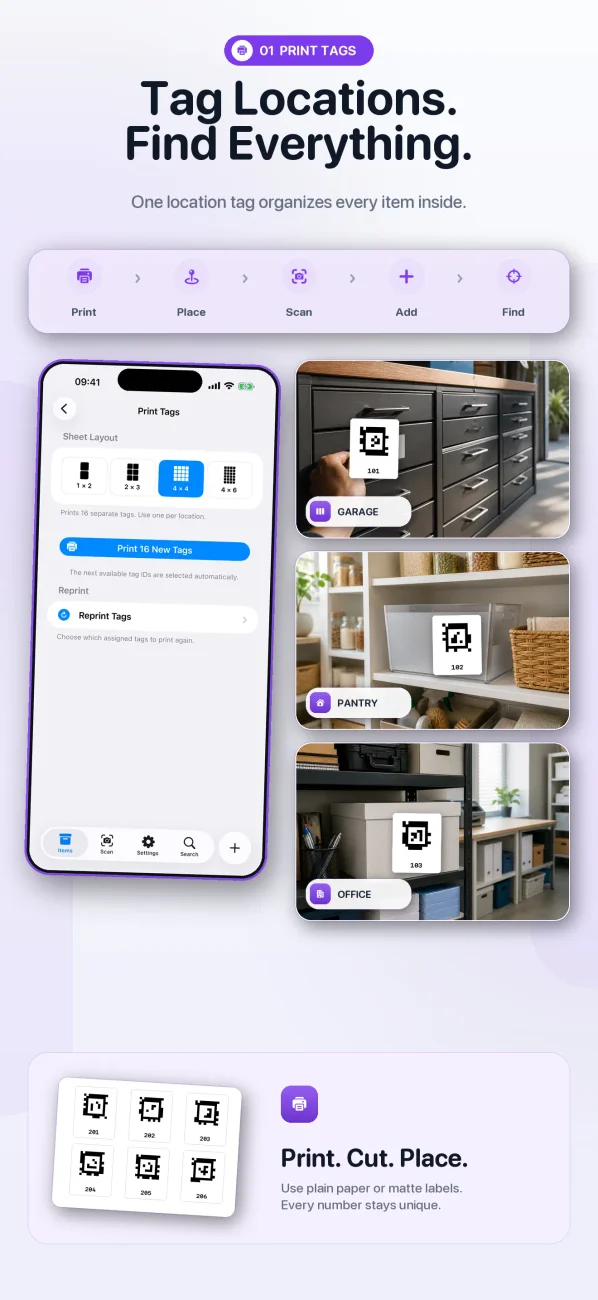
Print unique location tags on standard paper and place them on rooms, shelves, cupboards, baskets, boxes, bins, or drawers. One tag identifies the location and every item inside it, so you can organize more without labeling every object.
BUILD YOUR STORAGE MAP
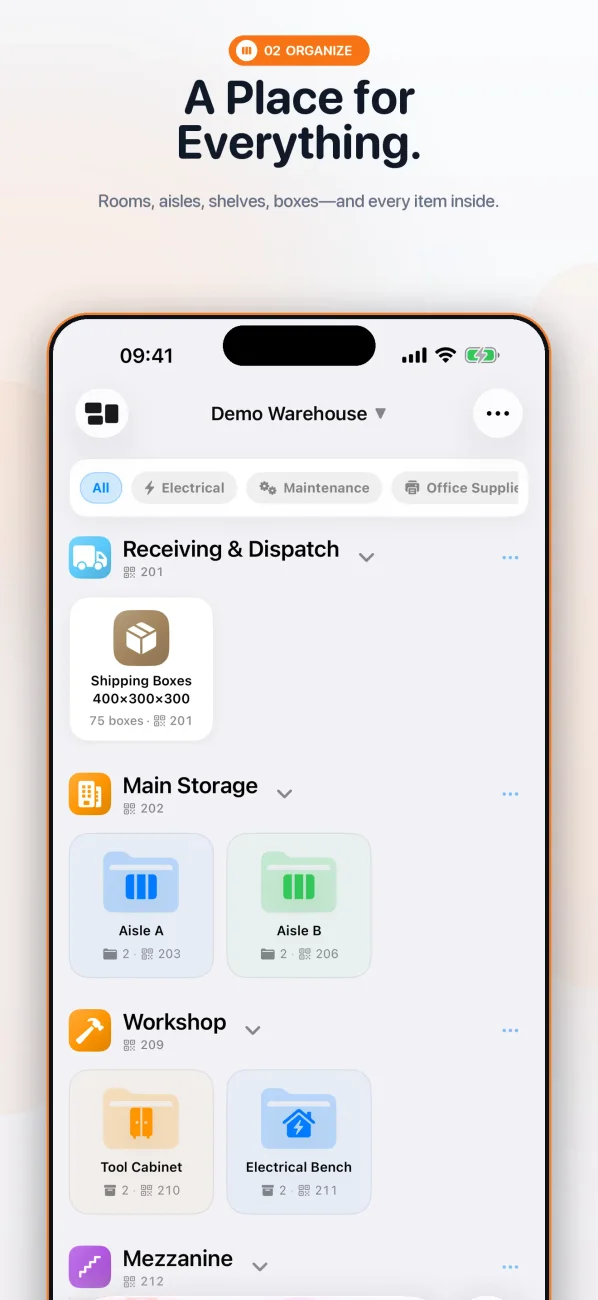
Create buildings, floors, rooms, shelves, cupboards, baskets, and boxes with as many nested levels as you need. Give every location its own icon and color, then open nested places like folders to see exactly what they contain.
SCAN TO FIND
Search for an item, see its complete location path, and follow the camera guidance to the right place. Scan the location tag and Warehouse confirms when the item is found.
TRACK WHAT MATTERS
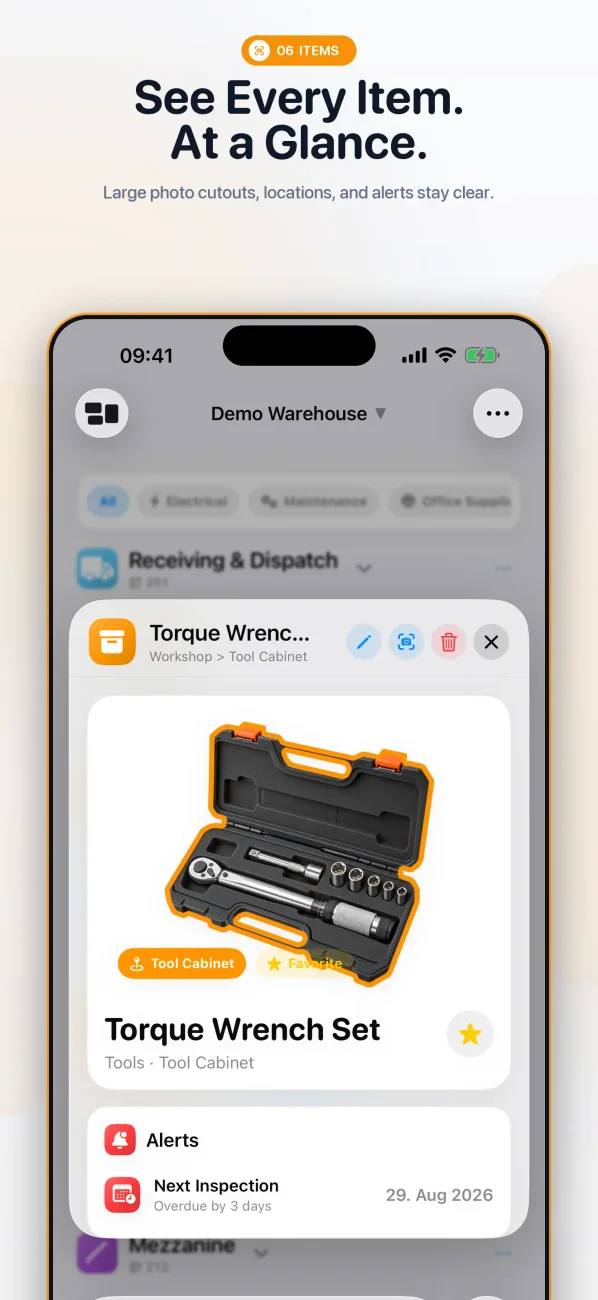
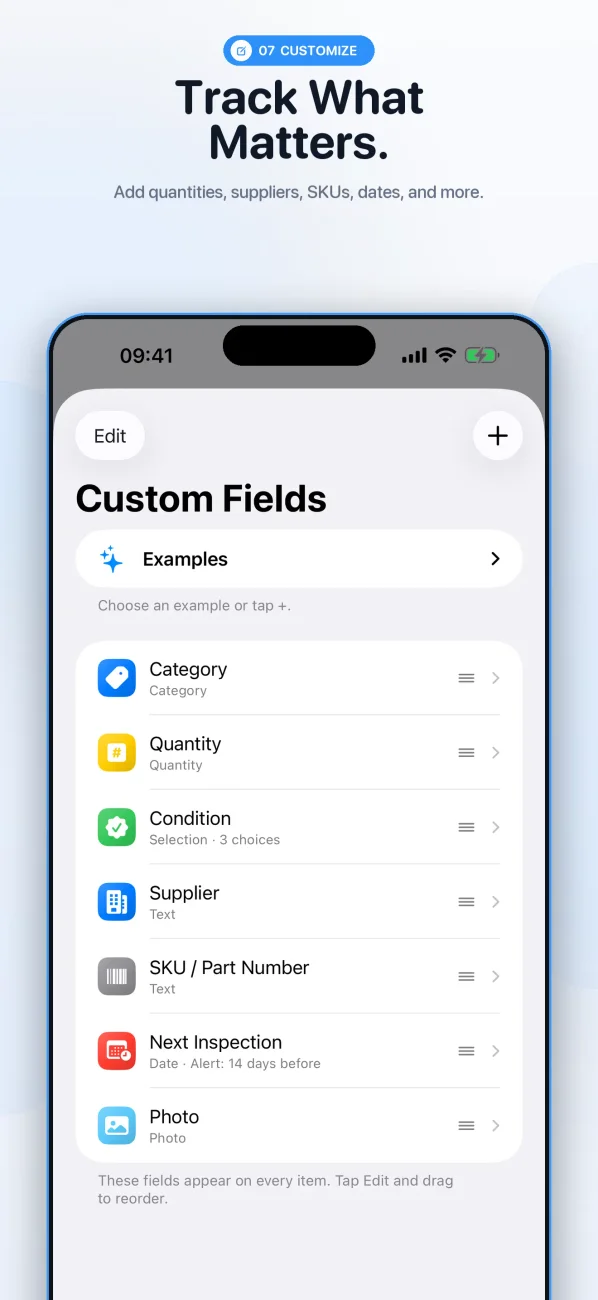
Add photos, categories, favorites, quantities, custom units, and low-stock limits. Create reusable custom fields for notes, suppliers, prices, serial numbers, dates, selections, or anything else your inventory needs.
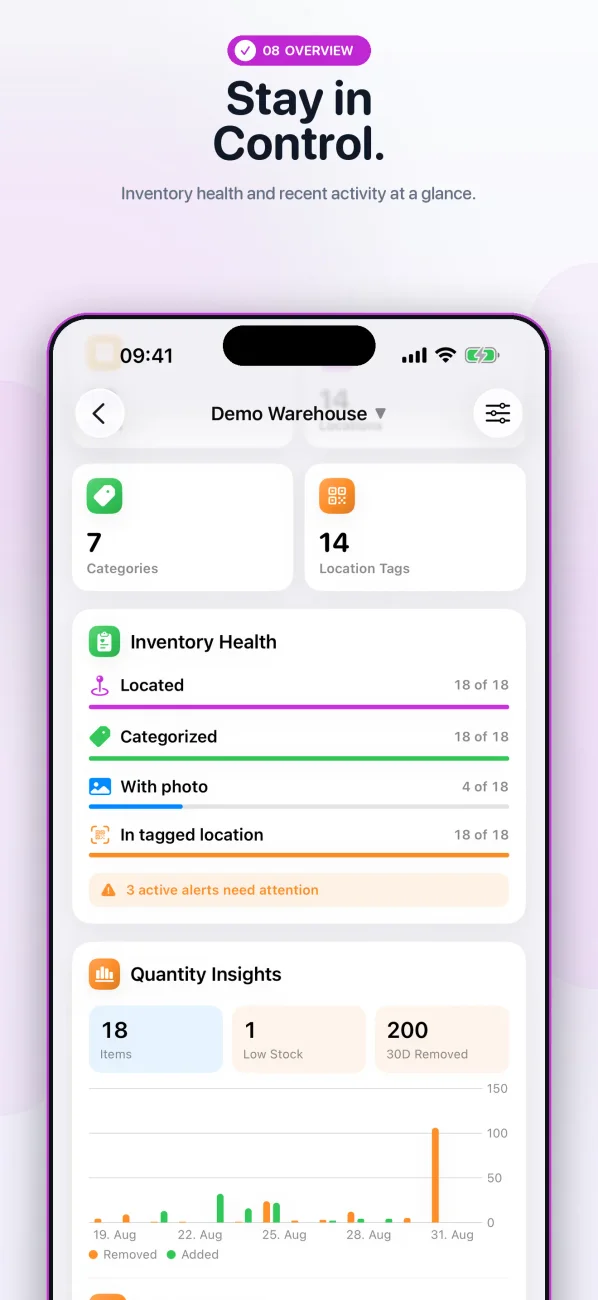
Adjust quantities with quick plus and minus controls or enter an exact amount. Warehouse logs what was added and removed, giving you consumption statistics across different time periods.
MADE FOR REAL STORAGE
• Browse every item inside its location
• Leave new items unassigned until you know where they belong
• Move items and locations with drag and drop
• Search your entire warehouse instantly
• Choose compact or spacious item grids
• Import CSV, TSV, or XLSX spreadsheets
• Export your inventory as CSV
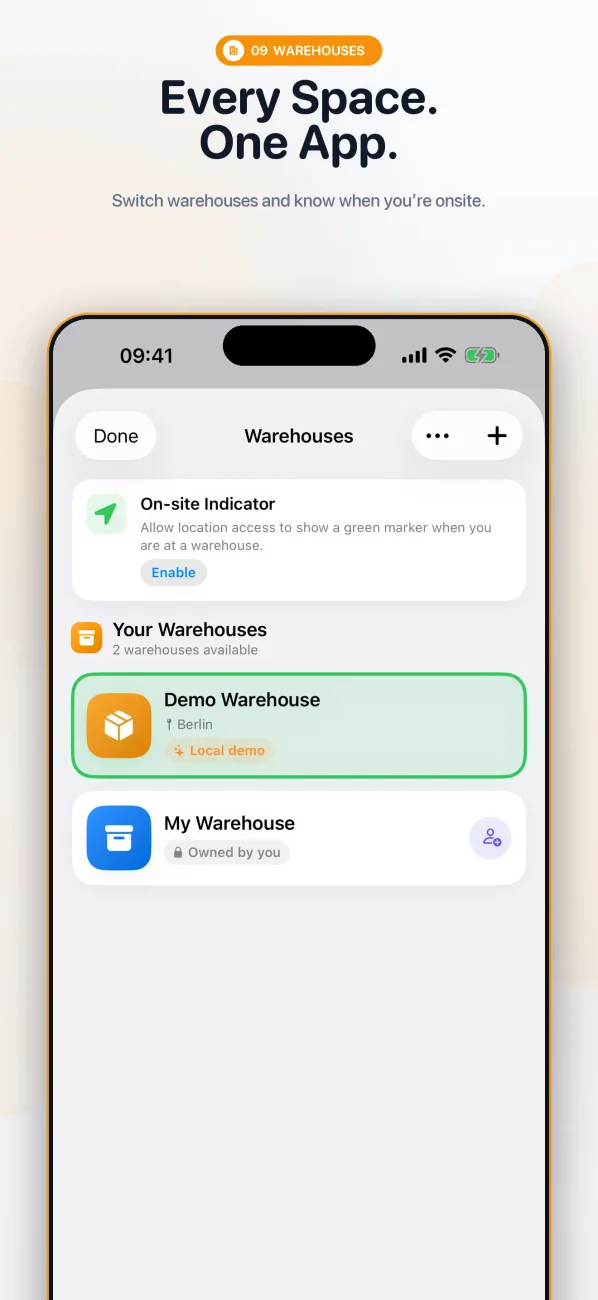
• See when you are onsite at a warehouse
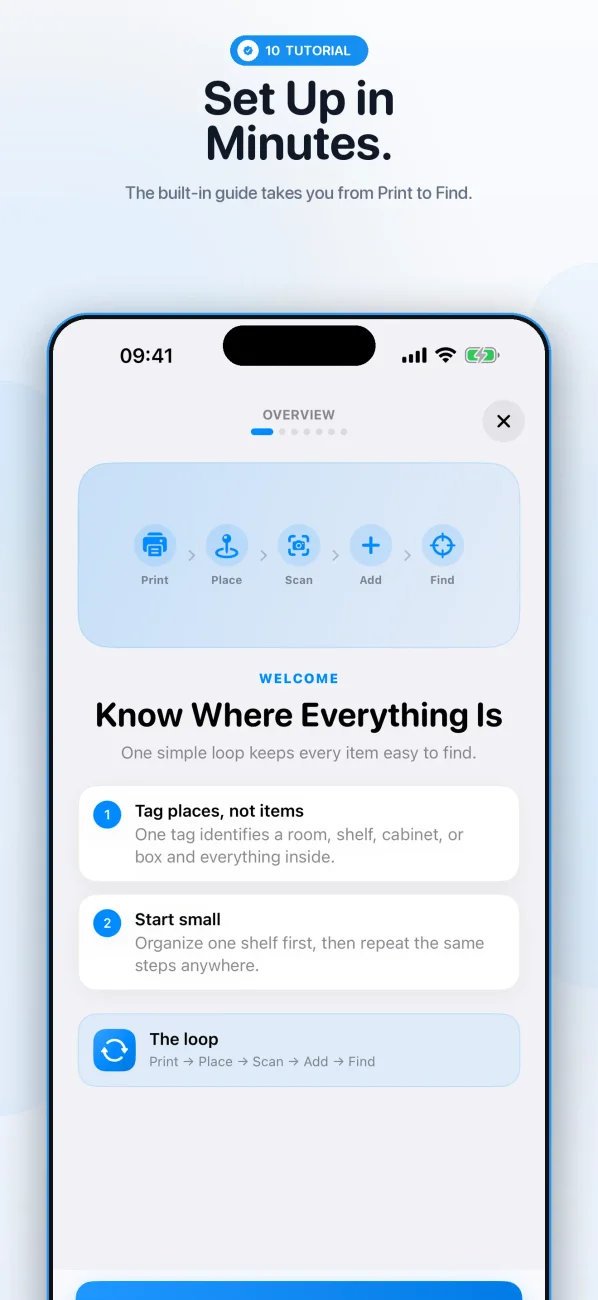
• Explore a complete demo warehouse and built-in tutorial
WORK TOGETHER, STAY IN SYNC
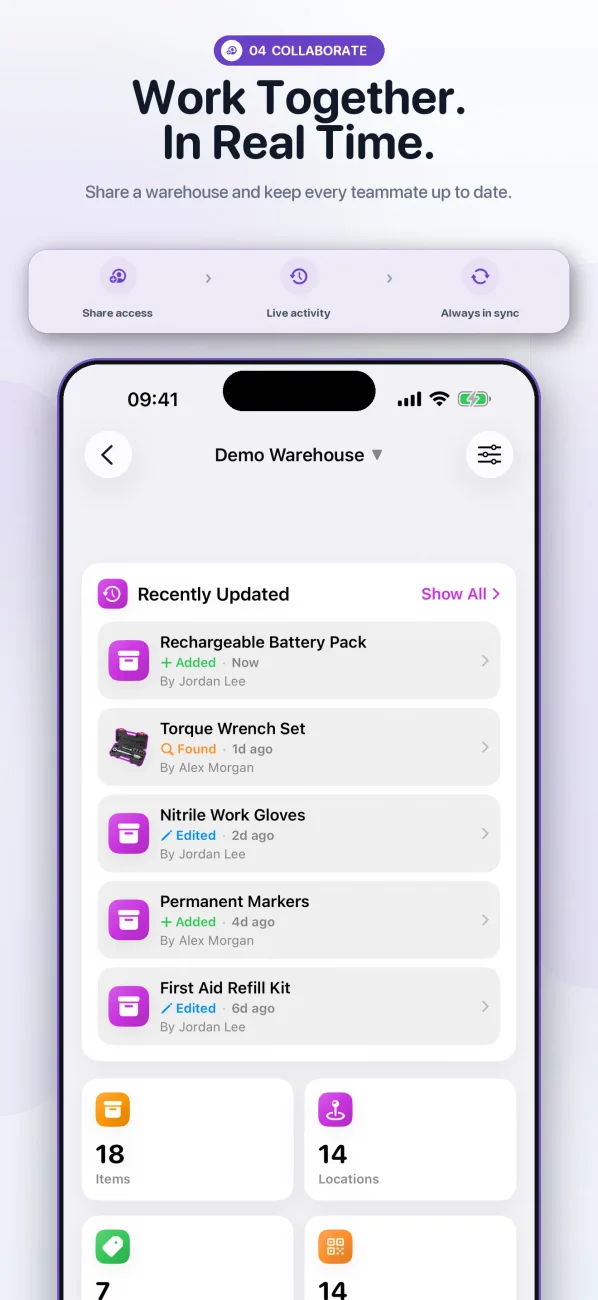
Your warehouses sync through iCloud across your Apple devices. Invite family members or teammates to organize the same shared warehouse. Locations, items, quantities, and changes stay current for everyone, while Recently Updated shows who changed what.
Shared capacity is managed by the warehouse owner, so invited participants do not need to purchase the same capacity again.
START FREE
Create 1 owned warehouse with unlimited nested locations and use up to 5 active location tags at no charge and with no time limit. Add permanent tag or warehouse capacity with one-time purchases, unlock unlimited personal use once, or choose Warehouse Team for shared warehouses and unlimited capacity.
No separate Warehouse account is required. An Apple ID with iCloud Drive enabled is required for syncing, restoring, and sharing warehouses.
Terms of Use: https://www.apple.com/legal/internet-services/itunes/dev/stdeula/
What’s new
Version 3 · Sep 2, 2026
Minor improvements
App privacy
What Jonas Loderhose declares on the App Store about how this app handles data.
-
Data not collected
The developer does not collect any data from this app.
Privacy practices may vary, for example with the features you use or your age.
Information
- Seller
- Jonas Loderhose
- Category
- Productivity
- Version
- 3
- Updated
- Sep 2, 2026
- Released
- Sep 1, 2026
- Size
- 15.7 MB
- Requires
- iOS 26.0 or later
- Age rating
- 4+
- Price
- Free
- In-app purchases
- Yes
- Languages
- English
- Copyright
- © 2026 PadelCounter.com
You might also like
-
 Home Stuff InventoryFind where items live
-
 DXF Viewer: CAD & Measure ToolOpen & Measure DXF & DWG Files
-
 ItemtopiaFor Home, Work & Collections
-
 ToBuy: Grocery List & RecipesShopping checklist app
-
 Bring! Grocery Shopping ListBring! Shopping List Watch App
-
 Widgets 27: Custom Home ScreenLock Launcher & Widget Maker
-
 Swiss VPN: Fast & Secure ProxyUnlimited Private VPN & WiFi
-
 Kitchen Design PRORoom Sketcher & Home Creator
-
 UniTV Player: Browse MoviesWatch Browser Shows & Sports
-
 Simple Notes - Notepad ManagerOrganize notes with folders