Water Eject - Clean Tune
Speaker Cleaner, Clear Wave
Designed for iPhone
Free · In-app purchases
- Age rating4+
- CategoryUtilities
- DeveloperDEVLOFT LTD
- LanguagesEnglish
- Size67.5 MB
Links to the official App Store page
Download.org hosts no file of Water Eject - Clean Tune. The button opens its official App Store page, published by DEVLOFT LTD. Listing last checked on Nov 17, 2026.
Screenshots

About
Water in your speaker? Muffled audio? Want to test how your device sounds?
Water Eject - Clean Tune gives you simple audio tools to help clear trapped water, test your speakers, explore sound frequencies, measure relative sound levels, and check stereo channels.
SPEAKER CLEANING
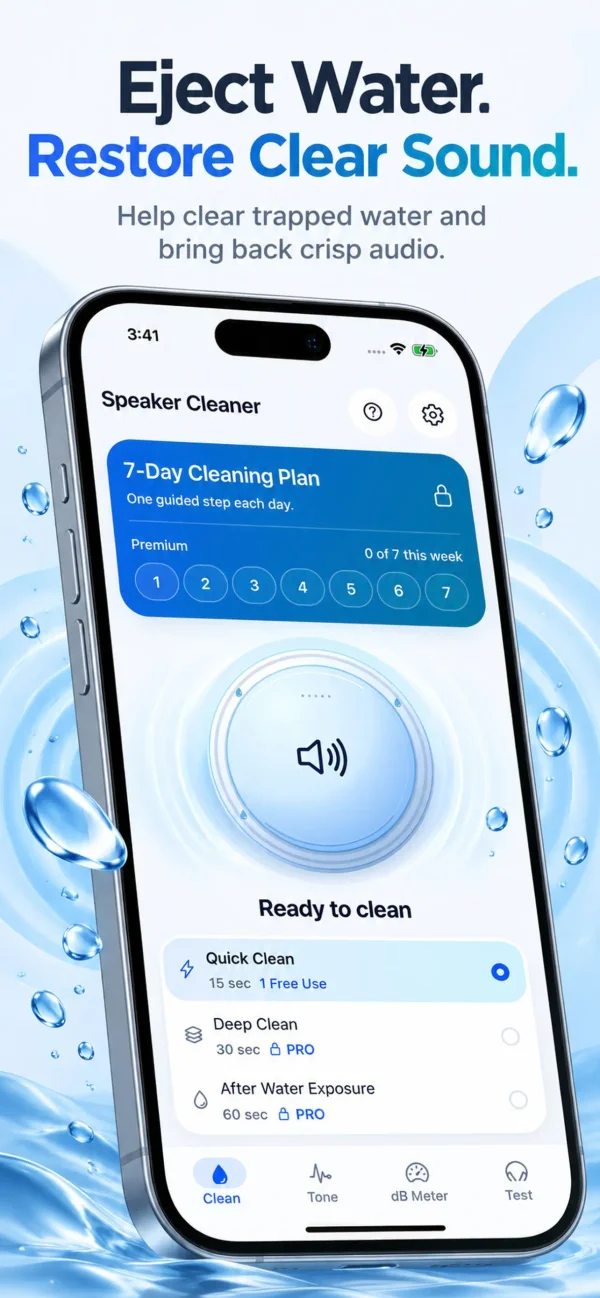
Play specially designed low-frequency cleaning patterns to help move trapped water from speaker openings.
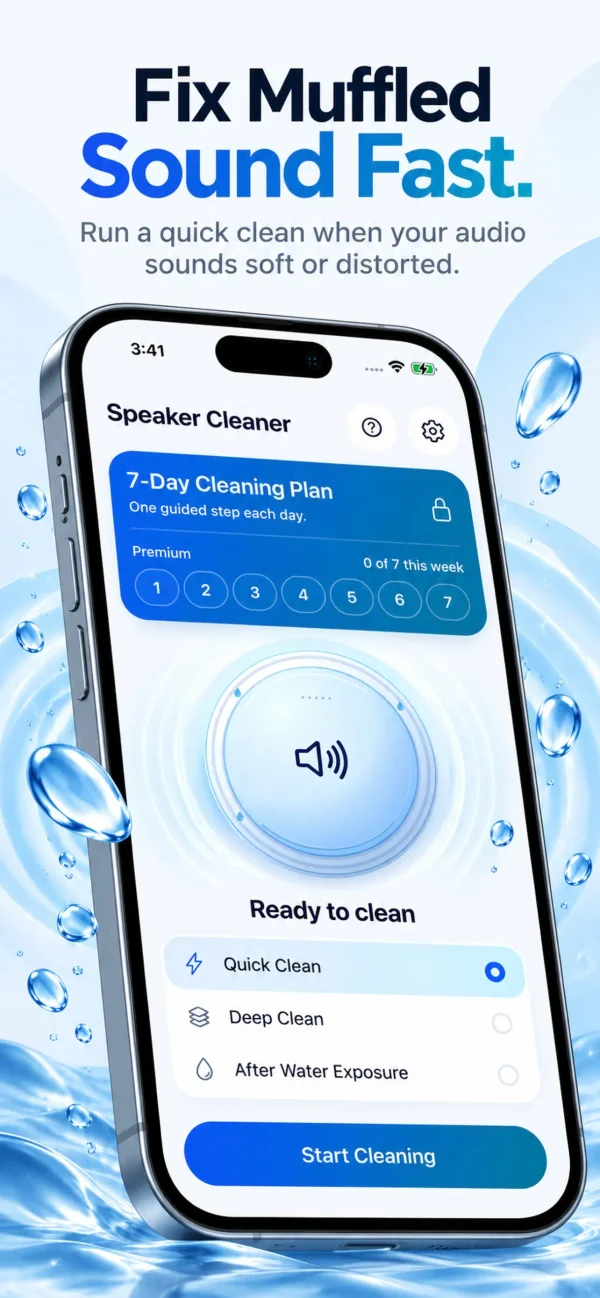
Choose the cleaning session that fits your situation:
- Quick Clean
A fast 15-second cleaning cycle.
- Deep Clean
A longer 30-second session for a more thorough cleaning cycle.
- After Water Exposure
A 60-second cleaning session designed for use after your device has been exposed to moisture.
Select a mode, start the cleaning cycle, and follow the animated progress until it finishes.
Results may vary depending on your device and the cause of the audio issue.
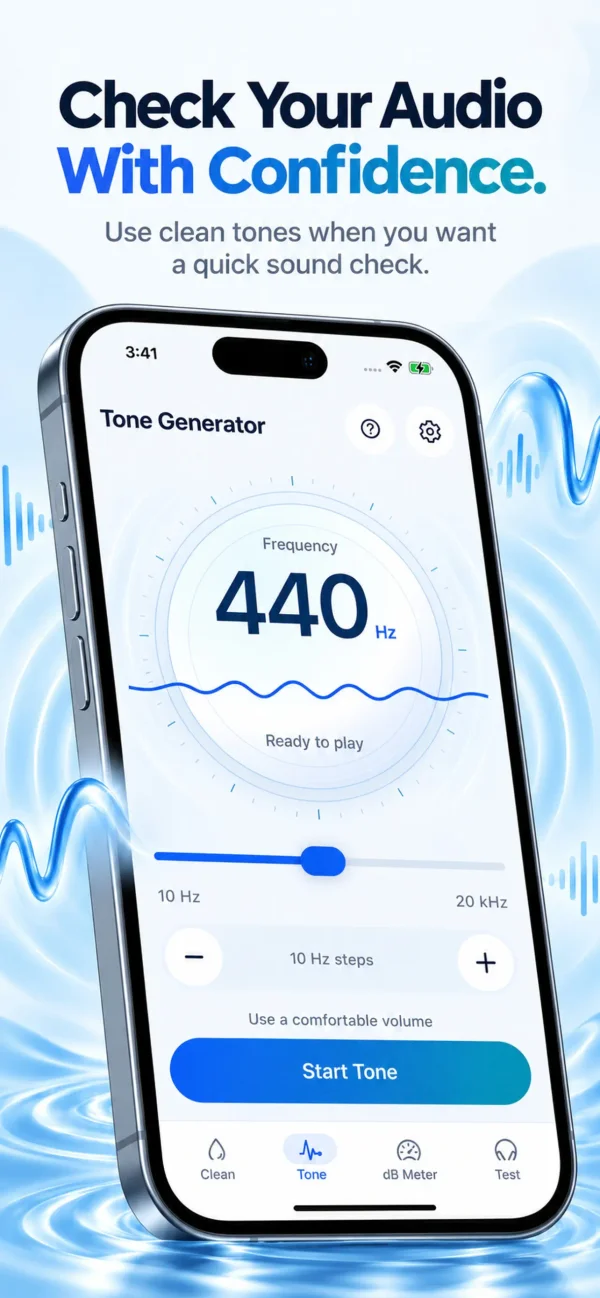
TONE GENERATOR
Explore frequencies from 10 Hz to 20 kHz with an easy-to-use frequency generator.
Use it to:
- Test speaker output
- Explore different sound frequencies
- Adjust frequency with precise controls
- Listen to low, mid, and high-frequency tones
- Visually follow the active waveform
Actual audible output depends on your device, speakers, connected audio hardware, and hearing range.
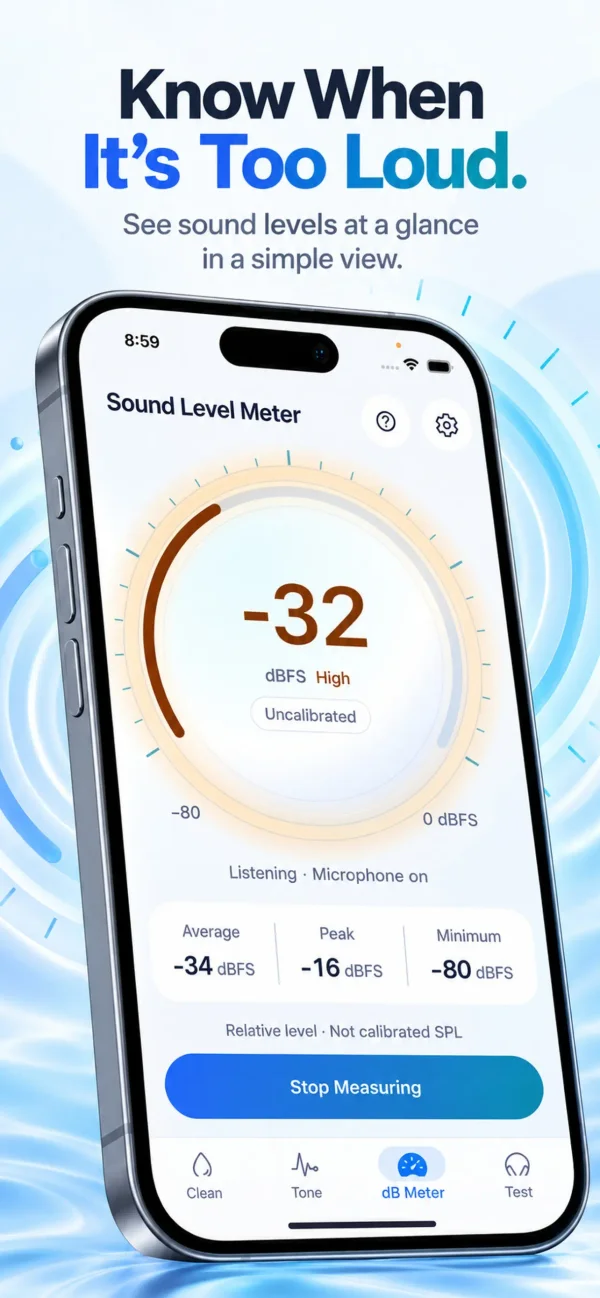
SOUND LEVEL METER
Use your device's microphone to monitor relative sound levels around you.
View:
- Current level
- Average level
- Peak level
- Minimum level
Measurements are displayed as dBFS while the meter is uncalibrated and should not be considered a certified sound pressure level measurement.
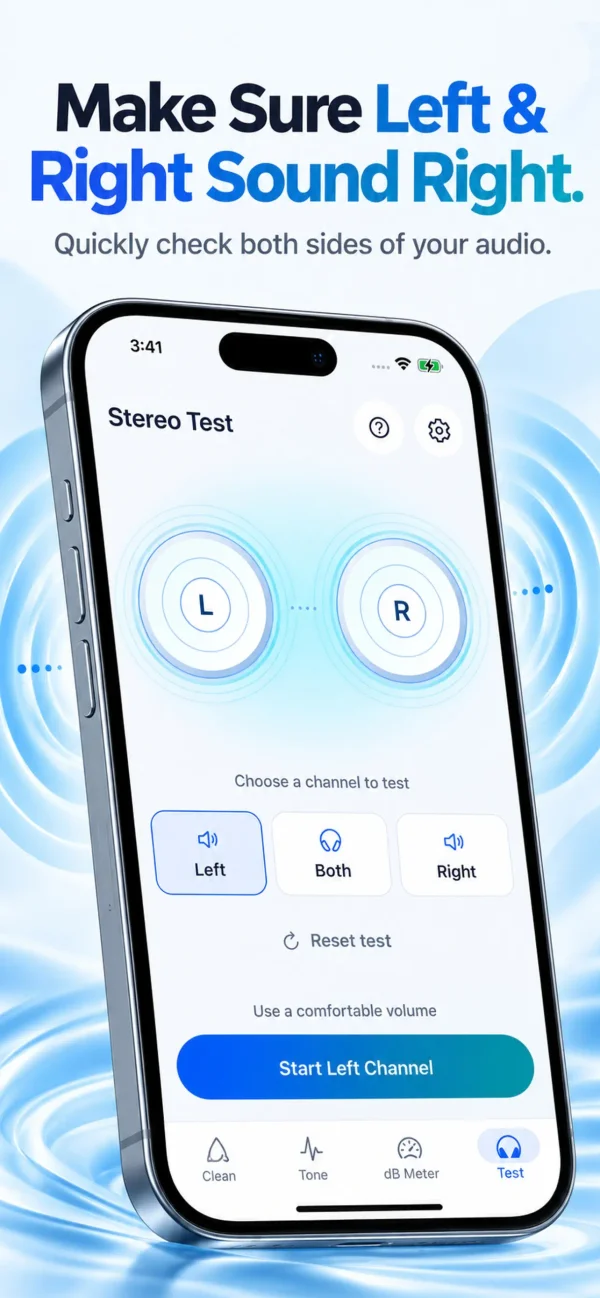
STEREO CHANNEL TEST
Check how your device handles stereo audio with dedicated:
- Left Channel
- Right Channel
- Both Channels
Listen to each channel and confirm what you hear to complete the test.
The feature tests stereo channels and does not automatically diagnose physical speaker damage.
BUILT FOR QUICK SPEAKER CHECKS
Water Eject - Clean Tune brings essential audio tools together in one clean and simple app:
- Help clear trapped water
- Run quick or extended cleaning cycles
- Generate frequencies from 10 Hz to 20 kHz
- Monitor relative sound levels
- Test left and right stereo channels
- Explore speaker and audio performance
- Use dedicated tools from four simple tabs
SIMPLE AND EASY TO USE
No complicated setup.
Open the tool you need, choose your settings, and start.
Use a comfortable volume and keep your device away from your ears while high-volume tones are playing.
PREMIUM ACCESS
Each core feature includes free use so you can try the app before upgrading.
Premium unlocks unlimited access to supported features so you can clean, test, and explore your audio whenever you need.
Terms of Use: https://devloft.app/apps/6814832032/terms
Privacy Policy: https://devloft.app/apps/6814832032/privacy
App privacy
What DEVLOFT LTD declares on the App Store about how this app handles data.
-
Data not linked to you
May be collected but is not linked to your identity.
- Purchases
Privacy practices may vary, for example with the features you use or your age.
Information
- Seller
- DEVLOFT LTD
- Category
- Utilities
- Version
- 1.0
- Updated
- Oct 6, 2026
- Released
- Oct 5, 2026
- Size
- 67.5 MB
- Requires
- iOS 16.4 or later
- Age rating
- 4+
- Price
- Free
- In-app purchases
- Yes
- Languages
- English
- Copyright
- © DEVLOFT
You might also like
-
 Water Eject ‒ Clear Wave App ⁱSpeaker cleaner, water remover
-
 Speaker Care: Eject & TestSound Test, dB Meter, Therapy
-
 SonicGuard Water Eject & CleanSpeaker Cleaner Liquid Remover
-
 iGiaoThongUtilities
-
 AIThongUtilities
-
 QR Code Scanner + ReaderBarcode Scanner + QR Generator
-
 Speaker Water Eject : CleanerClear Wave Remove Dust out of
-
 Drip Speaker Cleaner Water FixEject Clear Sound Generator
-
 Water Eject - Clear wave appSpeaker Cleaner
-
 Water Remover: Clear SpeakerWater Eject & DB Meter