Watermark Editor - Ceal
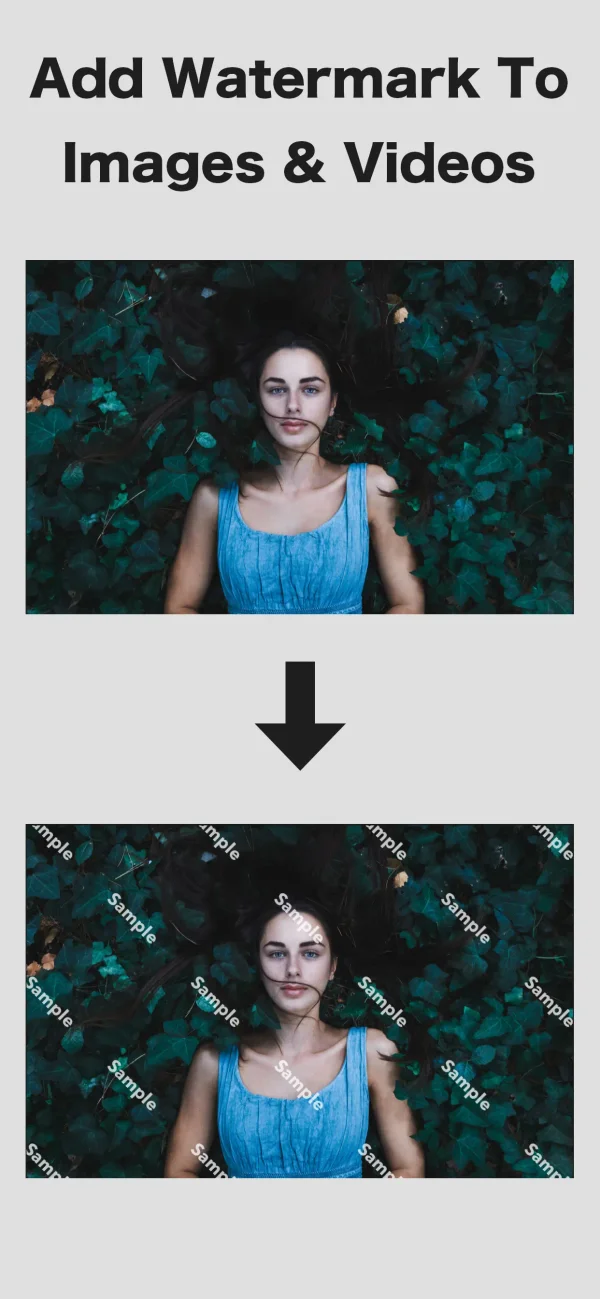
Add Watermark To Photo & Video
Designed for iPhone, iPad
Free · In-app purchases
- Age rating4+
- CategoryGraphics & Design
- DeveloperREAFO CO., LTD.
- LanguagesEnglish+ 9 more
- Size36.8 MB
Links to the official App Store page
Download.org hosts no file of Watermark Editor - Ceal. The button opens its official App Store page, published by REAFO CO., LTD. Listing last checked on Nov 18, 2026.
Screenshots



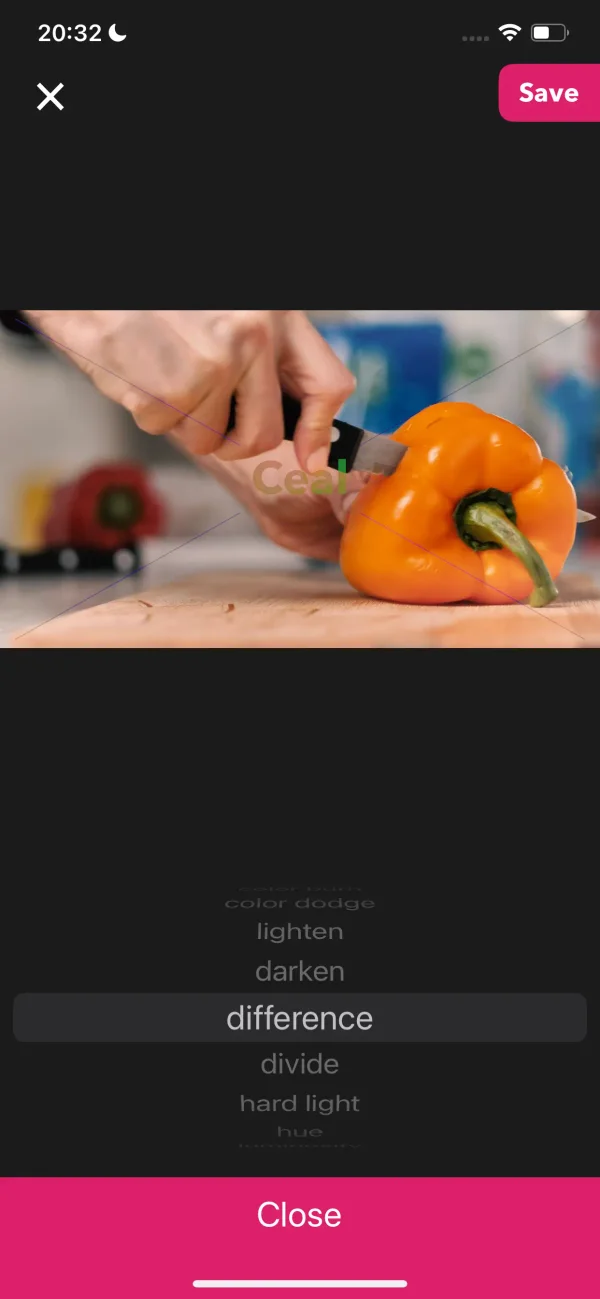
About
Make Your Videos and Images Truly Yours with Custom Watermarks
Ceal makes it easy to create watermarked images and videos by freely placing your own logos and text.
Perfect for social media posts, portfolios, and protecting your creative work.
## ■ Who Is Ceal For?
* Anyone who posts images or videos on social media
* Creators who want to protect their portfolios and artwork
* Anyone who wants to give their work a distinctive branded look
## ■ How It Works
1. Choose a Video or Image
Select the content you want to edit.
2. Create Your Logo
Design your watermark using text or an image.
3. Choose a Pattern
Customize how your logo is positioned and repeated.
4. Save and You're Done!
Your watermarked content is ready to use.
## ■ About Logos
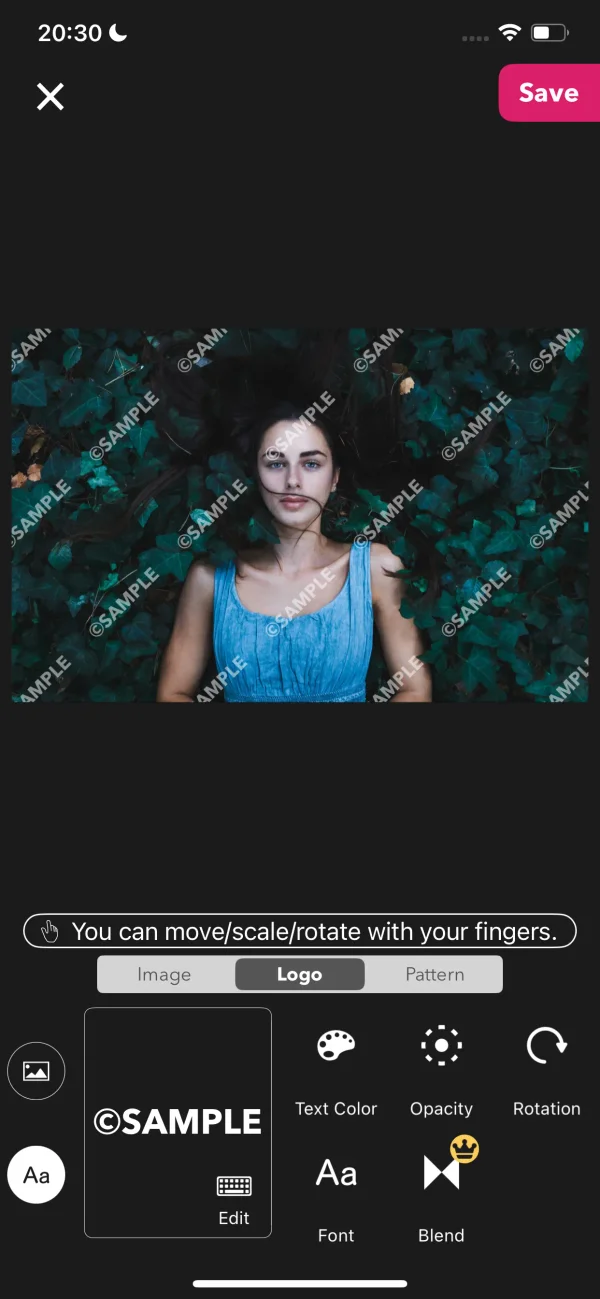
Ceal supports two types of logos: Text Logos and Image Logos.
You can freely move, rotate, resize, and customize your logos with your fingers.
・Text Logo
* Choose your font
* Adjust the color
* Adjust the opacity
* Rotate the logo
・Image Logo
* Crop
* Flip
* Round the corners
* Adjust the opacity
* Rotate
## ■ About Patterns
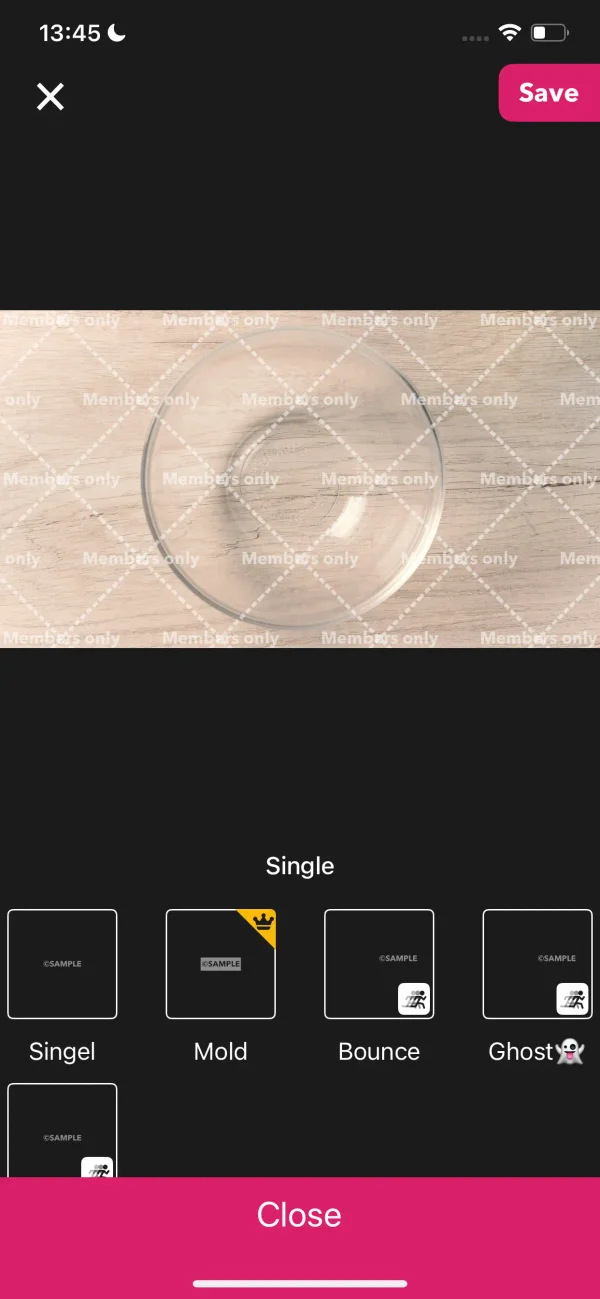
Patterns let you control how your logo is positioned and repeated across your images and videos.
The available settings vary depending on the pattern.
Some video-specific patterns include settings that can only be configured when the playback time is set to 0 seconds.
## ■ Ceal Plus Features
・Blend Modes
Fine-tune how your logo blends with the underlying image or video for a more natural look or a more prominent watermark.
・Exclusive Patterns
Unlock advanced patterns available only with Ceal Plus.
・Batch Mode
Add your logo to multiple images at once. Perfect for preparing a collection of your work for social media or other platforms.
・Ad-Free Experience
Enjoy Ceal without ads.
※ Features available with Ceal Plus can also be previewed in the free version, but you cannot save the results. Try them out with the preview first and see what Ceal Plus can do for you!
-----------------
[Term Of Use]
https://policies.reafo.io/terms/ceal/en/
[Privacy Policy]
https://policies.reafo.io/privacy/en/
What’s new
Version 3.0 · Sep 9, 2026
Thank you for using our service.
- Fixed minor bugs.
App privacy
What REAFO CO., LTD. declares on the App Store about how this app handles data.
-
Data used to track you
May be used to track you across apps and websites owned by other companies.
- Identifiers
- Usage data
-
Data linked to you
May be collected and linked to your identity.
- Identifiers
-
Data not linked to you
May be collected but is not linked to your identity.
- Usage data
- Diagnostics
Privacy practices may vary, for example with the features you use or your age.
Information
- Seller
- REAFO CO., LTD.
- Category
- Graphics & Design
- Version
- 3.0
- Updated
- Sep 9, 2026
- Released
- Apr 17, 2025
- Size
- 36.8 MB
- Requires
- iOS 16.0 or later
- Age rating
- 4+
- Price
- Free
- In-app purchases
- Yes
- Languages
- English, Arabic, Hebrew, Hindi, Japanese, Korean, Portuguese, Simplified Chinese, Thai, Traditional Chinese
- Copyright
- © Reafo Co., Ltd.
You might also like
-
 PictStamp - Watermark & MoreWatermark, blur, draw & more
-
 Resize & Watermark Photo VideoWatermark CopyrightーWaterStamp
-
 Watermarkio: Watermark MakerAdd Logo & Text: Photo, Video
-
 Cartoony: Anime Cartoon MakerTurn yourself into anime art
-
 PIC CHECKERFor profiles of social media
-
 Fuchidori! - Outline StickersOffline Photo Cutout & Border
-
 RoundedCornersInstantly round image corners
-
 Bulk watermark photos & videosAdd watermarks - photo & video
-
 VRM Pose FilerGraphics & Design
-
 ColorHeavenlyColor your drawing with AI