
Watermark Maker: Add Logo
Signature Import & Text Sign
Designed for iPhone, iPad
Free · In-app purchases
- Age rating4+
- CategoryPhoto & Video
- DeveloperOzan AYAZ
- LanguagesEnglish
- Size36.9 MB
Links to the official App Store page
Download.org hosts no file of Watermark Maker: Add Logo. The button opens its official App Store page, published by Ozan AYAZ. Listing last checked on Nov 16, 2026.
Screenshots

About
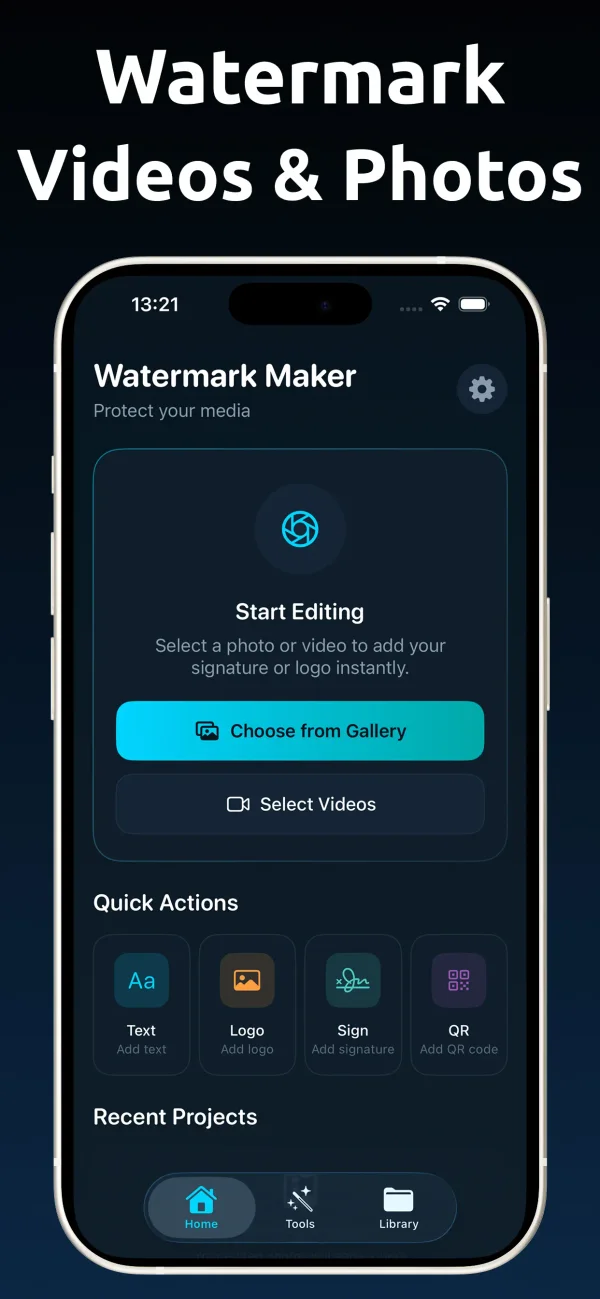
Watermark Maker – Protect Your Media
Protect your photos and videos with professional watermarks in seconds.
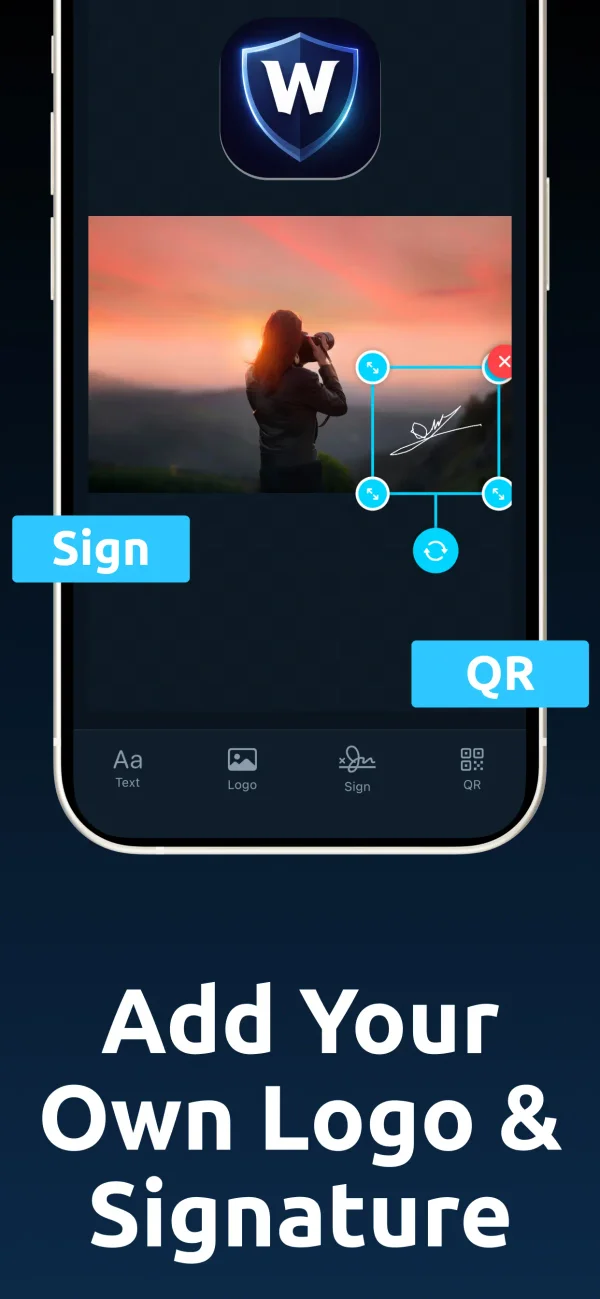
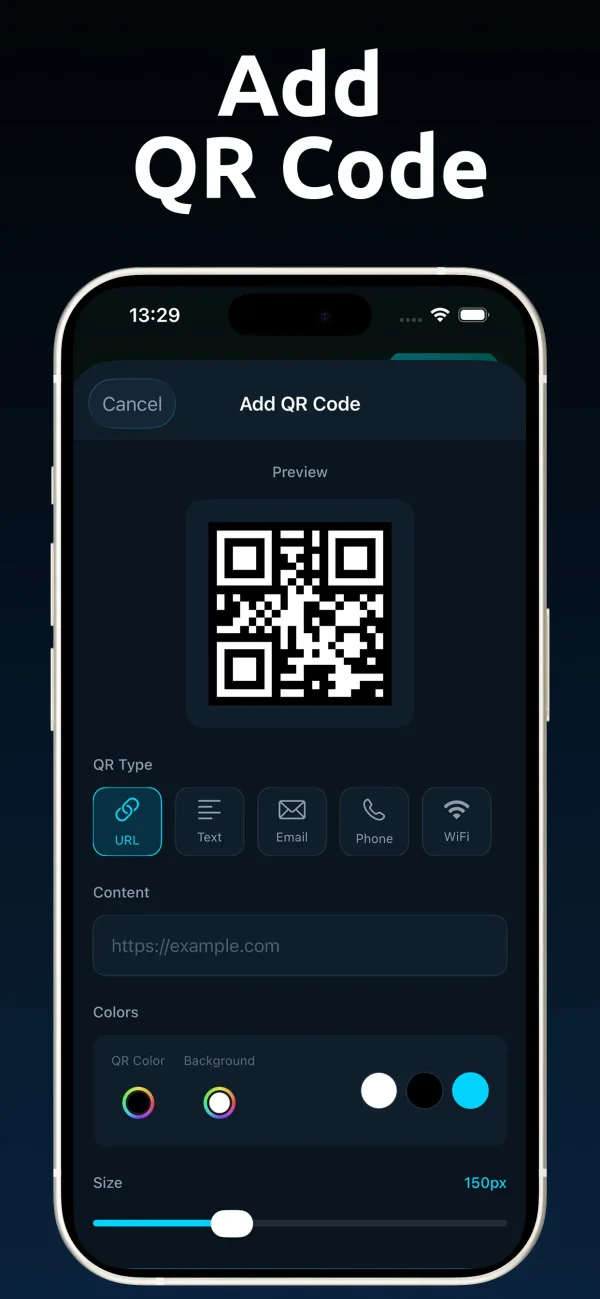
Watermark Maker lets you add logos, signatures, text, and QR codes — individually or in bulk — with full control and zero hassle.
Whether you’re a content creator, photographer, business owner, or just protecting your work, Watermark Studio keeps your media safe and branded.
KEY FEATURES
• Custom Watermarks
Add logos, signatures, text, or QR codes to your photos and videos.
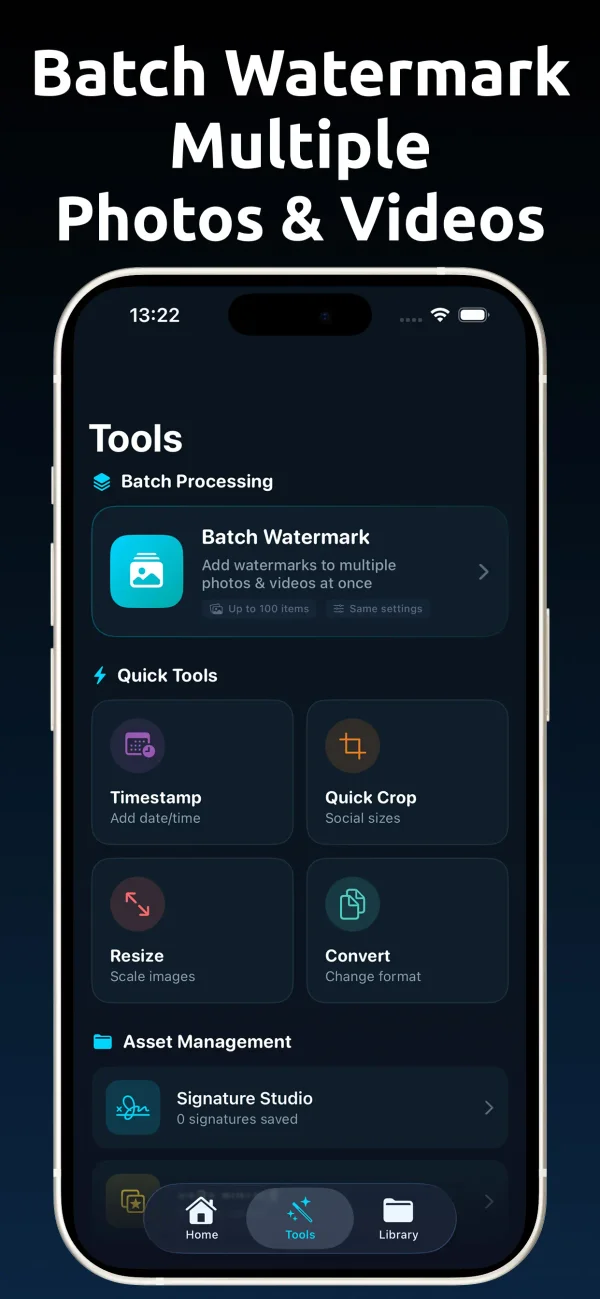
• Batch Watermarking
Apply the same watermark to up to 100 photos or videos at once.
• Signature Studio
Create, save, and reuse handwritten-style signatures anytime.
• QR Code Watermarks
Embed links, profiles, or websites directly into your media.
• Resize & Convert Tools
Resize images and change formats without quality loss.
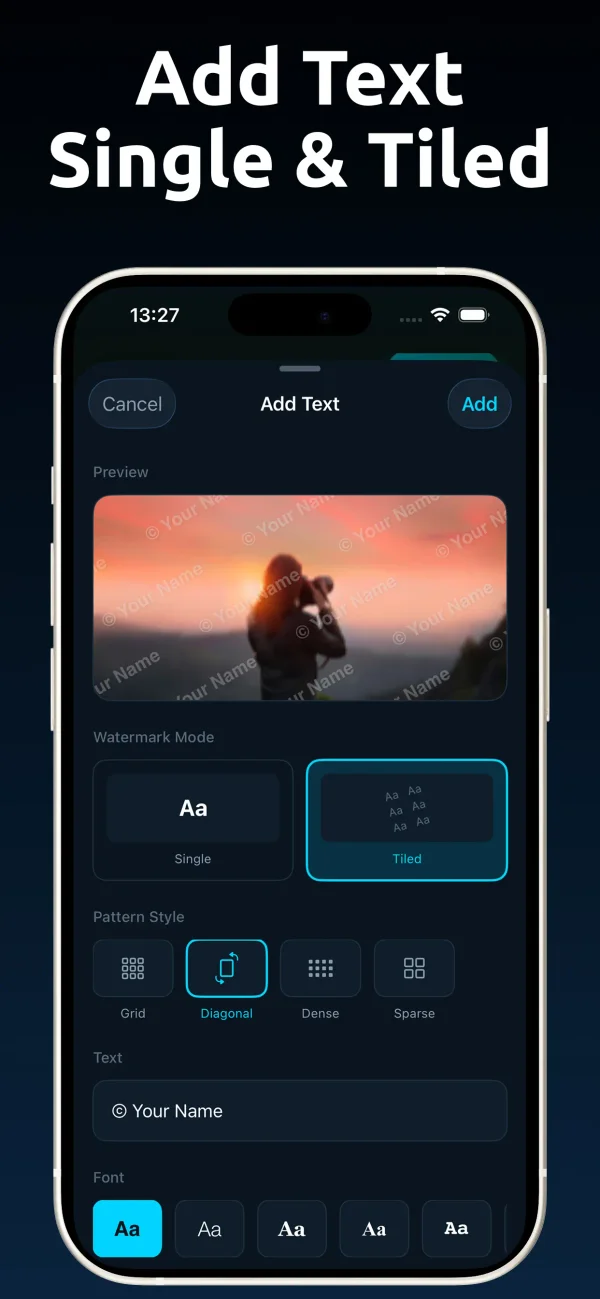
• Timestamp & Text Tools
Add date, time, or custom text overlays easily.
• Simple & Fast Workflow
Choose your media, apply your watermark, and export in seconds.
PERFECT FOR
Content creators & influencers
Photographers & videographers
Small businesses & brands
Social media posts & marketing assets
Anyone who wants to protect their content
WHY WATERMARK MARKER?
-Clean & modern interface
-Powerful batch processing
-No complicated setup
-Designed for speed and simplicity
Auto-Renewable Subscription Terms:
- The payment will be charged to your Apple ID Account at confirmation of purchase.
- The subscription renews automatically unless the auto-renew is turned off at least 24 hours before the end of the current billing period.
- Your account will be charged for renewal within 24 hours before the end of your selected subscription.
- Your subscriptions can be managed, and auto-renewal can be turned off by going to your App Store Account Settings.
Terms of Use:
https://sunshine-dev.com/?page_id=98
What’s new
Version 1.4 · Jan 1, 2026
Whats New:
-Fully redesigned and now compatible with iOS 26.
App privacy
What Ozan AYAZ declares on the App Store about how this app handles data.
-
Data not collected
The developer does not collect any data from this app.
Privacy practices may vary, for example with the features you use or your age.
Information
- Seller
- Ozan AYAZ
- Category
- Photo & Video
- Version
- 1.4
- Updated
- Jan 1, 2026
- Released
- Jul 16, 2021
- Size
- 36.9 MB
- Requires
- iOS 17.0 or later
- Age rating
- 4+
- Price
- Free
- In-app purchases
- Yes
- Languages
- English
- Copyright
- © SunShine
You might also like
-
 Add Watermarks – Photo & VideoAdd logo, text, sign to photos
-
 Z's Watermark to Photo StampProtect Pic,Watermark to image
-
 Watermarks4U - Add WatermarkAdd Watermark to Photos
-
 Add Watermark to Photos EasyPhoto Watermark, Protect Photo
-
 Professional AI Headshot: HPIXRealistic Pro Photo Generator
-
 Watermark Photo & VideoWatermark Photo -Add Copyright
-
 AI Photo Generator - PIXUImage Creator & Picture Editor
-
 Flux AI Video & Photo CreateAI Generator for Social Media
-
 Photo to Sketch - Artelo AIDrawing & Painting Art Maker