
Watermark Master App
Watermark photo video
Designed for iPhone, iPod touch
Free · In-app purchases
- Age rating4+
- CategoryPhoto & Video
- DeveloperSilver Tech
- LanguagesEnglish+ 3 more
- Size135.5 MB
Links to the official App Store page
Download.org hosts no file of Watermark Master App. The button opens its official App Store page, published by Silver Tech. Listing last checked on Nov 22, 2026.
Screenshots

About
Watermark Master: One-tap Watermark & Mosaic for Photos & Videos.
One-tap add watermarks and mosaics to photos and videos. Supports text, signature, stamp, batch, full-screen and check-in watermarks. Custom styles + quick reuse. All-in-one for cropping & material extraction. Subscribe to unlock ad-free unlimited use!
[Major Update: Video Dynamic Anti-Piracy] (New!)
- Random Movement: Watermark moves irregularly across the video frame, completely preventing unauthorized redistribution.
- Speed Control: Customize movement speed for brand promotion without blocking key content.
Watermark Master – Easily add watermarks and mosaics to your photos and videos. Supports text, image, signature, date/time check-in, electronic stamp and more. Batch watermarking for photos, one-tap full-screen watermark.
Features
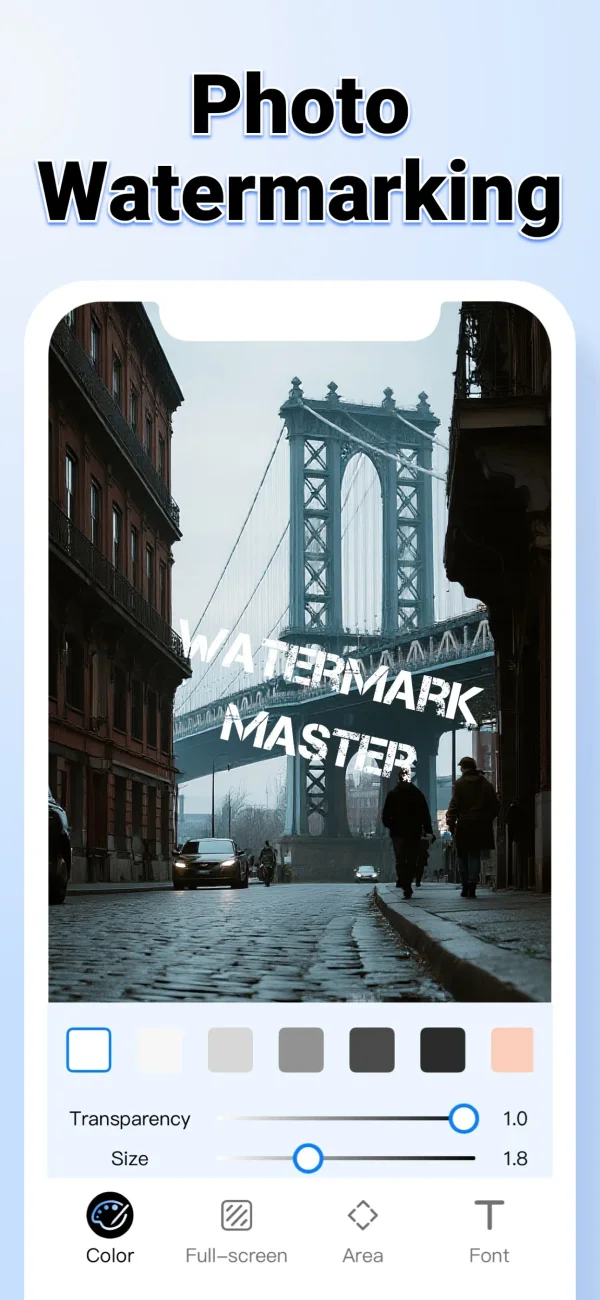
- Diverse Watermark Styles: Add text, logo, pattern, handwritten signature, date/time check-in, location check-in, personalized electronic stamp to photos and videos.
- Customizable Watermark: Adjust color, size, position and opacity of watermarks.
- Selected Fonts: Make text watermarks more attractive, design exclusive watermarks to build your unique IP.
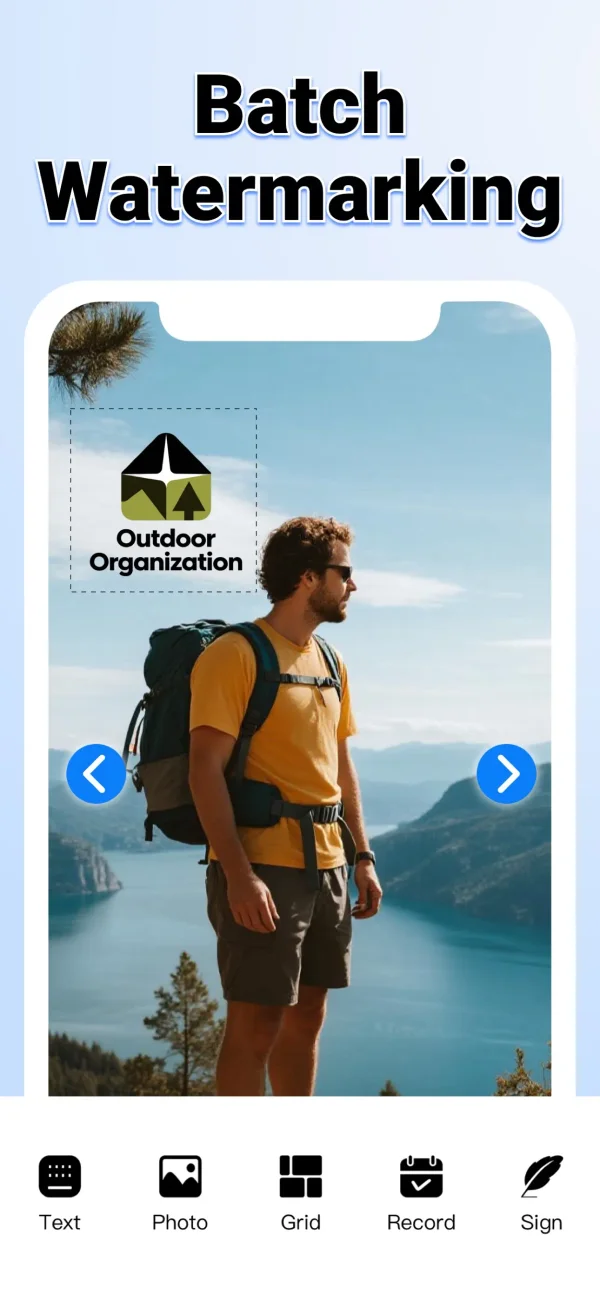
- Batch Watermarking: Batch add watermarks to photos for efficient and convenient operation.
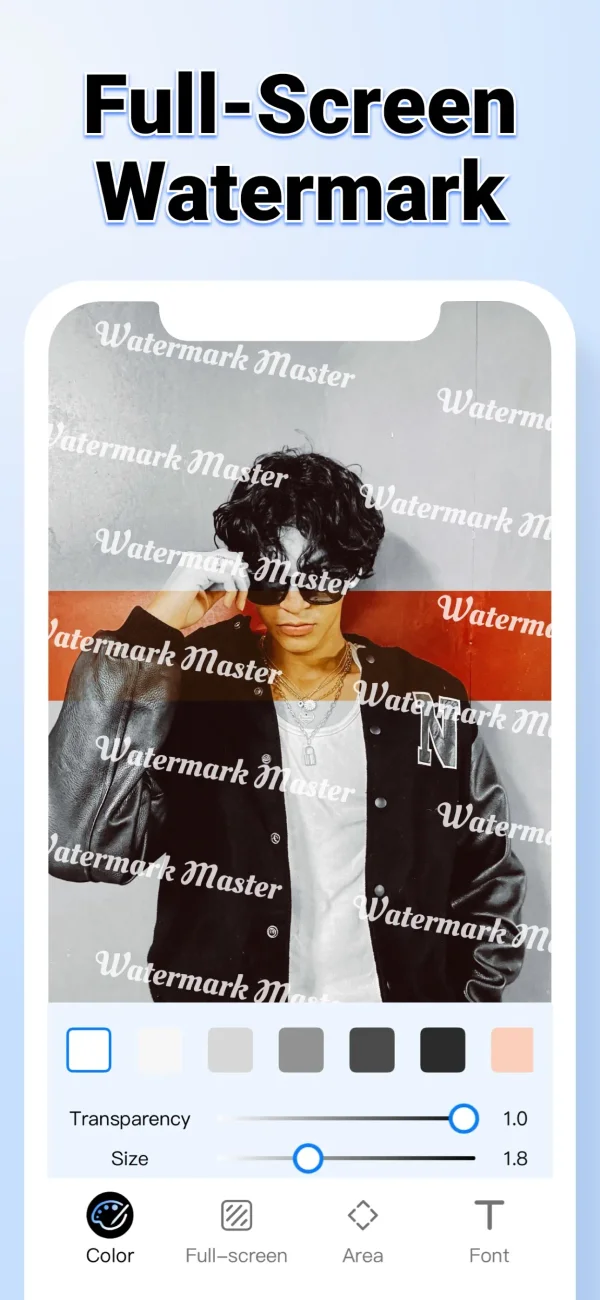
- Full-Screen Watermark: Add full-screen watermarks to photos to effectively prevent unauthorized use.
- Video Watermark: Support static and dynamic watermarks to fully protect your original copyright.
- History Watermark: Automatically save frequently used styles for one-tap reuse, saving time and effort.
- Photo Eraser: Intelligently remove unwanted objects, passersby and sensitive information from photos.
- Material Extraction: One-tap quickly extract materials from videos and images with ease.
- Mosaic Function: Protect privacy of videos and images by manually covering unwanted content.
- Video Cropping: Freely crop in multiple ratios (1:1, 4:3, 16:9, etc.), trim redundant frames and share easily.
Application Scenarios
- Micro-business & Bloggers: Batch add logos to protect product images from theft.
- Short-video Creators: Enable dynamic random watermarks to prevent original content from malicious re-uploading.
- Daily Office: Quickly add watermarks to ID photos, censor privacy in images/videos, mark meeting screenshots and complete check-in reports.
- E-commerce Merchants: Add brand watermarks to product photos to prevent image theft and enhance brand recognition.
- Photographers & Designers: Add translucent watermarks to samples and drafts to protect copyright without affecting preview.
- Self-media Operators: Add account information to illustrations and covers to attract followers and prevent content plagiarism.
- Home Users: Add watermarks to children’s growth photos and family videos to avoid privacy abuse.
- Travel Bloggers: Add time/location dynamic watermarks to travel photos and vlogs to enhance content authenticity.
Advanced features: remove ads, enjoy all features without limit
price:
Subscription: USD $1.99 /week, USD $3.99/month
One-time purchase: forever VIP USD $14.99
Subscription terms:
• Subscription automatically renews unless auto-renew is turned off at least 24-hours before the end of the current period.
• Account will be charged for renewal within 24-hours prior to the end of the current period, and identify the cost of the renewal.
• Subscriptions may be managed by the user and auto-renewal may be turned off by going to the user's Account Settings after purchase.
• Any unused portion of a free trial period, if offered, will be forfeited when the user purchases a subscription to that publication, where applicable.
Privacy Policy:https://silvertechapps.blogspot.com/2024/08/blog-post.html
Terms of Service:https://silvertechapps.blogspot.com/2025/07/blog-post.html
What’s new
Version 6.0 · Nov 18, 2026
• Improved media selection, previews, and editing tools for photo and video watermarks, with layouts adapted for both iPhone Duo screens.
• Smart Selection in the photo eraser lets you preview the selected area before removing watermarks or unwanted objects.
• Updated the photo and video compression screens. Video conversion now supports WebM, and audio export supports M4A and WAV.
• Preview and save individual videos from a single Weibo post, and drag the playback slider to jump to a specific point.
• Fixed some video export failures and matched the speed of moving watermarks in exported videos to the editor preview.
App privacy
What Silver Tech declares on the App Store about how this app handles data.
-
Data used to track you
May be used to track you across apps and websites owned by other companies.
- Usage data
-
Data not linked to you
May be collected but is not linked to your identity.
- Usage data
- Diagnostics
Privacy practices may vary, for example with the features you use or your age.
Information
- Seller
- Wuhan Silver Technology Co.,Ltd
- Category
- Photo & Video
- Version
- 6.0
- Updated
- Nov 18, 2026
- Released
- Aug 27, 2021
- Size
- 135.5 MB
- Requires
- iOS 15.0 or later
- Age rating
- 4+
- Price
- Free
- In-app purchases
- Yes
- Languages
- English, Japanese, Simplified Chinese, Traditional Chinese
- Copyright
- © Silver Tech
You might also like
-
 微商水印大师-专业的水印制作、图片处理工具Photo & Video
-
 一键水印相机-时间地点水印拍照打卡真实防篡改,外勤考勤经纬度工程记录
-
 施工相机-时间地点日期志定义水印工程拍照真实考勤定位打卡,每日施工现场记录工地管理
-
 酷雀水印管家-图像消除笔工具&试卷擦除&万能照片智能橡皮擦Photo & Video
-
 视频水印宝-专业水印视频编辑制作Photo & Video
-
 水印宝-视频水印助手软件Photo & Video
-
 快速水印-一键提取短视频软件Photo & Video
-
 CoolVidCutVideo Editor & Maker
-
 微脉水印相机,私域、微商必备运营工具Photo & Video
-
 边框水印大师-一键添加相框水印Photo & Video