
- Age rating4+
- CategoryMusic
- DeveloperJoe Topjian
- LanguagesEnglish
- Size16.0 MB
Links to the official App Store page
Download.org hosts no file of Wavefield. The button opens its official App Store page, published by Joe Topjian. Listing last checked on Nov 13, 2026.
Screenshots
About
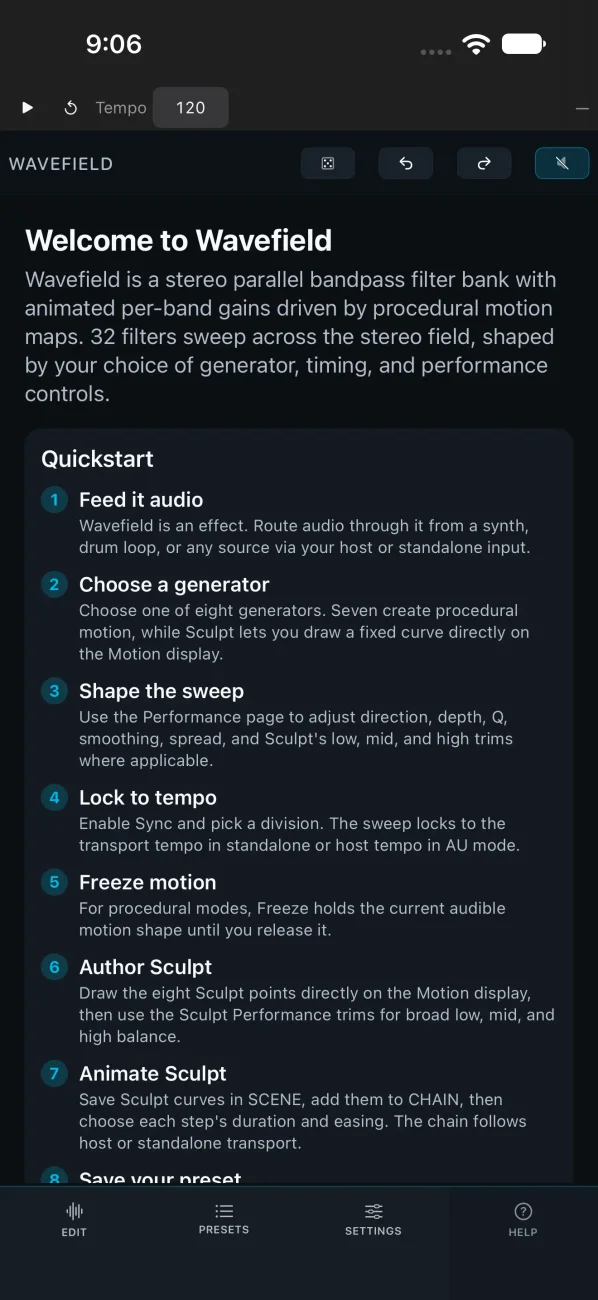
Wavefield is a motion-driven stereo filter bank for iPhone and iPad. Route drums, synths, field recordings, or full mixes through up to 32 parallel band-pass filters, then animate their levels to create shifting resonances, rhythmic sweeps, metallic motion, and evolving spectral textures. Use it standalone or as an AUv3 audio effect.
EIGHT GENERATOR MODES
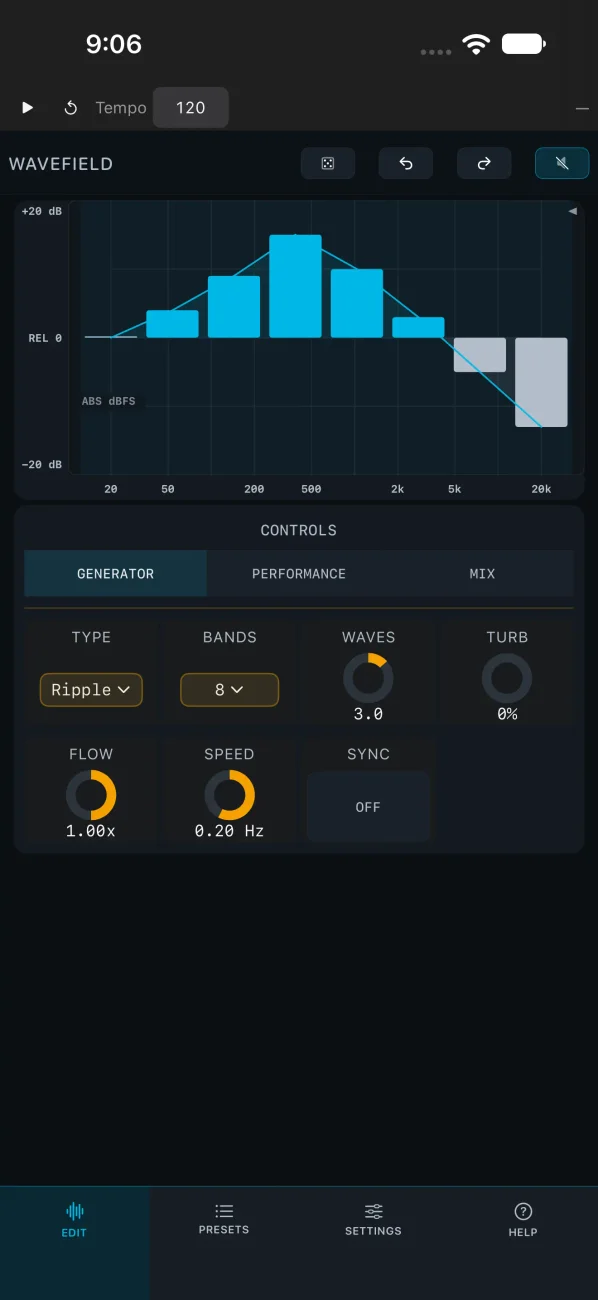
Choose Ripple, Comb, Terrain, Orbit, Cascade, Chord, Drift, or Sculpt. Seven procedural modes create repeatable motion; Sculpt lets you draw a static spectral curve.
EDIT & CONTROLS
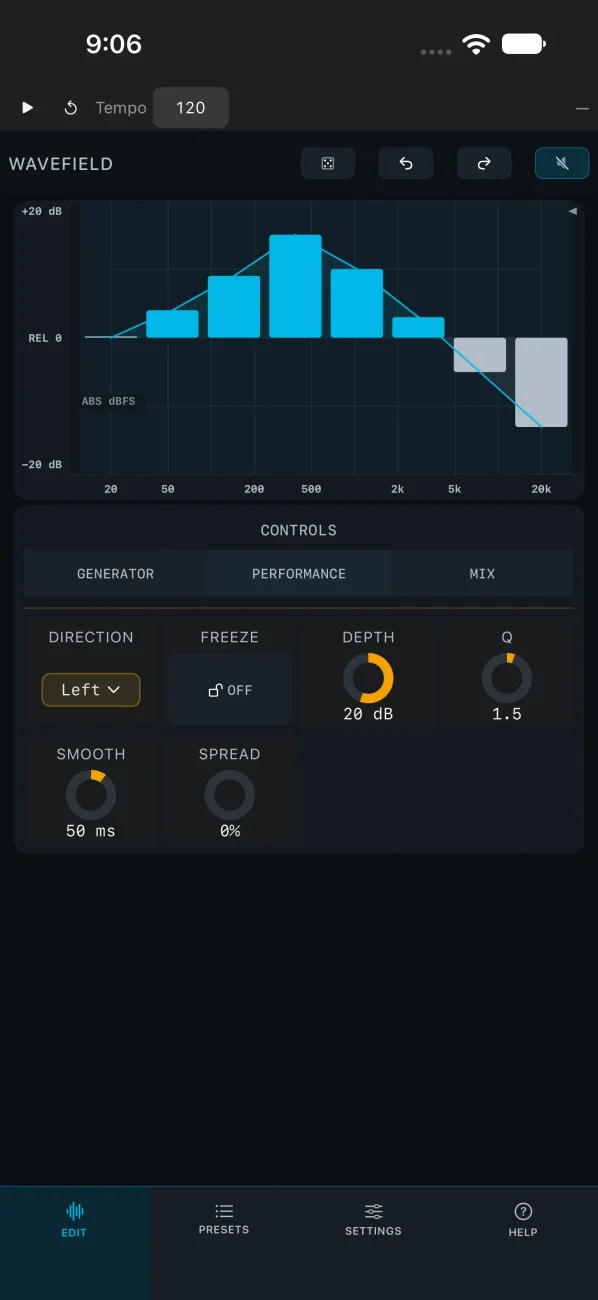
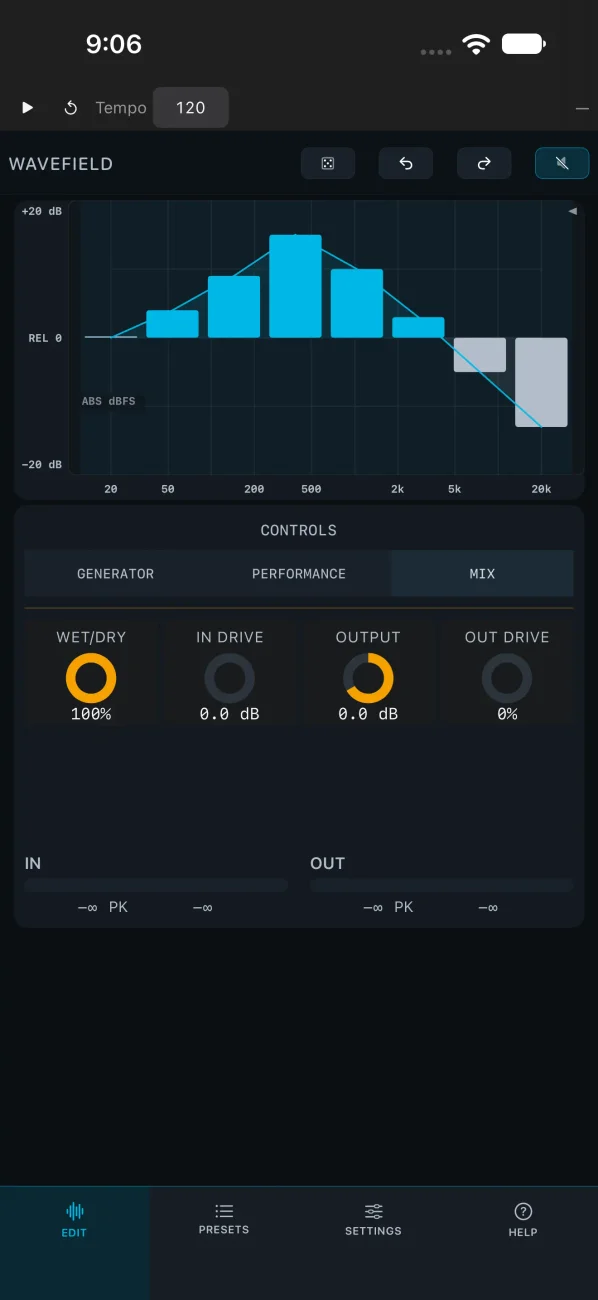
Open EDIT to reach the Motion display and adjust the Generator, Performance, and Mix pages grouped under CONTROLS.
Select 8, 16, 24, or 32 active bands. Shape the result with Depth, Q, and Smooth. For procedural motion, add stereo Spread, scan left toward lower frequencies or right toward higher frequencies, choose ping-pong motion, and run freely or synchronize to tempo.
SCULPT, SCENES & CHAINS
Draw an eight-point Sculpt curve directly in the Motion display. Use broad Low, Mid, and High trims to reshape it without changing the saved Scene curves.
Capture curves in 16 Scene slots and arrange them into a Chain. Set each entry's duration and easing to build evolving spectral movement that follows standalone or host transport.
SEE WHAT YOU HEAR
The Motion display combines the filter field with live input and output spectrum traces. In procedural modes, touch and drag to audition an individual band, or mute bands while the sound is playing. In Sculpt, drag the eight handles to edit the curve.
MIX & EFFECT PRESETS
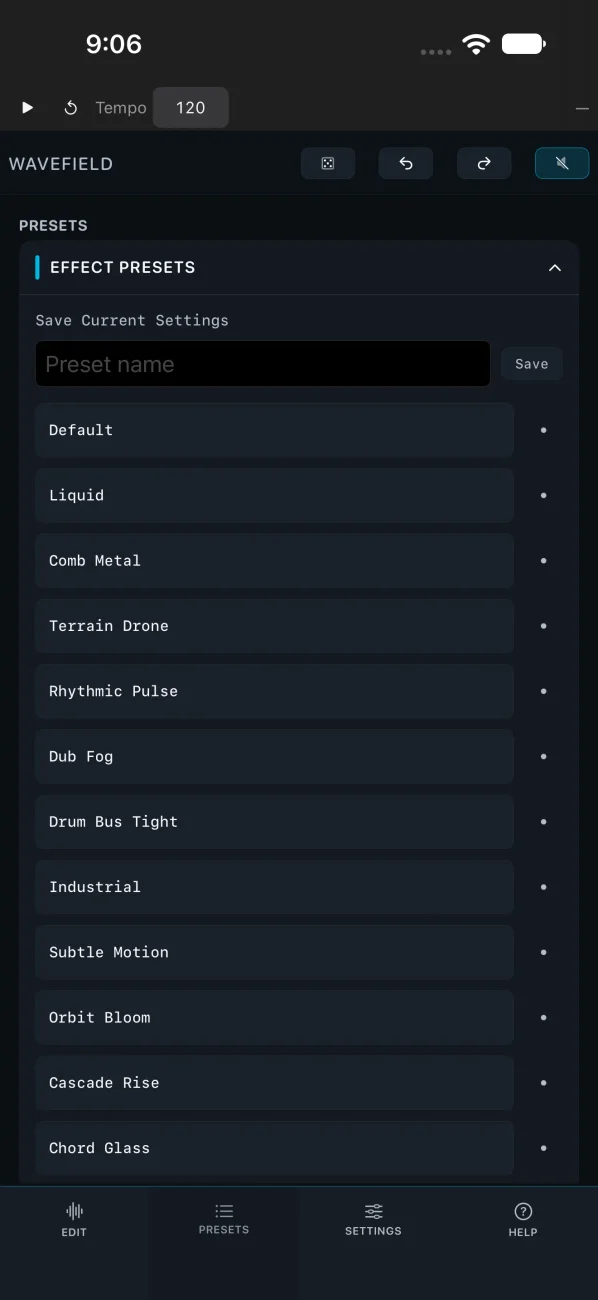
Drive the input before the filter bank, blend the processed signal with Wet/Dry, and finish with Output and Output Drive. In EFFECT PRESETS, start from 15 factory presets or use the Save Current Settings form to save your own. Rename and recall your presets at any time.
STANDALONE & AUV3
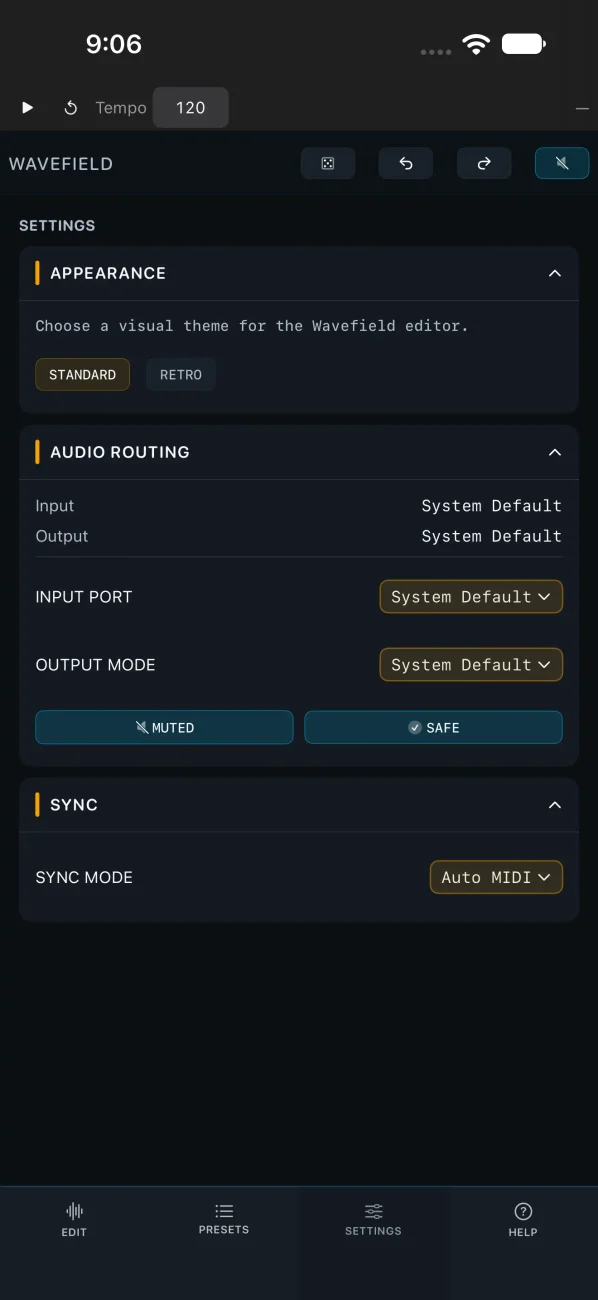
Use Wavefield as a standalone audio effect with internal tempo and MIDI clock options, or load it as an AUv3 plug-in. In AUv3 hosts, Wavefield follows host transport, exposes automatable parameters, and saves its settings with supported host sessions.
KEY FEATURES
• Stereo parallel band-pass filter bank with 8, 16, 24, or 32 active bands
• Eight generator modes: Ripple, Comb, Terrain, Orbit, Cascade, Chord, Drift, and Sculpt
• Seeded, repeatable procedural motion
• Eight-point Sculpt editor with broad Low/Mid/High trims, 16 Scene slots, and Chain arrangement
• Live input/output spectrum display and momentary band audition
• Free-running or tempo-synchronized motion
• Left, right, and ping-pong motion directions
• Input Drive, Wet/Dry, Output, and Output Drive
• 15 factory presets plus user preset management
• Standalone and AUv3 operation
• Adaptive layouts for iPhone, iPad, and hosted use
MANUAL & SUPPORT
See the Help page in Wavefield for the full manual, quick-start guidance, and support-report tools, or visit https://terrarum.net/wavefield.html.
What’s new
Version 1.1.0 · Oct 9, 2026
Wavefield 1.1.0 brings the following new features:
- iPhone Duo support
App privacy
What Joe Topjian declares on the App Store about how this app handles data.
-
Data not collected
The developer does not collect any data from this app.
Privacy practices may vary, for example with the features you use or your age.
Information
- Seller
- Joe Topjian
- Category
- Music
- Version
- 1.1.0
- Updated
- Oct 9, 2026
- Released
- Oct 1, 2026
- Size
- 16.0 MB
- Requires
- iOS 17.6 or later
- Age rating
- 4+
- Languages
- English
- Copyright
- © 2026 Joe Topjian