
- Age rating4+
- CategoryUtilities
- DeveloperChris Gillen
- LanguagesEnglish
- Size2.6 MB
Links to the official App Store page
Download.org hosts no file of WCSSC Field Schedules. The button opens its official App Store page, published by Chris Gillen. Listing last checked on Nov 14, 2026.
Screenshots

About
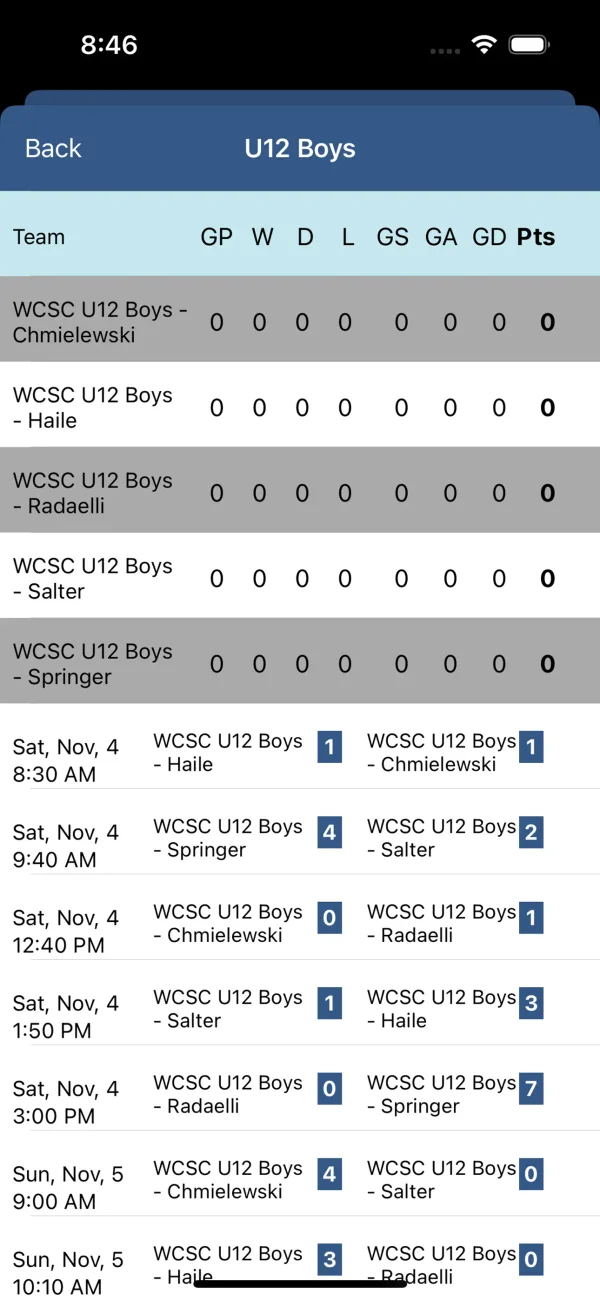
The app is intended for use by team managers for teams in the Walnut Creek Surf Soccer Club. They will use it to view and monitor their team's game schedules.
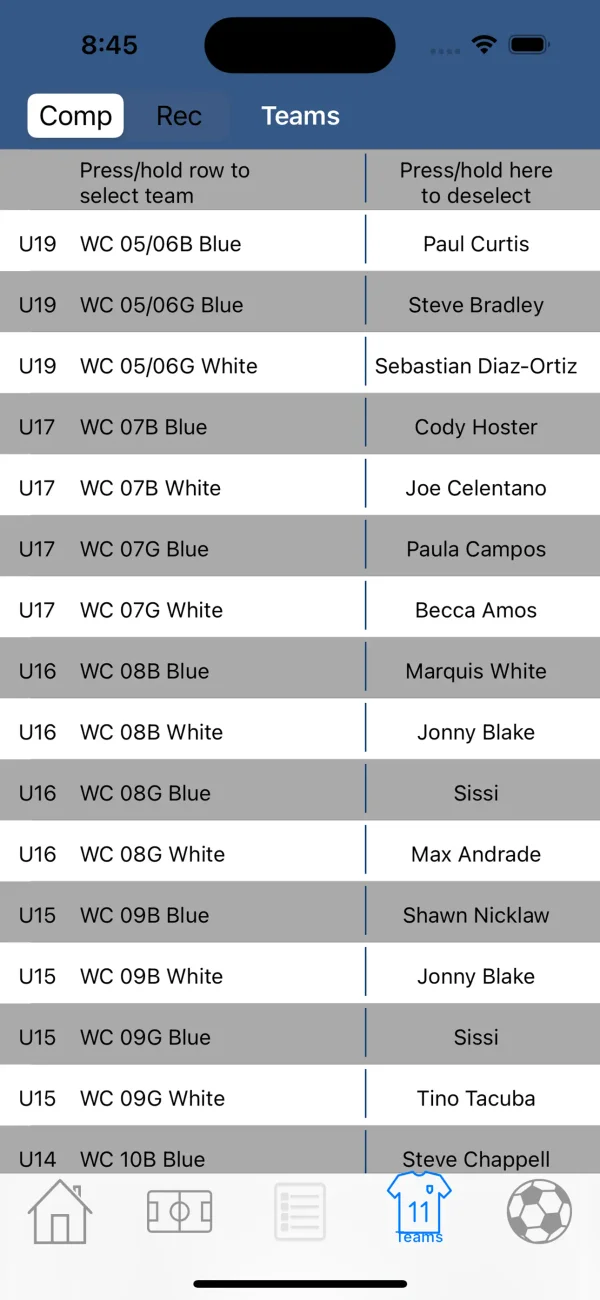
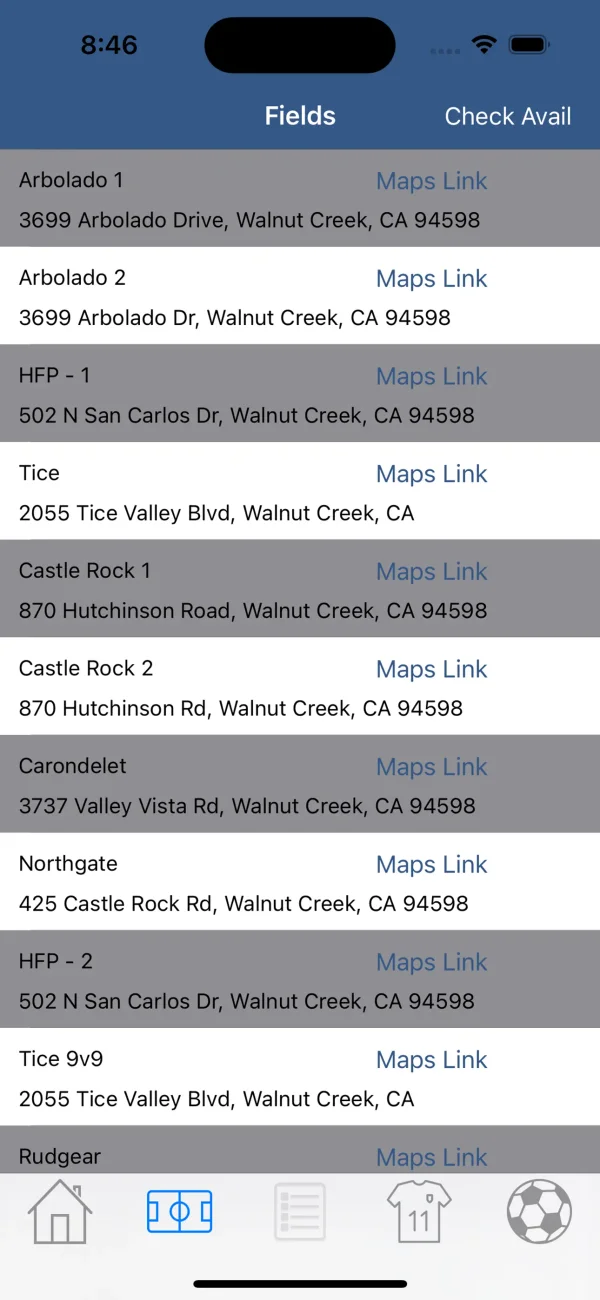
When you enter the app you’ll arrive at a home screen. At the bottom of the screen will be 4 options: Home, Fields, Teams, Games. The intention is for managers to go to the team tab first and select the team you are managing. For Competitive teams, the toggle at the top should be on. Toggle it off to see the list of Recreation teams. Once at the team list, simply click “Select” button in your team row if you are in the browser version. In the phone apps, you do a long press on your row to select your team. You’ll see a green check mark when you’ve done it correctly. Unless you manage more than one team, you probably won’t go back to the team list. Next, when you click on the Games link in the lower right, you’ll be presented with a list of only your games.
What’s new
Version 1.23 · Jul 10, 2026
Updates for Fall 2026
App privacy
What Chris Gillen declares on the App Store about how this app handles data.
-
Data not collected
The developer does not collect any data from this app.
Privacy practices may vary, for example with the features you use or your age.
Information
- Seller
- Chris Gillen
- Category
- Utilities
- Version
- 1.23
- Updated
- Jul 10, 2026
- Released
- Sep 1, 2018
- Size
- 2.6 MB
- Requires
- iOS 14.0 or later
- Age rating
- 4+
- Price
- Free
- Languages
- English
- Copyright
- © (C) Chris Gillen 2024
You might also like
-
 Calcul8 Calculator & ConverterMath, Money, & Unit Tools
-
 CPAP Tracker & JournalMade for men with Sleep Apnea
-
 Counter - Easy Useful ToolSuper Simple Number Tracker
-
 CF TravelUtilities
-
 iMemorize MobileUtilities
-
 VersaDeskUtilities
-
 T.A.G.S - Telugu AssociationUtilities
-
 SeeClickFix FolsomUtilities
-
 SimplBlue Lighting ControlsUtilities
-
 Concord Connect 2.0Utilities