
Weather Dashboard+
Full-screen weather and radar
Designed for iPhone, iPad, iPod touch
Free · In-app purchases
- Age rating4+
- CategoryWeather
- DeveloperJOSEPH A PAGE
- LanguagesEnglish
- Size49.8 MB
Links to the official App Store page
Download.org hosts no file of Weather Dashboard+. The button opens its official App Store page, published by JOSEPH A PAGE. Listing last checked on Nov 12, 2026.
Screenshots



About
A full-screen weather app designed to be an always on wall mounted tablet
There's a million weather apps out there, but I wanted one that was designed for a wall-mounted tablet. I had some requirements and a wish list:
• It has to be full screen - take full advantage of the screen with no system status bar
• It needs to keep the screen on all day and go dark at night
• It needs to be simple to use and readable from a distance
• And most importantly it needs to look great - this is a wall mounted tablet after all
BASIC FEATURES
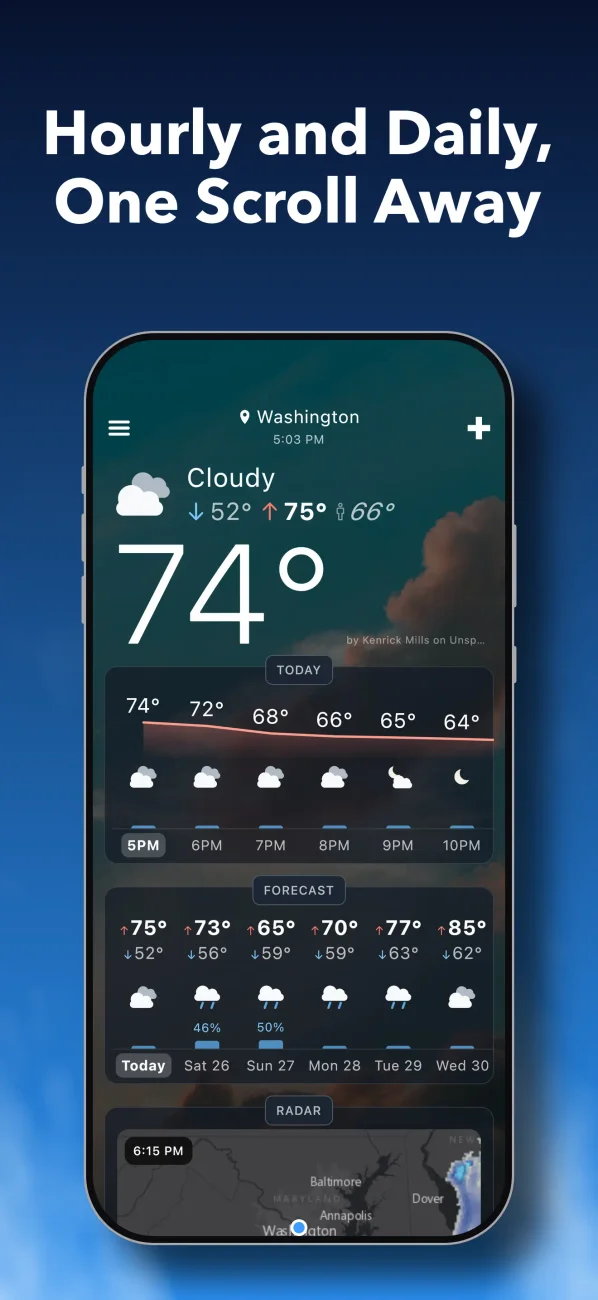
• Beautiful Backgrounds: full-screen photography that changes with the current weather conditions
• Large Current Temp: in collapsed view you just get the background and a large temperature - simple, and it looks great on a wall
• Hourly Forecast: a full day of hourly temperatures with chance of precipitation
• Daily Forecast: up to 10 days of lows/highs and chance of precipitation
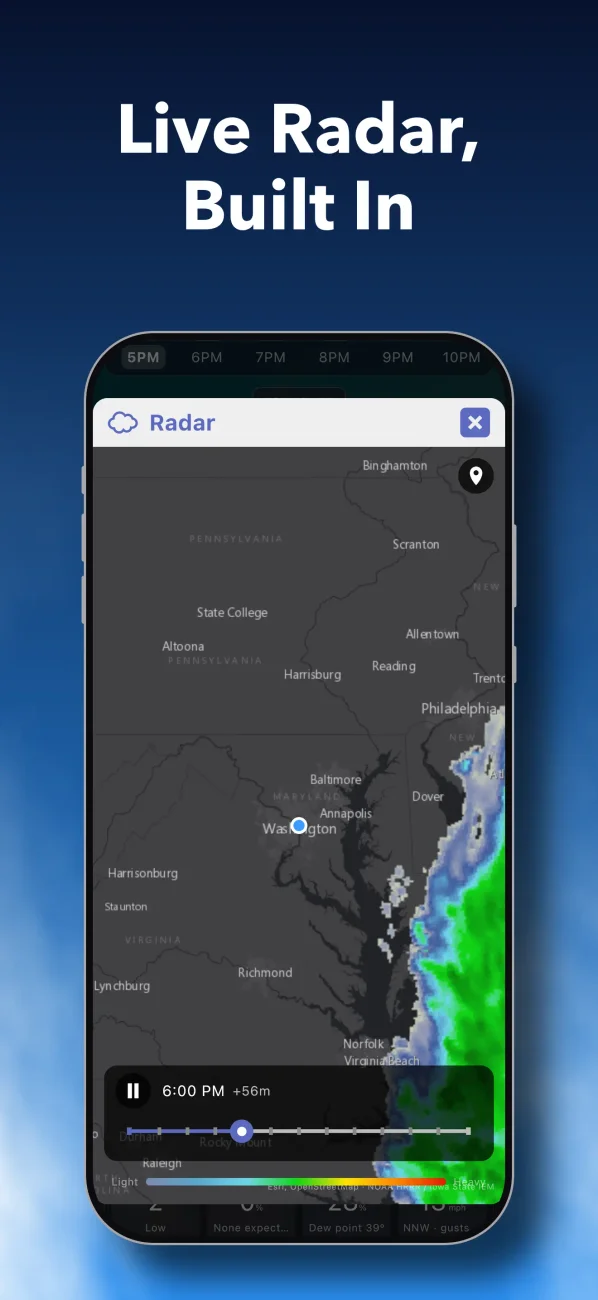
• Future Radar: animated radar showing the next 3 hours for your location
• Full Screen Radar: a full screen map you can pan and zoom, with play/pause and a slider to scrub through the next few hours
• Pollen Forecast: the next 5 days of pollen levels
• Weather Details: additional details about the current weather
• °F or °C: one switch in Settings; wind, pressure and visibility follow it
• Refresh: automatically on a schedule you pick (10 minutes by default) or manual refresh
ADVANCED FEATURES
• Multiple Locations(*): add your current location or search by city, then swipe between them
• Full Screen: use the entire screen - no system status bars taking up space
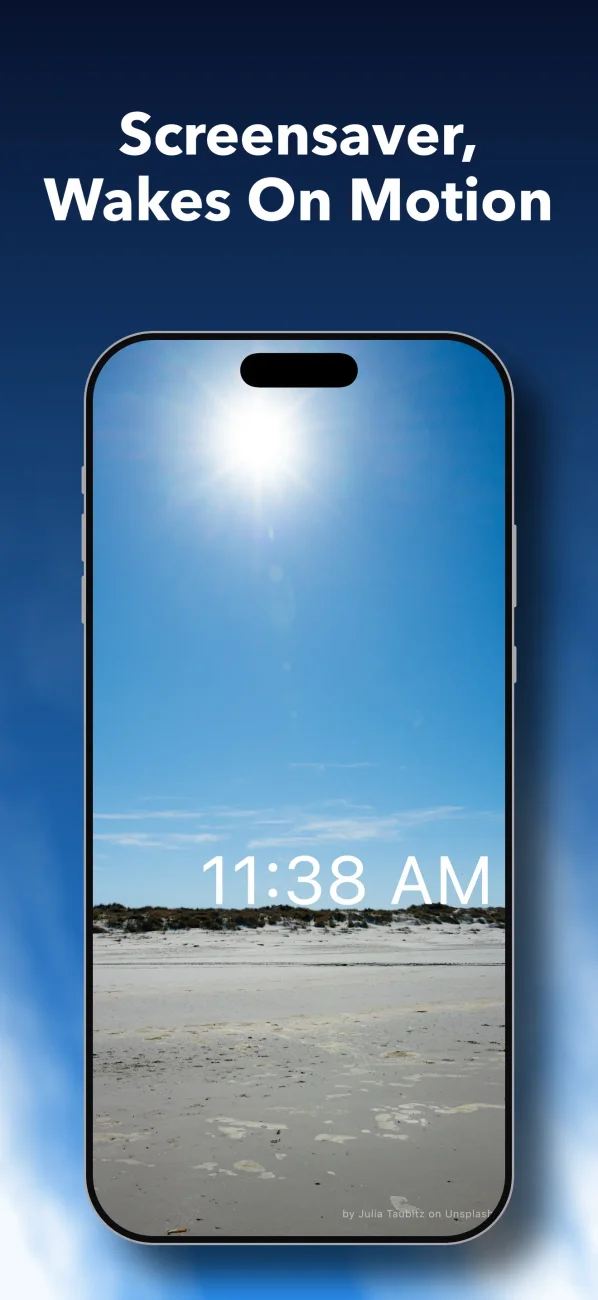
• Dashboard Mode(*): option to keep the screen ON during the day and turn it OFF at night or a screensaver with wake on motion - essential for a wall mounted tablet
• Multiple Weather Icon Sets: select from 4 sets of weather icons to find the one you like best
• Configurable Weather Source: Open-Meteo (the default - no API key needed), Visual Crossing (API key) or OpenWeatherMap (API key)
• Configurable Pollen Source: pollen.com, Open-Meteo, or an optional worldwide source (API key)
• Reorder Sections: re-order the various weather sections to fit your needs
• My Photos: add your own photos to the weather background or as a screensaver
(*) Dashboard mode and adding 3 or more locations require a small 1-time in-app purchase to unlock everything
What’s new
Version 1.0.122 · Oct 23, 2026
- Rain amounts now appear throughout: in the status line, the Details popup, and by the hour when you tap a day or the Today card
- Status line moves into the header when the cards are up, instead of overlapping it
- Tap a card's title to open its popup, and the popup's title to close it
- Details: the rain chart now labels its start, middle and end times
- Pollen: the forecast refreshes through the day, and no longer shows days-old numbers
App privacy
What JOSEPH A PAGE declares on the App Store about how this app handles data.
-
Data not collected
The developer does not collect any data from this app.
Privacy practices may vary, for example with the features you use or your age.
Information
- Seller
- JOSEPH A PAGE
- Category
- Weather
- Version
- 1.0.122
- Updated
- Oct 23, 2026
- Released
- Sep 25, 2026
- Size
- 49.8 MB
- Requires
- iOS 15.6 or later
- Age rating
- 4+
- Price
- Free
- In-app purchases
- Yes
- Languages
- English
- Copyright
- © 2026 Joe Page
You might also like
-
 GoWeather: Travel PlannerSimple Weather, Smart Plans
-
 WeatherBoltRadar, Lightning & Forecasts
-
 weatherBall [easy "Earth Health" Viewer]Weather
-
 Your Weather WindowGo or No Go decisions
-
 OurSky: Two Skies, One HomeYour sky, their sky, together
-
 Foreign WeatherCelsius & Fahrenheit forecast
-
 SarcasticWeatherWeather with an attitude
-
 FeelsLike: Weather for ComfortHow it really feels, to you.
-
 KasaCat: Umbrella Weather CatWill it rain? Alerts & widgets
-
 LifeCast Weather: Day PlannerBest time for hikes & beaches