
Weather Magic PWS
Your personal weather station
Designed for iPhone, iPad, Mac
Free · In-app purchases
- Age rating4+
- CategoryWeather
- DeveloperRichard Derry
- LanguagesEnglish
- Size43.1 MB
Links to the official App Store page
Download.org hosts no file of Weather Magic PWS. The button opens its official App Store page, published by Richard Derry. Listing last checked on Nov 17, 2026.
Screenshots



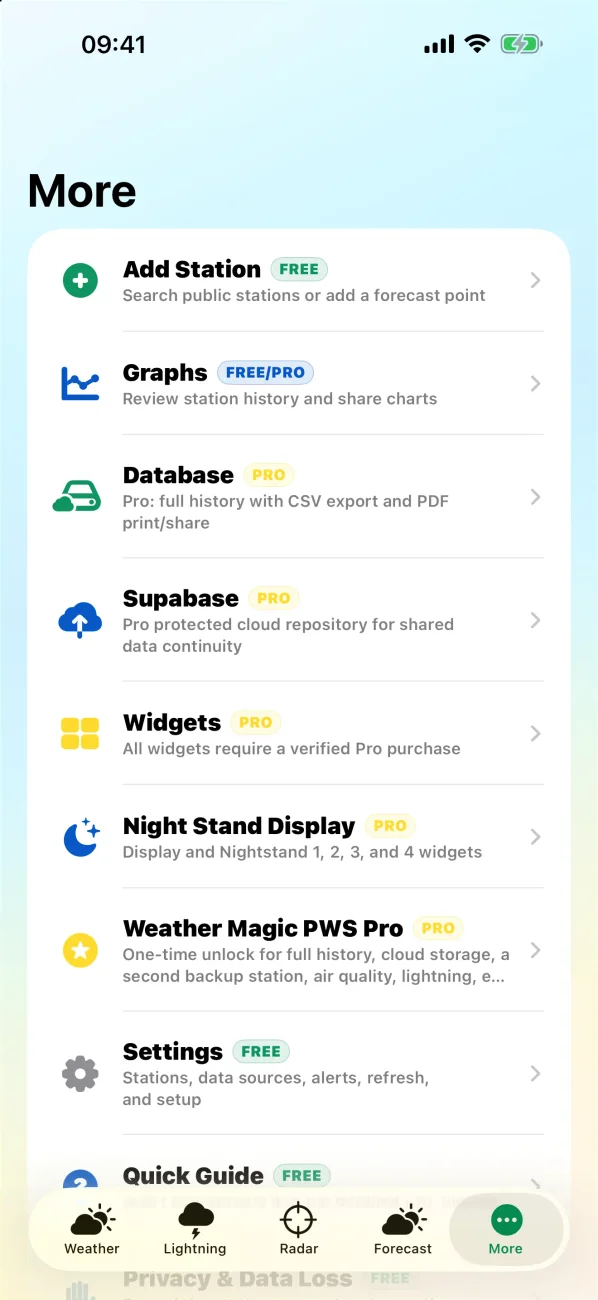


About
Weather Magic PWS puts your own personal weather station on your iPhone. It reads the data your station already sends to Weathercloud and shows your readings as they come in. You can also connect your own station's Weather Underground account (optional).
If your station goes offline, Weather Magic PWS can use a nearby backup station so you still see current conditions until your station is back.
FREE
- Live data from your home station
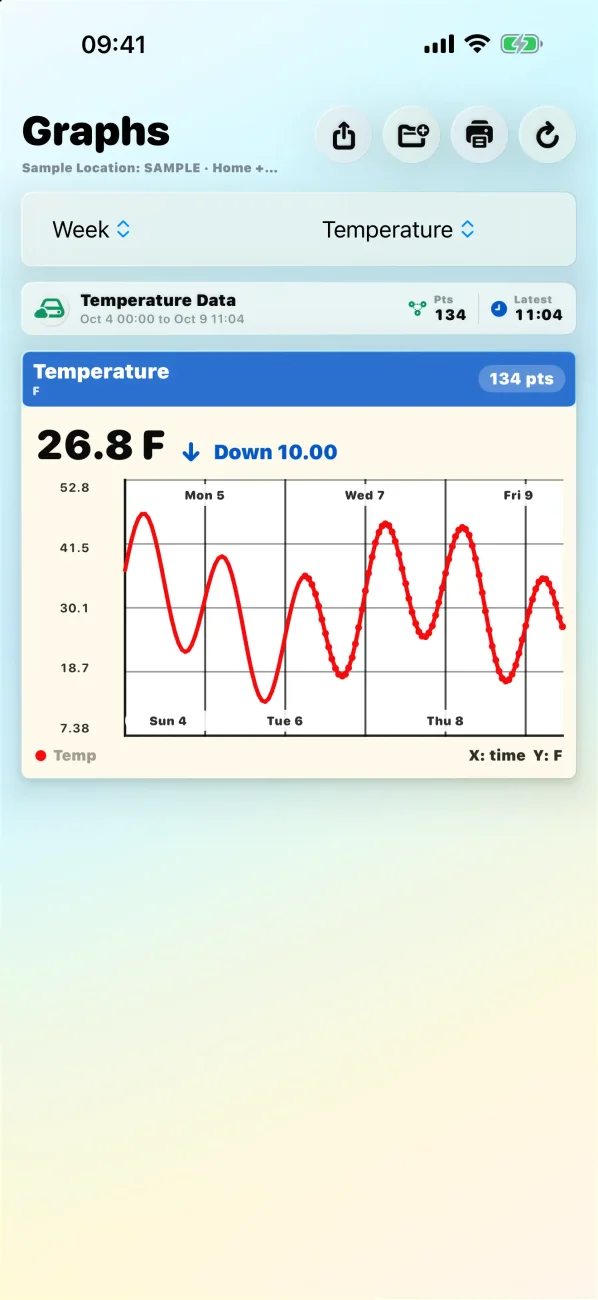
- Today's graphs
- One backup station
Free does not include long-term history, cloud storage or data export.
PRO: ONE UNLOCK FOR IPHONE, IPAD AND MAC
Pro is a single purchase, not a subscription. Buy it once and it unlocks Pro on your iPhone, iPad and Mac. On iPhone and iPad you can try Pro free for 30 days first, once; the trial never renews or charges. Pro adds:
- Your station's history and week, month and year graphs, read from your own cloud database. Long-range graphs load quickly because they use hourly and daily averages.
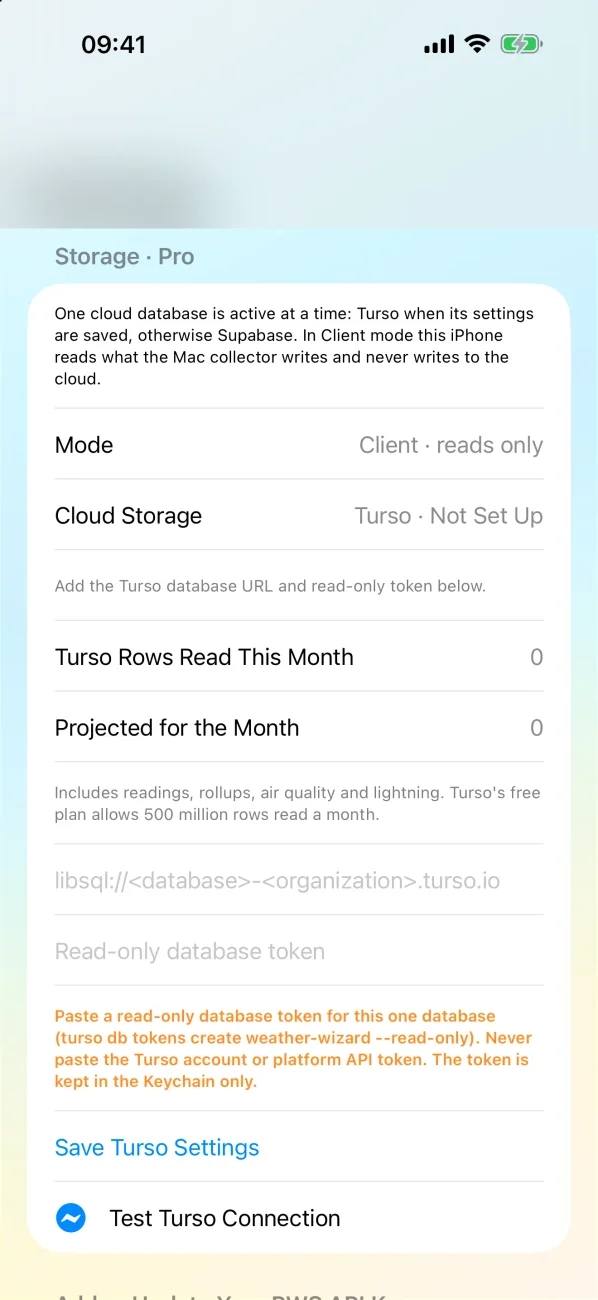
- Your own cloud database: choose Turso or Supabase and connect an account you control
- Multiple devices: one computer, such as your Mac, collects your station's data every minute. If it stops, another computer takes over automatically. Your iPhone and iPad view the data from the cloud.
- A second backup station
- Air quality
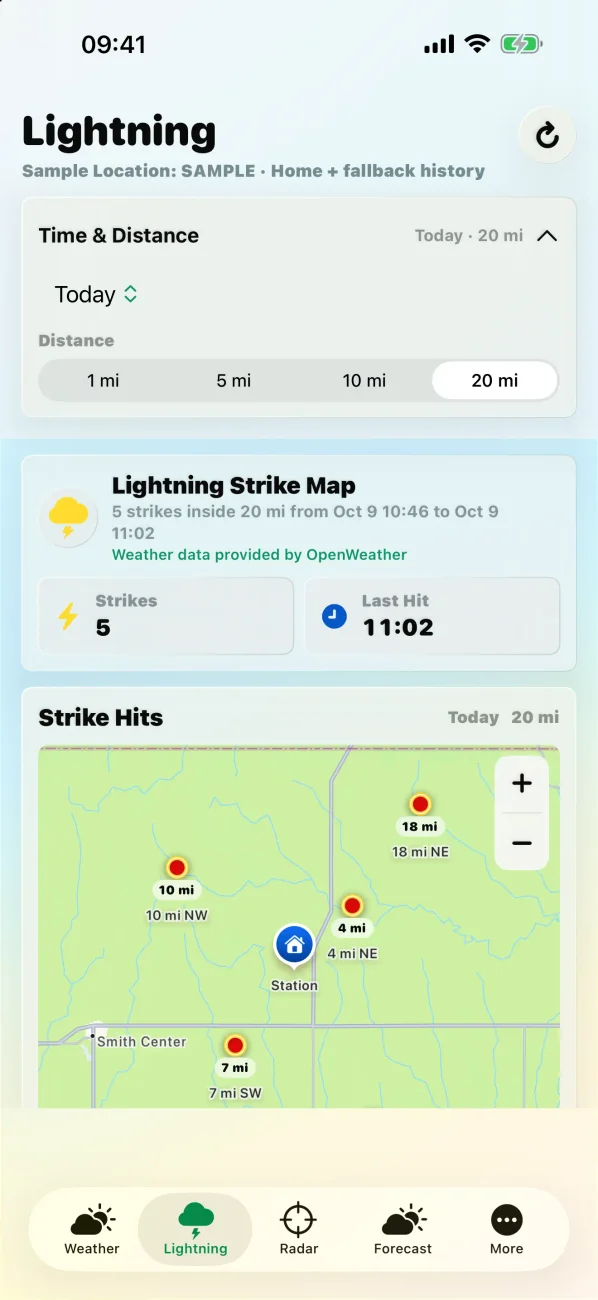
- Near-real-time lightning: the wind vane shows nearby strikes on 1, 5, 10 and 20 mile rings with a flashing bolt. On iPhone and iPad, lightning comes from your collecting computer through your cloud database, so no key is needed here.
- Data export
YOUR DATA STAYS YOURS
Your station's data goes only to your own database. It is not sent to us. Data read from public backup stations is used only in the app and is never pushed back to its source.
GOOD TO KNOW
- Weather Magic PWS is built for owners of a personal weather station that sends its data to Weathercloud. Connecting your own station's Weather Underground account is optional.
- Viewing history from the cloud needs Pro, your own Turso or Supabase account, and a computer running Weather Magic PWS to collect your station's data.
- Lightning data is provided by OpenWeather and requires a free OpenWeather account and API key on your collecting computer. Pro setup there walks you through creating one. No key is needed if your weather station reports lightning itself.
- Air quality and lightning depend on the data available for your area.
- Readings come from your station and the sources you connect, and may sometimes be delayed or unavailable.
Not for lightning safety decisions.
What’s new
Version 3.1 · Oct 12, 2026
Weather Magic PWS 3.1
New
- Try Pro free for 30 days. Tap Start 30-Day Free Trial in More > Pro. It's one time per Apple Account, never renews and never charges. A reminder appears 5 days before it ends; then the app returns to Free and keeps your data.
- Pro can read your station's history from a cloud database you own: Turso or Supabase. A computer, such as your Mac, collects your station's data every minute; if it stops, another takes over automatically, and your iPhone and iPad show the data from the cloud.
- Pro fills gaps in the last 72 hours of history and marks estimates clearly. Exported PDF graphs break where data is missing and color the estimates.
- Choose your forecast source in Settings. Optional: use your own Open-Meteo API key.
- Credits, a Privacy & Data Loss page and the app version in More.
- Air quality: add your AirNow key and check it with Test Key.
- A restyled user manual, with a Troubleshooting chapter.
Fixes and improvements
- National Weather Service alerts stay up until they actually end.
- Sky cover from the National Weather Service refreshes every 30 minutes.
- The Feels Like card no longer repeats what a Wind Chill card already shows.
- Air quality from AirNow uses AirNow's updated service.
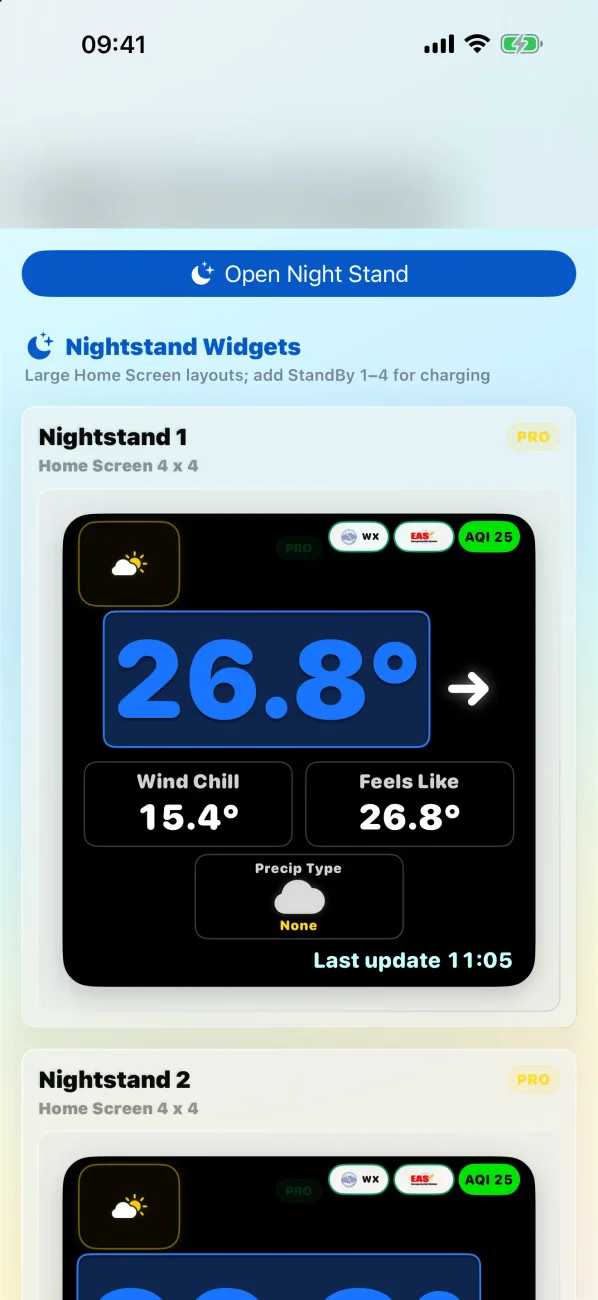
- Widgets show where their data comes from.
- Your AirNow key and cloud sign-in are kept in the iOS Keychain.
- Backups include your most recent readings.
App privacy
What Richard Derry declares on the App Store about how this app handles data.
-
Data not collected
The developer does not collect any data from this app.
Privacy practices may vary, for example with the features you use or your age.
Information
- Seller
- Richard Derry
- Category
- Weather
- Version
- 3.1
- Updated
- Oct 12, 2026
- Released
- Sep 20, 2026
- Size
- 43.1 MB
- Requires
- iOS 17.0 or later
- Age rating
- 4+
- Price
- Free
- In-app purchases
- Yes
- Languages
- English
- Copyright
- © 2026 BigSkyAstro
You might also like
-
 PWS UltraMy weather station monitor
-
 PWS DisplayWeather Station Dashboard
-
 Venture WeatherHyper-local adventure weather
-
 YAWA PWSPersonal Weather Station Data
-
 WeatherTracking: PWSStation History & Widget
-
 StationCastWeather from your backyard
-
 PWS DashYour station, at a glance
-
 Whichever WeatherSee all the weather at once
-
 AirainSimple Hyperlocal Forecast
-
 My ClimateIQYour weather, in perspective