
Web Browser SMS
Send texts from your keyboard
Designed for iPhone, iPod touch
Free · In-app purchases
- Age rating4+
- CategoryProductivity
- DeveloperRaphael Odermatt
- LanguagesEnglish+ 2 more
- Size22.8 MB
Links to the official App Store page
Download.org hosts no file of Web Browser SMS. The button opens its official App Store page, published by Raphael Odermatt. Listing last checked on Nov 10, 2026.
Screenshots


About
Access your iPhone photos, contacts, messages, and calendar from any web browser. Full control of your iPhone data from your Mac or PC.
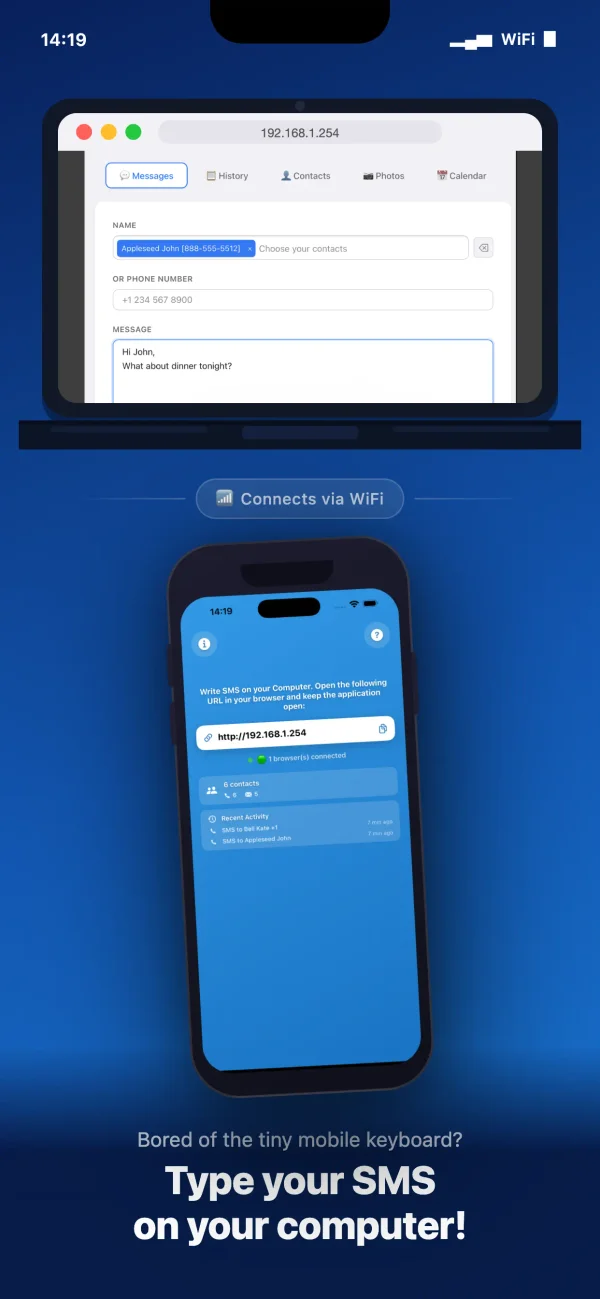
Tired of being tethered to your iPhone screen? Get complete web-based access to your photos, contacts, text messages, and calendar - all from the comfort of your computer's browser with a real keyboard.
SMS & Email from Your Browser
---------------------------
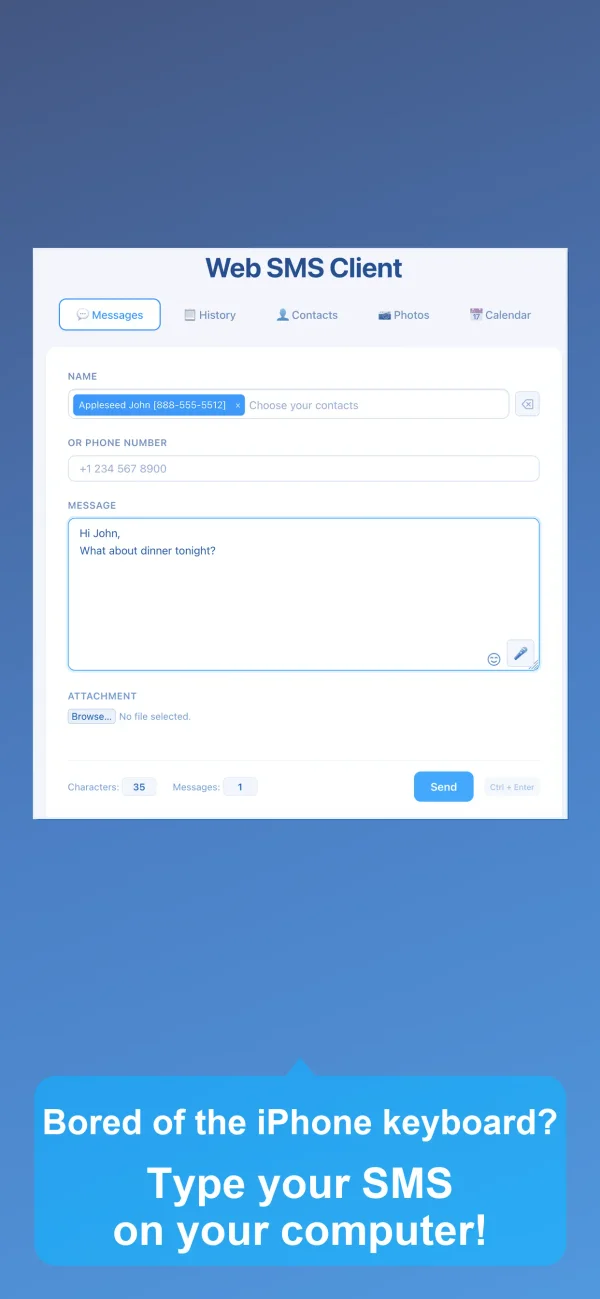
▶ Compose and send text messages and emails using your computer's keyboard through your web browser. Access your full address book - no typing phone numbers or email addresses. Send to multiple recipients. No character limit, with message count display for fee control.
Message History
---------------------------
▶ Keep track of every SMS and email you send. The History tab records all your messages with search and filter. View details, resend with one click, and see statistics on your messaging activity.
Contact Management
---------------------------
▶ Full web-based access to your iPhone contacts: view, search, add, edit, and delete contacts directly from your browser. Update contact photos with an easy-to-use cropping tool. All changes sync instantly with your iPhone. Export all your contacts to CSV.
Photo Library Access
---------------------------
▶ Browse your entire iPhone photo library from any web browser: view albums, thumbnails, and full-resolution images. Download photos and videos with custom size and format options (JPEG/PNG). Filter by album and date. Your photos, accessible anywhere.
Calendar & Events
---------------------------
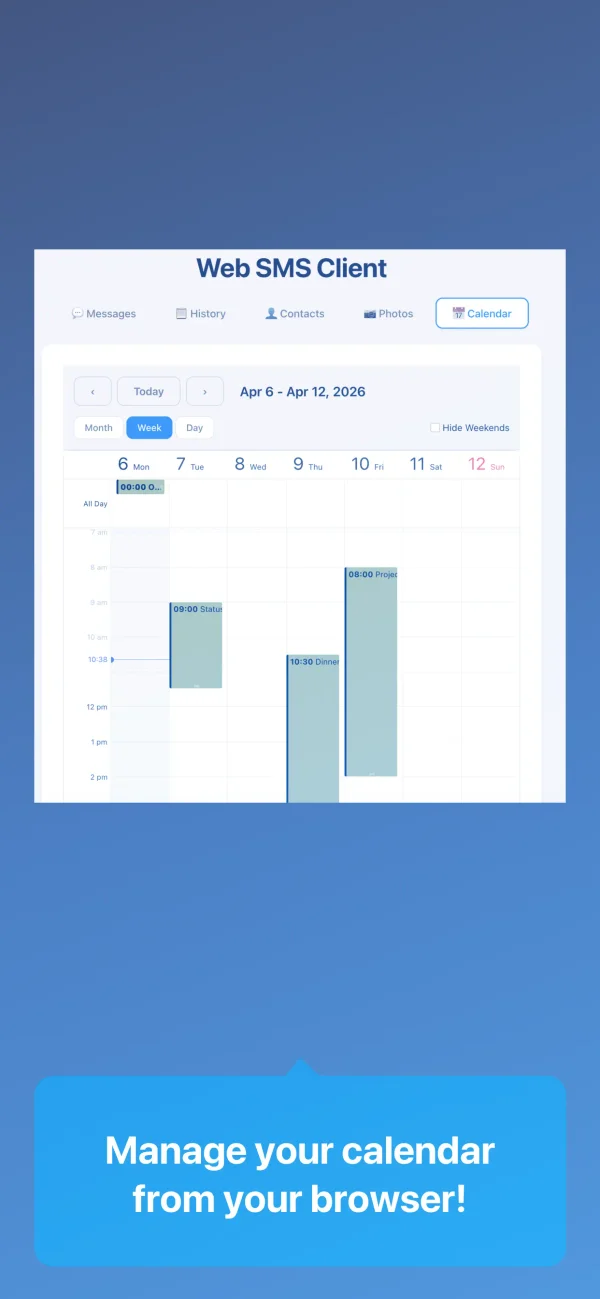
▶ Manage your calendar from your computer: view, create, edit, and delete events in month, week, or day view. Access all your calendars, set event details, locations, and notes. All changes sync instantly with your iPhone calendar.
Your iPhone data is just a browser away. Connect via WiFi and manage everything from your computer.
Note: WiFi connection required. SMS sent via your iPhone - standard carrier fees apply.
What’s new
Version 2.6.2 · May 3, 2026
● NEW: Message History - Keep track of all your sent messages
The new History tab records every SMS and email you send. Search and filter your messages, view details, and resend with one click. A Statistics panel shows your total message count, SMS/Email breakdown, and your top recipients.
Thank you for all your feedback! If you miss something, don't hesitate to contact us.
Do you like the app? Please leave a review in the app store.
App privacy
What Raphael Odermatt declares on the App Store about how this app handles data.
-
Data used to track you
May be used to track you across apps and websites owned by other companies.
- Identifiers
- Usage data
-
Data not linked to you
May be collected but is not linked to your identity.
- Identifiers
- Usage data
- Diagnostics
Privacy practices may vary, for example with the features you use or your age.
Information
- Seller
- Raphael Odermatt
- Category
- Productivity
- Version
- 2.6.2
- Updated
- May 3, 2026
- Released
- Dec 17, 2014
- Size
- 22.8 MB
- Requires
- iOS 15.0 or later
- Age rating
- 4+
- Price
- Free
- In-app purchases
- Yes
- Languages
- English, French, German
- Copyright
- © 2026 by BitCommander
You might also like
-
 SMS from PCSend SMS from PC comfort
-
 MessageDeskSmarter Simpler Text Messaging
-
 Forward SMS: SMS ForwarderAutomatically forward your SMS
-
 Group RCS SMS and EmailSend text with smart templates
-
 Second SMS Receive Code#Second Phone 2nd
-
 Group SMS+Send group text messages
-
 eSIM Internet DataPrepaid Travel Plan
-
 Textr Team:VoIP Business PhoneOffice Calling, IVR, Voicemail
-
 Fext - Group Text MessagingBulk SMS - Private Texting
-
 Group Text | Mass MessageBulk SMS - text2group