
Web Browsers Shortcuts
Keyboard keys for your browser
Designed for iPhone, iPad, Mac
Free
- Age rating4+
- CategoryReference
- DeveloperNik Psaragathos
- LanguagesEnglish
- Size15.9 MB
Links to the official App Store page
Download.org hosts no file of Web Browsers Shortcuts. The button opens its official App Store page, published by Nik Psaragathos. Listing last checked on Nov 15, 2026.
Screenshots
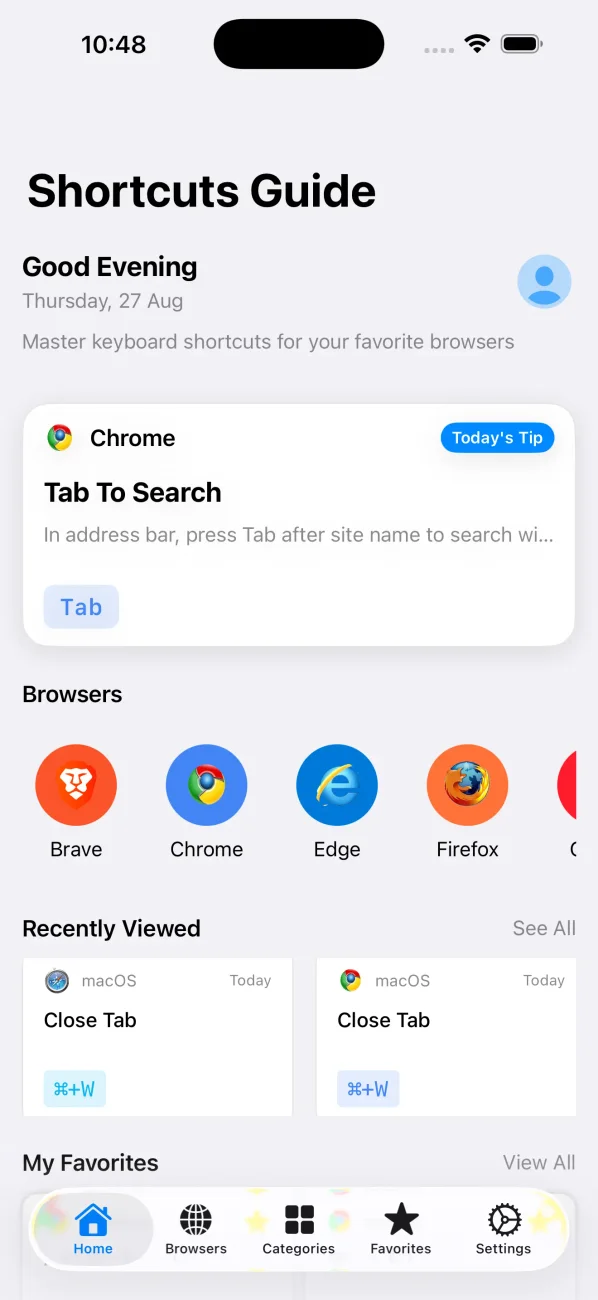
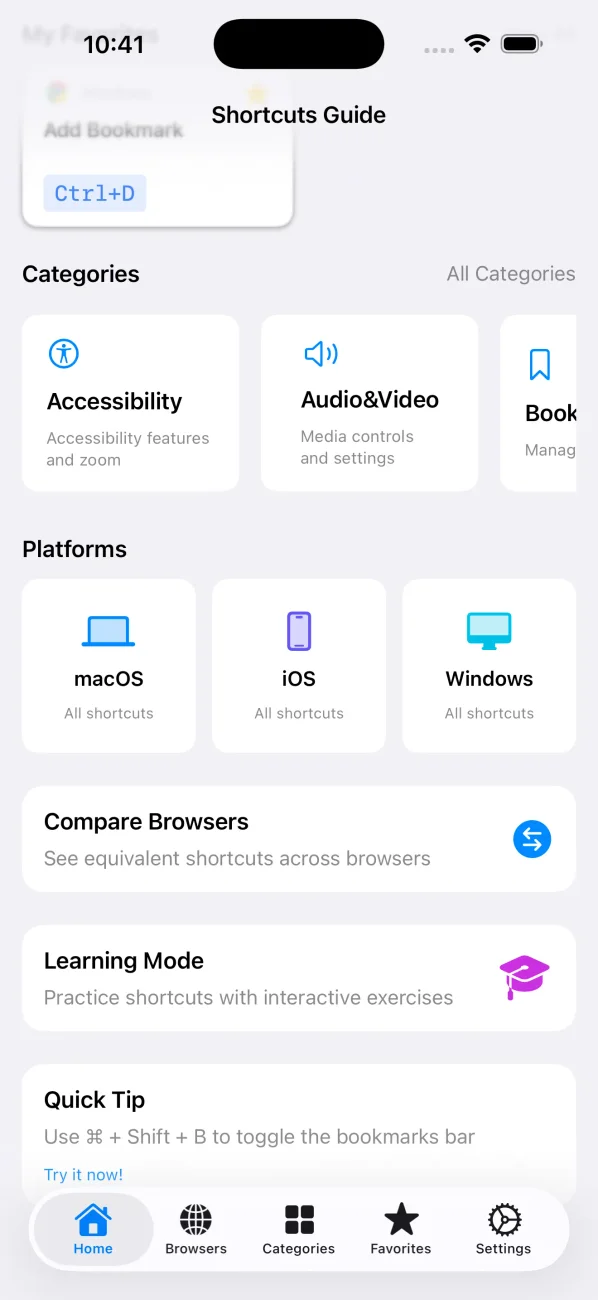
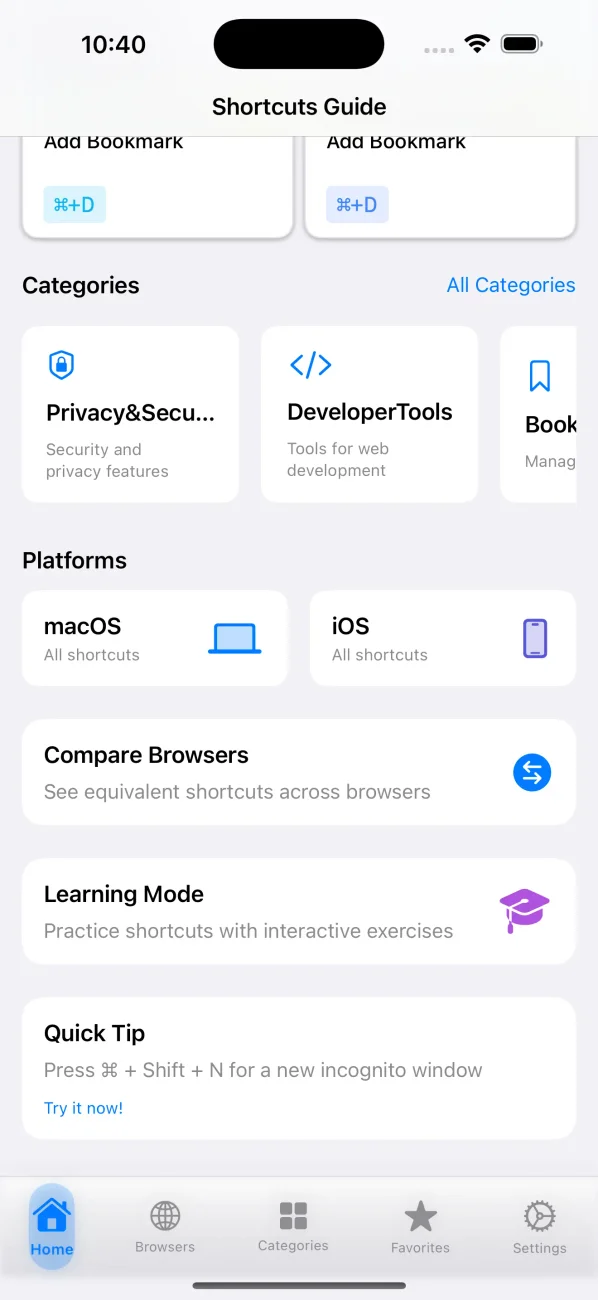
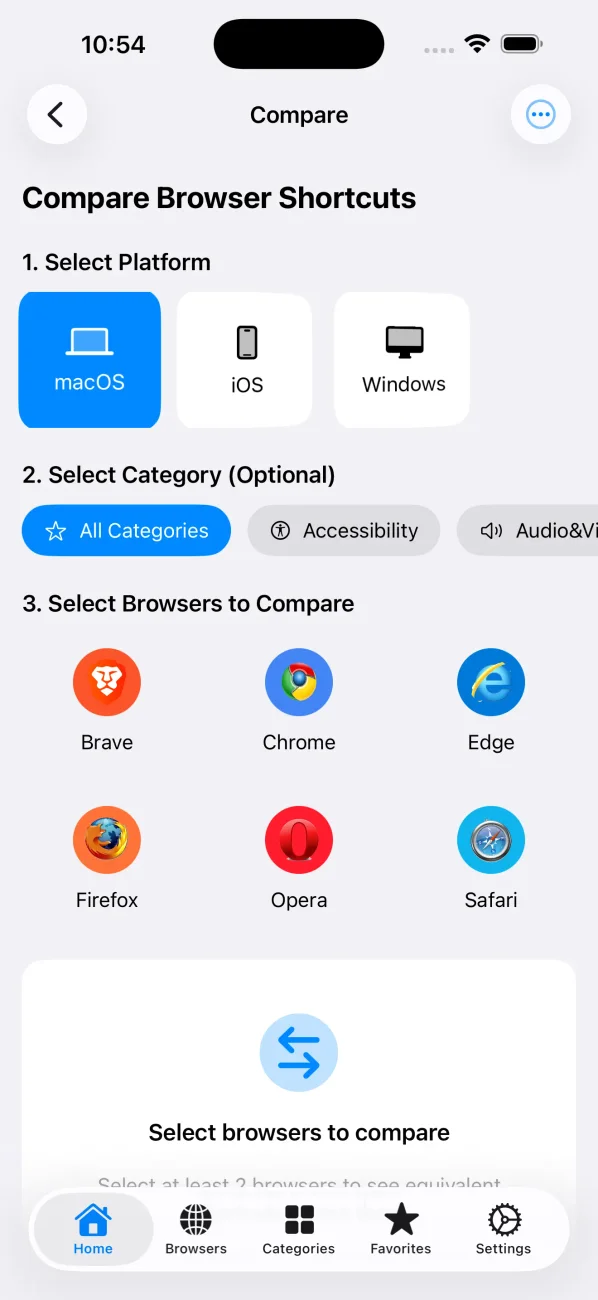
About
The complete keyboard shortcut guide for popular web browsers across macOS, iOS, iPadOS, and Windows.
Web Browsers Shortcuts: Browse Faster, Work Smarter
Transform the way you browse with a comprehensive collection of more than 500 keyboard shortcuts for Chrome, Safari, Firefox, Edge, Opera, and Brave.
Whether you use a Mac, a Windows PC, or an iPad with an external keyboard, Web Browsers Shortcuts helps you discover time-saving commands, improve productivity, and navigate the web with confidence.
Become a Browsing Expert
- Explore shortcuts for macOS, iOS, iPadOS, and Windows
- Learn commands for Chrome, Safari, Firefox, Edge, Opera, and Brave
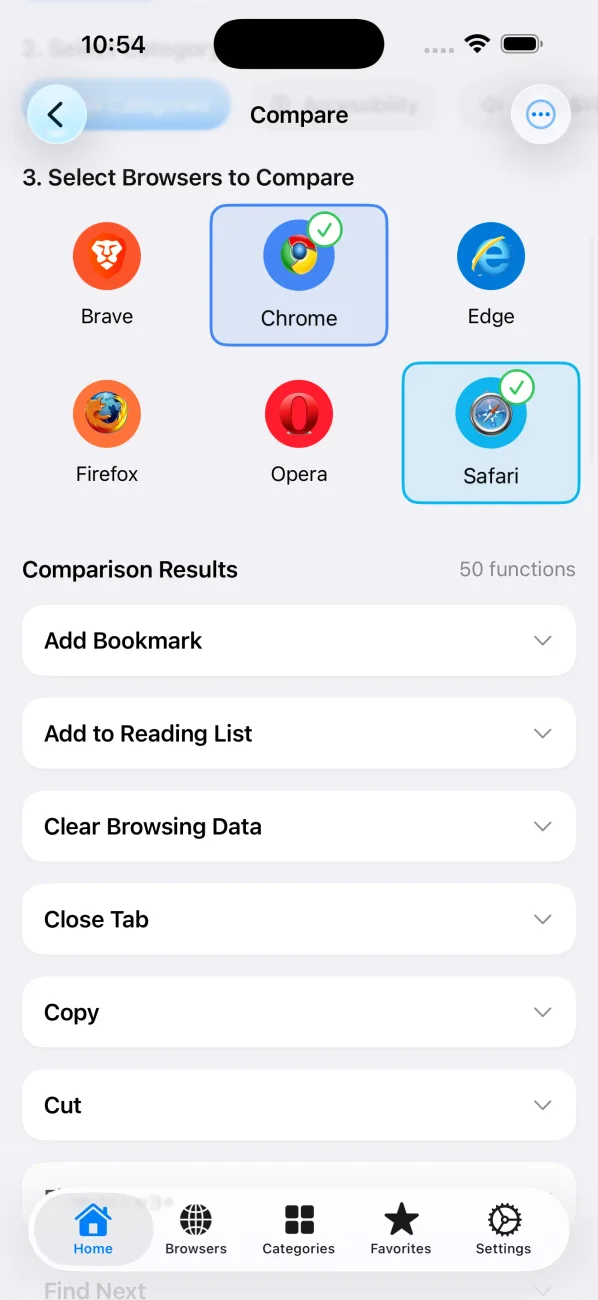
- Compare equivalent shortcuts across different browsers
- Practice with an interactive learning mode
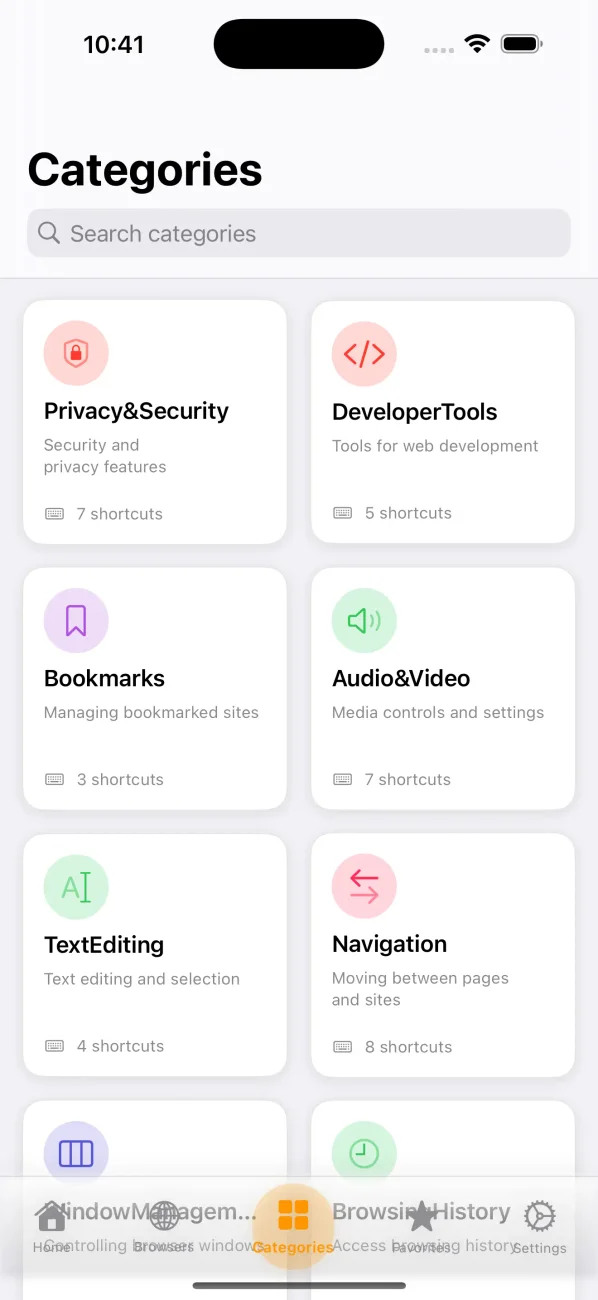
- Browse shortcuts by category or use search to find commands quickly
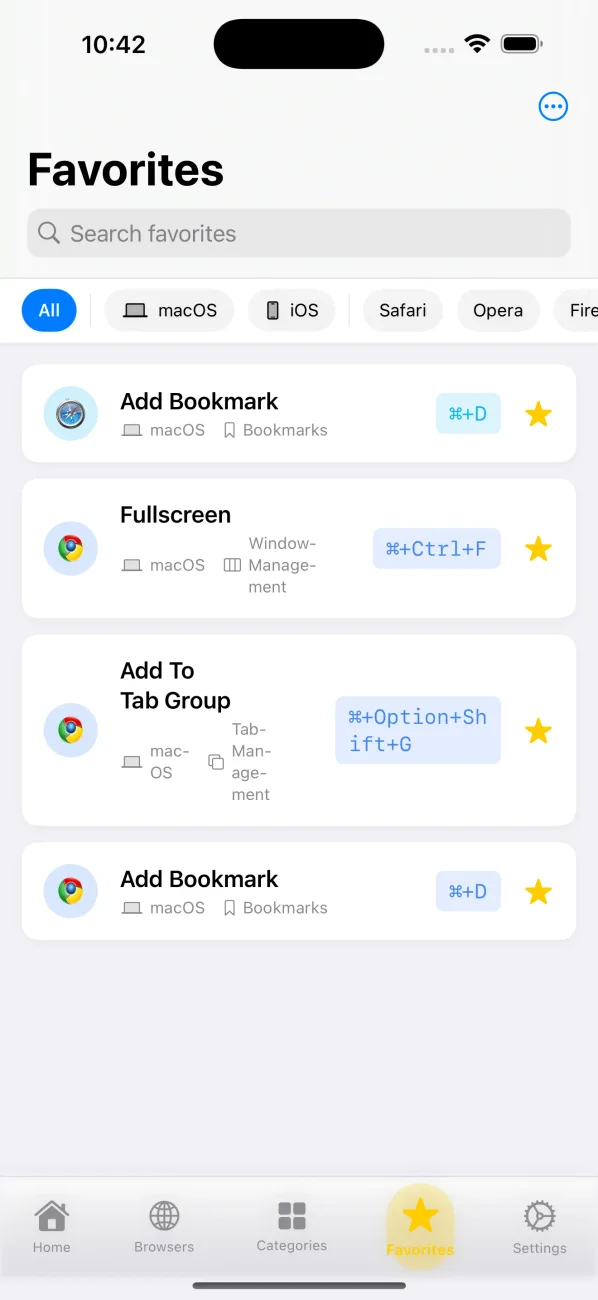
- Save frequently used shortcuts to your favorites
- View detailed explanations for every command
Key Features
- Over 500 Browser Shortcuts: An extensive collection covering the most useful browser actions
- Cross-Browser Comparison: See how the same action is performed in different browsers
- Platform-Specific Commands: Dedicated shortcut collections for macOS, iOS, iPadOS, and Windows
- Interactive Learning Mode: Practice and strengthen your shortcut knowledge
- Smart Categories: Explore navigation, tabs, bookmarks, privacy, developer tools, accessibility, and more
- Favorites: Create a personal collection of essential shortcuts
- Search: Find commands by name, key combination, browser, or category
- Verified Sources: Access official shortcut documentation and verification information
- Modern Design: A clean, intuitive interface designed for quick discovery and learning
Designed for Everyone
Web Browsers Shortcuts is useful for casual users, students, professionals, developers, and power users. Whether you want to open tabs faster, manage bookmarks, navigate browser history, use developer tools, or reduce your dependence on menus, the app gives you the commands you need.
The app supports iOS 18 or later and macOS 13 or later. iOS and iPadOS browser shortcuts may require an external hardware keyboard.
Stop searching through menus and start browsing like a professional. Download Web Browsers Shortcuts and unlock the full potential of your browser.
What’s new
Version 2.4 · Aug 27, 2026
Windows shortcuts are here!
- Added 225 Windows shortcuts for Chrome, Firefox, Edge, Opera, and Brave
- Added complete Brave browser support
- Expanded the collection to more than 500 shortcuts
- Added verified source links and last-verified information for every browser
- Expanded and corrected shortcuts for iPad and external keyboards
- Improved browser selection in the comparison screen
- Updated cross-browser comparisons for all three platforms
- Improved shortcut accuracy, organization, and consistency
- Additional interface refinements and bug fixes
App privacy
What Nik Psaragathos declares on the App Store about how this app handles data.
-
Data used to track you
May be used to track you across apps and websites owned by other companies.
- Usage data
-
Data not linked to you
May be collected but is not linked to your identity.
- Usage data
Privacy practices may vary, for example with the features you use or your age.
Information
- Seller
- NIK PSARAGKATHOS
- Category
- Reference
- Version
- 2.4
- Updated
- Aug 27, 2026
- Released
- Nov 26, 2013
- Size
- 15.9 MB
- Requires
- iOS 18.2 or later
- Age rating
- 4+
- Price
- Free
- Languages
- English
- Copyright
- © Nik Psaragathos
You might also like
-
 ShortcardsKeyboard Shortcuts Cheatsheets
-
 UD BrowserUniversal Design eBook Reader
-
 iGopherBrowserModern Gopher browser
-
 Learn Keyboard ShortcutsLearn all Keyboard Shortcuts
-
 NetSupport BrowserEducation
-
 Dyslexia Browser: Easy ReadingRead Aloud, Overlays & Fonts
-
 Learn keyboard Shortcut keysPractice, decks and daily quiz
-
 TranslateWebBrowserEasy translation browser
-
 CloudVeil BrowserFiltered Internet Browser
-
 Cognito - Simple Search EngineSearch For Knowledge