
WebP Viewer SAMURAI
Open & play animated WebP
Designed for iPhone, iPad, iPod touch
Free · In-app purchases
- Age rating4+
- CategoryPhoto & Video
- DeveloperTAKASHI MAEDA
- LanguagesEnglish+ 1 more
- Size5.5 MB
Links to the official App Store page
Download.org hosts no file of WebP Viewer SAMURAI. The button opens its official App Store page, published by TAKASHI MAEDA. Listing last checked on Nov 23, 2026.
Screenshots
About
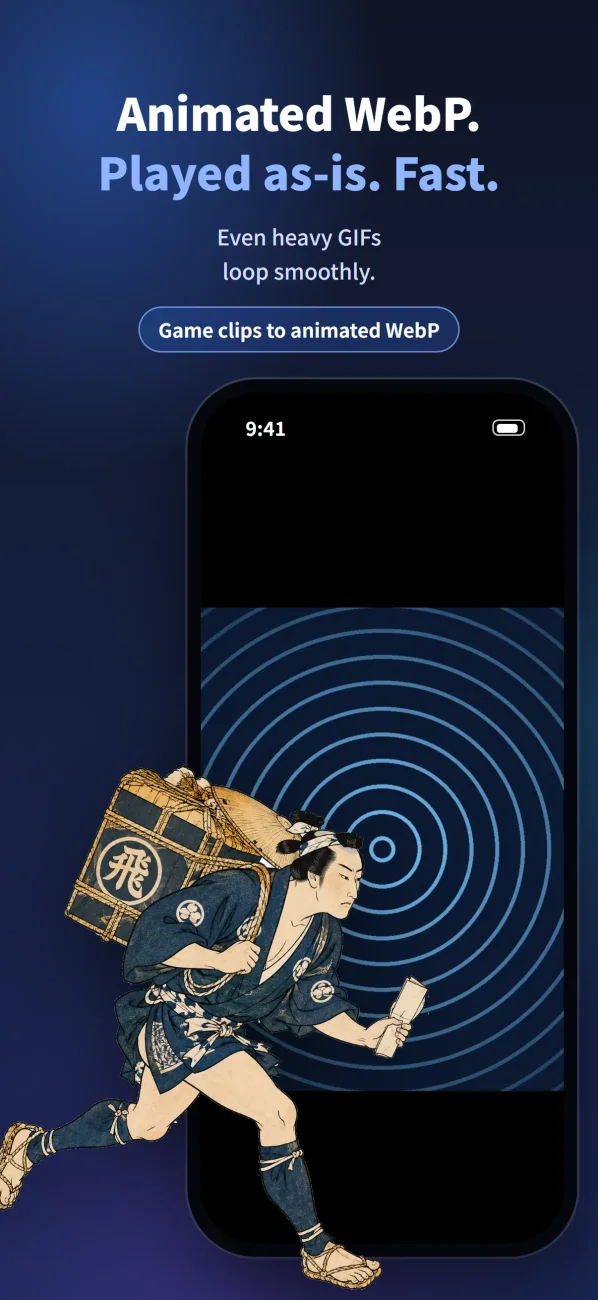
Animated WebP won't move in the Photos app? Open it here and watch it play: smooth loops, full screen, pinch to zoom.
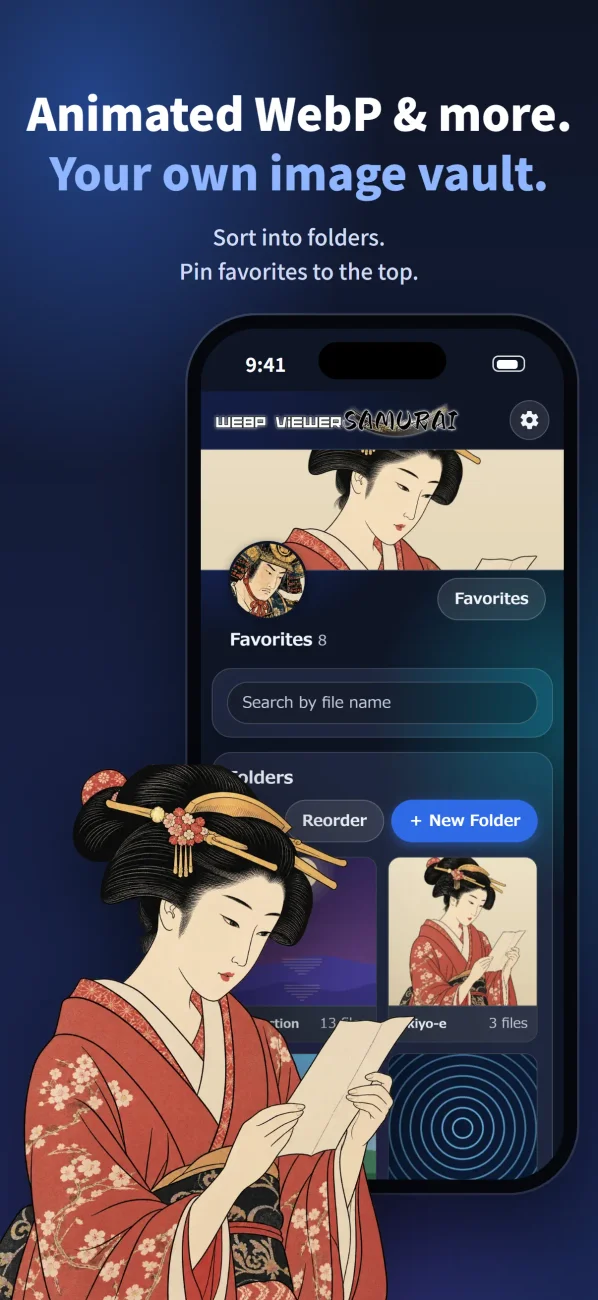
WebP Viewer SAMURAI keeps your animated WebP, GIFs and photos in folders, made in Japan for people who want to enjoy their images, not edit them.
IMPORT EASILY
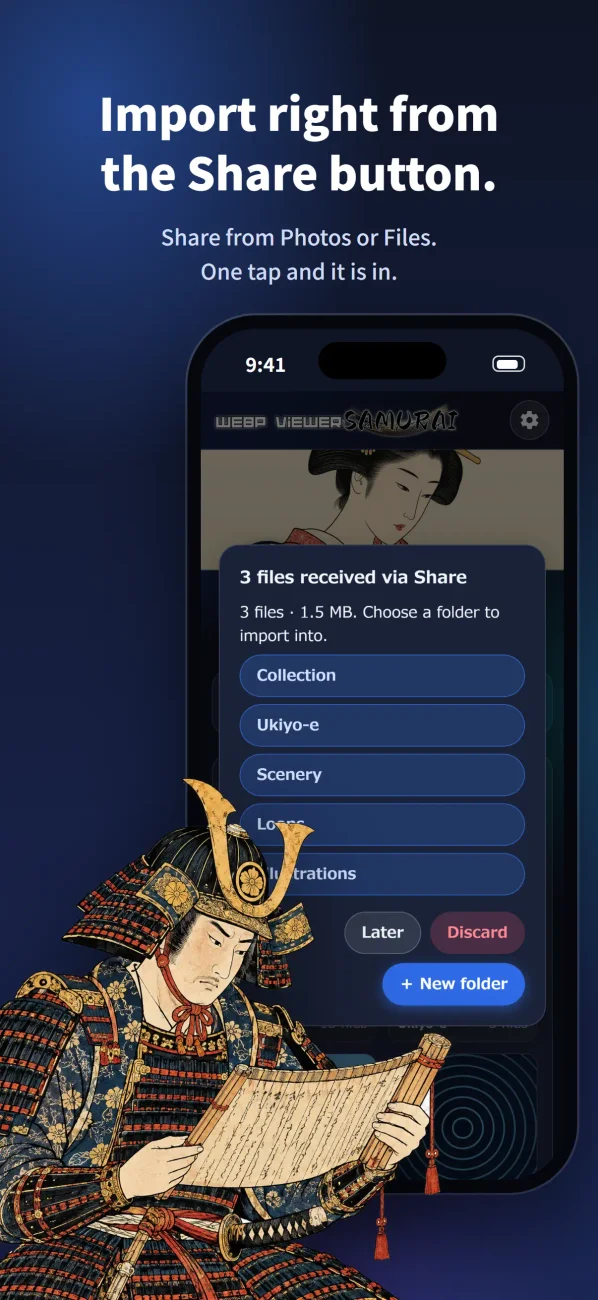
- Share images from the Files or Photos app and choose this app.
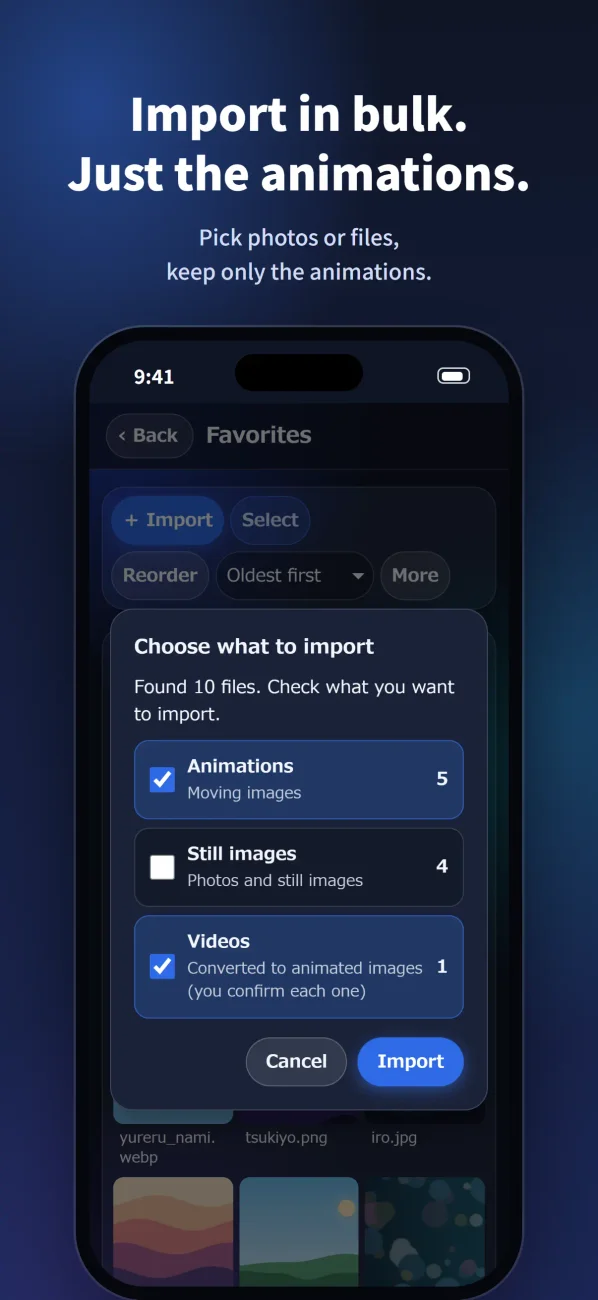
- Or tap Import and pick many files at once.
- When you pick many, choose what to import: animations, still images or videos. Collecting only the animations is easy. (Full version)
- Import a whole folder at once. (Full version)
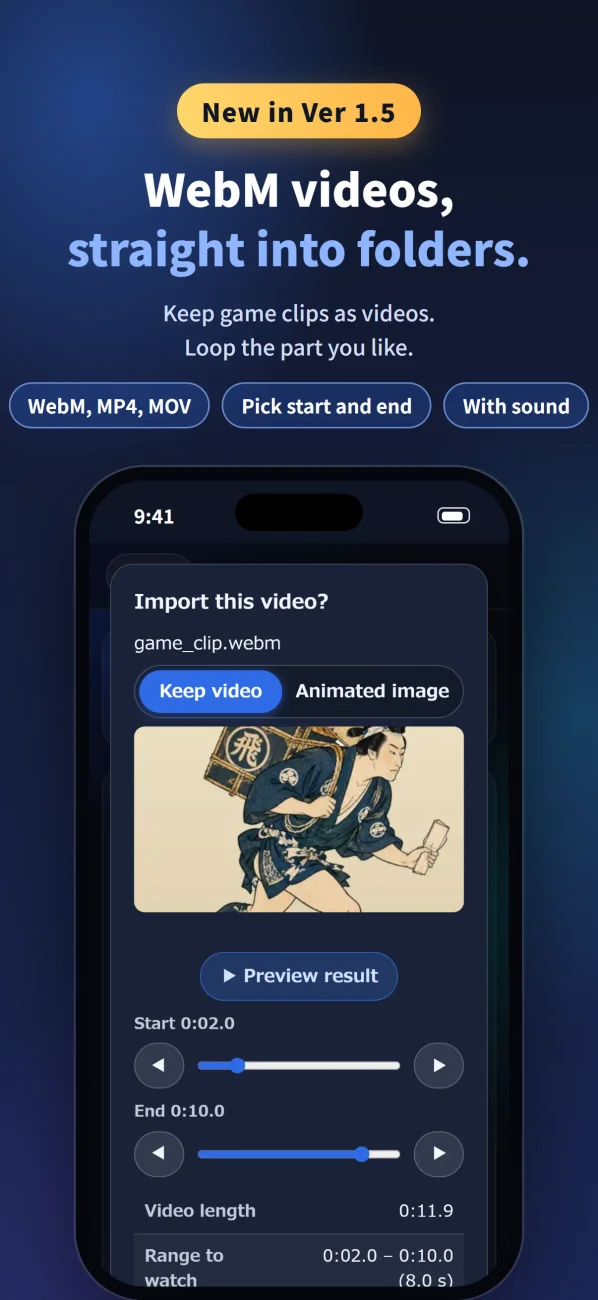
- Videos (WebM, MP4, MOV): keep them as videos or convert them into animated WebP. Kept as video, choose a start and an end, and that part plays on repeat (up to 60 seconds in the free version). Game recordings go straight in. When converting, set the start in 0.5-second steps and preview the result. You can also turn the range of a kept video into an animated WebP later.
- Convert JPEG, PNG and GIF to WebP as you import (animated GIF becomes animated WebP). Compare the sizes before and after first.
VIEW
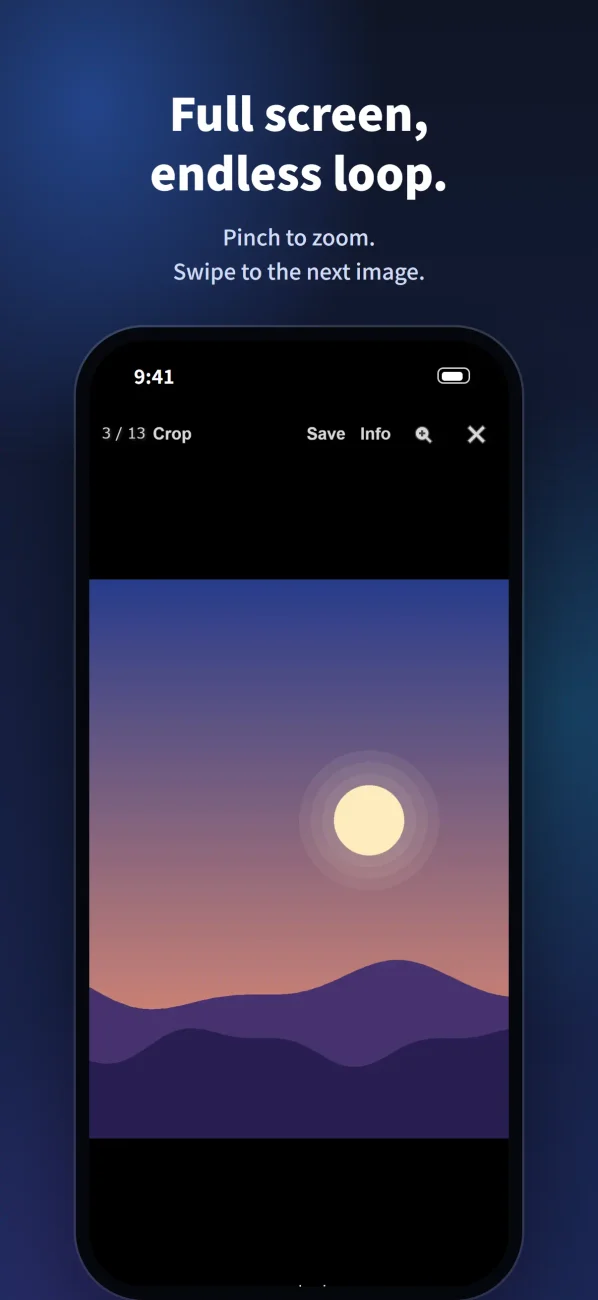
- Full screen with pinch to zoom, swipe to the next image.
- Animated images loop smoothly, even large ones.
- Tap to show the buttons, then tap again to rotate 90 degrees. The rotation is saved per image.
- Slideshow.
- Pause animations and videos, step one frame at a time, and change the speed (0.5× / 2×).
ORGANIZE
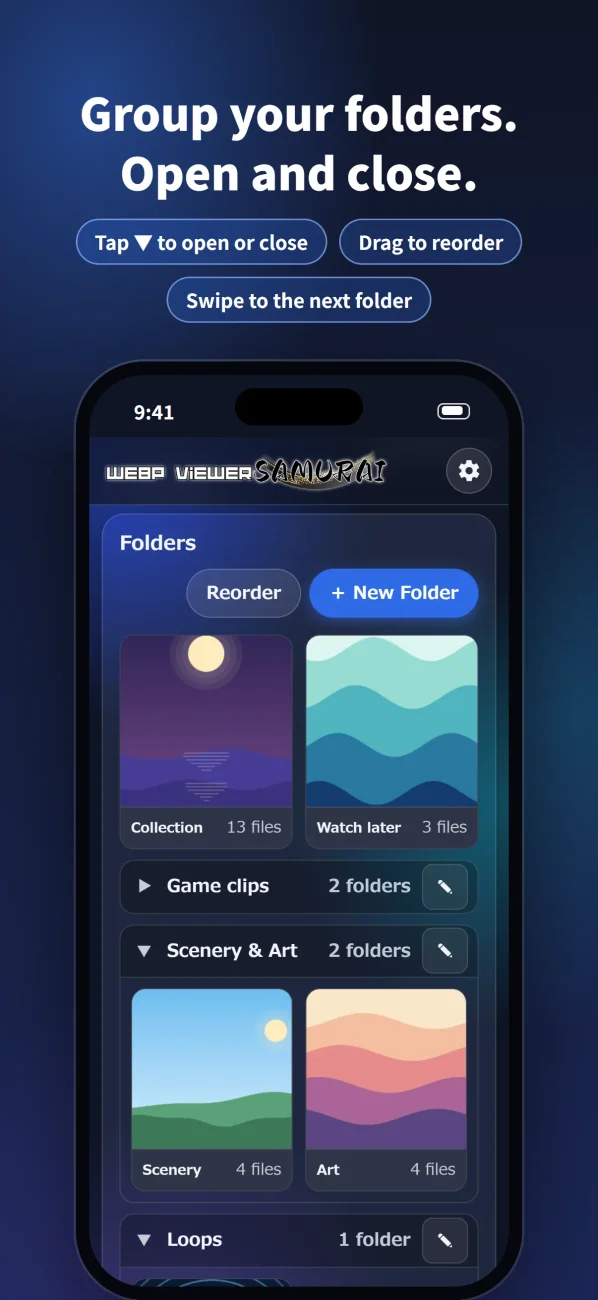
- Keep images in folders with thumbnails.
- Sort folders into groups, open or close them with ▼, and rename them anytime. (Full version)
- Swipe sideways inside a folder to go to the next one.
- Drag to reorder, move to another folder, delete in bulk.
- Save or send selected images from the share sheet.
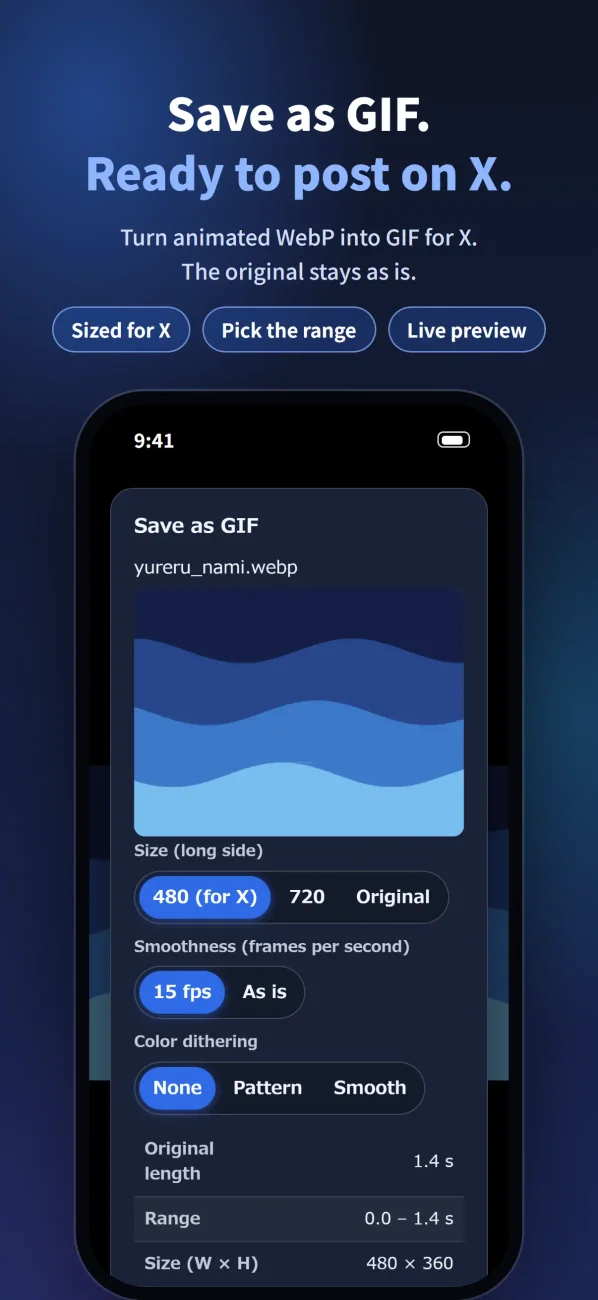
- Save an animated WebP as a GIF that moves in Photos and on X, too.
- Convert JPEG, PNG and GIF already in the app to WebP to save space.
- Save WebP images as JPEG or PNG.
- Trim an animated WebP or GIF and save just the part you want as a new file. (Full version)
- Press and hold a folder or an image to reorder it.
- Send images to our sister app "Itabag Layout Simulator", or pick images from this app inside Itabag.
- Keep bookmarks to the sites you visit often on the top screen. They open in your browser, such as Safari.
FAVORITES
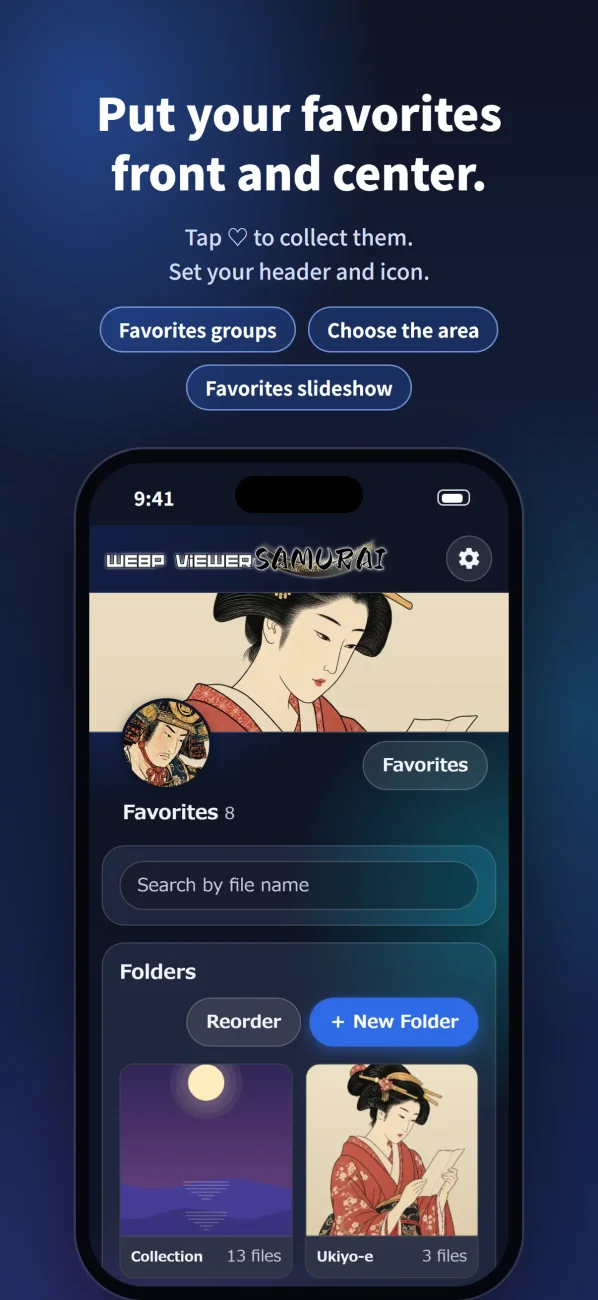
- Tap the heart to add favorites and see them all from "Favorites" on the top screen.
- Show favorites as a header and an icon at the top of the top screen. Choose the visible area with your fingers.
- Play a slideshow of just your favorites.
- Sort favorites into groups, one for each of your favorites. (2 or more groups: Full version)
- Export a favorite as a wallpaper, cut to the shape of your screen. (Full version)
- Pick one of 6 background colors, or use any image as the background. (Image: Full version)
PRIVATE BY DESIGN
- Images are stored only on your device. Nothing is uploaded.
- No account. No ads.
- Lock the app with Face ID in Settings (off by default).
FREE AND FULL VERSION
The free version includes import, full screen viewing, rotation, slideshow, favorites (one group, with the header and icon on the top screen), background colors, search by file name, renaming, full backup (export all and restore), saving an animated WebP as a GIF, converting to WebP, saving as JPEG or PNG, sending images to and from Itabag, and up to 2 folders. Video conversion is limited to 12 fps, 720 px and 20 seconds.
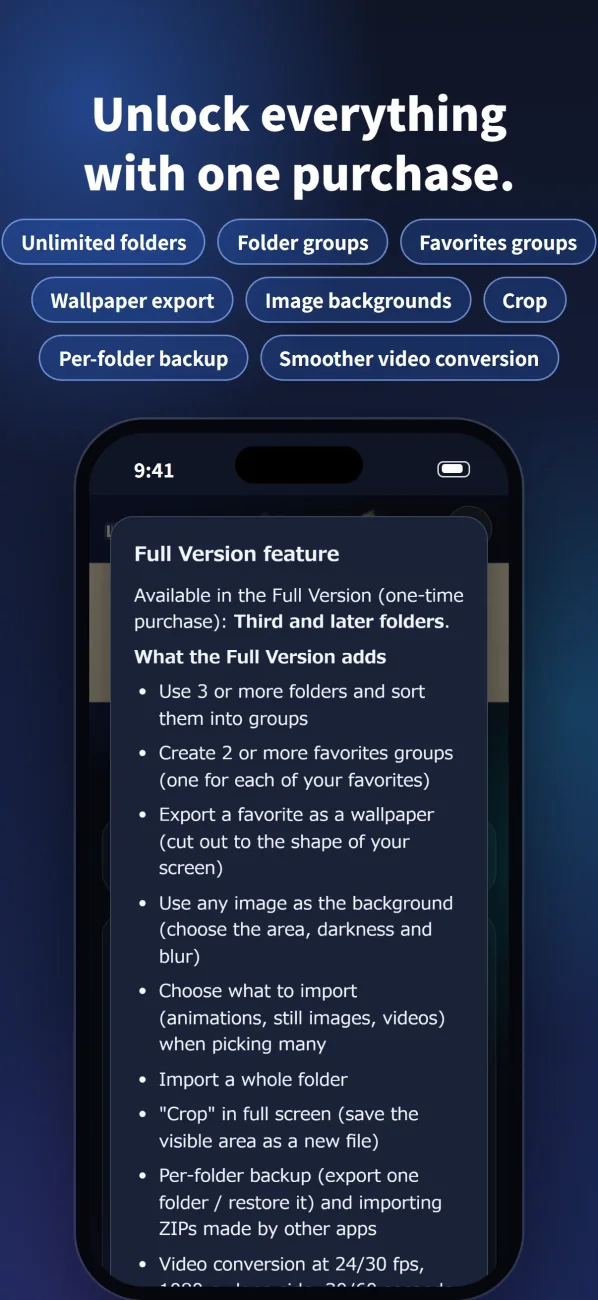
The full version (one-time in-app purchase) adds:
- Unlimited folders and folder groups
- 2 or more Favorites groups
- Export favorites as wallpapers
- Any image as the background
- Choose what to import in bulk (whole folders, too)
- Crop (animated images stay animated)
- Trim the length of animations
- Per-folder backup (export and restore)
- Video conversion at 24/30 fps, 1080 px, 30 or 60 seconds
- Any range length for videos kept as they are
Bought it before? Use "Restore purchase" in Settings on any device with the same Apple Account.
What’s new
Version 1.7.1 · Nov 22, 2026
• Videos already in the app can now be turned into an animated WebP of just their range, from "Info" → "Convert to an animated image" in full screen (the original video stays).
• You can now trim an animated WebP or GIF and save just the part you want as a new file ("Info" → "Trim length" in full screen; Full Version).
• While selecting, tap anywhere other than an image or a button (such as the heading or the empty area below the list) to stop selecting.
• When choosing a video range, moving the end now shows the frame at the end.
App privacy
What TAKASHI MAEDA declares on the App Store about how this app handles data.
-
Data not collected
The developer does not collect any data from this app.
Privacy practices may vary, for example with the features you use or your age.
Information
- Seller
- TAKASHI MAEDA
- Category
- Photo & Video
- Version
- 1.7.1
- Updated
- Nov 22, 2026
- Released
- Oct 16, 2026
- Size
- 5.5 MB
- Requires
- iOS 15.0 or later
- Age rating
- 4+
- Price
- Free
- In-app purchases
- Yes
- Languages
- English, Japanese
- Copyright
- © 2026 TAKASHI MAEDA
You might also like
-
 GIFLO - Simple GIF MakerVideo & Live Photo to GIF/WebP
-
 Webply: WebP to JPGBatch convert WebP images
-
 Drive Image ViewerPhoto & Video
-
 Batch HEIC to JPG ConverterConvert Photos Fast & Private
-
 Image Converter: HEIC JPG WebPBatch Compress, Resize, GIF
-
 Booma - Loop VideoBoomerang and repeat clips
-
 Image Morpher - Resize&Convertjpeg,png,heic,webp,etc.
-
 Norna ConverterVideo, Image & Audio Converter
-
 Animated WebP MakerLet’s make WebP animations!
-
 Keeplay: Video & Photo PlayerFolder player, resume watching