
Wedding Planner & Seating Plan
Guest List & Save the Date
Designed for iPhone
Free · In-app purchases
- Age rating4+
- CategoryLifestyle
- DeveloperHeinz Meier
- LanguagesEnglish+ 4 more
- Size17.0 MB
Links to the official App Store page
Download.org hosts no file of Wedding Planner & Seating Plan. The button opens its official App Store page, published by Heinz Meier. Listing last checked on Nov 15, 2026.
Screenshots
About
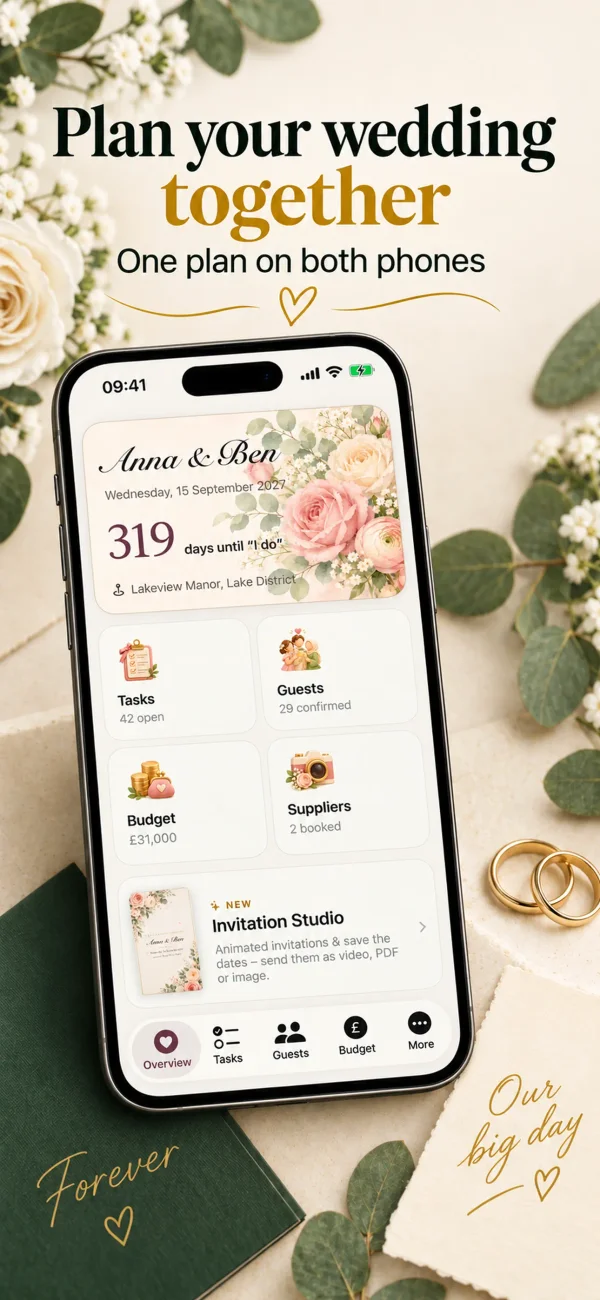
Everything for your wedding in one place – on both your phones.
Wedding Planner walks you from the engagement to the day after: guest list, seating plan, budget, tasks and running order. You plan as a couple, and every change shows up on the other phone automatically.
PLAN TOGETHER
• One code links both your phones
• New RSVP, new cost, ticked-off task – you are both on the same page instantly
• Also for the wedding party: join as a helper, see everything, change nothing by accident
• Your plan is safe even if a phone gets lost
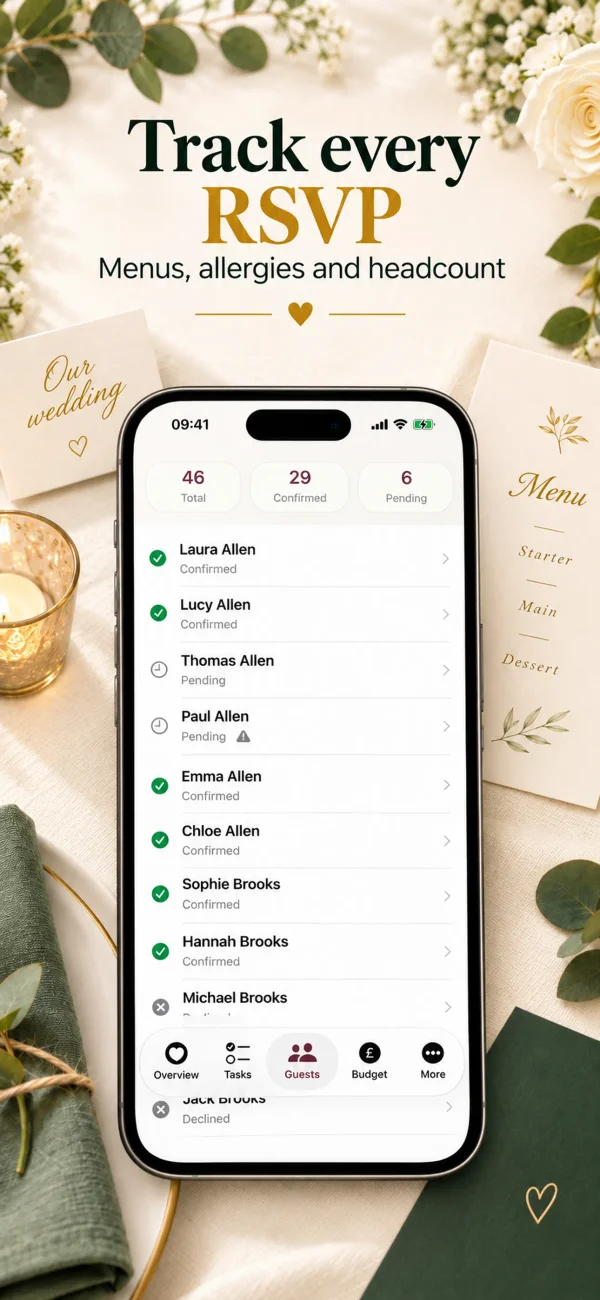
A GUEST LIST THE CATERER UNDERSTANDS
• RSVP, menu choice, allergies and plus one per guest
• Evening guests only? Ceremony, afternoon, wedding breakfast and evening party tracked separately
• Headcount for the wedding breakfast, not just a guest total – exactly the number the caterer needs
• Import guests straight from Contacts instead of typing 100 names
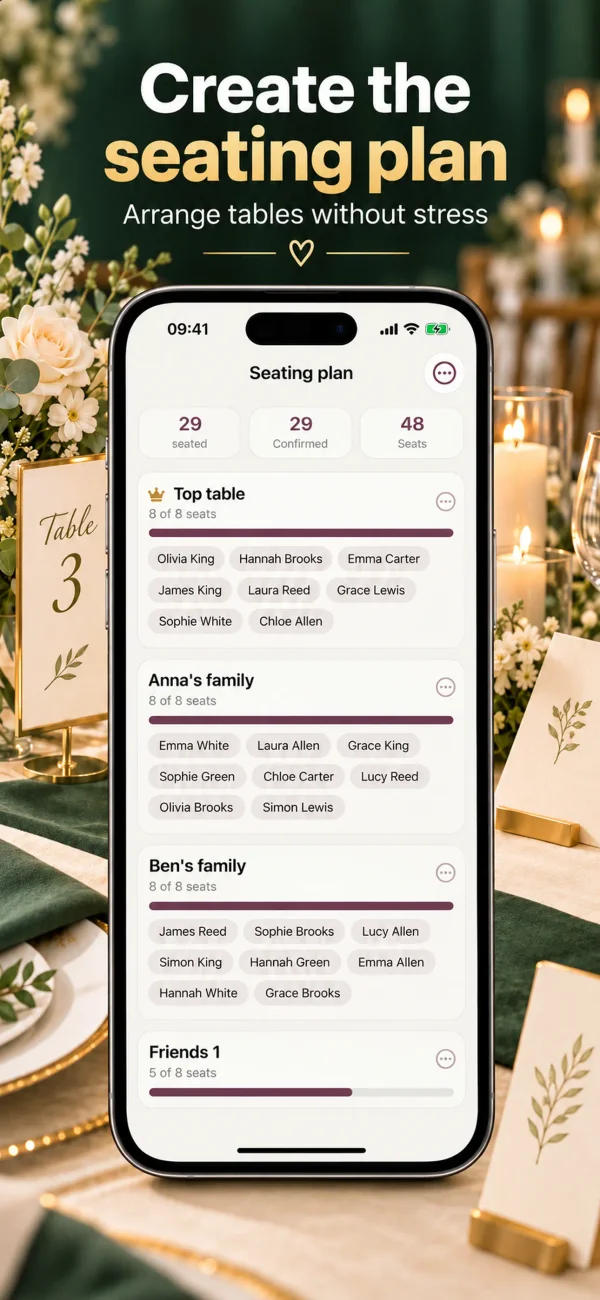
SEATING PLAN
• Create tables, seat guests with a tap
• Seat automatically – by family, friends and side
• Warning as soon as a table gets too full
• Plus ones count as their own seat
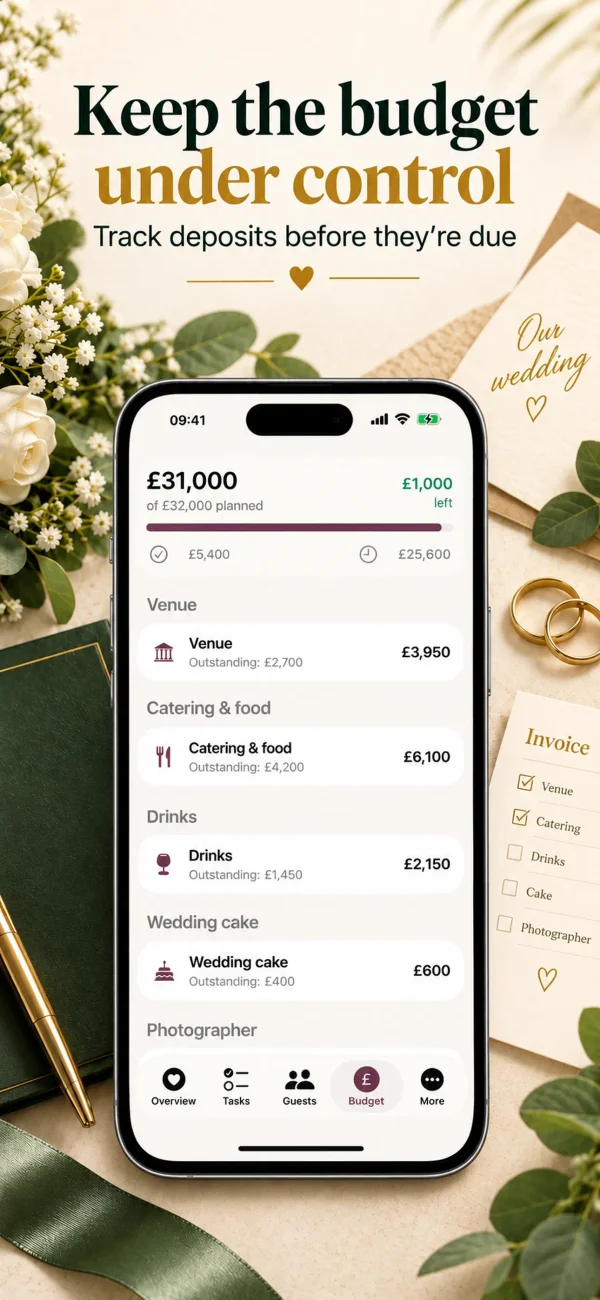
BUDGET WITH DEPOSITS
• Planned, actual, deposit and outstanding – kept separately
• 20 categories, pre-filled from typical UK shares
• Cost per guest at a glance
• Reminder before a deposit falls due
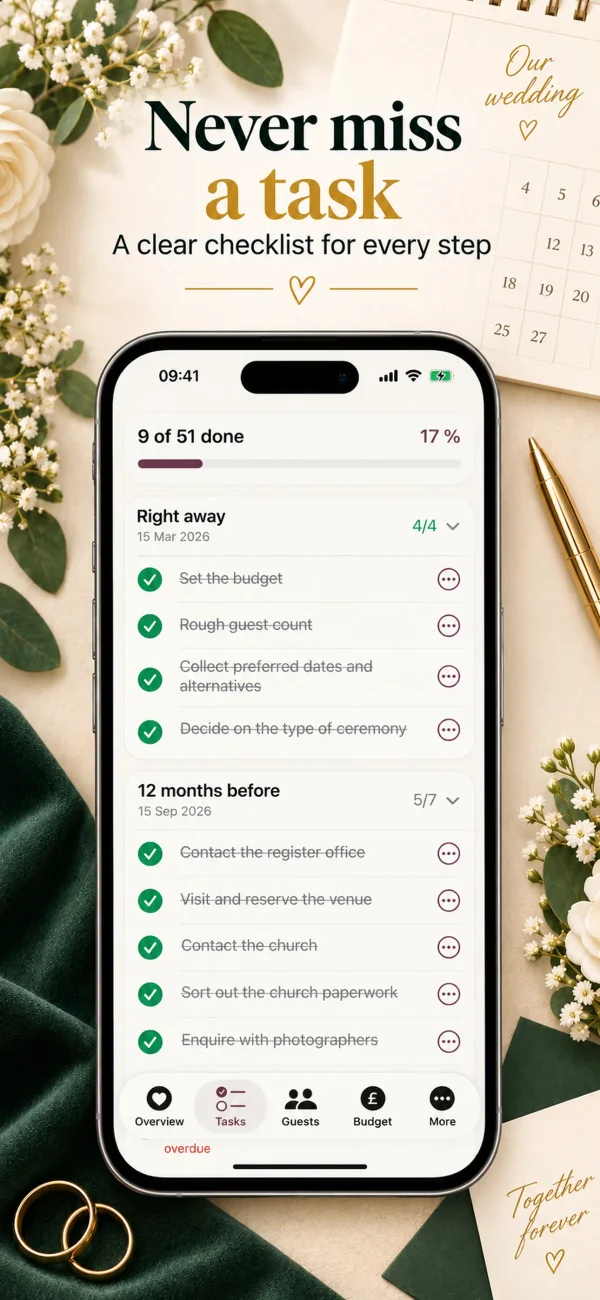
CHECKLIST FOR THE UK
• Register office, church or celebrant-led ceremony – the tasks adapt
• Giving notice, witnesses, stag and hen dos
• Every task with a real date, calculated from your wedding day
RUNNING ORDER
• From the ceremony to the last dance
• With who is responsible – for the best man, DJ and photographer
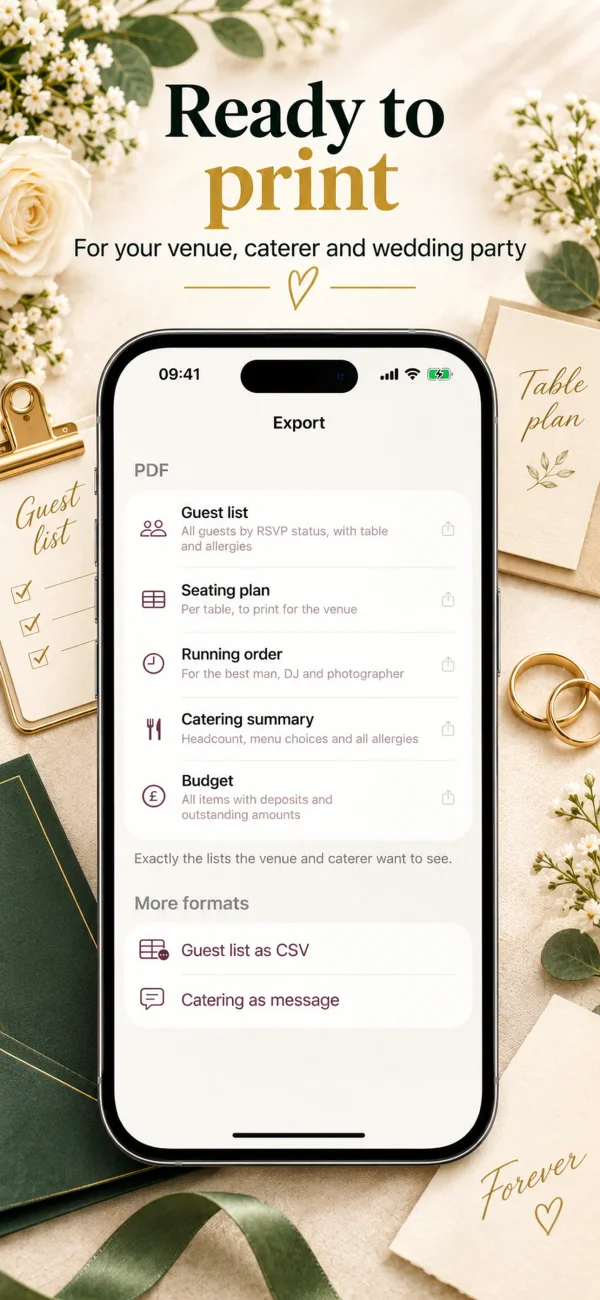
TO PRINT
• Guest list, seating plan, running order, catering summary and budget as PDF
• Exactly the lists the venue and caterer want to see
REMINDERS
• Payments due, open tasks, the big milestones
• Once per planning phase – not more
START FOR FREE
Checklist, budget, seating plan, running order and the first 25 guests are free. Planning together as a couple is free too – your partner doesn't have to buy anything to join in.
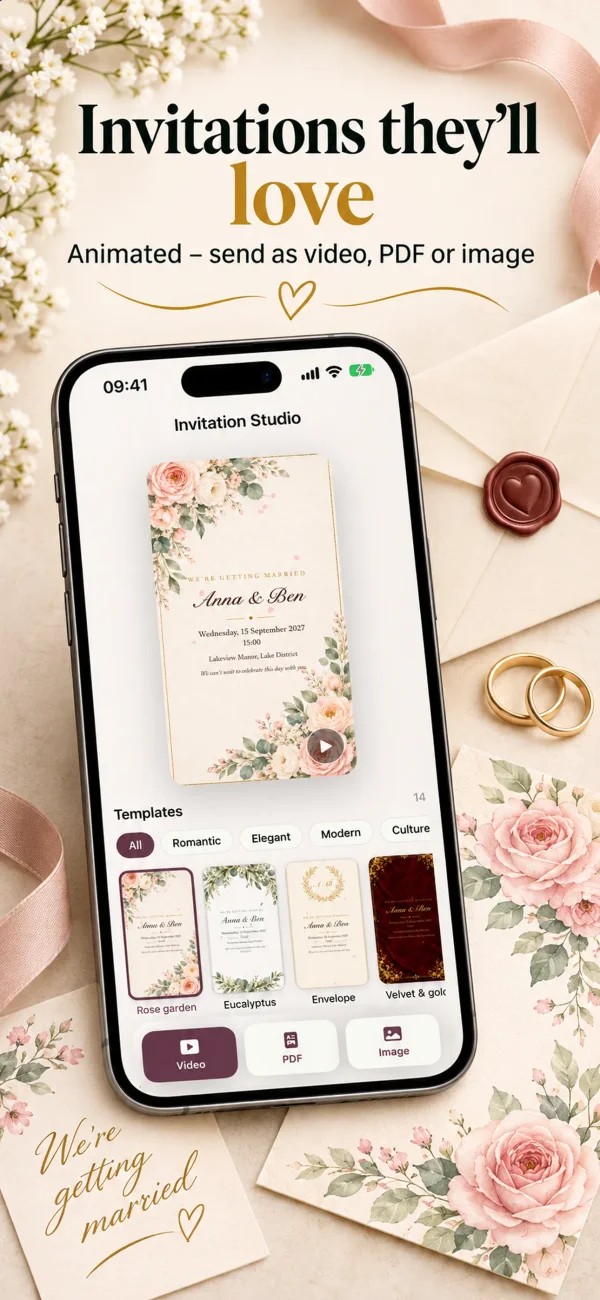
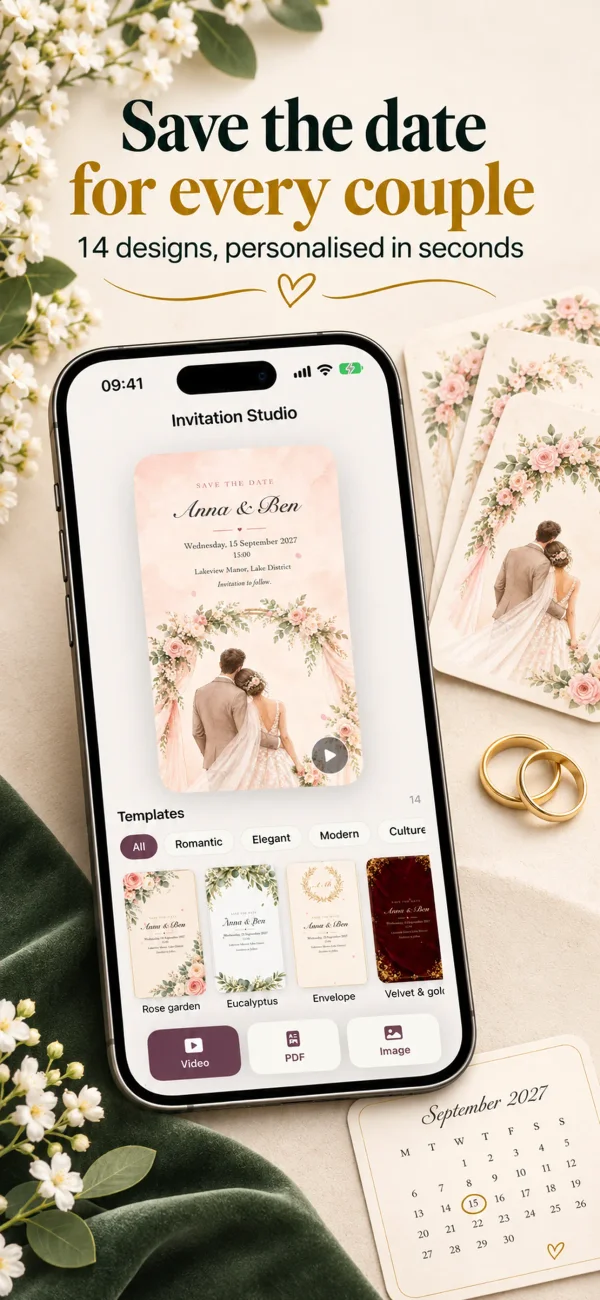
Wedding Planner Pro unlocks unlimited guests, all designs and colour palettes, the Smart Planner and the wedding website. Weekly, monthly, yearly (3-day free trial) or a one-time lifetime purchase. Subscriptions renew automatically unless cancelled at least 24 hours before the end of the period.
We are a small team and answer every email.
Terms of Use: https://www.apple.com/legal/internet-services/itunes/dev/stdeula/
What’s new
Version 1.5 · Nov 4, 2026
Updated App Store information.
App privacy
What Heinz Meier declares on the App Store about how this app handles data.
-
Data linked to you
May be collected and linked to your identity.
- Health and fitness
- Contact info
- Contacts
- User content
- Identifiers
-
Data not linked to you
May be collected but is not linked to your identity.
- Purchases
Privacy practices may vary, for example with the features you use or your age.
Information
- Seller
- Heinz Meier
- Category
- Lifestyle
- Version
- 1.5
- Updated
- Nov 4, 2026
- Released
- Aug 22, 2026
- Size
- 17.0 MB
- Requires
- iOS 16.0 or later
- Age rating
- 4+
- Price
- Free
- In-app purchases
- Yes
- Languages
- English, German, Italian, Portuguese, Spanish
- Copyright
- © 2026 Smarvia Studio
You might also like
-
 Atmosphere Hair&SkinLifestyle
-
 WedventureLifestyle
-
 StylonLifestyle
-
 Cadence.dayReclaim your time.
-
 Tadaa: Gift ListsFamily wishlist, Secret Santa
-
 Tablo: Wedding SeatingSeating chart & day-of plan
-
 Row Counter: CraftCounterKnit Chart, Crochet Patterns
-
 Seatful: Wedding Seating ChartTable plans, guest list, RSVP
-
 Vowo: Wedding PlannerChecklist, Budget & Guest List
-
 Meine MissionLifestyle