
Wedding Seating: Table Planner
Guest lists & venue documents
Designed for iPhone, iPad
Free · In-app purchases
- Age rating4+
- CategoryProductivity
- DeveloperSTARTFLOW LABS S.R.L.
- LanguagesEnglish
- Size9.3 MB
Links to the official App Store page
Download.org hosts no file of Wedding Seating: Table Planner. The button opens its official App Store page, published by STARTFLOW LABS S.R.L. Listing last checked on Nov 12, 2026.
Screenshots


About
Make a clear seating plan, from your guest list to the documents your venue needs.
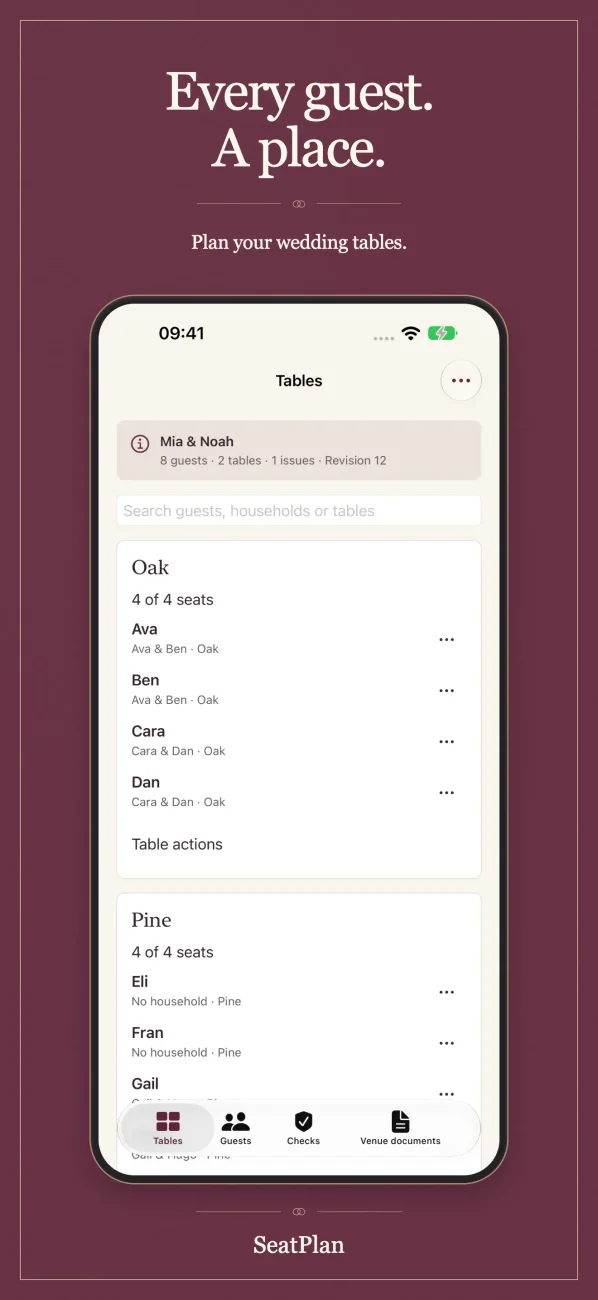
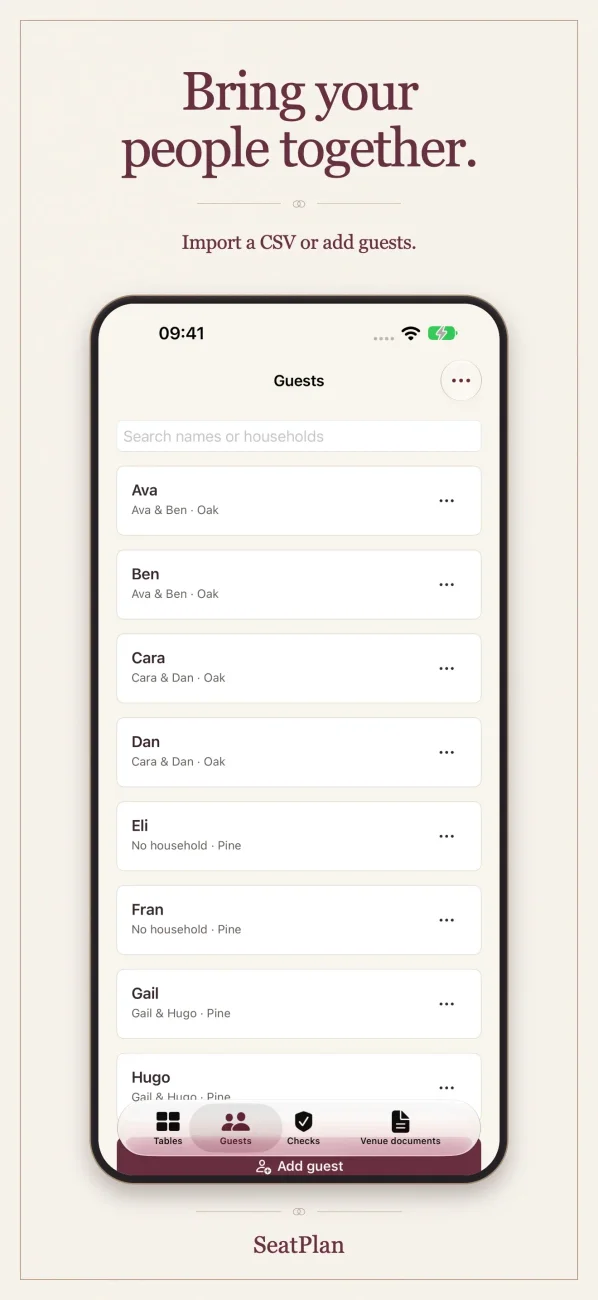
SeatPlan helps you organize wedding guests, keep households together and arrange tables. Import a CSV guest list or add people by hand. Set table names and capacities, then assign or move guests as your plans change.
CHECK YOUR PLAN
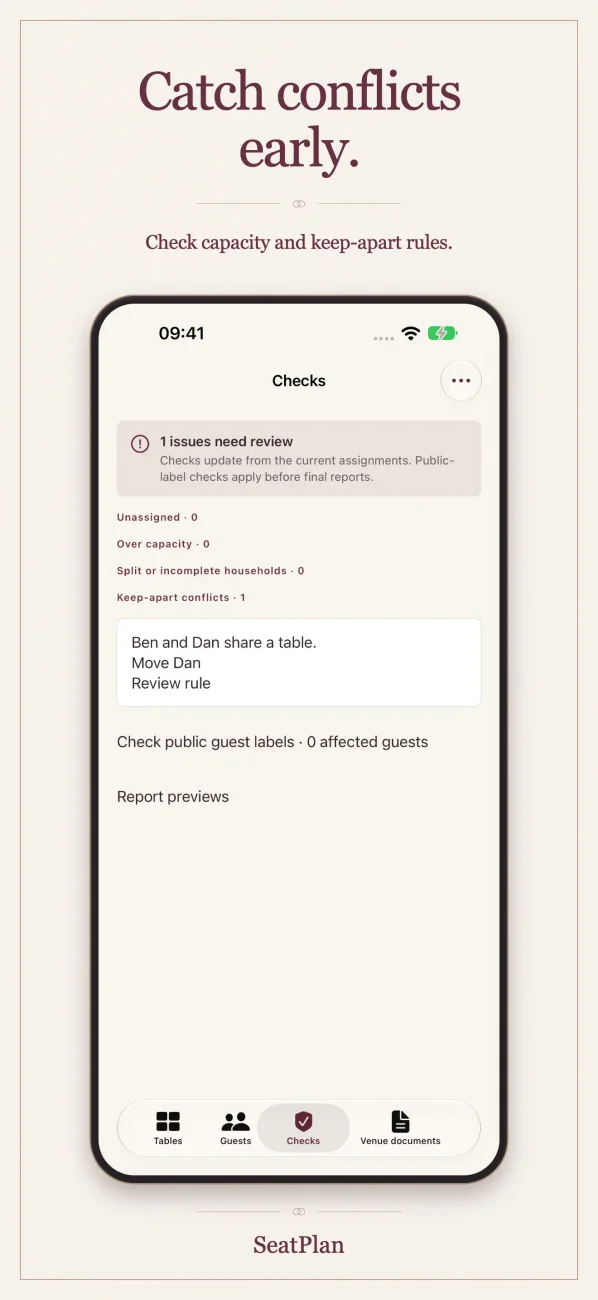
See guests without a table, capacity problems and keep-apart rule conflicts. Open an issue to find the people involved and decide where they should sit.
PREVIEW VENUE DOCUMENTS
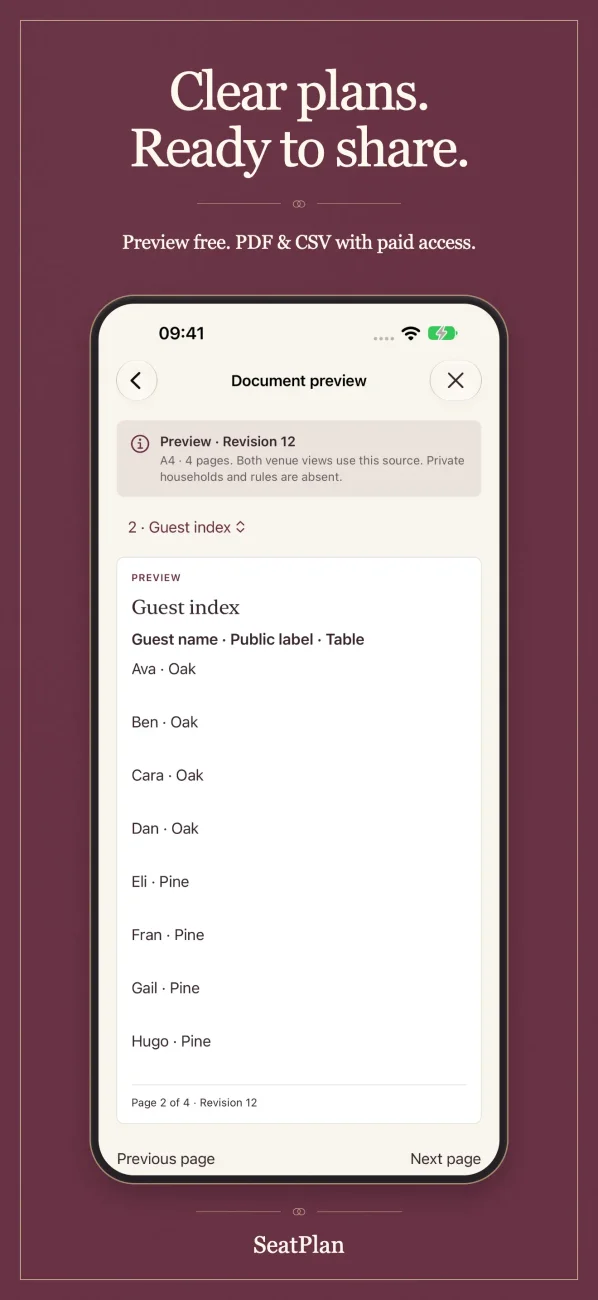
Read the complete guest index and table roster before you pay. Final PDF and CSV files use the same saved plan revision. Private household labels and seating rules stay out of the venue documents.
FREE TO START
Manage one active event, import guests, arrange tables, check the plan and preview documents. JSON backup export and import are free.
PERSONAL: ONE PAYMENT
Unlock final PDF and CSV files for one active event at a time. Archive an event when it is complete, then use your Personal access for the next event. Personal has no expiry.
PLANNER: MONTHLY SUBSCRIPTION
Manage several active events and copy table names and capacities to a new event. Final PDF and CSV files are included while Planner access is active. Planner renews monthly until cancelled. Manage or cancel it in App Store subscriptions. Files you have already saved remain available after access ends.
KEEP CONTROL OF YOUR DATA
No app account is required. Guest lists and seating plans are stored on your device. Export a JSON backup to keep a copy or transfer an event. Backup transfer is manual.
Each event supports up to 500 guests and 100 tables, with 1 to 50 places per table.
Terms of Use: https://www.apple.com/legal/internet-services/itunes/dev/stdeula/
Privacy: https://sflbs.com/privacy
App privacy
What STARTFLOW LABS S.R.L. declares on the App Store about how this app handles data.
-
Data linked to you
May be collected and linked to your identity.
- Location
- Diagnostics
Privacy practices may vary, for example with the features you use or your age.
Information
- Seller
- STARTFLOW LABS S.R.L.
- Category
- Productivity
- Version
- 1.0
- Updated
- Oct 15, 2026
- Released
- Oct 15, 2026
- Size
- 9.3 MB
- Requires
- iOS 17.0 or later
- Age rating
- 4+
- Price
- Free
- In-app purchases
- Yes
- Languages
- English
- Copyright
- © 2026 STARTFLOW LABS S.R.L.
You might also like
-
 Thruday: Visual Daily PlannerADHD/Autism: Routines & Tasks
-
 Image to PDF Converter:ConvertPicture, Word to PDF Converter
-
 Police Scanner Radio LiveBreaking News & EMS Alerts
-
 OurCal: Shared Family CalendarCouples, shifts, work & school
-
 PDF Editor, Files Converter.Convert & Compress Documents
-
 Cleaning Schedule: BeTidyChores & Home Organization
-
 Universal Remote: TV Control・Control & Cast to Any TV
-
 Translator: AI TranslateCamera, Text, Speech: Offline
-
 Cubbily Shared Family CalendarFamily Organizer & Planner