Weekly Budget: Expense Tracker
Spending Planner & Money Saver
Designed for iPhone
In-app purchases
- Age rating4+
- CategoryFinance
- DeveloperRyu Komahashi
- LanguagesEnglish+ 7 more
- Size21.6 MB
Links to the official App Store page
Download.org hosts no file of Weekly Budget: Expense Tracker. The button opens its official App Store page, published by Ryu Komahashi. Listing last checked on Nov 16, 2026.
Screenshots

About
Weekly Budget is a simple budget app built around one idea: plan your money one week at a time.
A whole month is a long time to stay on track. A week is short enough to see where your money goes, fix overspending early, and start fresh every Monday (or any day you choose).
■ HOW IT WORKS
1. Set a budget for this week.
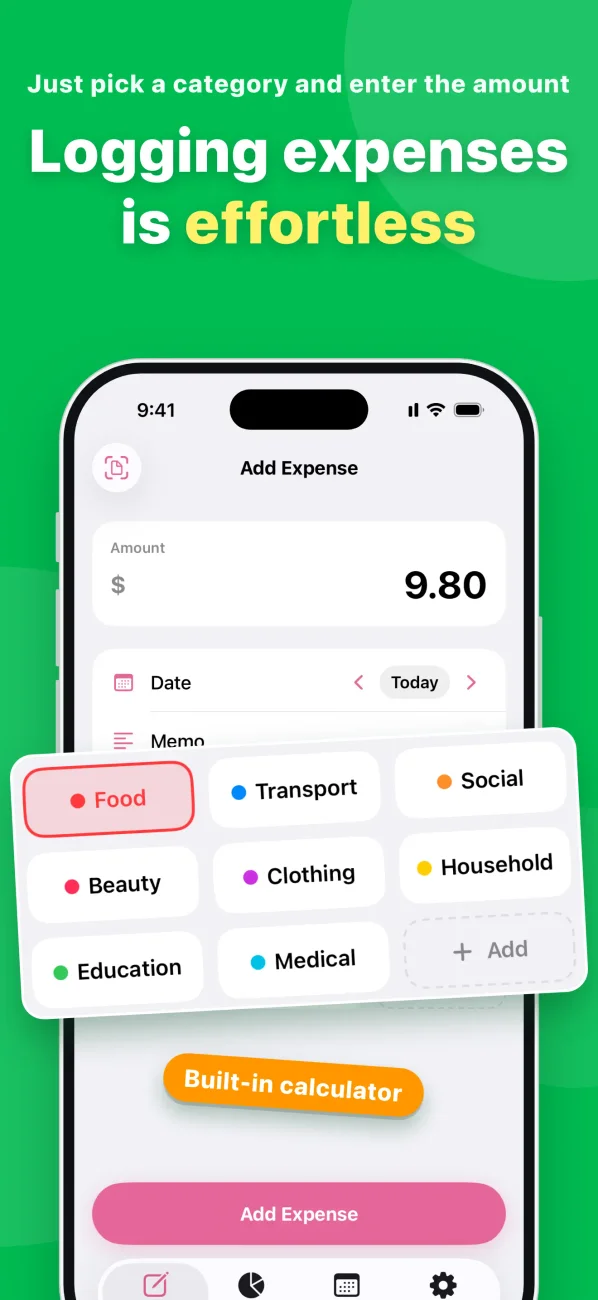
2. Record what you spend — pick a category and enter the amount.
3. See how much you have left, at a glance.
■ FEATURES
• Weekly budget
See your remaining budget for the week right away. Change a week's budget anytime, or copy last week's.
• Quick entry with a built-in calculator
Add up a receipt or split a bill right in the amount field.
• Your currency
Choose the currency you use. Amounts with cents are supported.
• Categories
Food, transport, social, beauty and more. Add, rename, recolor and reorder them as you like.
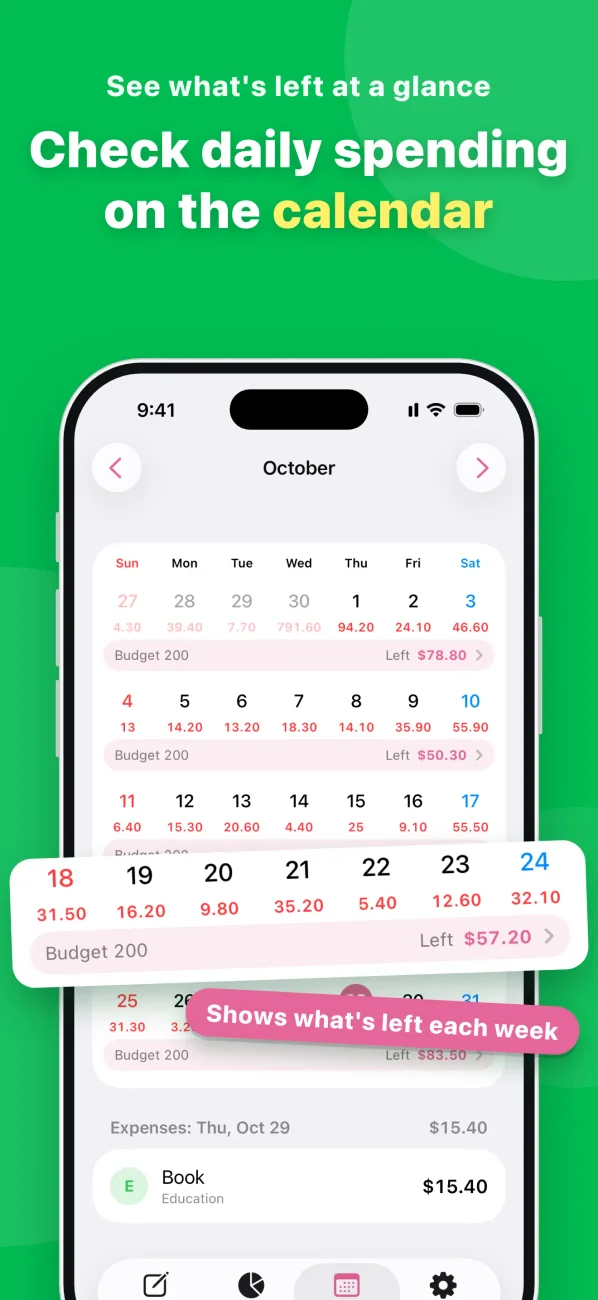
• Calendar
See what you spent each day and how each week went.
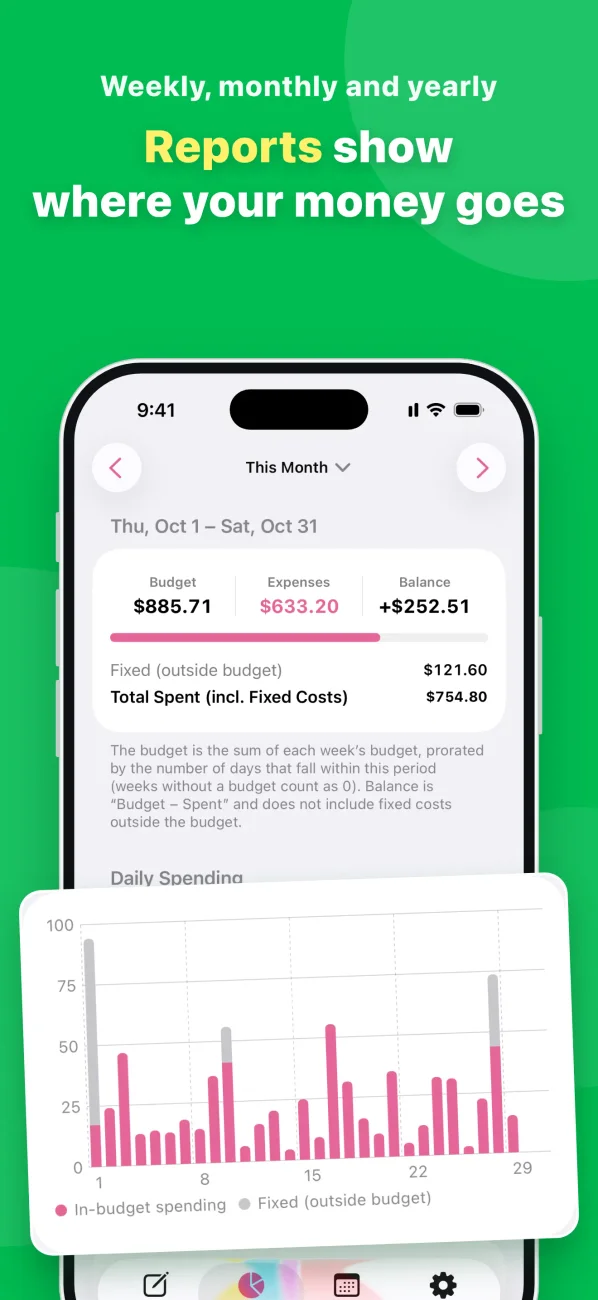
• Reports
Weekly, monthly and yearly reports with charts and a breakdown by category.
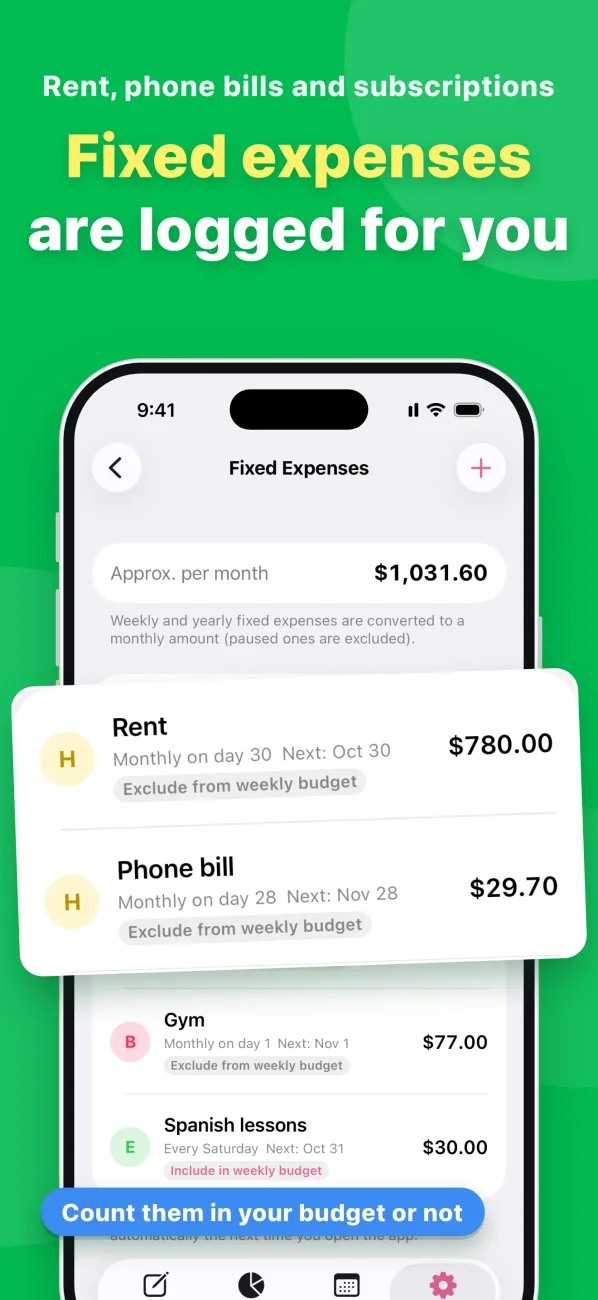
• Fixed expenses
Register rent and subscriptions once, and they are recorded automatically. Choose whether they count toward your weekly budget.
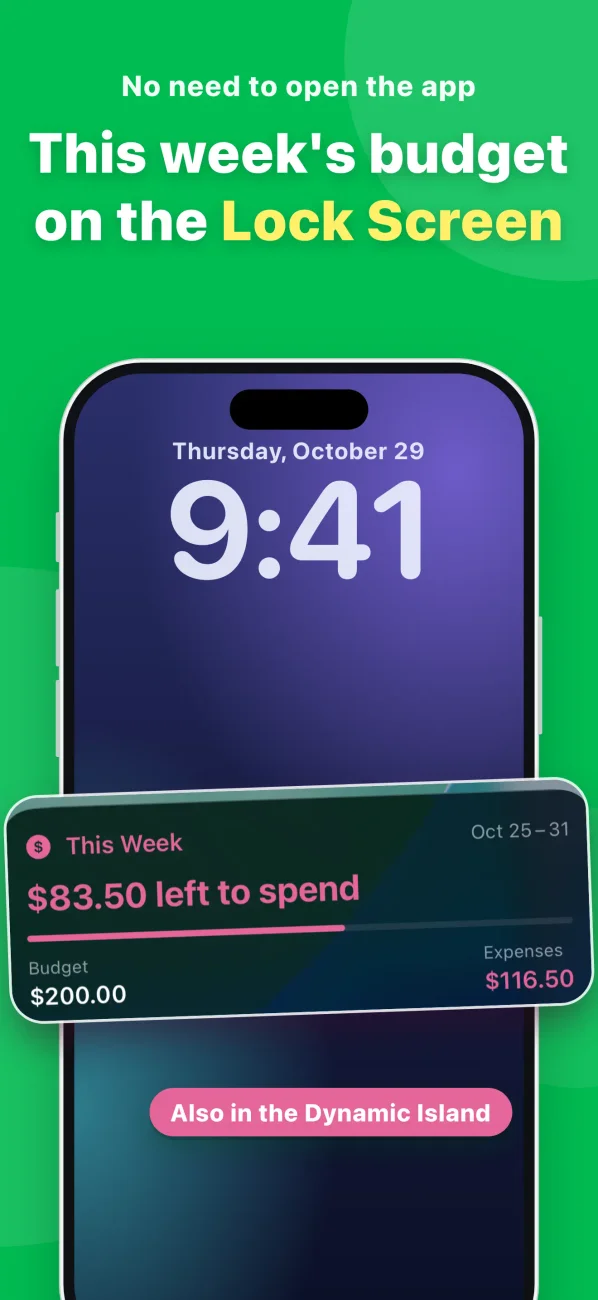
• Lock Screen & Dynamic Island
Keep an eye on what's left of this week's budget without opening the app.
• Search
Find past expenses by memo, amount or category.
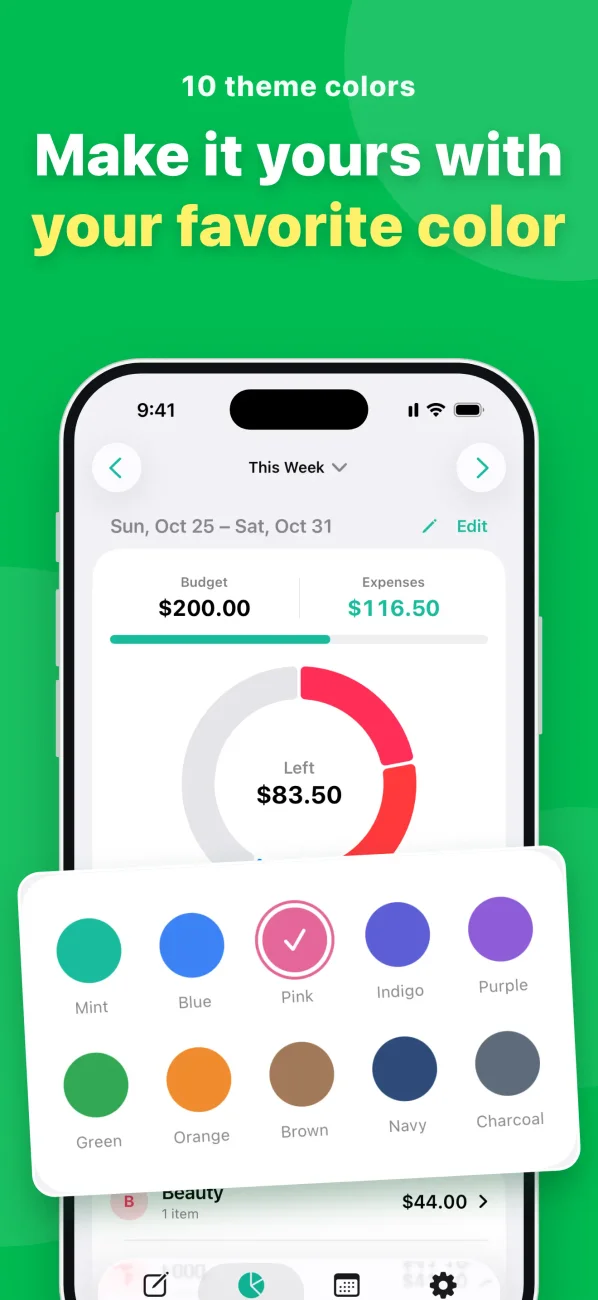
• Theme colors
Pick the color that suits you.
■ PREMIUM
The app is free to use, with ads. Premium removes ads and unlocks extra features:
• Choose the first day of the week
• Export your budgets and expenses as CSV
• Additional theme colors
Premium is available as an auto-renewing subscription (weekly, monthly or yearly; the weekly plan includes a 1-week free trial for new subscribers) or a one-time purchase. Prices vary by country and region and are shown in the app before you buy.
• Payment is charged to your Apple Account at confirmation of purchase.
• Subscriptions renew automatically unless canceled at least 24 hours before the end of the current period. Your account is charged for renewal within 24 hours before the end of the current period.
• You can manage or cancel your subscription in your Apple Account settings (Settings > your name > Subscriptions). Subscriptions cannot be canceled from within the app.
• Previous purchases can be restored from the app's premium screen on a new device signed in with the same Apple Account.
Terms of Use: https://happinesshub.notion.site/26357193ddaa80d39c21ddbaac21d096
Privacy Policy: https://happinesshub.notion.site/ad6916a057b24bd08c7b40674430f252
What’s new
Version 4.2.1 · Nov 5, 2026
• Improved stability.
App privacy
What Ryu Komahashi declares on the App Store about how this app handles data.
-
Data not collected
The developer does not collect any data from this app.
Privacy practices may vary, for example with the features you use or your age.
Information
- Seller
- Ryu Komahashi
- Category
- Finance
- Version
- 4.2.1
- Updated
- Nov 5, 2026
- Released
- Sep 3, 2024
- Size
- 21.6 MB
- Requires
- iOS 17.0 or later
- Age rating
- 4+
- In-app purchases
- Yes
- Languages
- English, German, Japanese, Korean, Portuguese, Simplified Chinese, Spanish, Traditional Chinese
- Copyright
- © Ryu
You might also like
-
 SaveSmart: Your Daily BudgetCatch overspending early
-
 袋分家計簿 : 簡単人気の家計簿アプリFinance
-
 ポコのデイリー家計簿 - 簡単でかわいいお金管理Finance
-
 財布くん-袋分け管理ができるお小遣い帳アプリFinance
-
 いまやる!ワンタップ家計簿Finance
-
 MoneyUP - Money Tracker AppFinance
-
 Budget Expense Tracker-LockPaySpending Money App Lock
-
 Cash / Wallet ManagementTrack your wallet balance