
Weekly Planner - WeeklyMemo
Schedule, Notes & Work Log
Designed for iPhone, iPod touch
Free · In-app purchases
- Age rating4+
- CategoryProductivity
- DeveloperMooncode
- LanguagesEnglish+ 33 more
- Size29.3 MB
Links to the official App Store page
Download.org hosts no file of Weekly Planner - WeeklyMemo. The button opens its official App Store page, published by Mooncode. Listing last checked on Nov 14, 2026.
Screenshots

About
"Plan your week, schedule notes, and work logs in one simple weekly planner."
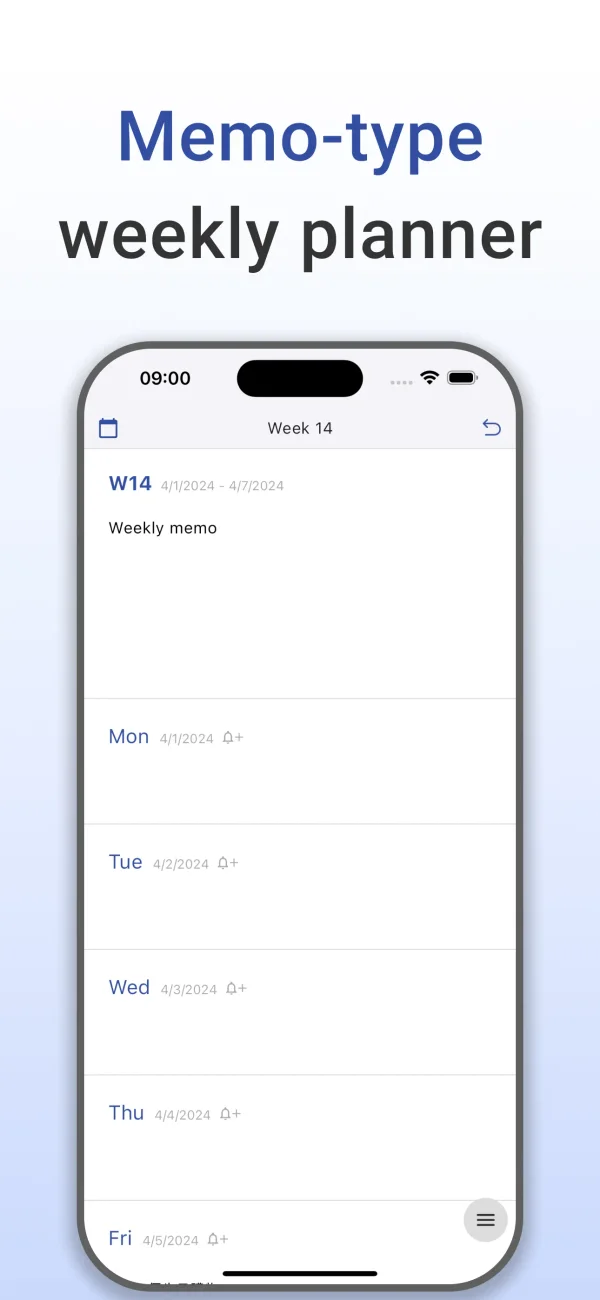
WeeklyMemo is a weekly planner and schedule note app for organizing memos, daily notes, checklists, reminders, and work logs in one place.
Instead of opening a complex calendar or project management tool, you can write quick notes by day and review the whole week at a glance.
Use it as a weekly schedule planner, a daily note app, a simple work journal, or a checklist for study, work, and personal tasks.
● Main Features
• Weekly Memo
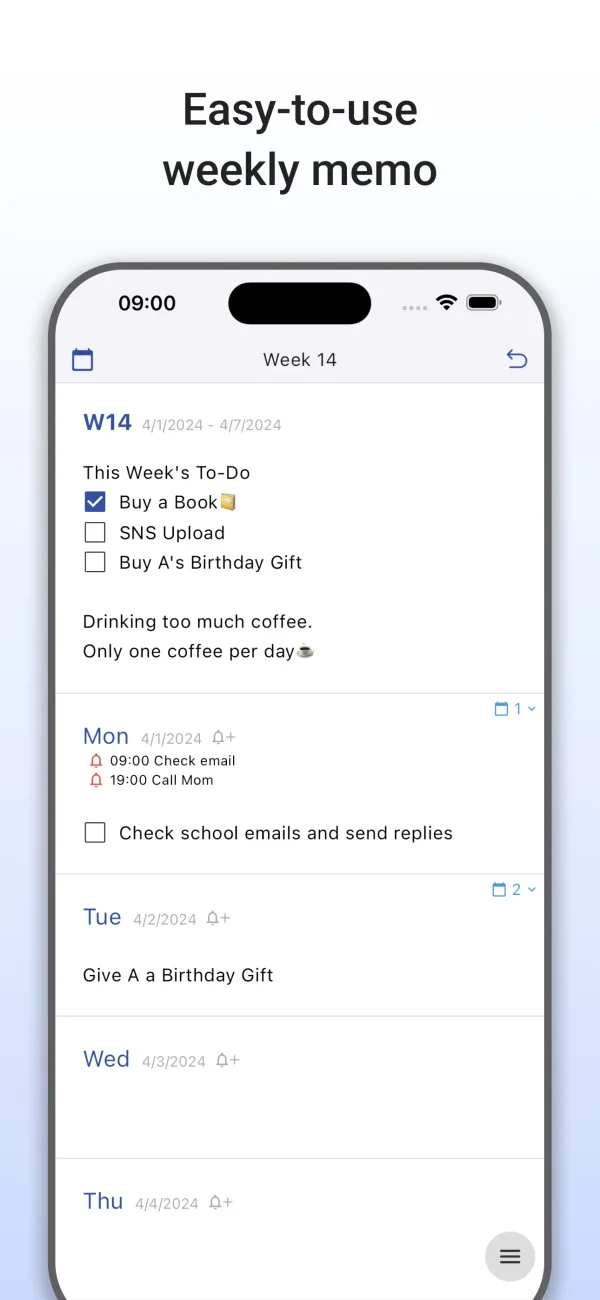
Write notes for the week and organize each day from Monday to Sunday in one clear view. Add work notes, study plans, meeting reminders, or small tasks without complicated setup.
Because the whole week is visible at once, WeeklyMemo works well as a weekly planner, schedule planner, and simple weekly agenda.
• Daily Notes
In addition to weekly memos, you can also write notes for each date. Use it as a daily planner, daily journal, study planner, or schedule note whenever you want more detail for a specific day.
It is useful for people who want a lightweight day planner without heavy time blocks or complex settings.
• Checklist
Create to-do lists and check off tasks together with your notes. Track completed work items, study goals, shopping lists, routines, or personal reminders.
Your checklist stays close to your schedule, so you can see what needs to be done and what has already been completed.
• Text Formatting
Improve readability with formatting options such as text size and indentation. Keep your planner clean and easy to scan.
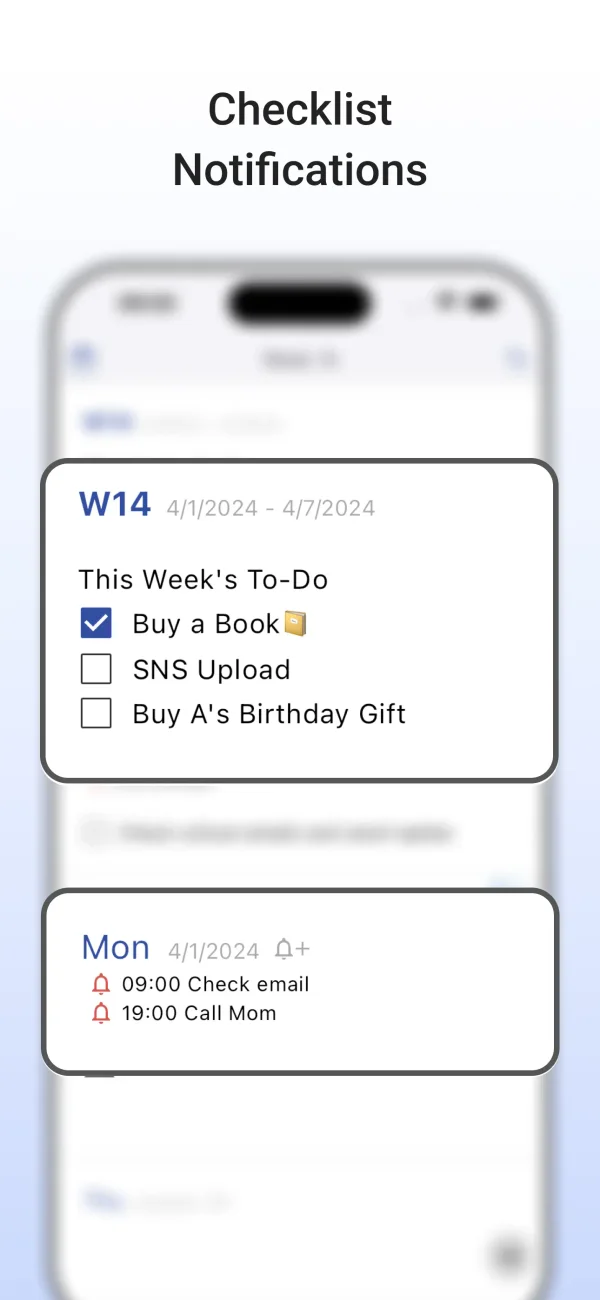
• Push Notifications
Set a date and time to receive your saved message as a push notification. Use reminders for important plans, checklist items, or follow-up notes.
• Calendar Integration
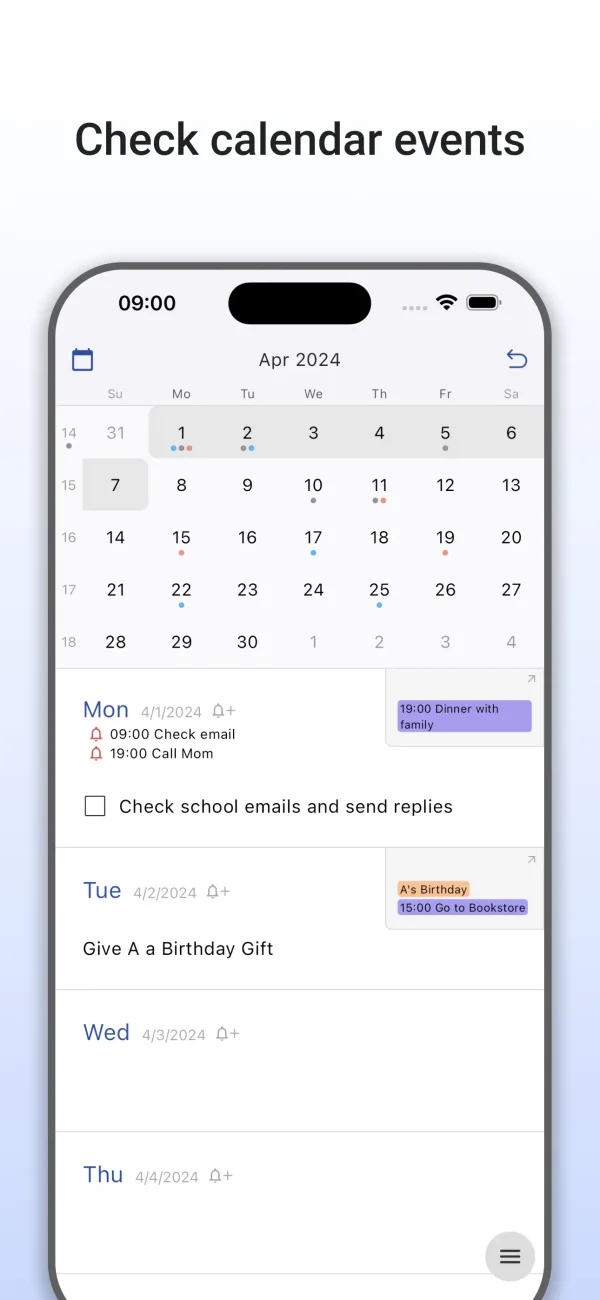
Connect your calendar to view events alongside your memo. You can check your calendar schedule and write notes in the same place without switching between apps.
• Customization
Personalize settings such as the calendar start day, daily planner start day, text colors, week number display, and more.
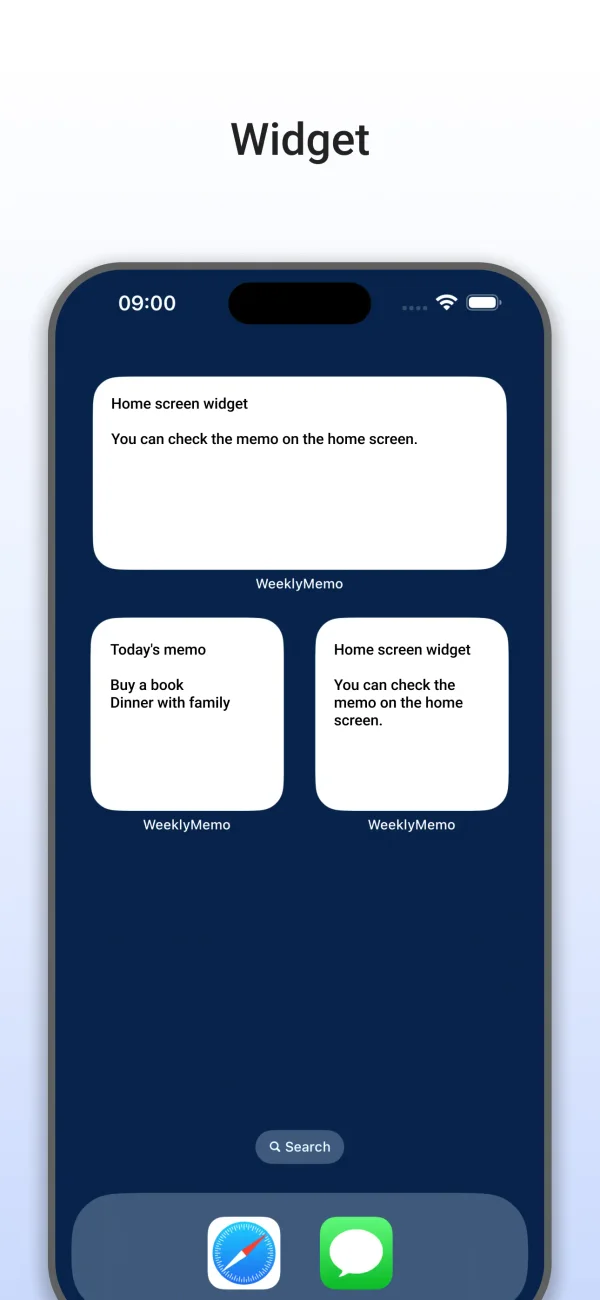
• Home Screen Widget
View your weekly memo or daily note from the home screen without opening the app. Quickly check this week’s plan, today’s work log, or daily notes.
• Dark Mode
Use dark mode for comfortable writing at night or in low light. Capture late-night ideas without a bright screen.
Permissions
This app uses the permissions below. There are no required permissions, and you can use the app even if you do not allow them.
Push Notifications: Receive notifications set by the user.
Calendar: Read calendar event lists and display them in the app.
Contact
For app inquiries, please contact support@mooncode.app.
Terms of Use
https://mooncode.app/terms-of-use
Privacy Policy
https://mooncode.app/privacy-policy
Plan your week more clearly with WeeklyMemo!
What’s new
Version 1.7.2 · Oct 8, 2026
Fixed payment errors in some countries
App privacy
What Mooncode declares on the App Store about how this app handles data.
-
Data not linked to you
May be collected but is not linked to your identity.
- Purchases
- User content
- Identifiers
- Usage data
- Diagnostics
Privacy practices may vary, for example with the features you use or your age.
Information
- Seller
- Mooncode
- Category
- Productivity
- Version
- 1.7.2
- Updated
- Oct 8, 2026
- Released
- Oct 9, 2024
- Size
- 29.3 MB
- Requires
- iOS 15.0 or later
- Age rating
- 4+
- Price
- Free
- In-app purchases
- Yes
- Languages
- English, Arabic, Bengali, Catalan, Croatian, Czech, Danish, Dutch, Finnish, French, German, Greek + 22 more
- Copyright
- © 2026 Mooncode
You might also like
-
 Weekly Planner - WeekieDaily Checklist - Task Manager
-
 Weekly Agenda PlannerPlan your week with ease
-
 Someday - Weekly PlannerOne week at a time
-
 Weekline Weekly Planner & TodoTask List by Weight & Capacity
-
 Weeklo: Weekly Planner & ToDoSchedule, Tasks, Notes & AI
-
 Sunday: Weekly PlannerTo-Do List, Tasks & Agenda
-
 Daily Planner: Week OrganizerHabit Tracker, Notes & Tasks
-
 Week PlanPlan Your Week
-
 This Week - Weekly To-Do ListWeekly To-Do List
-
 52 Week Planner: To-Do ListWeekly Calendar & Task Manager