WeeksLeft — Life Calendar
Photo journal & mood tracker
Designed for iPhone, iPad
In-app purchases
- Age rating4+
- CategoryLifestyle
- DeveloperAlvin Askoolum
- LanguagesSpanish+ 8 more
- Size62.4 MB
Links to the official App Store page
Download.org hosts no file of WeeksLeft — Life Calendar. The button opens its official App Store page, published by Alvin Askoolum. Listing last checked on Nov 13, 2026.
Screenshots



About
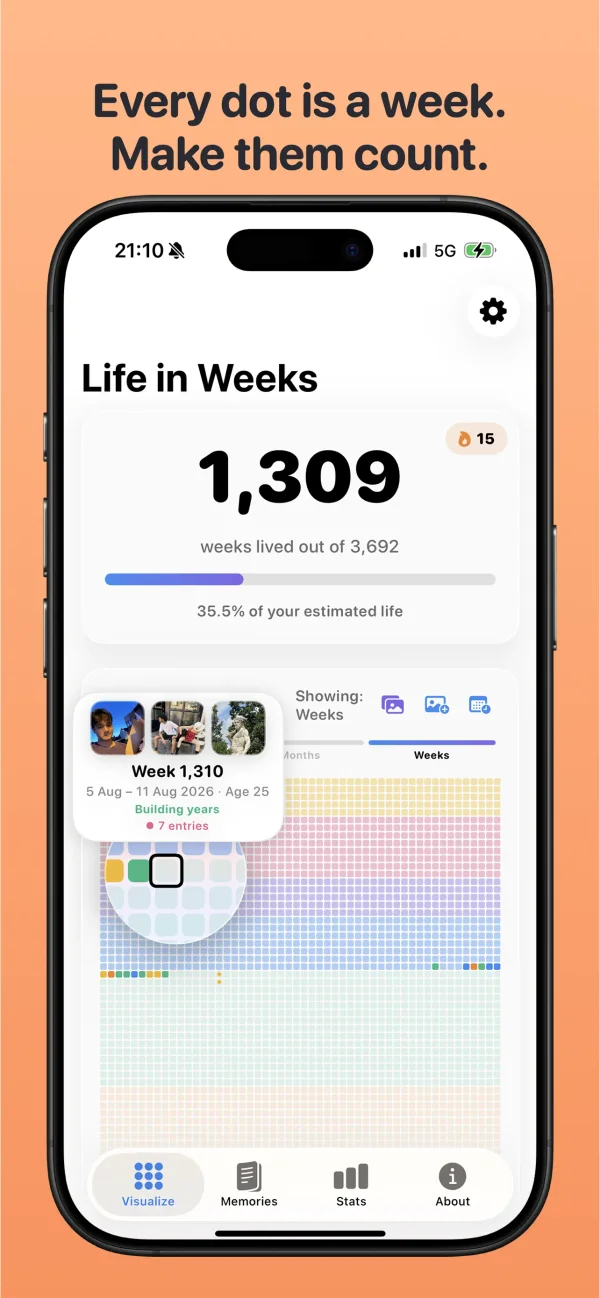
WeeksLeft turns your whole life into a single grid — one dot for every week you have lived, and every week you likely have left. Then it gives you somewhere to write them down.
A JOURNAL, WEEK BY WEEK
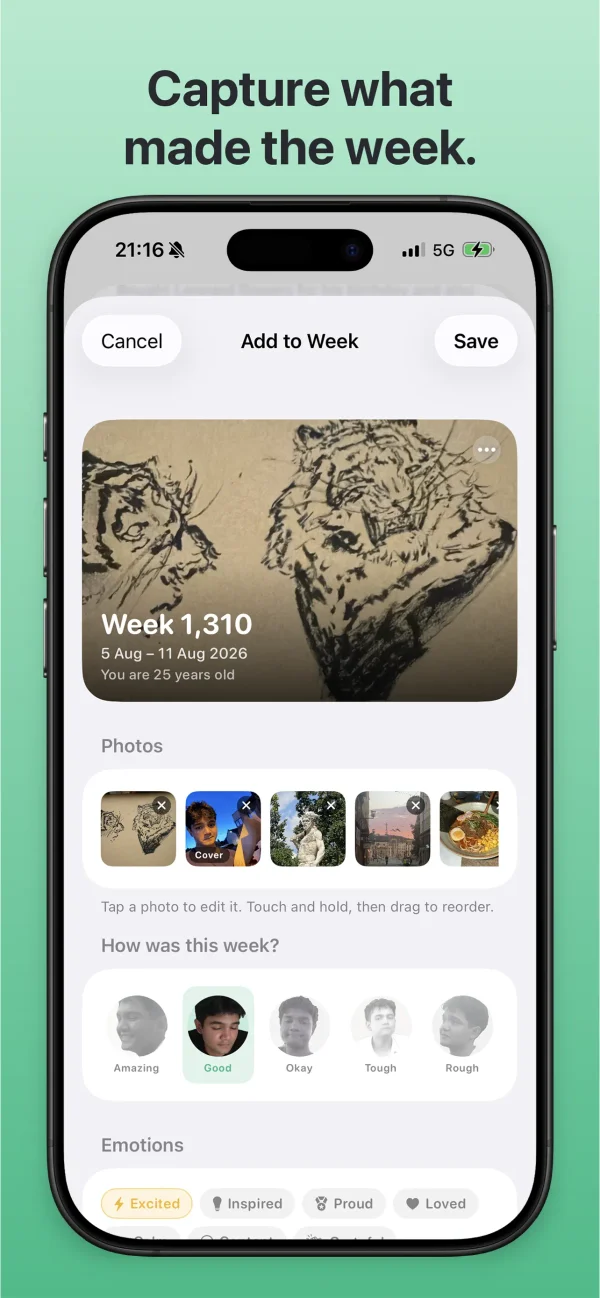
Tap any dot and write. No streaks to break and no daily guilt — a week is a forgiving unit. Add how you felt, tag the entry, attach a photo, and that week stops being a dot and starts being a memory. Writing is unlimited and free, forever.
YOUR LIFE AT A GLANCE
Life expectancy personalized by gender and country (WHO data for 21 regions), drawn as a grid you can pinch to zoom between days, weeks, months and years. Every phase is color-coded — childhood, teens, young adult, midlife and beyond.
MOODS THAT ADD UP
Record how each week felt and watch the pattern surface: charts of your year, your best stretches, and the seasons you would otherwise forget. Give each mood its own symbol, emoji, or a sticker cut from one of your own photos.
REFLECTIONS WRITTEN ON DEVICE
Ask the app what it notices in your entries and it answers using the on-device model built into iPhone. Nothing leaves your device. No account, no server, nothing learned from your life.
KNOW WHERE YOUR TIME GOES
See how many years you have already spent sleeping, eating, working, commuting and looking at screens — from real averages and your own schedule.
TRACK WHAT MATTERS
• Hours per day — see what an activity will cost you in years
• Recurring events — count the birthdays, summers and haircuts you have left
• Quit tracker — days free from a habit, and money saved climbing in real time
Add a target date and a countdown grid fills in day by day.
WIDGETS FOR YOUR HOME SCREEN
Small, medium, large, lock screen and a standalone countdown. Fill any slot with a built-in stat or a tracker of your own. Quit widgets show days free and money saved; calendar widgets fill in the hours left today, the days left this week, and the days left this month.
PRIVATE BY DEFAULT
Your entries and photos sync across your devices through your own iCloud account. They never touch a server of ours, because there isn't one.
WEEKSLEFT PRO
Free forever: the grid, unlimited journal entries, moods and tags, one tracker, and your first reflection.
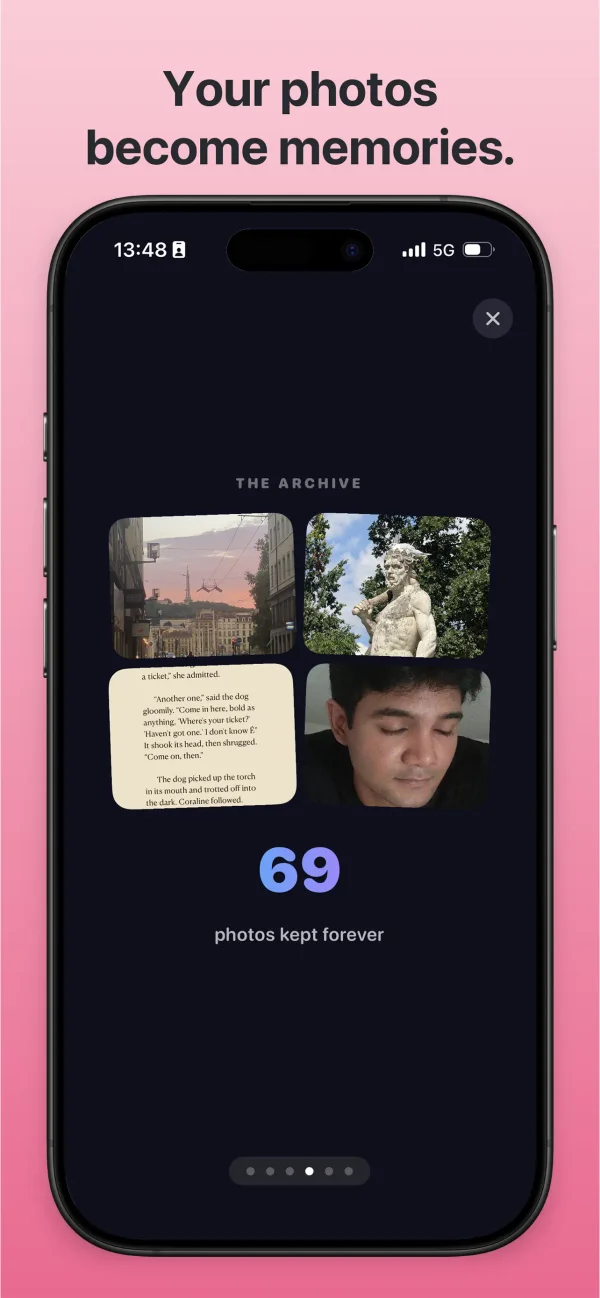
Pro adds a photo on every week, bulk import from your photo library, unlimited on-device reflections, stickers for all five moods, unlimited trackers, the quit tracker, target dates, 4x4 Goal Bingo, and every widget size.
• Monthly — $3.99 per month, first 2 weeks free
• Yearly — $19.99 per year, first 3 months free
One free trial per Apple Account. Payment is charged to your Apple Account at confirmation of purchase. Subscriptions renew automatically unless cancelled at least 24 hours before the end of the current period, and your account is charged for renewal within 24 hours of the end of that period. Manage or cancel your subscription in Settings after purchase. Any unused portion of a free trial is forfeited when you buy a subscription.
Privacy Policy: https://weeksleft-lifecalendar.app/privacy-policy/
Terms of Use: https://weeksleft-lifecalendar.app/terms-and-conditions/
Make every week count.
What’s new
Version 2.3 · Nov 10, 2026
WeeksLeft 2.3 — Harvest.
A new free theme for the season
Harvest brings cream paper by day and warm walnut by night, with a rust accent and colours chosen to stay easy to read. Your moods are drawn as little acorns, and today sits on one in This Week. Your streak burns as a candle. A sprig of oak and ginkgo, tied under an acorn, hangs from your weeks card, and leaves gather in the corners of the page. Scroll and they tumble away. Stop, and they drift back down. With Reduce Motion on, everything holds still.
A matching app icon
With Pro, give your Home Screen the Harvest icon: an oak leaf and an acorn, the hourglass filled with gold sand. It works in dark, clear and tinted Home Screens too.
Room to give thanks
Every week still has a line for what you're grateful for. Thanksgiving week is a good one to fill in.
On iPhone Duo
WeeksLeft now fills the whole screen on iPhone Duo. Open it up, and your grid and your week sit side by side.
Fixes and polish
App Lock now covers every window, and the Lock Screen wallpaper and photo framing have small fixes.
App privacy
What Alvin Askoolum declares on the App Store about how this app handles data.
-
Data not collected
The developer does not collect any data from this app.
Privacy practices may vary, for example with the features you use or your age.
Information
- Seller
- Alvin Askoolum
- Category
- Lifestyle
- Version
- 2.3
- Updated
- Nov 10, 2026
- Released
- Aug 20, 2026
- Size
- 62.4 MB
- Requires
- iOS 26 or later
- Age rating
- 4+
- In-app purchases
- Yes
- Languages
- Spanish, German, Simplified Chinese, French, Hindi, English, Italian, Japanese, Portuguese
- Copyright
- © 2026 Alvin Askoolum
You might also like
-
 unLived - Stoic life trackerEvery month matters!
-
 Tempus Fugit, Life CalendarVisualize your life journey
-
 Nothing For VoidAnonymous Wishes
-
 Life Calendar: Your WeeksMemento Mori & Goal Tracker
-
 Nothing: Mind Recovery & ResetStop the Rush. Slow Time.
-
 Memento — Daily StoicDaily Stoic wisdom & widgets
-
 Memento Mori: Life CalendarWeeks Left & Stoic Journal
-
 Life Calendar Weeks LeftCalm weeks tracker & journal
-
 Bucket Pal : Bucket List GoalsLife in Weeks, Journal & Ideas
-
 Diary! SmartDiaryLifestyle