
WeldUp Pocket
Pipefitting, welding, layout
Designed for iPhone, iPad, iPod touch
Free · In-app purchases
- Age rating4+
- CategoryUtilities
- DeveloperLison Robin
- LanguagesEnglish+ 7 more
- Size78.0 MB
Links to the official App Store page
Download.org hosts no file of WeldUp Pocket. The button opens its official App Store page, published by Lison Robin. Listing last checked on Nov 20, 2026.
Screenshots

About
Pipefitting, welding and fabrication calculator. Works fully offline.
WeldUp Pocket gathers what a pipefitter, a welder and a fabricator have always worked out in their head or on a scrap of cardboard: the offset, the flat pattern, the saddle, the machine settings. One tool, one entry, one answer. Nothing to look up, nothing to wait for.
EVERYTHING WORKS OFFLINE
Under a vessel, in a trench, up in the steel: the app never asks for a signal. No account, no ads, no data leaving the phone.
PIPEFITTER
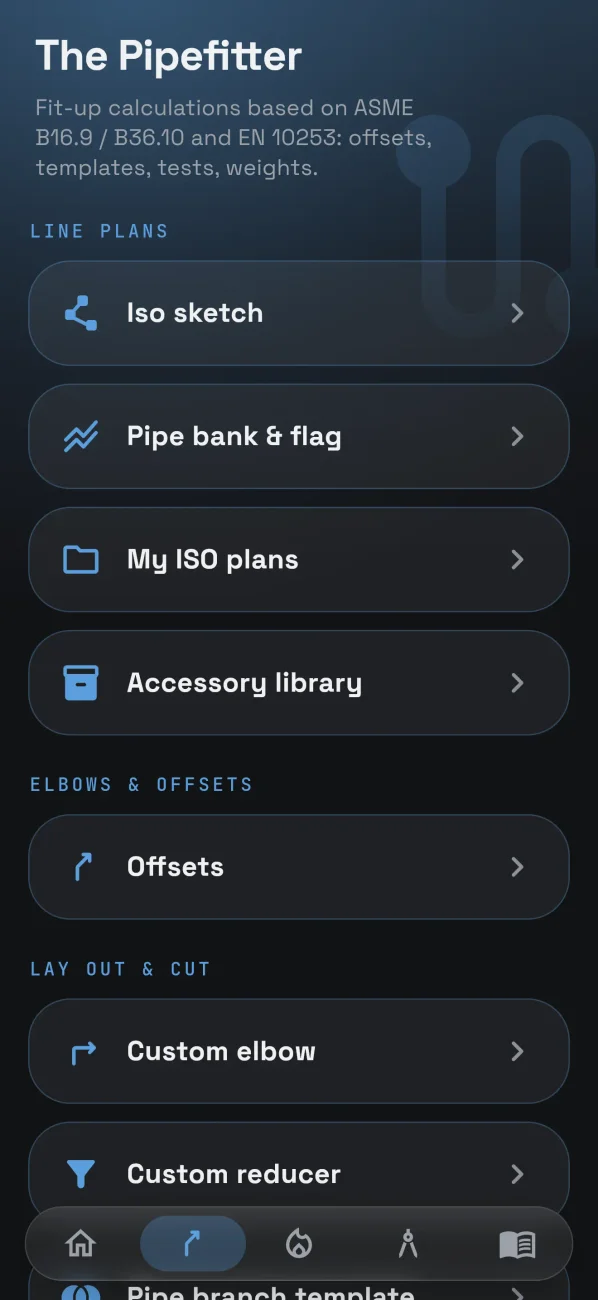
• Offsets, single elbow, cut elbows, tee offsets — the pipe to cut
• Tube bending — where to mark, how much to cut, what the wall takes
• Pipe branch template, elbow branch template, swept tee — the saddle wrap, printed at full scale
• Iso sketch — draw the run, dimension it, out come the pipe takeoff and the PDF drawing
• Pipe bank & flag, jacketed piping — several lines on one route, the core pipe and its jacket
• Custom elbow, custom reducer — the angle or the size the catalog does not carry
• My ISO plans, accessory library — saved once, reused in one tap
• Hydrostatic test, test records — test pressure, the gauge to use, a log of tests with photos
• Line weight — pipe, water, insulation
• Level — slope and plumb, two full-screen vials, zeroed on the spot
WELDER
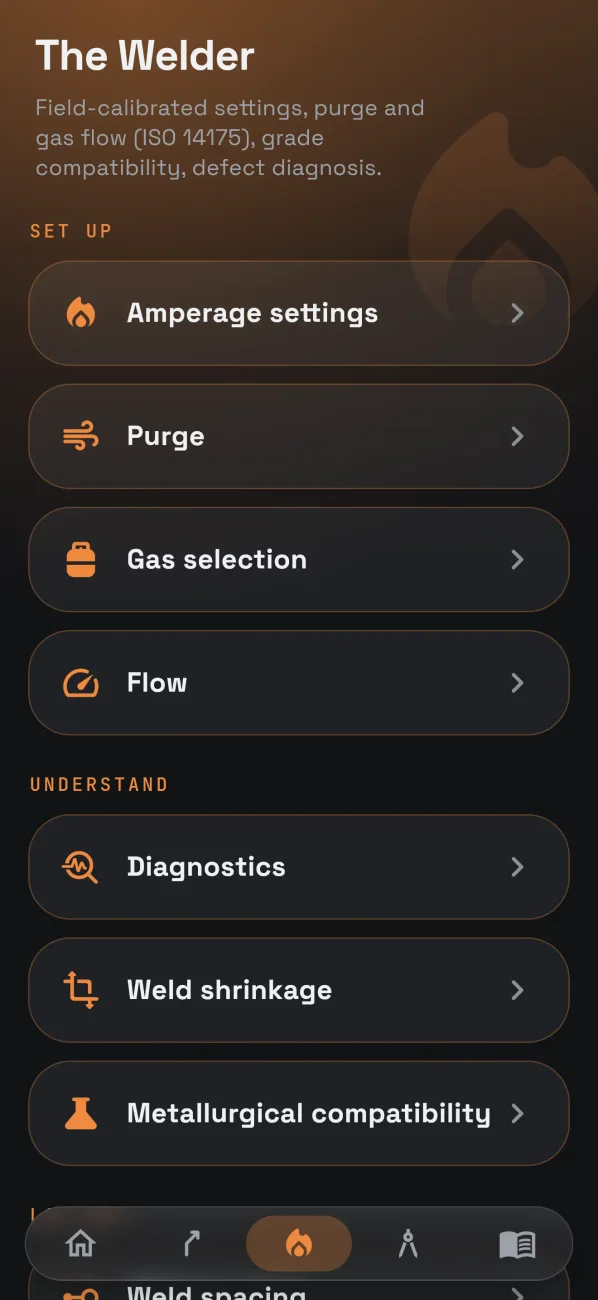
• Amperage settings — process, material, thickness, position: the range to dial into the machine, plus the suggested joint preparation and number of passes
• Weld shrinkage — shrinkage, angular pull, the gap to build in before you weld instead of fighting it after
• Gas selection, flow and purge — mix, ISO 14175 class, flow rate, purge time
• Weld spacing — intermittent welds laid out ahead
• Weld traceability — a record for every weld, filed by job
• Metallurgical compatibility, weld defect diagnostics, ISO 5817 acceptance criteria
• Torch components — TIG and MIG diagrams, tap any part
FABRICATOR
• Bend, cone, shell course and hopper development — the profile drawn bend by bend, the drawing as a PDF
• Frame drawing, cutting optimization — sketched with a finger, miter angles, bars and sheets with the least waste
• Laser cutting — the sheet drawn with a finger, the DXF file for the shop
• Miter cut — two sections of different widths, at any angle
• Bump bending, element lines, trigonometry — press, layout, squaring
• Drilling and tapping — speed, feed, pilot hole, tap drill size
REFERENCES
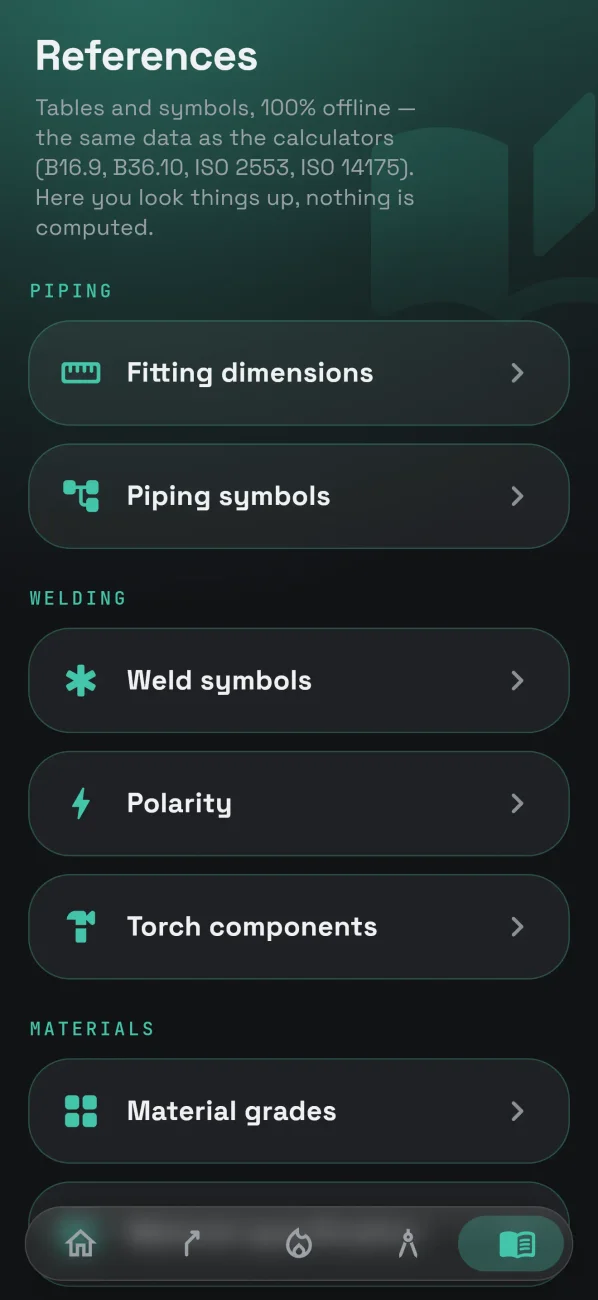
• Material specification — which diameter, which wall, which grade for which job
• Material traceability — the camera reads the pipe marking: grade, heat number, lot
• Flange gasket and bolting — the gasket picked by the fluid; bolts, length and wrench, EN 1092-1 and ASME B16.5
• Section weight, threaded fittings — and what to put on the threads
• Pipe color codes, stainless heat tint chart, site glossary in every language of the app
• Grades, weld and piping symbols, polarity, fitting dimensions, unit converter
BUILT AROUND THE JOB
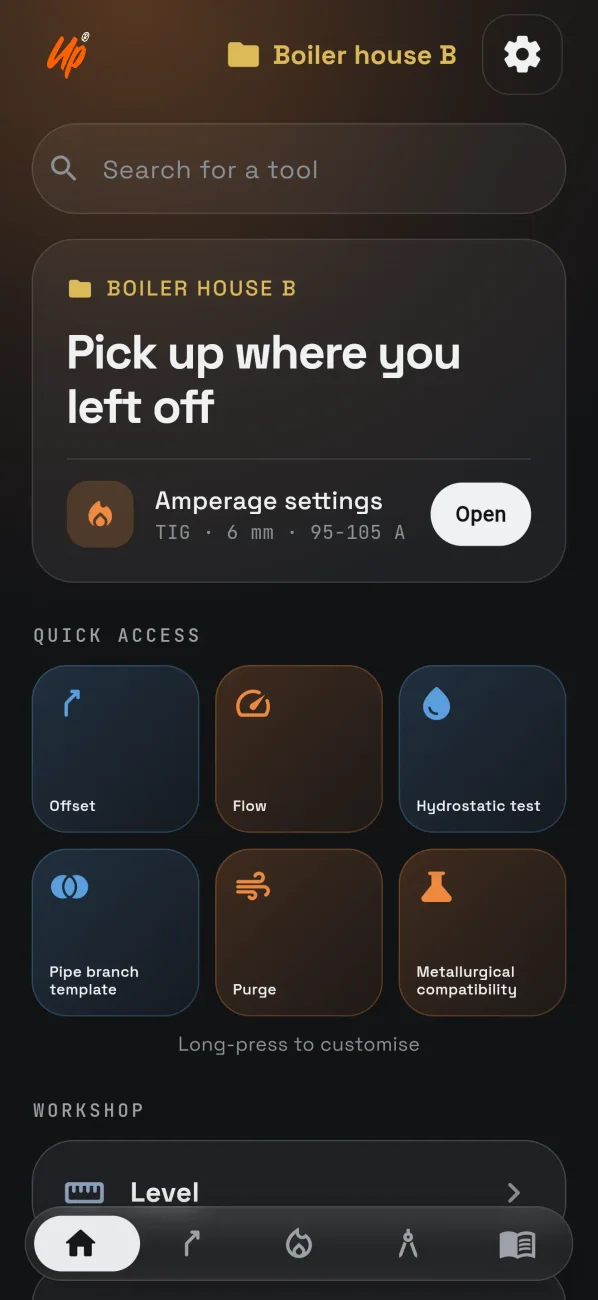
Open a job: everything calculated after that hangs off it, and the job file comes out as a PDF — ISO plans, welds, tests and photos. Export your data and bring it back on a new phone.
MADE FOR WORKING HANDS
A keypad sized for a gloved finger, with the fraction bar. Light theme for full sun, dark for the shop. Imperial or metric: inches to the sixteenth, typed as "3 1/2", the way it reads on the print. On a tablet, the whole screen.
IN YOUR LANGUAGE
English, French, Spanish, German, Italian, Polish, European and Brazilian Portuguese, Arabic.
HONEST ABOUT WHAT IT IS
The values are indicative. They replace neither the applicable codes (ASME, AWS) nor a qualified WPS — they save the ten minutes between the question and the answer.
Made by a welder, for the people who set the steel.
What’s new
Version 1 · Oct 30, 2026
WeldUp Pocket reaches version 1.0: the everyday tools stay free, with no limits; the preparation tools and the workshop documents move to the WeldUp Pro subscription, with a free month on the monthly plan.
The Iso sketch gets its P&ID and its 3D.
• Download on every PDF drawing: A4, A3, Letter or Tabloid
• Iso sketch: the P&ID and the line in 3D on one sheet
• Iso sketch: valve types, strainer, steam trap, instruments, slope
• Purge: a simulated oxygen analyzer, a timer, a notification at the end
• My flat patterns: shell course, cone, hopper and bend, by job
• Dimensions on the 3D views
• Tube bending: the tube is drawn like an iso sketch
• Offset, cut elbows, tee offsets: the straight as a checkbox, or added automatically
• In the tools, the drawing shrinks as you scroll and enlarges with an arrow
App privacy
What Lison Robin declares on the App Store about how this app handles data.
-
Data not collected
The developer does not collect any data from this app.
Privacy practices may vary, for example with the features you use or your age.
Information
- Seller
- Lison Robin
- Category
- Utilities
- Version
- 1
- Updated
- Oct 30, 2026
- Released
- Aug 4, 2026
- Size
- 78.0 MB
- Requires
- iOS 15.5 or later
- Age rating
- 4+
- Price
- Free
- In-app purchases
- Yes
- Languages
- English, Arabic, French, German, Italian, Polish, Portuguese, Spanish
- Copyright
- © 2026 WeldUp
You might also like
-
 Layout Calc ProSheet metal & pipe layouts
-
 ElbowDataTool for piping industrial
-
 CamcutUtilities
-
 Weldmaster AIAI-Powered Welding Settings
-
 Fabora: Steel & Metal ToolsWeld, Pipe & Weight Calculator
-
 Sheet Metal Calculator ProSmart Metal Fabrication Tool
-
 Flat Pattern Bend CalculatorsFabrication Flat Pattern
-
 Flat Pattern Bend CalculatorDuct, HVAC, Pipe & Sheet Metal
-
 WeldCalc Pro - Welding CalcWelder Amps & Weld Calculator
-
 Pipe Guide CalculatorUtilities