
- Age rating4+
- CategoryProductivity
- DeveloperJinho Park
- LanguagesEnglish+ 30 more
- Size33.4 MB
Links to the official App Store page
Download.org hosts no file of WellDone: Last Time Tracker. The button opens its official App Store page, published by Jinho Park. Listing last checked on Nov 23, 2026.
Screenshots
About
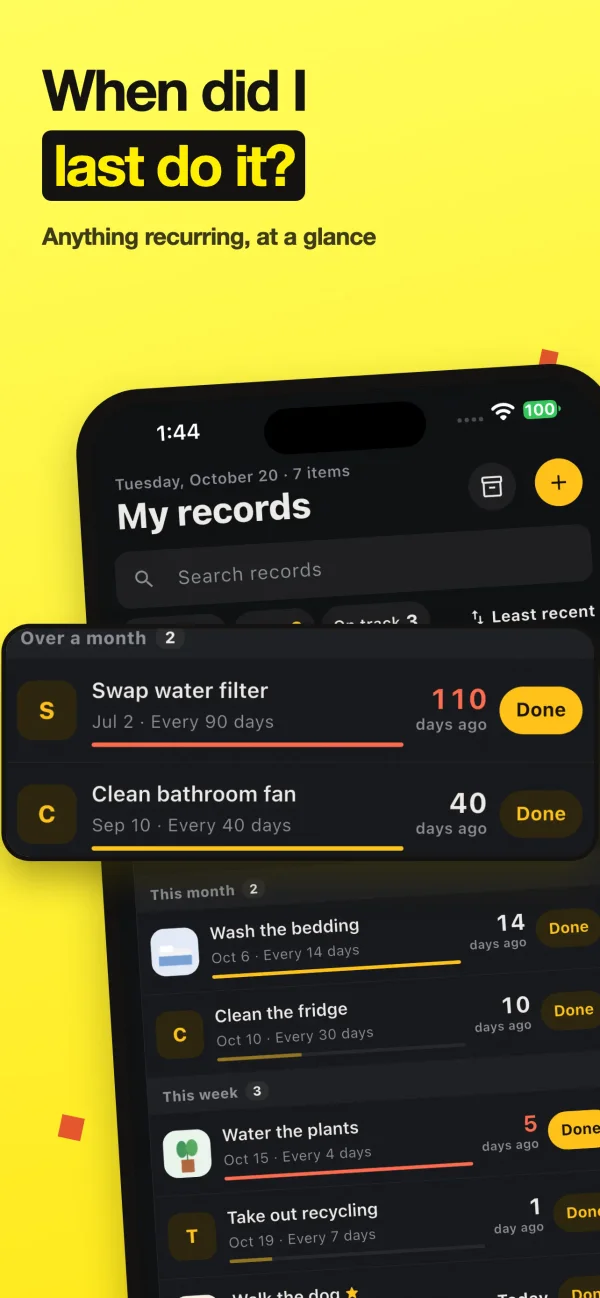
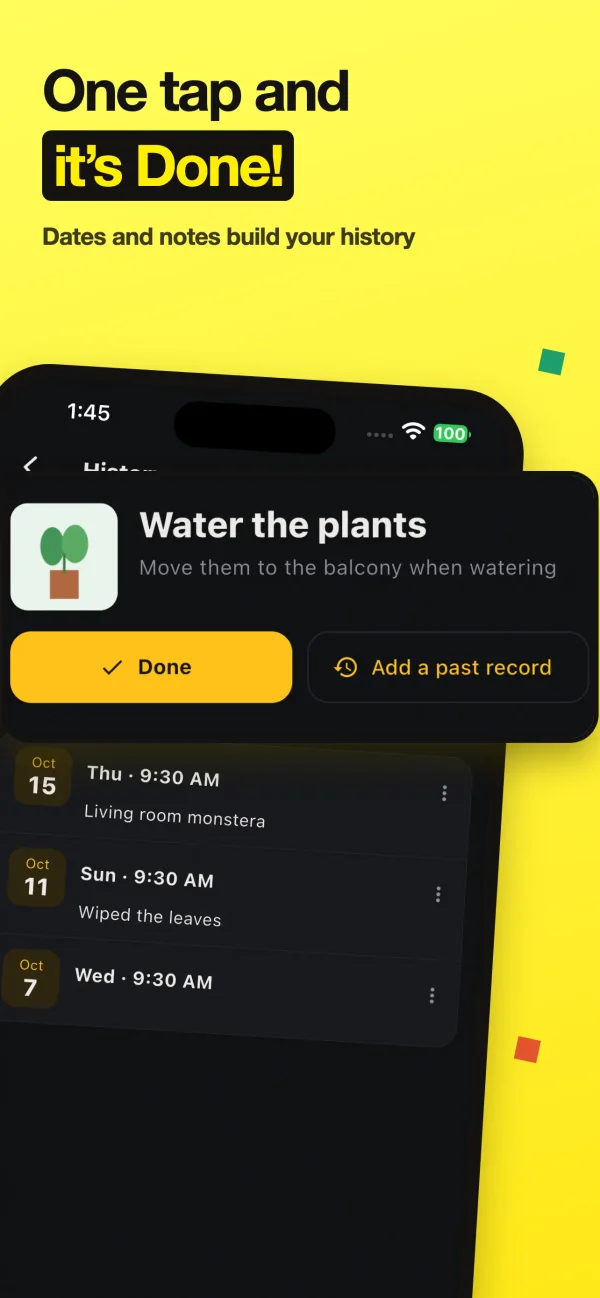
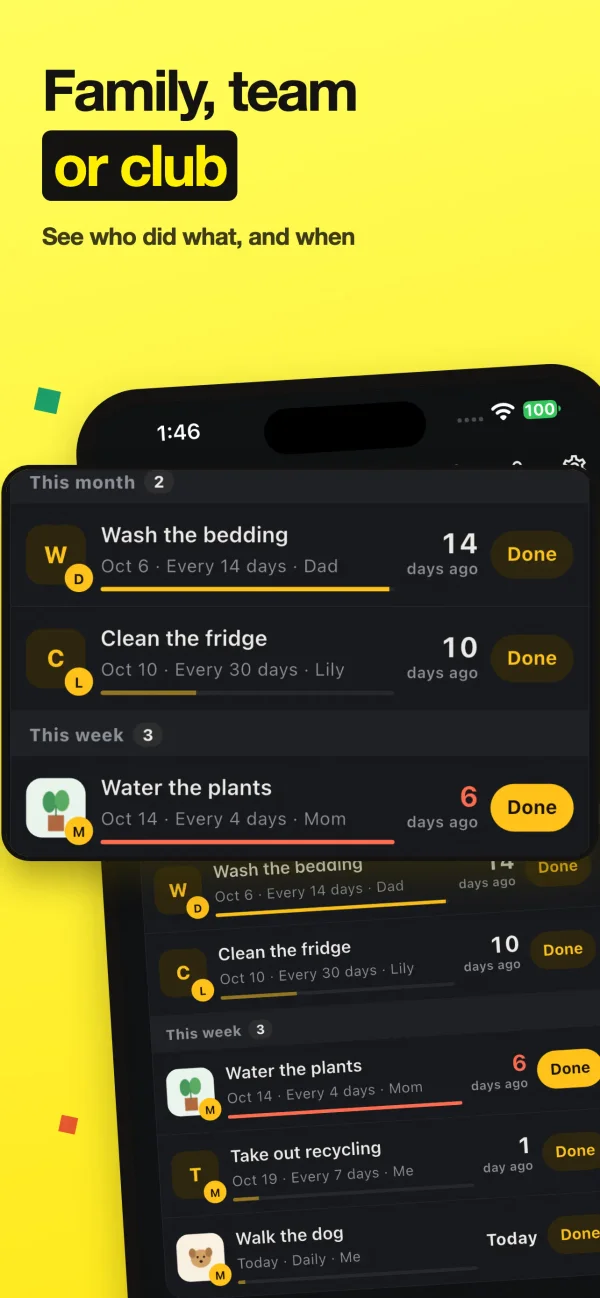
When did I last do that? Log anything you do now and then, and WellDone shows when it was last done and how many days have passed — one tap on “Done” is all it takes. Use it on your own, or create a group with family, roommates, coworkers or a club to see who did what, and when. It also works as a simple to-do list for things that come around again.
Great for
- Home: bathroom cleaning, washing the bedding, water and AC filter changes, watering plants
- Just you: haircuts, toothbrush swaps, car oil changes and tire checks, pet grooming
- Work and teams: office fridge clean-out, coffee machine cleaning, restocking supplies, equipment checks
- Clubs and groups: gear upkeep, tidying a shared space, taking turns on rotating tasks
My records
- Start right away, no sign-up. Create an item and tap “Done” — that's it.
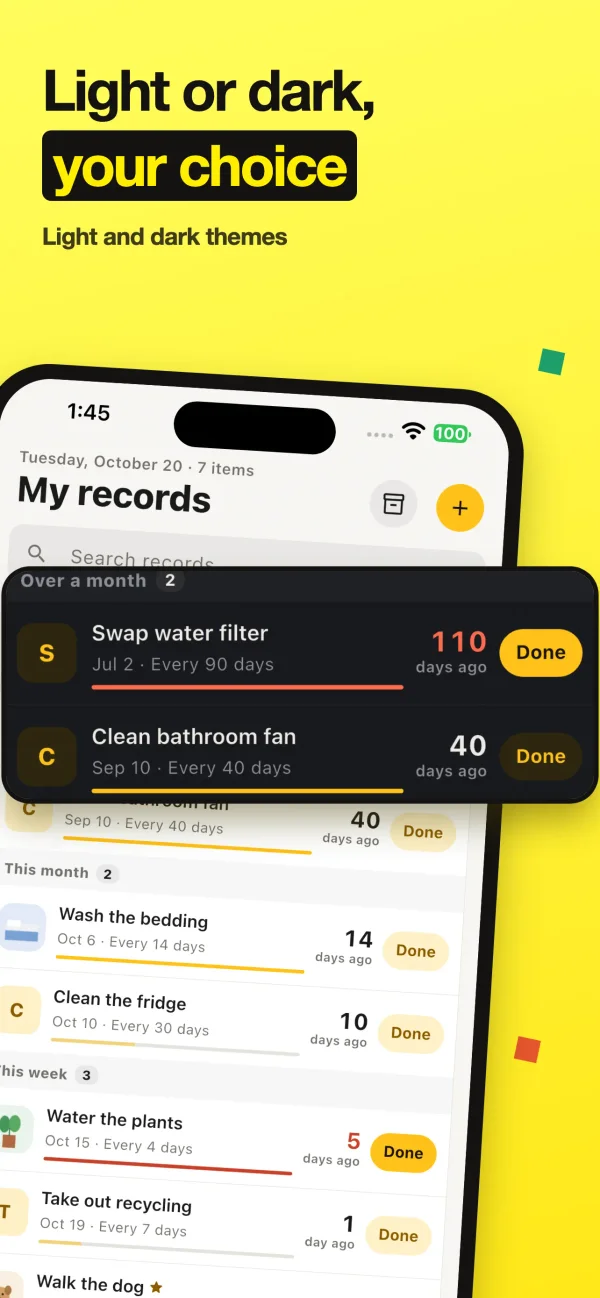
- Based on your usual interval, items are sorted into “Overdue”, “Soon” and “On track”.
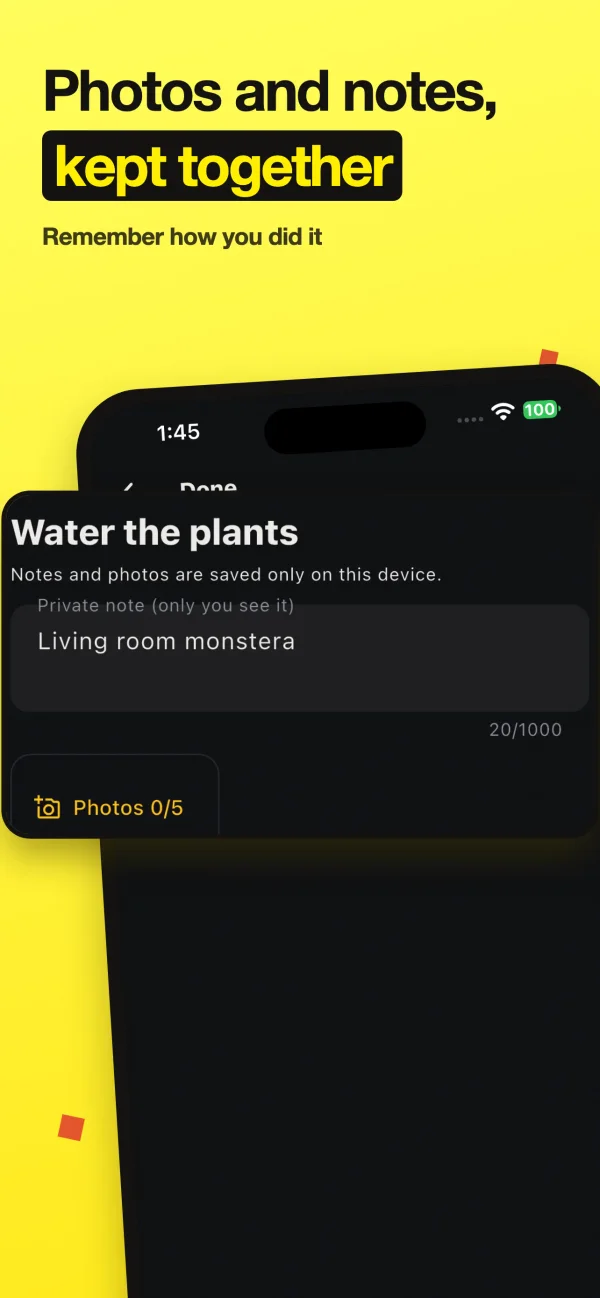
- Add photos and notes.
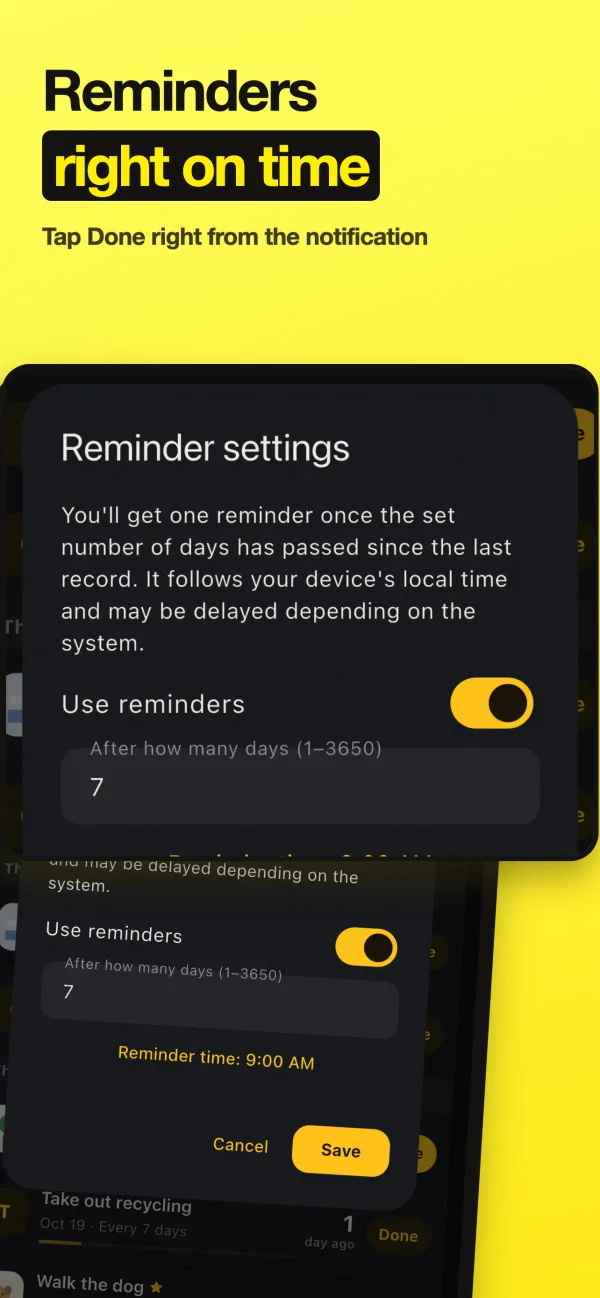
- Get a reminder when the interval you set has passed, and tap “Done” right from the notification.
- Your records stay on this device.
Shared records
- Sign in, create a group and invite family, roommates, coworkers or club members.
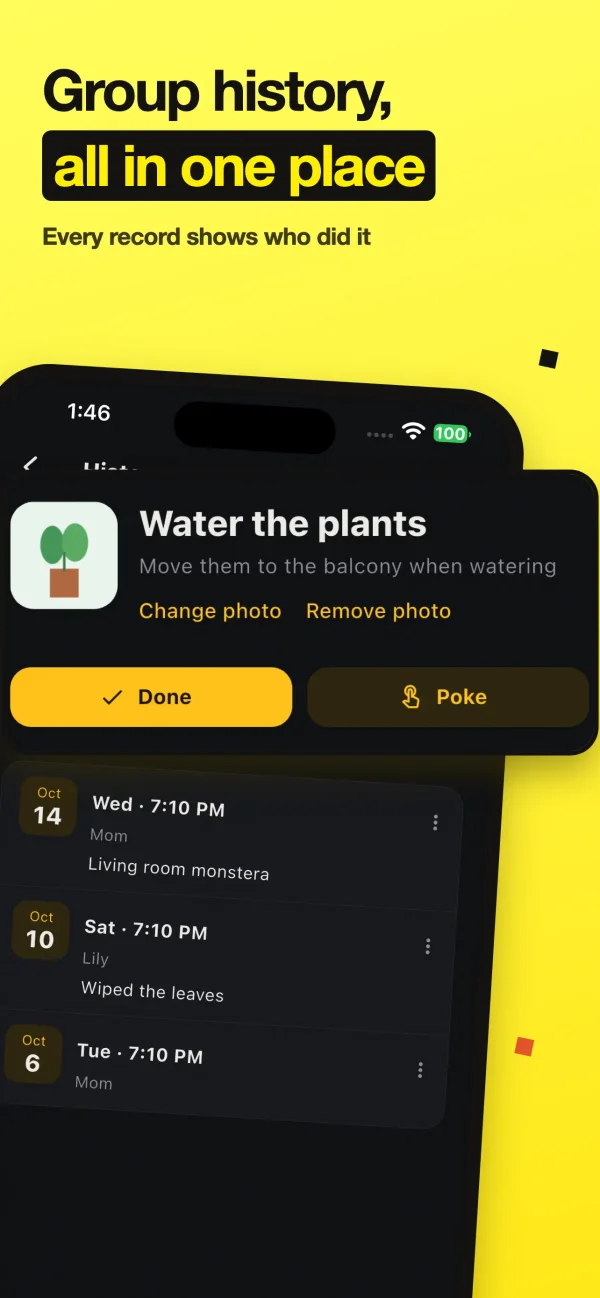
- See who did what and when, and send a light “Poke” when something needs doing.
- Use a different name in each group, and join several groups.
Backup
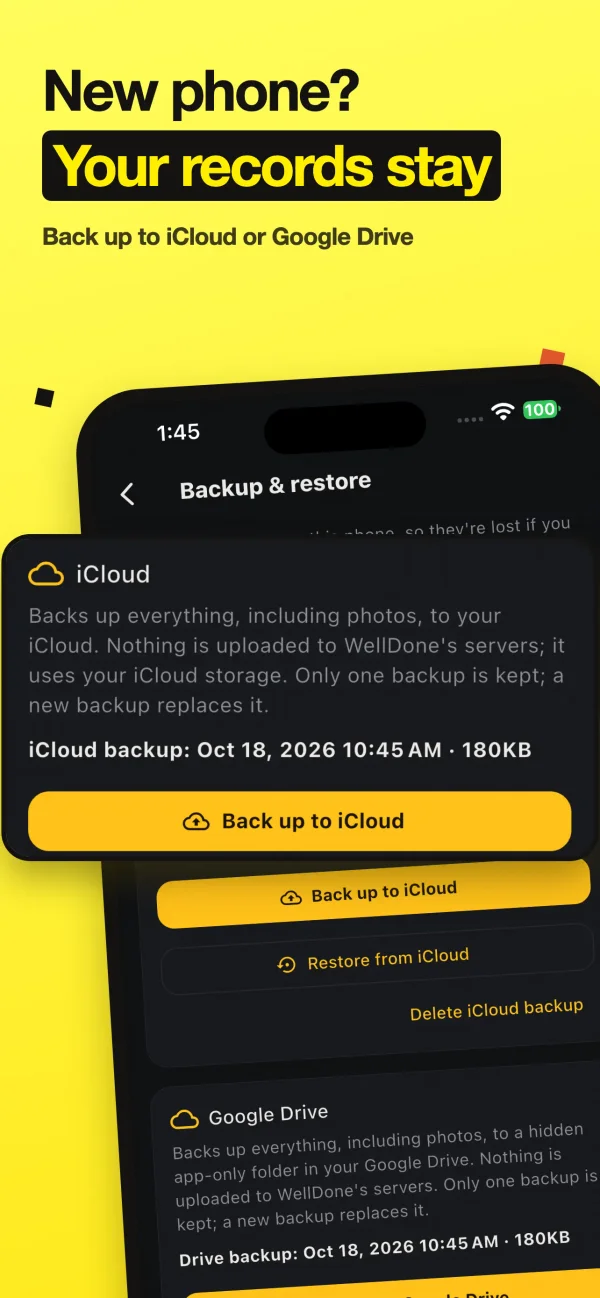
- Save a backup file, or back up to your own iCloud or Google Drive. Backups don't pass through WellDone servers.
Good to know
- One ad may appear at the top of lists.
- Don't use it for medical or medication tracking or for safety checks.
- You can delete your account any time in the app's Settings.
Contact: contact+welldone@nlap.app
What’s new
Version 1.1.4 · Nov 14, 2026
If camera or photo access is off, we now tell you how to turn it on. Saving your records is more reliable. We polished the sign-in screen and help text.
App privacy
What Jinho Park declares on the App Store about how this app handles data.
-
Data used to track you
May be used to track you across apps and websites owned by other companies.
- Location
- Identifiers
- Usage data
-
Data linked to you
May be collected and linked to your identity.
- Contact info
- User content
- Identifiers
-
Data not linked to you
May be collected but is not linked to your identity.
- Location
- Identifiers
- Usage data
- Diagnostics
Privacy practices may vary, for example with the features you use or your age.
Information
- Seller
- Jinho Park
- Category
- Productivity
- Version
- 1.1.4
- Updated
- Nov 14, 2026
- Released
- Nov 5, 2026
- Size
- 33.4 MB
- Requires
- iOS 26.0 or later
- Age rating
- 4+
- Price
- Free
- Languages
- English, Arabic, Bengali, Danish, Dutch, Finnish, French, German, Hebrew, Hindi, Indonesian, Italian + 19 more
- Copyright
- © 2026 nlap
You might also like
-
 ニッスウメモProductivity
-
 までから - カウントダウン・経過日数Productivity
-
 週間予定Productivity
-
 QuickNote - Text LibraryAI writing, Wiki & knowledge
-
 日数カウントカレンダーProductivity
-
 WorkLog: Time & Shift TrackerTimesheet & Pay Calculator
-
 notes with foldernotes with folder function !
-
 webContagemProductivity
-
 Since: Event & Habit trackerDays Since & Habit Tracker
-
 SwiftRead - Speed ReadingRead faster, learn more