
What I Have
Your collection in your pocket
Designed for iPhone, iPod touch
Free · In-app purchases
- Age rating12+
- CategoryLifestyle
- DeveloperOzgur Kadir Altuntas
- LanguagesEnglish+ 6 more
- Size77.1 MB
Links to the official App Store page
Download.org hosts no file of What I Have. The button opens its official App Store page, published by Ozgur Kadir Altuntas. Listing last checked on Nov 24, 2026.
Screenshots





About
Your collection may be at home, on a shelf or tucked away in boxes. With What I Have, it's always with you. Keep everything you own in one archive, browse it from anywhere, and find what you're looking for in seconds.
ONE APP, NINE COLLECTIONS
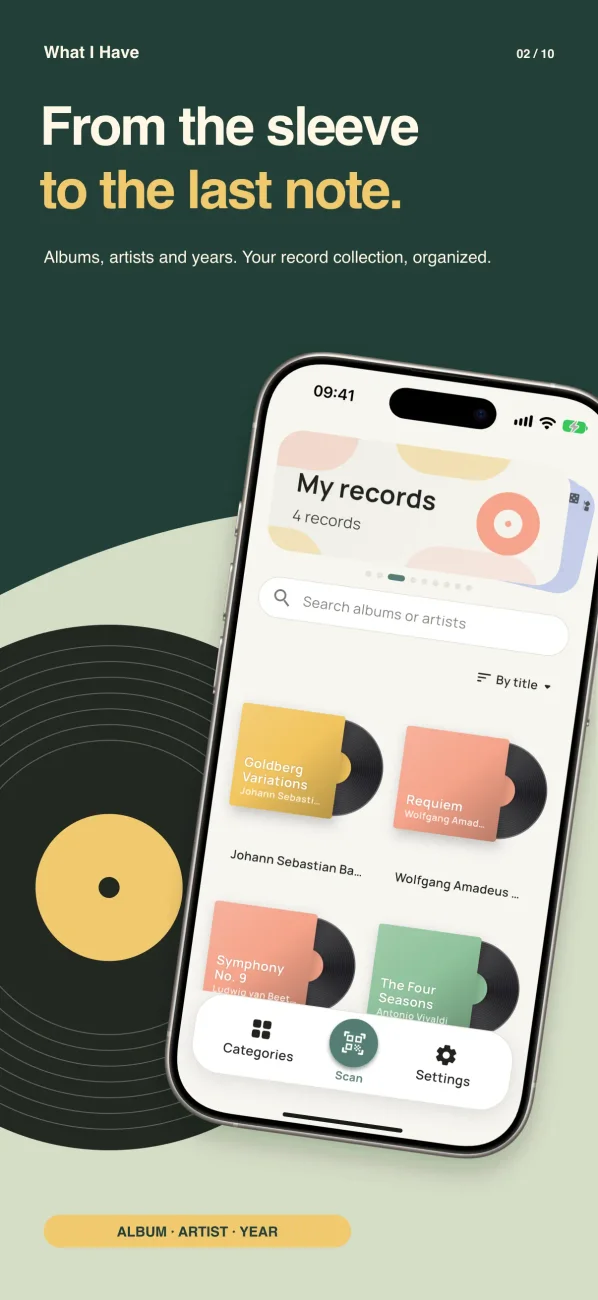
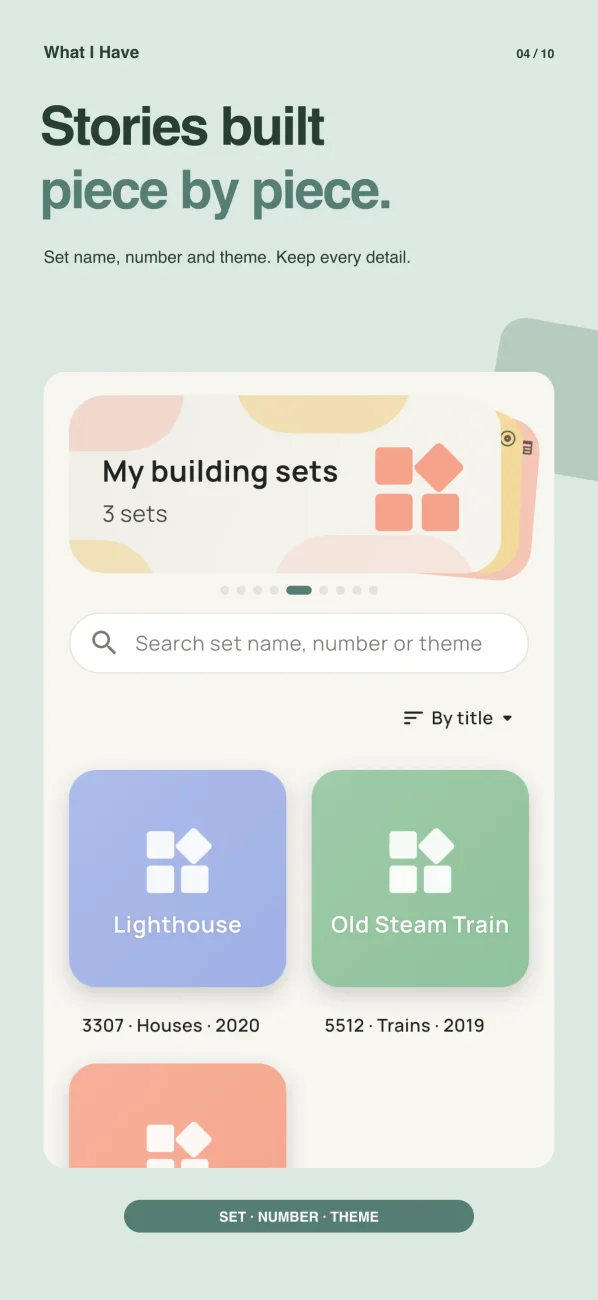
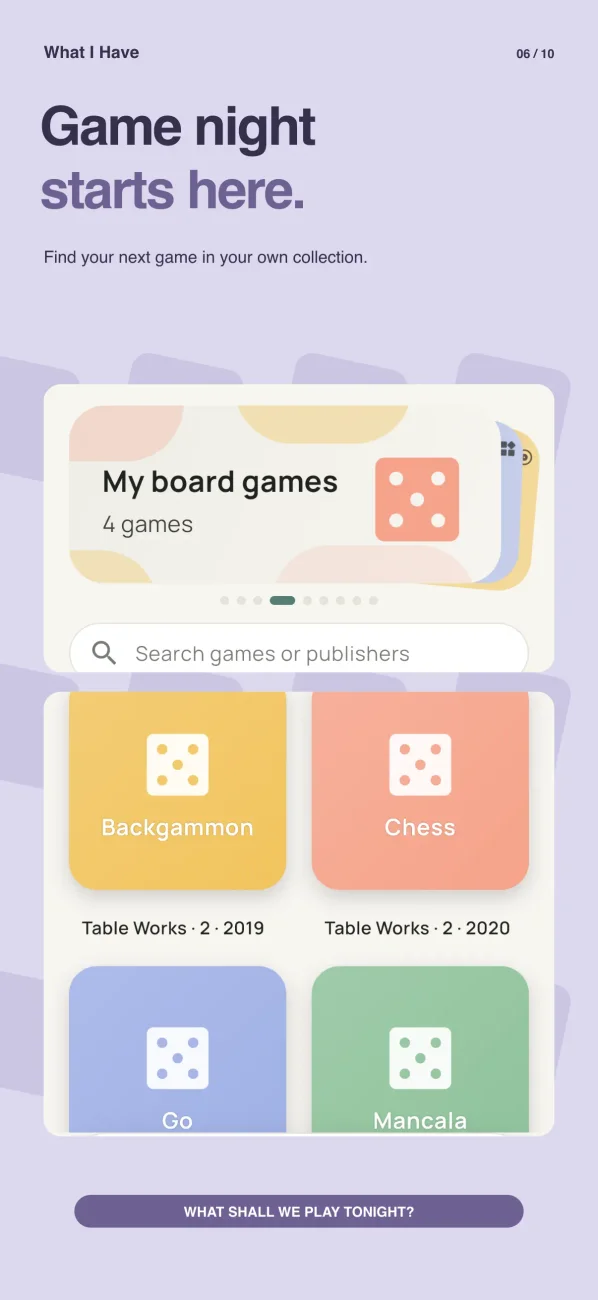
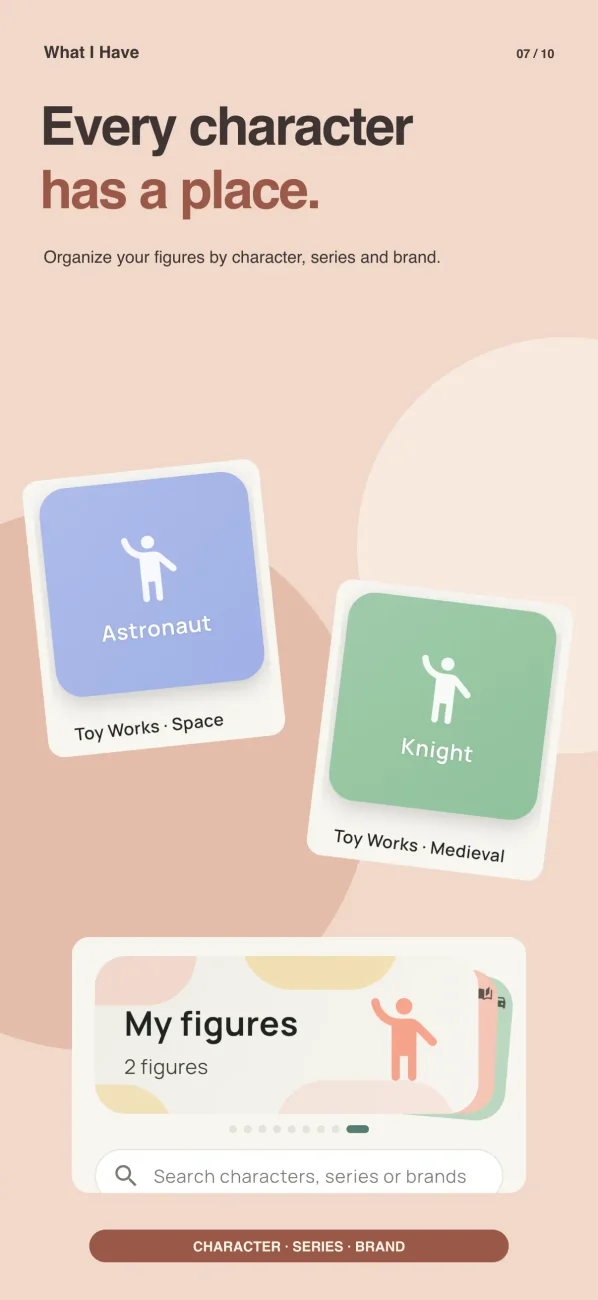
Books, comics, diecast cars, building sets, records, CDs, figures, board games and magazines, each with its own shelf.
YOUR ARCHIVE, ANYWHERE
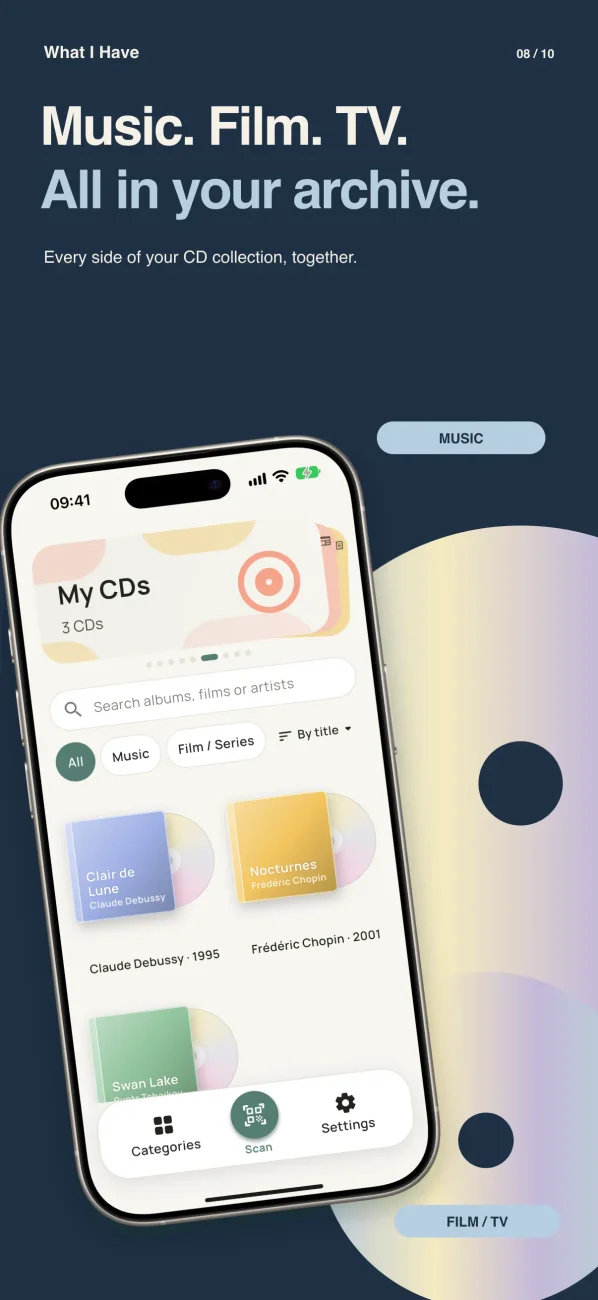
• Browse each collection on its own shelf, complete with covers
• Search by title, author, artist, brand, or set number
• Sort, filter, and group by genre, theme, or brand
• See how many items you have in each collection at a glance
ADD ITEMS FAST
• Scan a barcode, or several one after another
• No barcode? Take a photo of the cover or box and let the app identify it
• Photograph a shelf and add everything on it at once
• Or just type the name
KEEP TRACK
• Mark books as read, reading or unread
• Note who you lent something to
• Add your own cover photos
• "What should I read?" picks an unread book for you
• Light and dark mode
KNOW BEFORE YOU BUY
With your archive in your pocket, just scan the barcode at a bookshop or record fair to see: "You have it" or "You don't have it." Never buy the same thing twice.
YOUR COLLECTION, YOUR DATA
No account, no sign-up. Your collection stays on your phone; we keep no copy. If iCloud Drive is enabled for the app, your collection and cover photos are also backed up to your own iCloud account. This is a backup, not automatic syncing between phones.
FREE
• Unlimited barcode scanning and manual entry
• 10 photo identifications and 1 shelf scan a day; watch a short ad for one more photo identification
PREMIUM
• No ads
• 200 photo identifications a day, shelf scans included
• Statistics about your collection
• Import and export lists (Excel, CSV)
Premium is available as a monthly or yearly subscription. Payment is charged to your Apple ID. The subscription renews automatically unless it is cancelled at least 24 hours before the end of the current period. You can manage or cancel it in your App Store account settings.
Terms of Use: https://www.apple.com/legal/internet-services/itunes/dev/stdeula/
Privacy Policy: https://fikapps.com/whatihave/privacy/
What’s new
Version 1.0.4 · Nov 13, 2026
- Updated the scanning menu
- Bug fixes
App privacy
What Ozgur Kadir Altuntas declares on the App Store about how this app handles data.
-
Data used to track you
May be used to track you across apps and websites owned by other companies.
- Purchases
- Location
- Identifiers
- Usage data
-
Data linked to you
May be collected and linked to your identity.
- Purchases
- Location
- Identifiers
- Usage data
-
Data not linked to you
May be collected but is not linked to your identity.
- Purchases
- User content
- Identifiers
- Usage data
- Diagnostics
- Other data
Privacy practices may vary, for example with the features you use or your age.
Information
- Seller
- Ozgur Kadir Altuntas
- Category
- Lifestyle
- Version
- 1.0.4
- Updated
- Nov 13, 2026
- Released
- Oct 31, 2026
- Size
- 77.1 MB
- Requires
- iOS 15.5 or later
- Age rating
- 12+
- Price
- Free
- In-app purchases
- Yes
- Languages
- English, French, Japanese, Portuguese, Simplified Chinese, Spanish, Turkish
- Copyright
- © 2026 Özgür Kadir Altuntaş
You might also like
-
 NOEMA: Your Outfit StudioImagine a new you
-
 Plant Mood: AI IdentifierPlant Care & Disease Diagnosis
-
 PupGym: Dog Training & ClickerPuppy obedience & trick coach
-
 Pinzii-Photo MemoriesLittle things, big stories
-
 MuseMe: Makeup Virtual Try OnColor analysis & makeup looks
-
 Collectory: Collection TrackerPrivate collection tracker
-
 auryxKnow Your Archetype
-
 PantryPal: HomeLifestyle
-
 LipfitAR Lipstick Try-On.
-
 Figbook: Collection TrackerMinifig collection & value