Whatodo: Forget-Me-Note
Speak. Forget. Tomorrow 9 AM.
Designed for iPhone, iPad
Free
- Age rating4+
- CategoryProductivity
- DeveloperParasuram Krishnan
- LanguagesEnglish
- Size3.5 MB
Links to the official App Store page
Download.org hosts no file of Whatodo: Forget-Me-Note. The button opens its official App Store page, published by Parasuram Krishnan. Listing last checked on Nov 20, 2026.
Screenshots


About
Many times an idea, a thought or a task comes to mind when I am driving scooter, walking, when am about to sleep or busy. It's gone when i want to remember it. Typing on phone is a distraction when hands are full or mind is fast. So I made this small app for myself.
Whatodo is very simple.
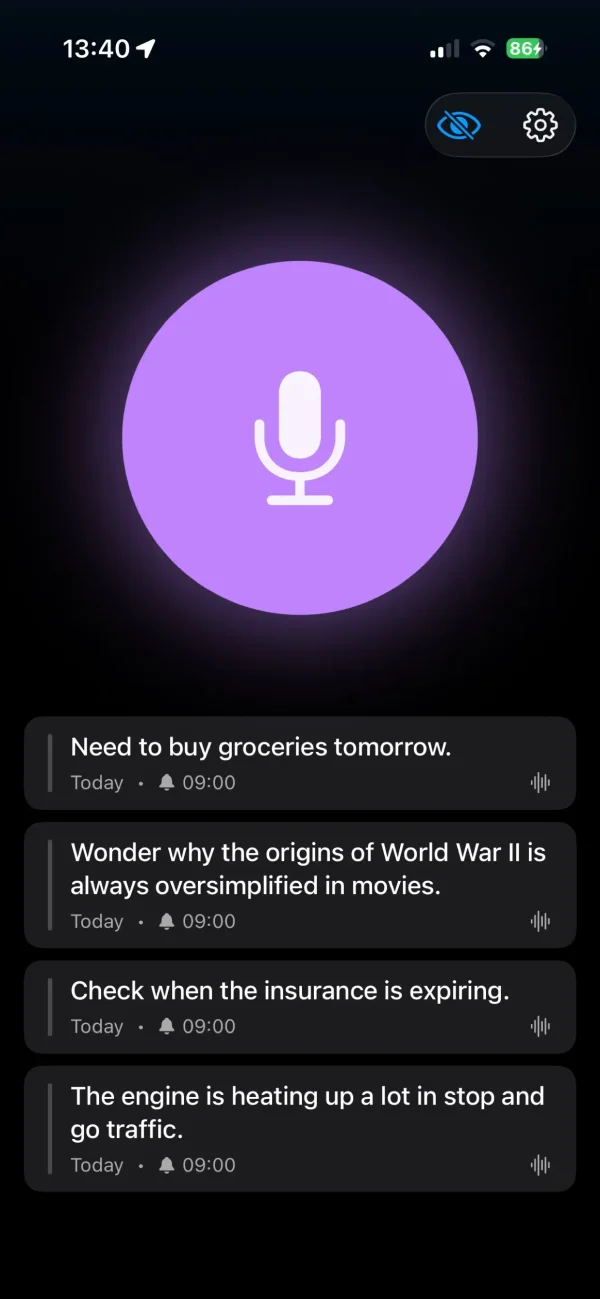
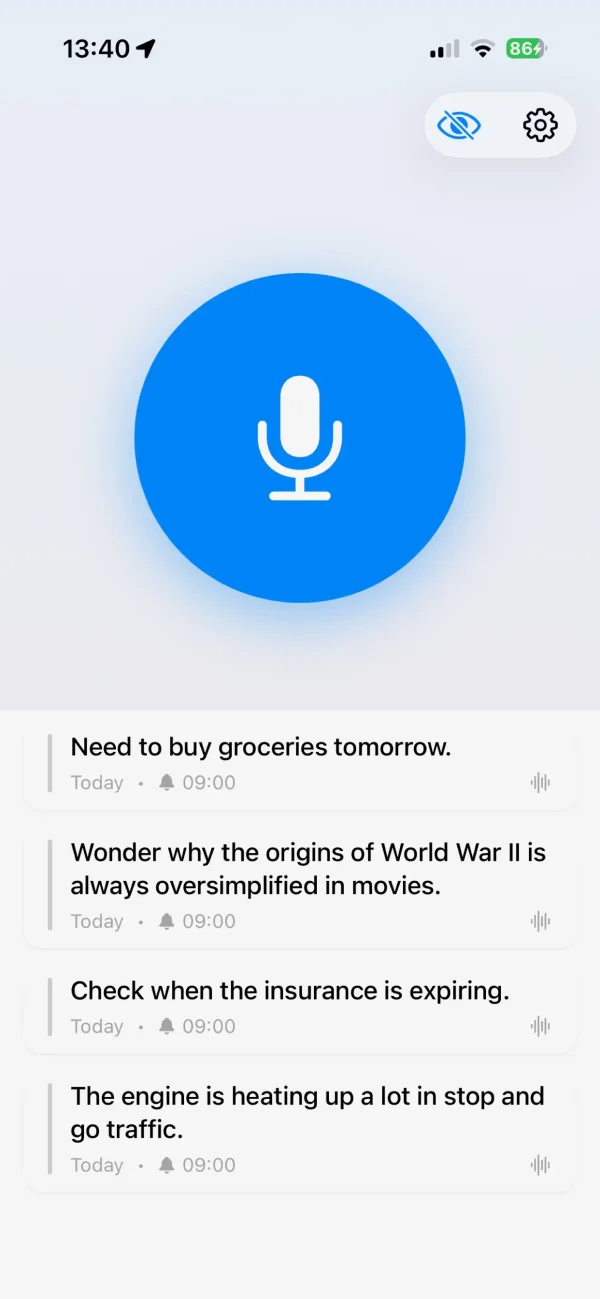
Tap big button (or use Action Button). Speak your thought. App records voice, transcribes it, and sets reminder for next day 9:00 AM. That’s all.
No projects. No priorities. No categories. No streaks. No daily goals. No guilt if you ignore it.
You speak now → app remembers tomorrow morning → you decide what to do (or not do). If you miss the reminder it fades slowly over 3 days and then moves to Calendar automatically so inbox stays clean.
How it works:
- Big button on home screen. Tap to start recording.
- Alternately start recording using Action button, lock screen widget, control centre or just use Siri.
- Speak naturally. App stops automatically after silence.
- Transcript appears. On-device AI cleans it a little (removes “um”, “like”, adds punctuation).
- Every thought gets a 9:00 AM reminder next day.
- List shows thoughts with “Today”, “Yesterday”, “2 days ago”. Color fades slowly.
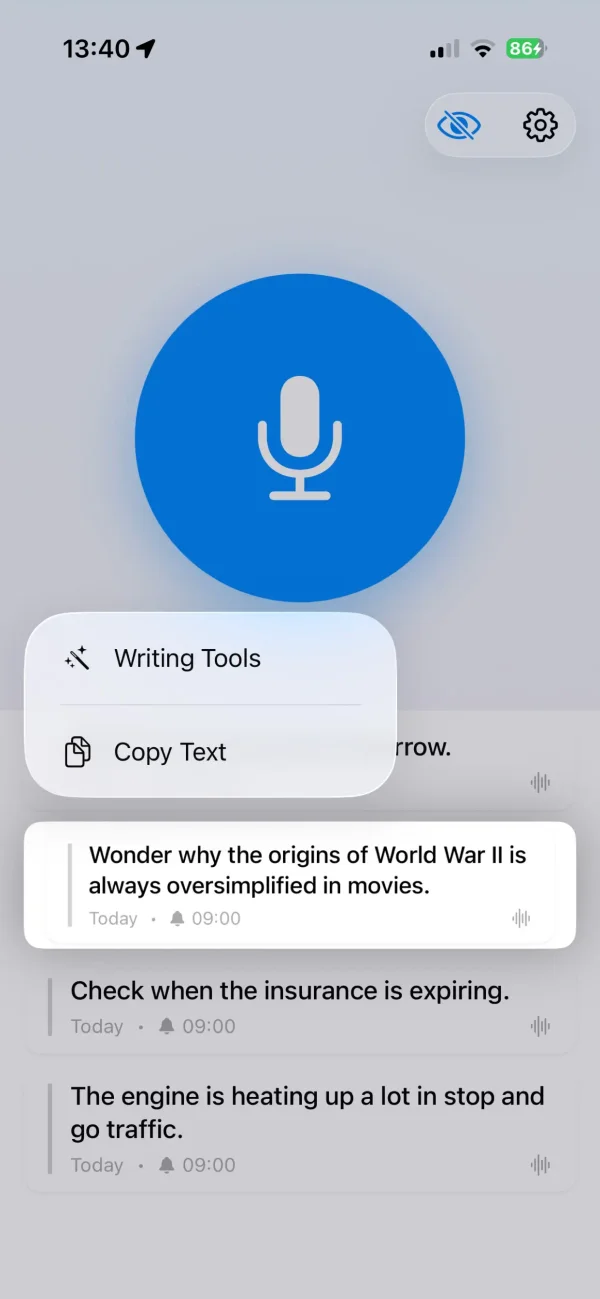
- Long-press any thought → iOS Writing Tools appears if you want to rewrite or summarize better.
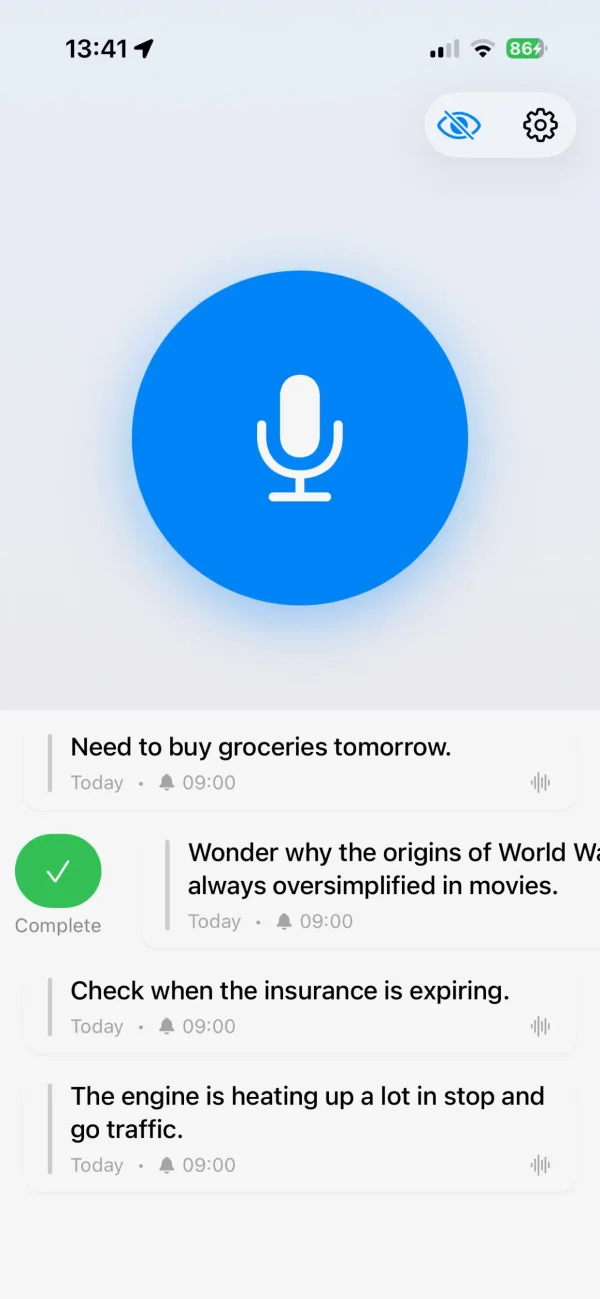
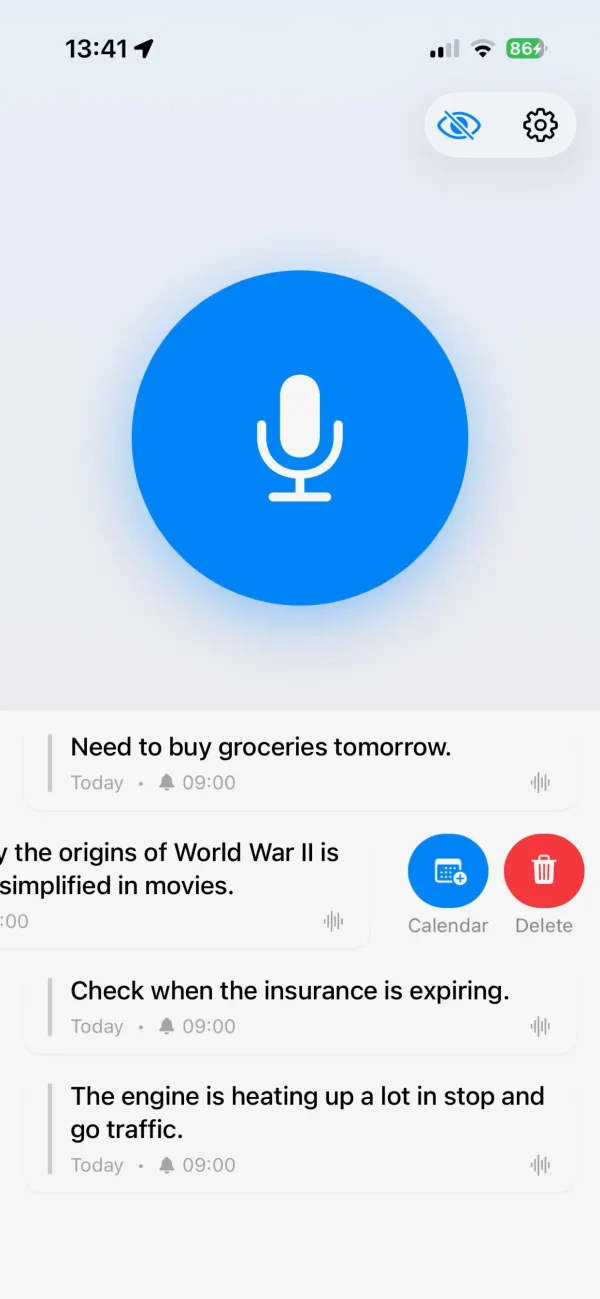
- Swipe to complete or delete. Swipe to Calendar if you want to move it there.
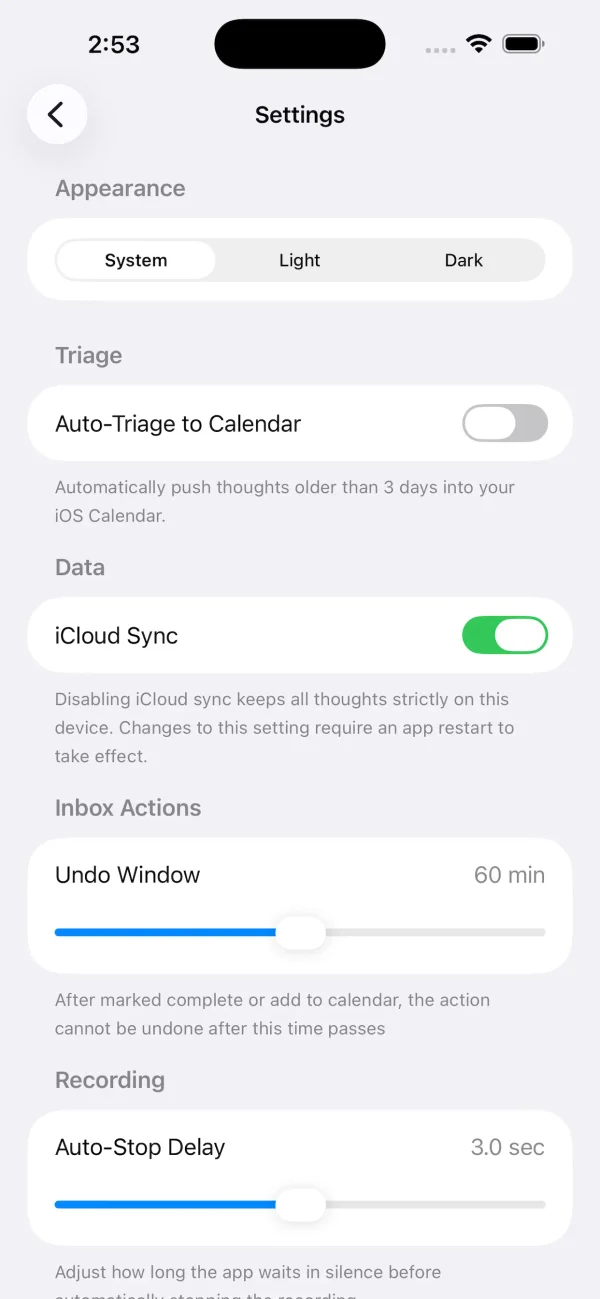
- After 3 days untouched, thought auto-moves to Calendar as 10:00 AM event, if enabled in settings.
Important:
- Everything stays on your device. No data goes anywhere.
- iCloud sync optional (enable in settings) – thoughts appear on your other Apple devices.
- No account. No subscription. No ads.
- Free forever.
I built this because I was tired of opening big to-do apps, notes or reminders. Too many buttons, too many taps before I even start. Whatodo is the opposite. One tap. Speak. Done.
If you also forget thoughts easily maybe this small app helps you also.
What’s new
Version 1.0.4 · Apr 9, 2026
Smart reminder scheduling: The app now gives your fresh thoughts a 3-hour breathing period, ensuring notifications arrive exactly when they're most helpful.
App privacy
What Parasuram Krishnan declares on the App Store about how this app handles data.
-
Data not collected
The developer does not collect any data from this app.
Privacy practices may vary, for example with the features you use or your age.
Information
- Seller
- Parasuram Krishnan
- Category
- Productivity
- Version
- 1.0.4
- Updated
- Apr 9, 2026
- Released
- Mar 25, 2026
- Size
- 3.5 MB
- Requires
- iOS 18.1 or later
- Age rating
- 4+
- Price
- Free
- Languages
- English
- Copyright
- © Parasuram Krishnan, 2026
You might also like
-
 Unmiss: Daily Routine PlannerTo-do list, schedule, focus
-
 SafeBlock – Content BlockerWebsite blocker & Focus timer
-
 Roam MobileProductivity
-
 CrewPlannerPlanning simplified
-
 Zoho Show: Presentation MakerCreate Beautiful Slides
-
 Zoho Writer - Document EditorEasy to use word processing
-
 PenzuSecure Diary & Private Journal
-
 Superhuman MailAI-native email client
-
 Zoho Sheet: Spreadsheet AppSpreadsheets offline & online
-
 Auth Authenticator2FA Authentication MFA & OTP