
Whensday
Event countdowns & timers
Designed for iPhone, iPad
Free · In-app purchases
- Age rating4+
- CategoryProductivity
- DeveloperRichard Wallace
- LanguagesEnglish
- Size5.9 MB
Links to the official App Store page
Download.org hosts no file of Whensday. The button opens its official App Store page, published by Richard Wallace. Listing last checked on Nov 18, 2026.
Screenshots

About
Whensday makes waiting the best part.
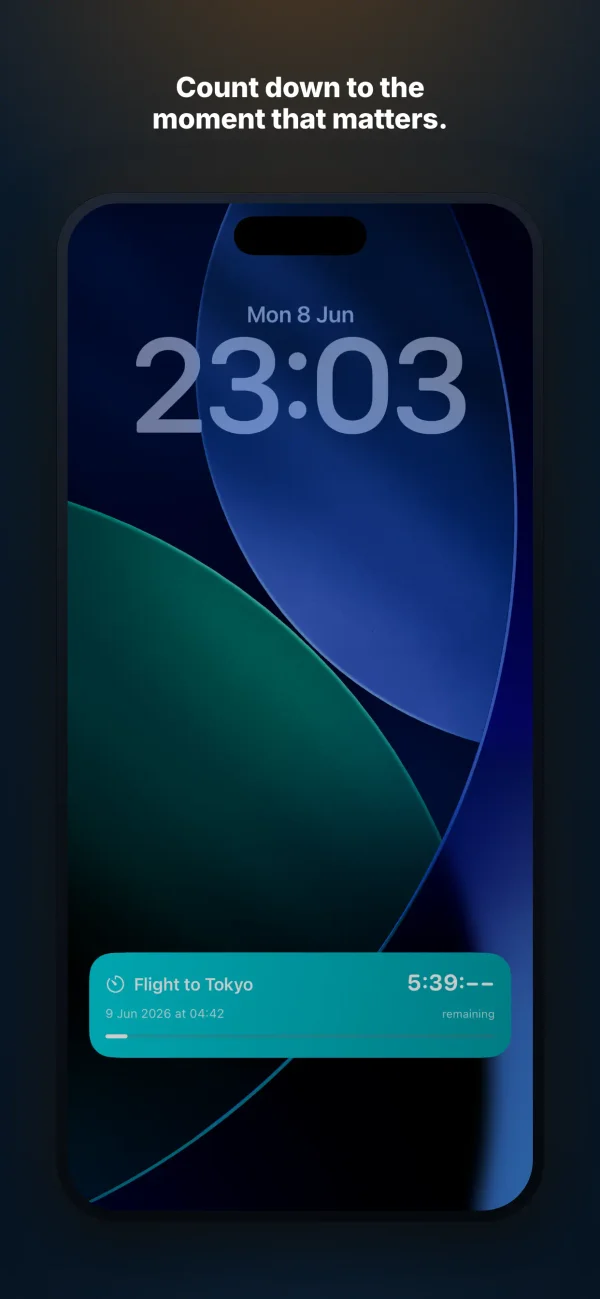
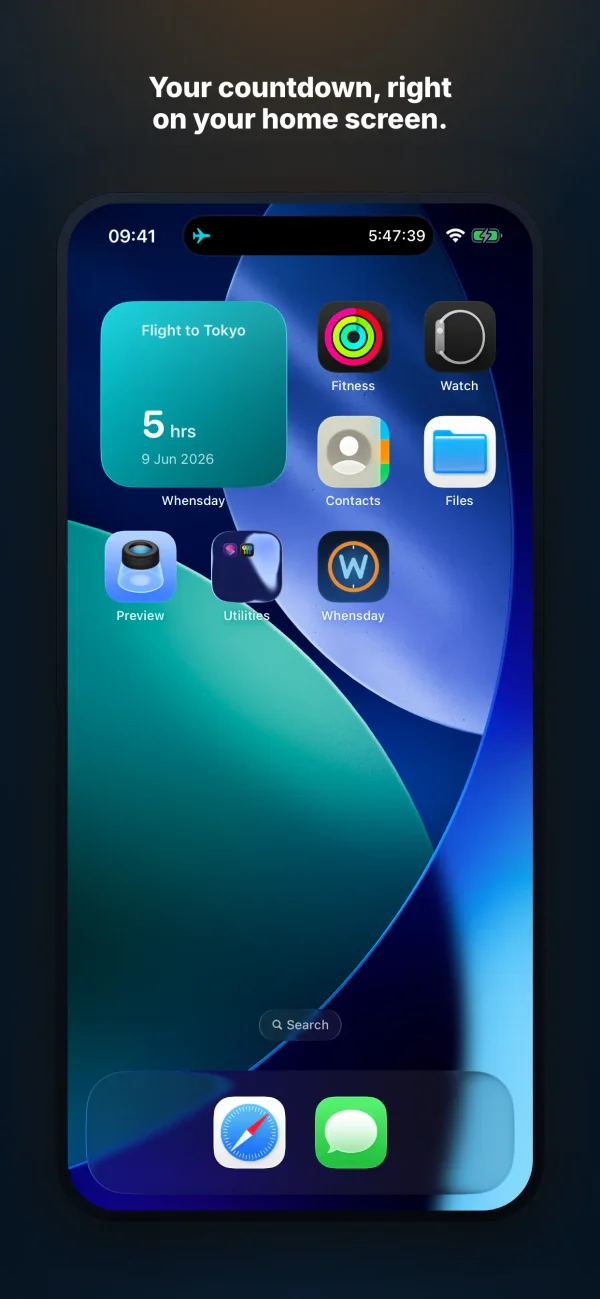
From birthdays and weddings to vacations, paydays, and deadlines, Whensday turns every upcoming moment into a beautiful countdown you'll actually look forward to. Add it to your Home Screen, Lock Screen, or Dynamic Island and watch the days melt away. Smart suggestions help you set things up in seconds, and recurring events keep counting down year after year. Download Whensday today and never lose sight of what's coming next.
What’s new
Version 1.1.28 · Jun 20, 2026
Notification improvements
App privacy
What Richard Wallace declares on the App Store about how this app handles data.
-
Data used to track you
May be used to track you across apps and websites owned by other companies.
- Identifiers
- Usage data
-
Data linked to you
May be collected and linked to your identity.
- Identifiers
- Usage data
- Diagnostics
Privacy practices may vary, for example with the features you use or your age.
Information
- Seller
- Richard Wallace
- Category
- Productivity
- Version
- 1.1.28
- Updated
- Jun 20, 2026
- Released
- May 18, 2026
- Size
- 5.9 MB
- Requires
- iOS 18.1 or later
- Age rating
- 4+
- Price
- Free
- In-app purchases
- Yes
- Languages
- English
- Copyright
- © 2026 Richard Wallace
You might also like
-
 Timespace: Countdown & PlacesDays Since & Until Tracker
-
 Countdown: Days Until EventWidget, Reminders & Alerts
-
 Hourglass: Countdown & WidgetsDays Until & Since Counter
-
 Days: Important DatesTrack Days Birthdays Events
-
 DisplayNote AppWireless presentation
-
 Deepting AI Transcribe SummaryVoice Memos & Meeting Notes
-
 XDPParcel Tracking
-
 1Password: Password ManagerSave & share passwords safely
-
 Microsoft WordCreate a Resume, Essay or PDF