
- Age rating4+
- CategoryTravel
- Developerfloor1point2.com
- LanguagesEnglish
- Size2.2 MB
Links to the official App Store page
Download.org hosts no file of Where/When. The button opens its official App Store page, published by floor1point2.com. Listing last checked on Nov 14, 2026.
Screenshots

About
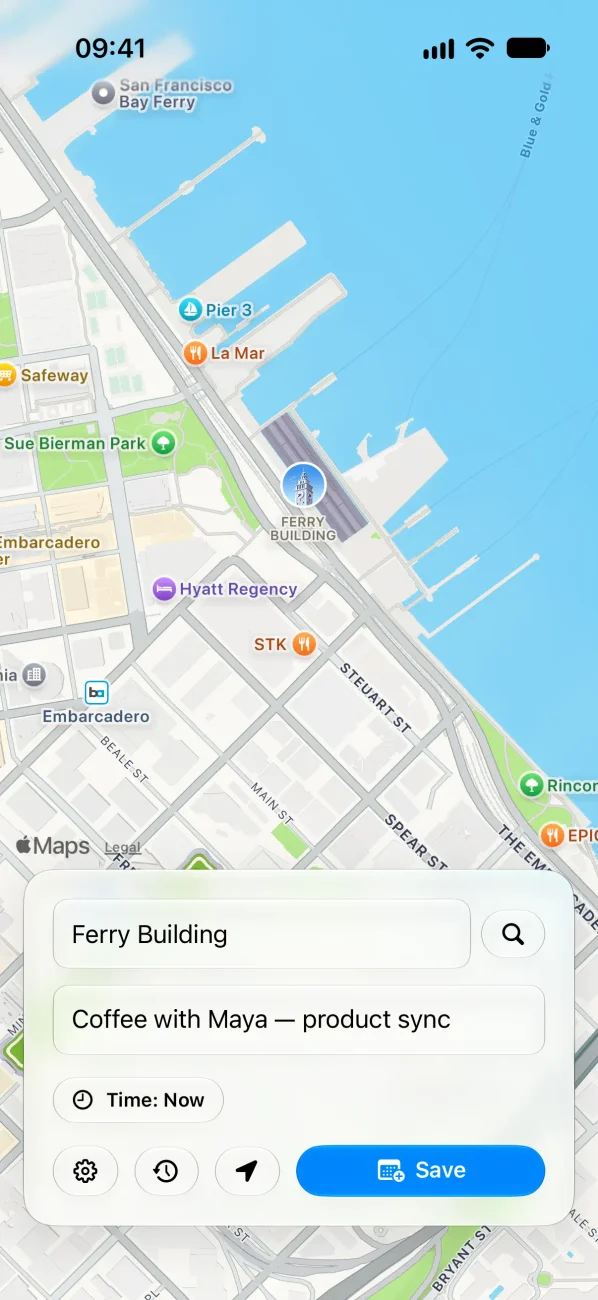
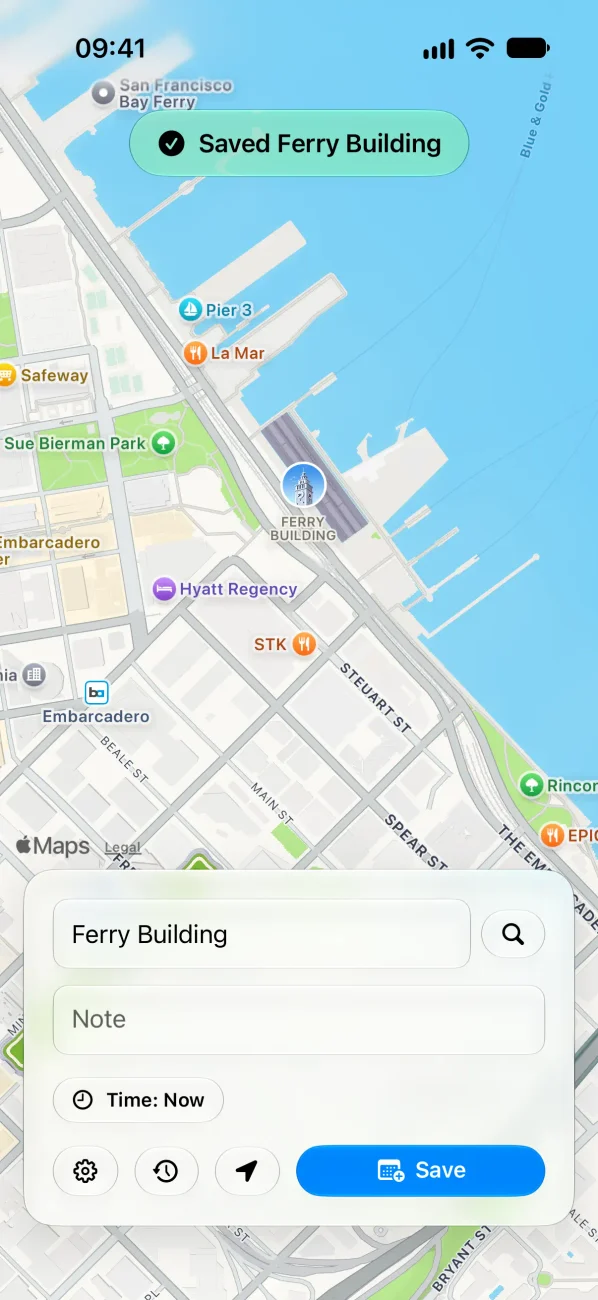
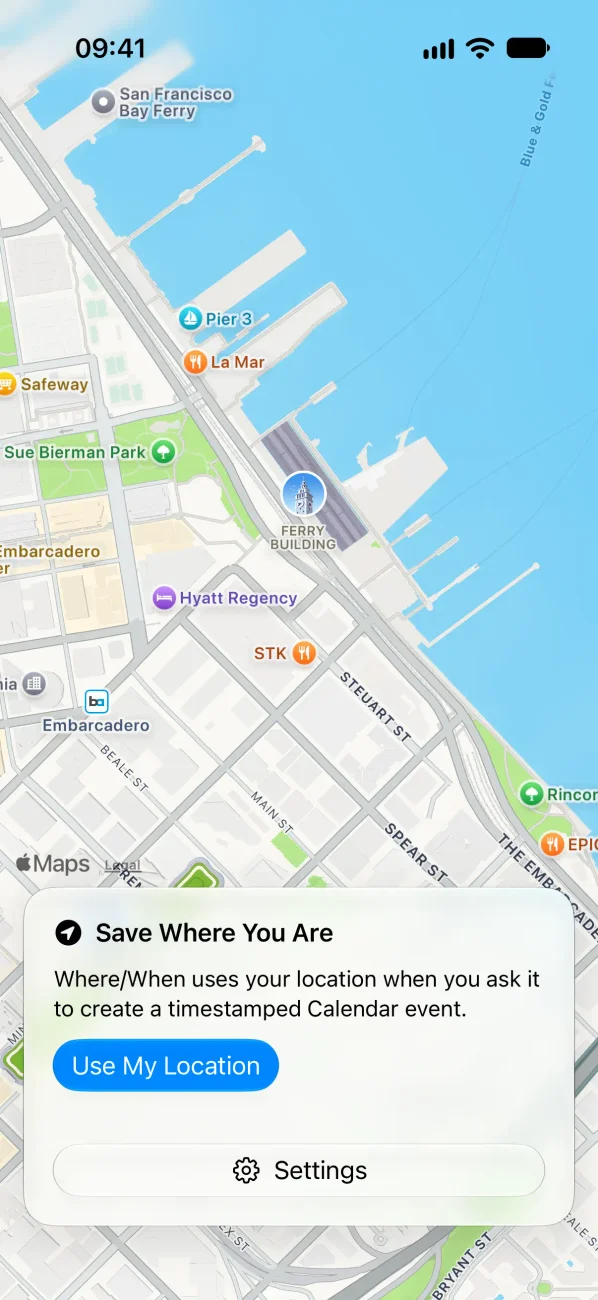
Where/When remembers where you were and when. One tap saves your current place to your calendar as an event with the place name, address, map pin, and an Apple Maps link.
Use it for the restaurant you want to find again, a client visit, a trailhead, or where you parked.
SAVE A PLACE
• One tap saves where you are, named automatically for the building or landmark you're at.
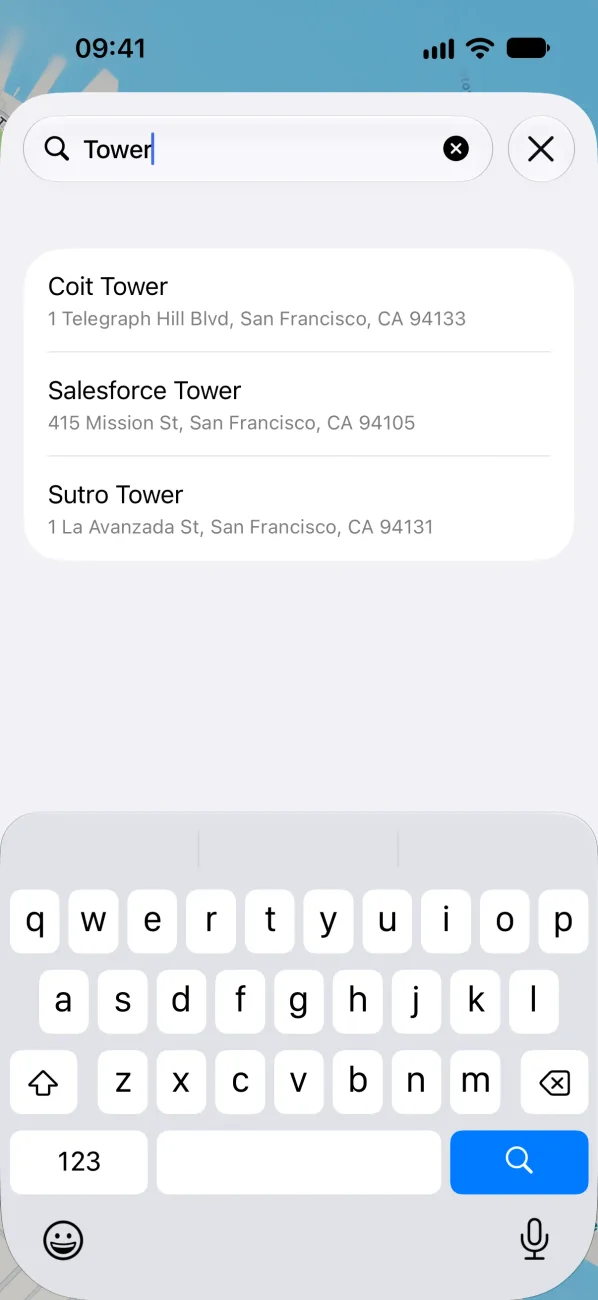
• Tap a place on the map, touch and hold to drop a pin, or search for a place or address to save somewhere else.
• Add your own name and a note.
• Save with the current time, or choose an earlier one.
FIND IT AGAIN
• Every save is an event in the calendar you choose, so it's searchable and syncs like the rest of your calendar.
• Each event includes the address, a map pin, and a link that opens the spot in Apple Maps.
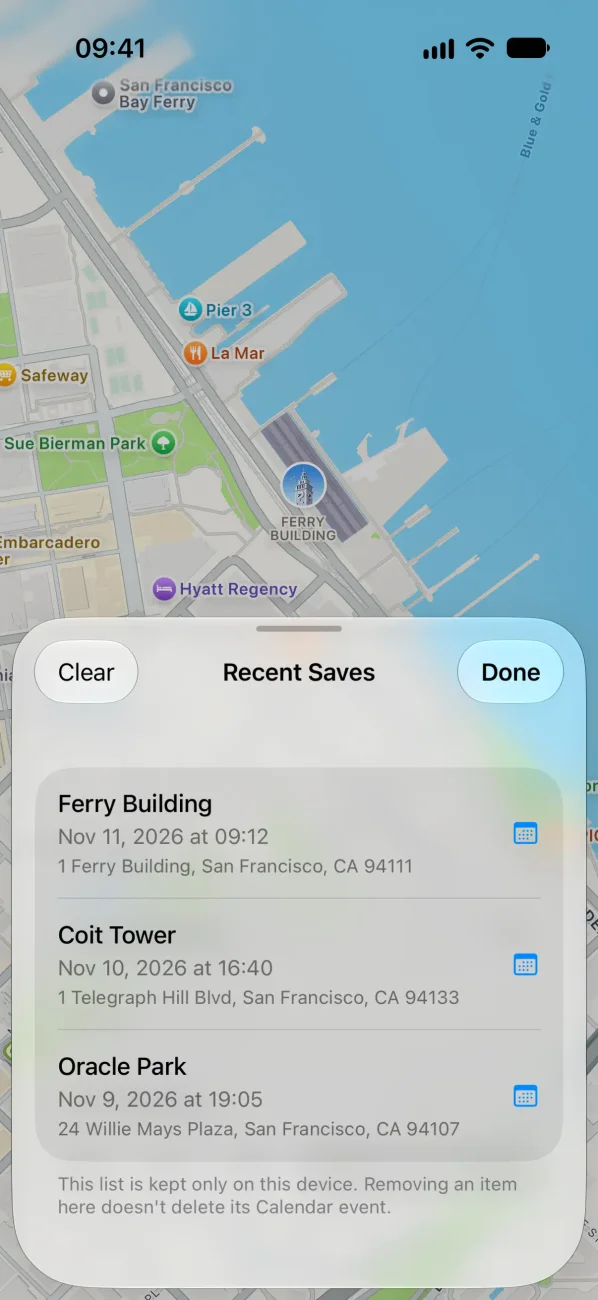
• Recent Saves lists what you've saved and opens Calendar at each one.
SAVE WITHOUT OPENING THE APP
• Ask Siri, run a Shortcut, or add the Control Center control.
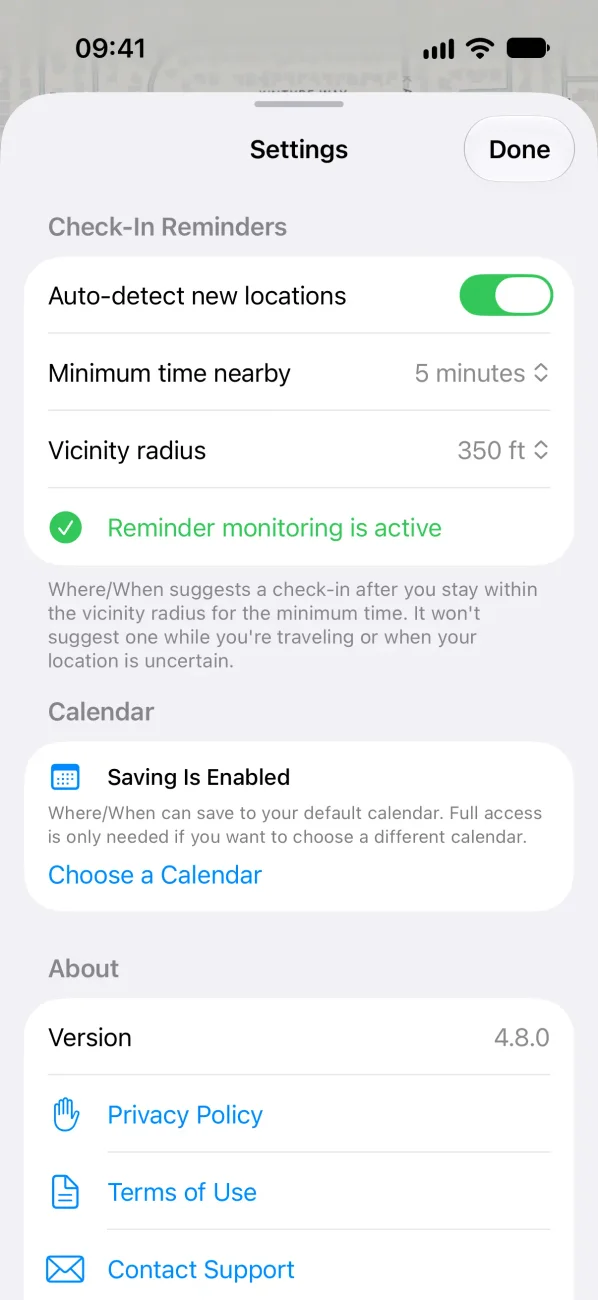
• Optional check-in reminders suggest a save after you've stayed somewhere new for a few minutes.
PRIVATE BY DESIGN
• No account, no ads, no analytics, no tracking.
• Your places are saved to your calendar, not to us. Place names and search results come from Apple Maps.
• Background location is used only if you turn on check-in reminders.
Designed for iPhone and iPad, in light and dark mode, with large-text support.
What’s new
Version 4.8.0 · Nov 12, 2026
• Touch and hold the map to drop a pin anywhere, or search for a place or address.
• Choose an earlier time when you save somewhere after the fact.
• Recent Saves lists what you've saved and opens Calendar at each one.
• The map now centers above the card, and Save is easier to hit.
• Re-center no longer clears a place you picked.
• If your location is slow to arrive, the app points you to search or a dropped pin.
• Check-in reminder distances show feet where feet are used.
• Updated for iOS 27, with a new icon.
App privacy
What floor1point2.com declares on the App Store about how this app handles data.
-
Data not collected
The developer does not collect any data from this app.
Privacy practices may vary, for example with the features you use or your age.
Information
- Seller
- Bill Anastas
- Category
- Travel
- Version
- 4.8.0
- Updated
- Nov 12, 2026
- Released
- May 23, 2021
- Size
- 2.2 MB
- Requires
- iOS 26.0 or later
- Age rating
- 4+
- Price
- $2.99
- Languages
- English
- Copyright
- © 2022 Floor 1.2
You might also like
-
 Destination AI - Take me thereThe ultimate travel companion
-
 Currency Converter! CalculatorOffline rates & travel tools
-
 Offline Maps - GPS TrackerRecord, Measure, Navigate
-
 Hike, Sail, Fly: GPS LocatorPrivate GPS & GPX tracker
-
 Live Location SharingFamily Locator & GPS Tracker
-
 PhotrailYour travel map, automatically
-
 ParklingThe parking timer
-
 Save Locations with PhotosAdd places to offline maps
-
 TOODL: Departure & ETA TimerLive Traffic & Departure Alarm
-
 You Will Be LateDoor Time for real life