
WherePut Home
Home item location helper
Designed for iPhone
Free · In-app purchases
- Age rating4+
- CategoryUtilities
- Developer彬彬 丁
- LanguagesEnglish+ 1 more
- Size5.5 MB
Links to the official App Store page
Download.org hosts no file of WherePut Home. The button opens its official App Store page, published by 彬彬 丁. Listing last checked on Nov 17, 2026.
Screenshots

About
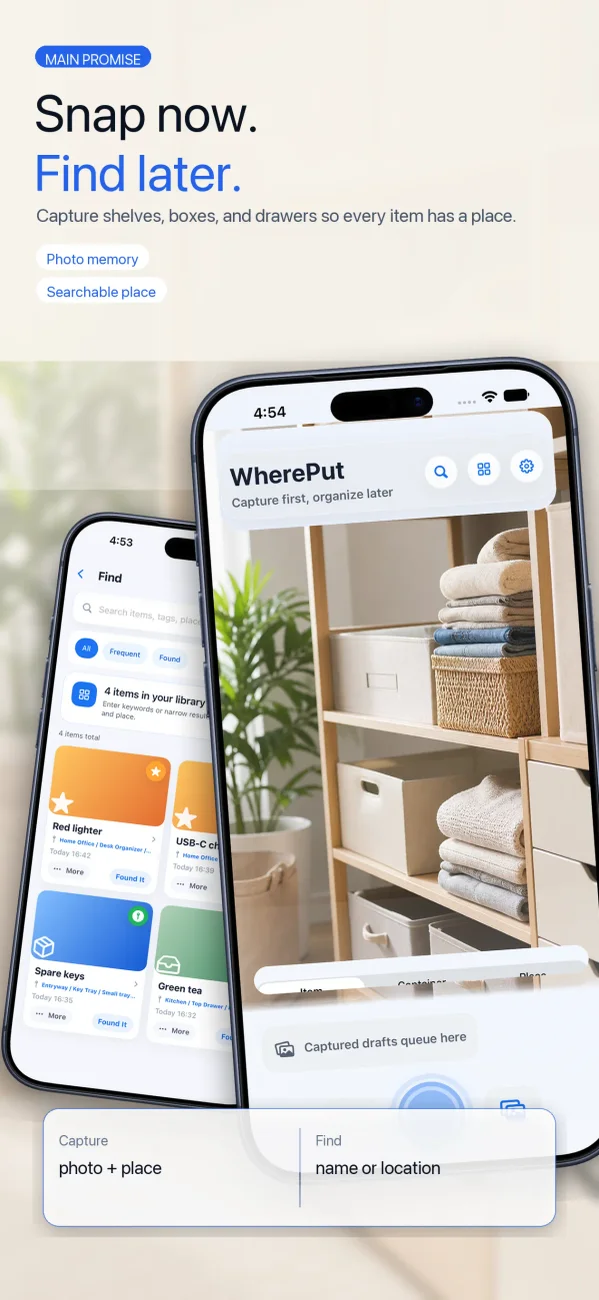
WherePut helps you remember where everyday things are stored.
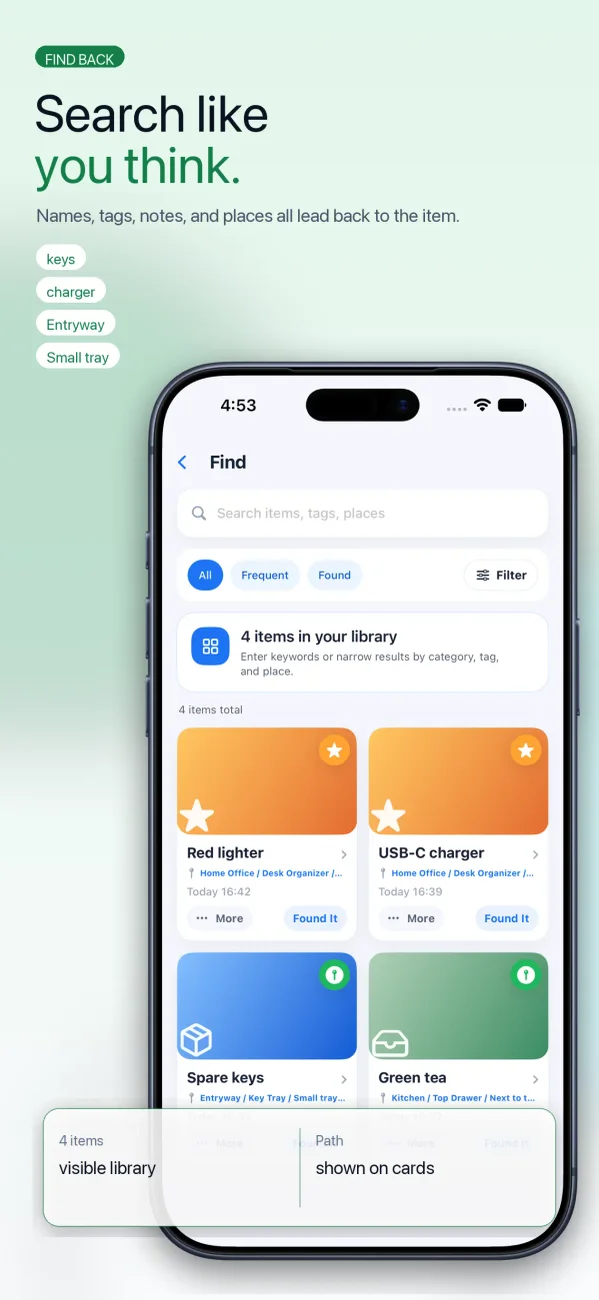
Take a quick photo, add a place or container, confirm the suggested name and tags, and save the item to your private home inventory. Later, search by item name, alias, tag, note, or location path to find it again.
Useful for:
- Passports, cards, receipts, warranties, contracts, manuals, keys, chargers, batteries, adapters, and medicine boxes.
- Moving boxes, travel packing, seasonal storage, and shared household shelves.
- Remembering which drawer, cabinet, bag, or container holds an item.
Key features:
- Camera-first capture for items, containers, and places.
- Important Documents mode for finding passports, receipts, warranties, contracts, and manuals by storage location.
- Local item library with scenes, containers, tags, photos, and notes.
- On-device image recognition suggestions for item names, categories, and tags.
- Local search across names, aliases, tags, notes, places, and container details.
- Optional sync controls, local data export, Trash, and privacy settings.
Privacy by default:
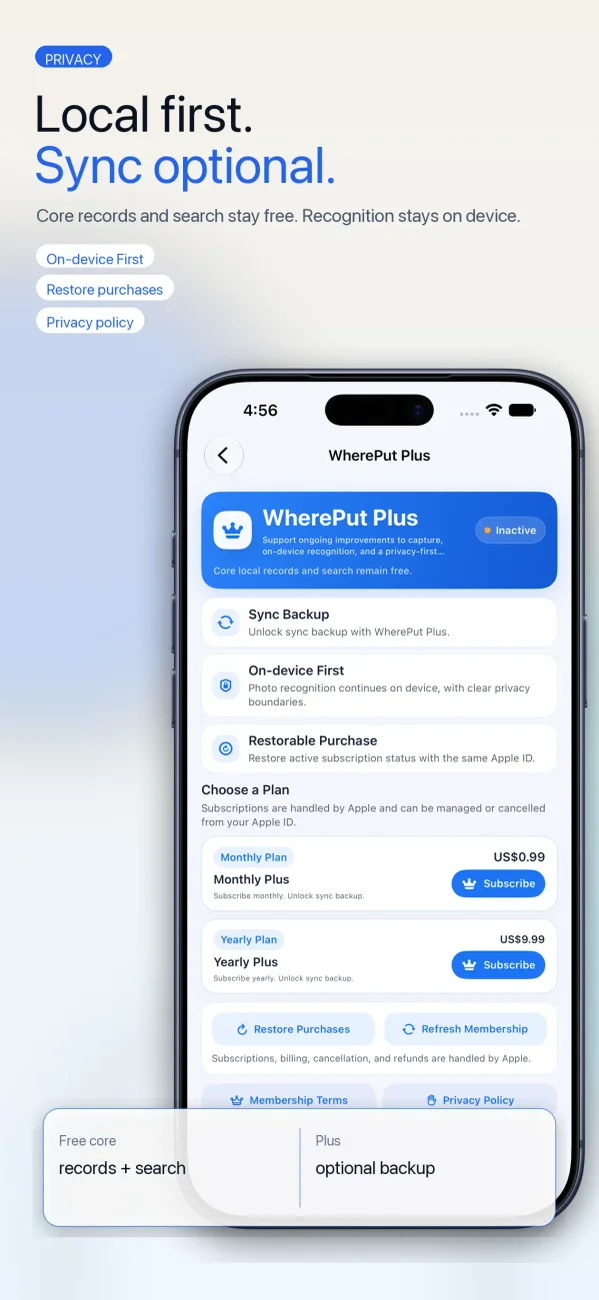
Your item records and photos are local by default. Image recognition runs on device, and results are only saved after you confirm them. Optional sync features are off unless you choose to enable them.
WherePut Plus is an optional auto-renewable subscription. WherePut Plus Monthly renews every month, and WherePut Plus Yearly renews every year. The purchase screen shows the current App Store price before purchase, and subscriptions can be managed or canceled from Apple ID settings.
Privacy Policy: https://www.owlworks.top/legal/guiweilist/privacy?locale=en-US
Membership Terms: https://www.owlworks.top/legal/guiweilist/purchase?locale=en-US
Terms of Use (EULA): https://www.apple.com/legal/internet-services/itunes/dev/stdeula/
What’s new
Version 1.0.2 · Jul 7, 2026
adds Important Documents mode for passports, receipts, warranties, contracts, and manuals.
Save optional due dates, warranty dates, and short tail-number notes, then find those records later by name, tag, note, place, Spotlight, or Shortcuts. Sensitive full numbers and document contents stay out of system search.
App privacy
What 彬彬 丁 declares on the App Store about how this app handles data.
-
Data not collected
The developer does not collect any data from this app.
Privacy practices may vary, for example with the features you use or your age.
Information
- Seller
- 彬彬 丁
- Category
- Utilities
- Version
- 1.0.2
- Updated
- Jul 7, 2026
- Released
- Jul 2, 2026
- Size
- 5.5 MB
- Requires
- iOS 17.0 or later
- Age rating
- 4+
- Price
- Free
- In-app purchases
- Yes
- Languages
- English, Simplified Chinese
- Copyright
- © @2026 owlworks
You might also like
-
 Trove: Private Document VaultScan Organize Search with AI
-
 PutIt: Item FinderRemember Where You Put Things
-
 WhereIs: Home Item FinderFind & Track Your Stuff
-
 Home Stuff Inventory TrackerRoom Closet Tags Lend Tracker
-
 讯飞听见 iFlytek: AI NotetakerRecord Meetings The Easy Way
-
 Lockin SecurityUtilities
-
 Fly Transcribe 讯飞听见 Note TakerAI Recorder & Meeting Notes
-
 Qr Code Reader & Scanner ZapQRQr Code Generator - Barcode
-
 Super Remote PlayerUtilities
-
 Unroller: Photo SorterSwipe to Delete, Save Storage