
Which Thing First? (WTF?)
Prioritize: end task paralysis
Designed for iPhone, iPad
Free · In-app purchases
- Age rating4+
- CategoryProductivity
- DeveloperWestbright
- LanguagesEnglish+ 4 more
- Size5.3 MB
Links to the official App Store page
Download.org hosts no file of Which Thing First? (WTF?). The button opens its official App Store page, published by Westbright. Listing last checked on Nov 17, 2026.
Screenshots
About
Too many things to do? Which one first?
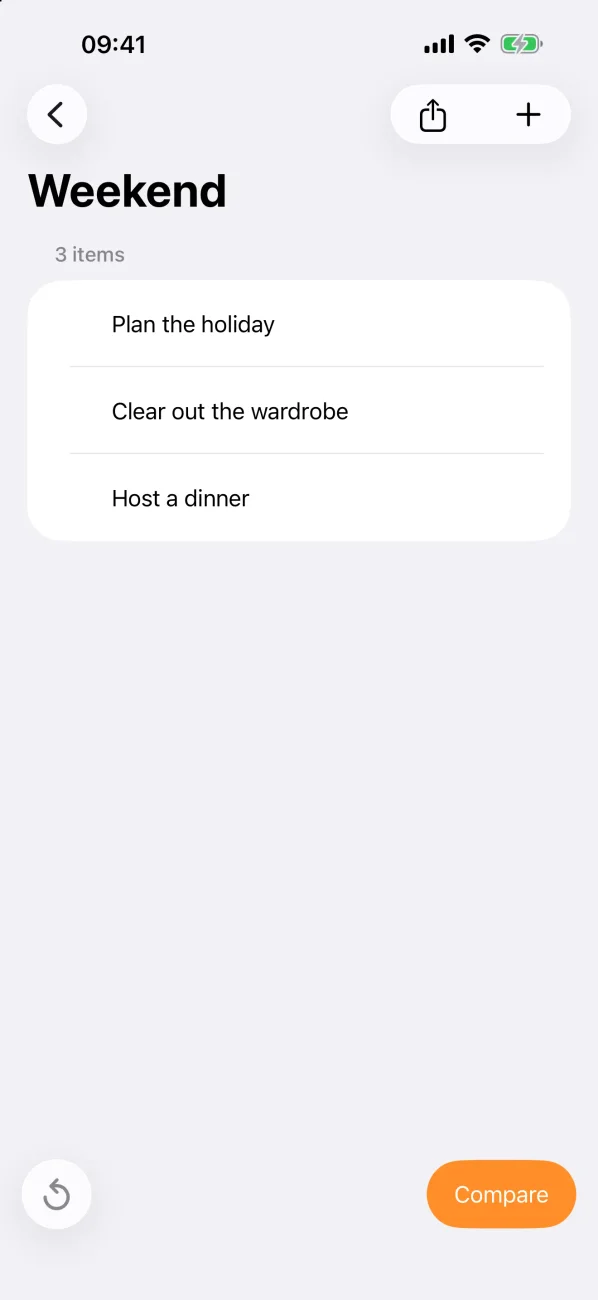
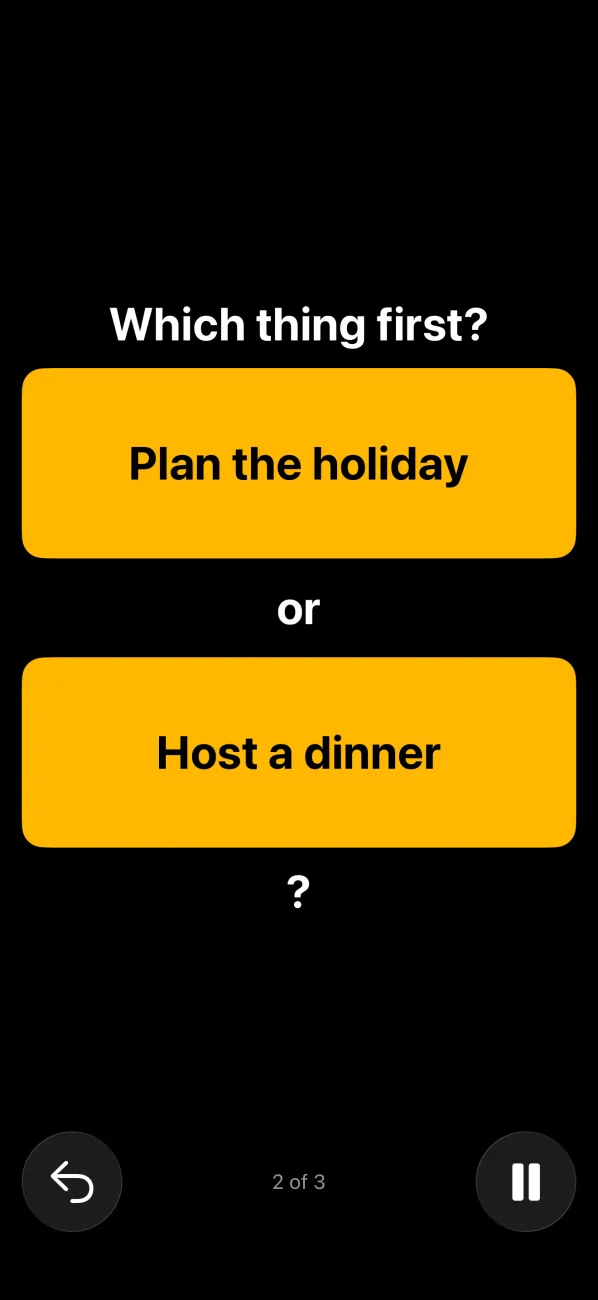
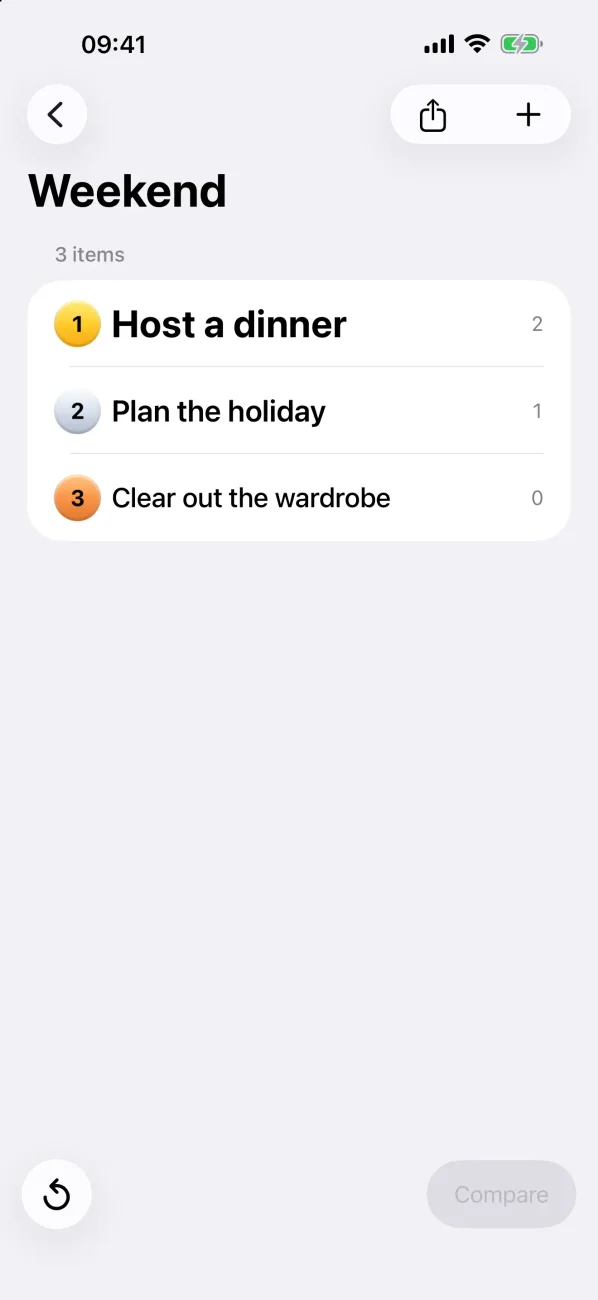
Which Thing First? (WTF?) helps you decide. Instead of staring at a long list, it shows you just two things at a time and asks the one question that cuts through: which thing first? Make a few quick, easy choices and WTF turns them into a clear, ranked order - so you always know what to do next.
Love a method like Getting Things Done (GTD) by David Allen? Even with a great system, one question remains: which thing to get done first? That's the gap WTF fills.
It's a refreshingly simple way to prioritize. No due dates to juggle, no system to learn. Just compare, two at a time, and let the ranking fall out - and watch a beautiful animation bring your prioritized list to life.
Everything you need, nothing you don't:
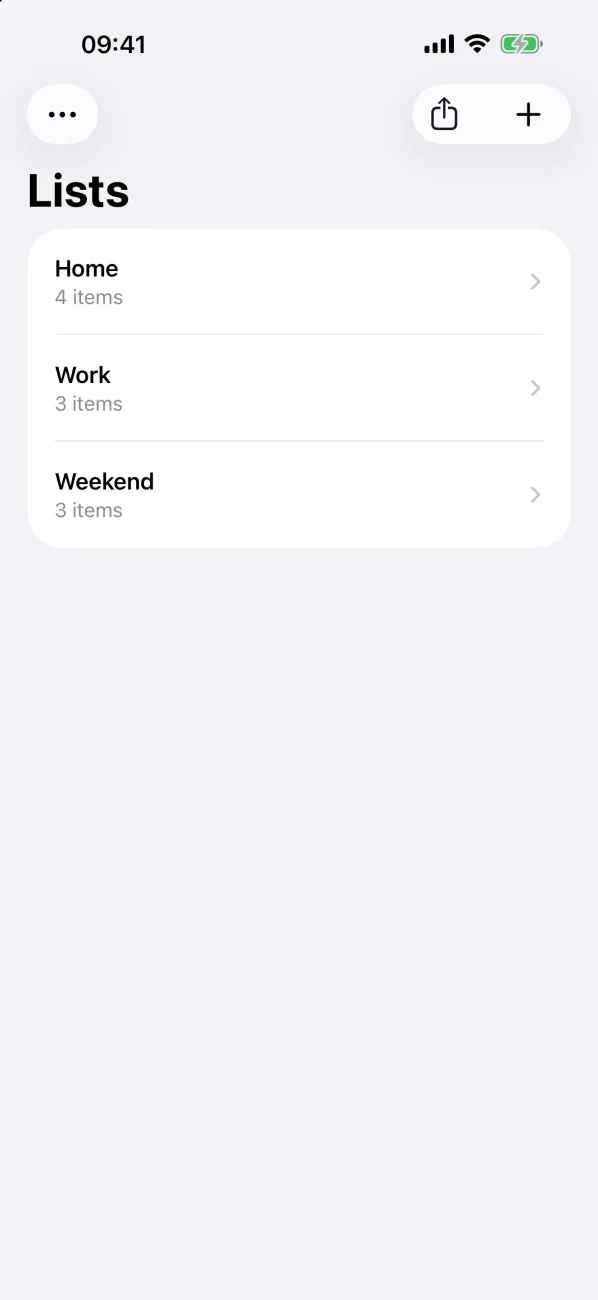
• Multiple lists - keep separate ones for work, home, what to read next, anything
• Share a list - export it as text, copy it, or send its items to Apple Reminders
• Siri & Shortcuts - ask for your top thing without opening the app
• Available in English, French, Italian, German and Spanish
• A fast, clean, fully accessible design for modern iPhone and iPad
Perfect for:
• To-do lists and tasks you can't seem to start
• Deciding what to read, watch, play, or buy next
• Ranking options when every choice feels equal
• Anything that needs a clear first, second, third
Free to use, with a one-time upgrade (no subscription) to unlock unlimited lists and items. No ads. No accounts. No tracking - your lists stay on your device.
Made with care by a small, independent studio. Thank you for trying it - and if it helps you, a review means the world.
What’s new
Version 2.3 · Oct 15, 2026
• Undo while comparing - changed your mind? Step back through your choices, one at a time
• Adding items is quicker - press return to add one and carry straight on to the next. An empty return finishes
• Landscape now works properly on the compare and upgrade screens
• Fixes: an item added after a reset now appears, the list order stays put, and Paste items notices a list you copied in another app
• VoiceOver speaks its announcements in your language too
Thank you for using WTF - I hope it helps you decide what's first.
App privacy
What Westbright declares on the App Store about how this app handles data.
-
Data not collected
The developer does not collect any data from this app.
Privacy practices may vary, for example with the features you use or your age.
Information
- Seller
- Westbright Ltd
- Category
- Productivity
- Version
- 2.3
- Updated
- Oct 15, 2026
- Released
- Jul 25, 2011
- Size
- 5.3 MB
- Requires
- iOS 26.0 or later
- Age rating
- 4+
- Price
- Free
- In-app purchases
- Yes
- Languages
- English, French, German, Italian, Spanish
- Copyright
- © 2026 Westbright Ltd
You might also like
-
 Priority FocusFocus on your top priorities
-
 2DayPlannerTomorrow Starts Today!
-
 DailyTasks: Focused todosPrioritize what matters
-
 Hours Tracker-Hours Time LogKeep track of working hours
-
 Task Timer - To Do AlertTasks & Timer Orgnaizer
-
 GoalingProductivity
-
 ExoMind External MemoryCapture & recall what matters.
-
 What to: Do! Task PickerTo-do list that picks for you
-
 Synctodo: Task List & SubtasksTo do, notes, planner, Arabic
-
 RealFocusProductivity