Whiteboard Note
Simple notes & drawing board
Designed for iPhone, iPad, iPod touch
Free
- Age rating4+
- CategoryUtilities
- DeveloperYoshitaka Koike
- LanguagesEnglish+ 2 more
- Size4.8 MB
Links to the official App Store page
Download.org hosts no file of Whiteboard Note. The button opens its official App Store page, published by Yoshitaka Koike. Listing last checked on Nov 14, 2026.
Screenshots


About
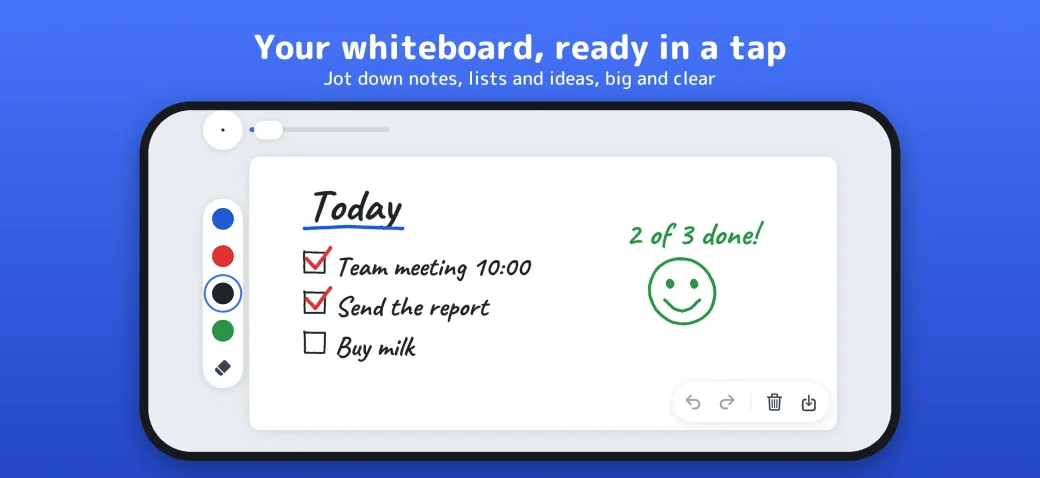
Whiteboard Note is a simple whiteboard you can use the moment you open it.
■ What you can do
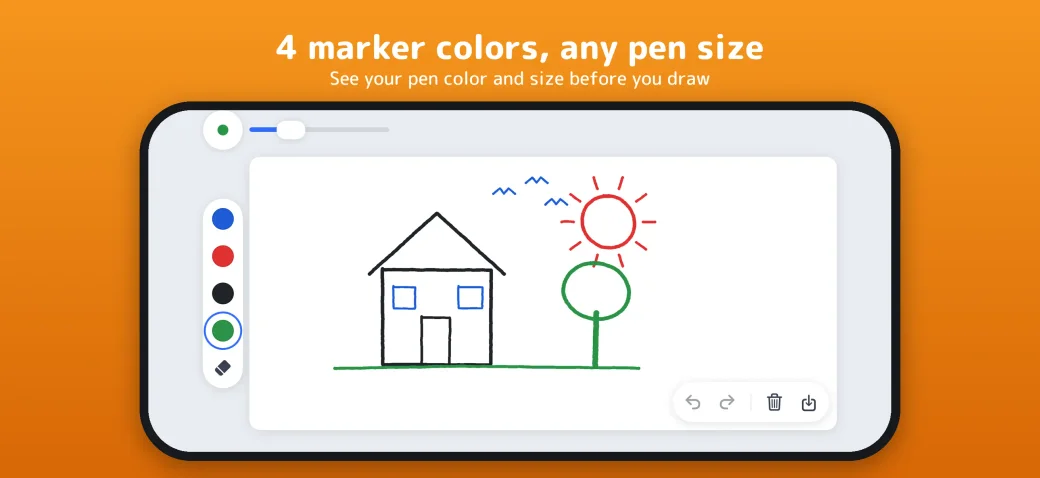
• Write and draw with 4 marker colors: black, blue, red and green
• Change the pen size with the slider. Your pen color and size are shown at the top left
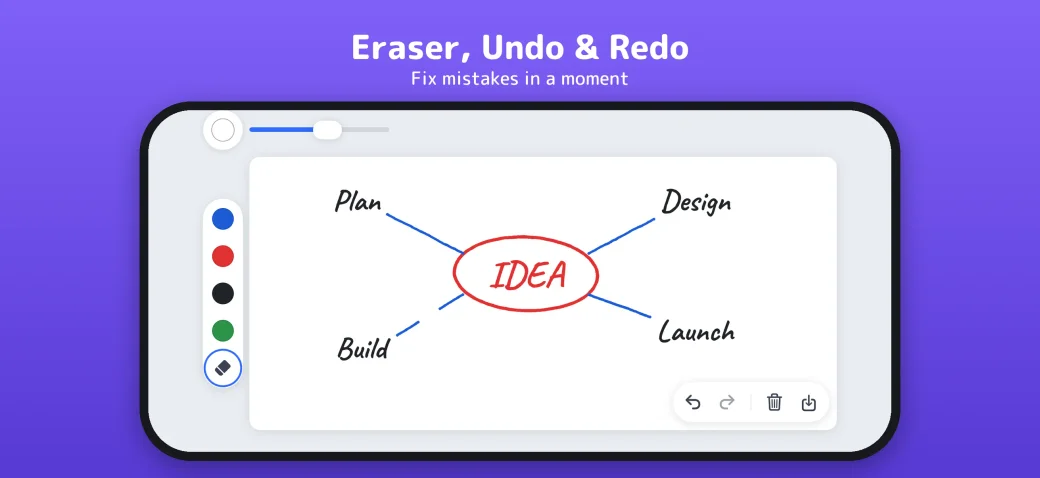
• Fix mistakes quickly with the eraser, Undo and Redo
• Clear the whole board with one tap
• Save your board to Photos with a white background
■ Great for
• Quick notes and to-do lists
• Math, study and explaining ideas
• Doodles and simple diagrams
■ If you can't save to Photos
Go to Settings > Whiteboard Note > Photos and choose "Add Photos Only".
This app shows ads.
What’s new
Version 1.3.1 · Nov 11, 2026
Minor improvements.
App privacy
What Yoshitaka Koike declares on the App Store about how this app handles data.
-
Data used to track you
May be used to track you across apps and websites owned by other companies.
- Location
- Identifiers
- Usage data
- Diagnostics
-
Data linked to you
May be collected and linked to your identity.
- Location
- Identifiers
- Usage data
- Diagnostics
-
Data not linked to you
May be collected but is not linked to your identity.
- Diagnostics
Privacy practices may vary, for example with the features you use or your age.
Information
- Seller
- Yoshitaka Koike
- Category
- Utilities
- Version
- 1.3.1
- Updated
- Nov 11, 2026
- Released
- Jun 3, 2018
- Size
- 4.8 MB
- Requires
- iOS 15.6 or later
- Age rating
- 4+
- Price
- Free
- Languages
- English, Arabic, Japanese
- Copyright
- © App huut
You might also like
-
 Chalkboard for iPadUtilities
-
 Pieces of Paperquick sketch by apple pencil
-
 iWorkBoard - Calc & WhiteboardWhiteboard and Calc All-in-One
-
 Flip!?Flip board
-
 How to Draw - Drawing GuideTrace on fonts step by step
-
 Notes, notepad, notebookNotes, notepad, notebook
-
 Sticky Notes Widgets: JotLock Screen Memo, Draw & To-Do
-
 Write notes on the screenquick draw with your fingers
-
 AR Draw Sketch & Trace ©Creative way to sketch image
-
 Doodle notes and write ideasPlanning & Take inkpad post