
Whittle Less Screen Time
Cut back on social media
Designed for iPhone
In-app purchases
- Age rating4+
- CategoryProductivity
- DeveloperMUSTAFA EMIR
- LanguagesEnglish+ 10 more
- Size46.2 MB
Links to the official App Store page
Download.org hosts no file of Whittle Less Screen Time. The button opens its official App Store page, published by MUSTAFA EMIR. Listing last checked on Nov 12, 2026.
Screenshots

About
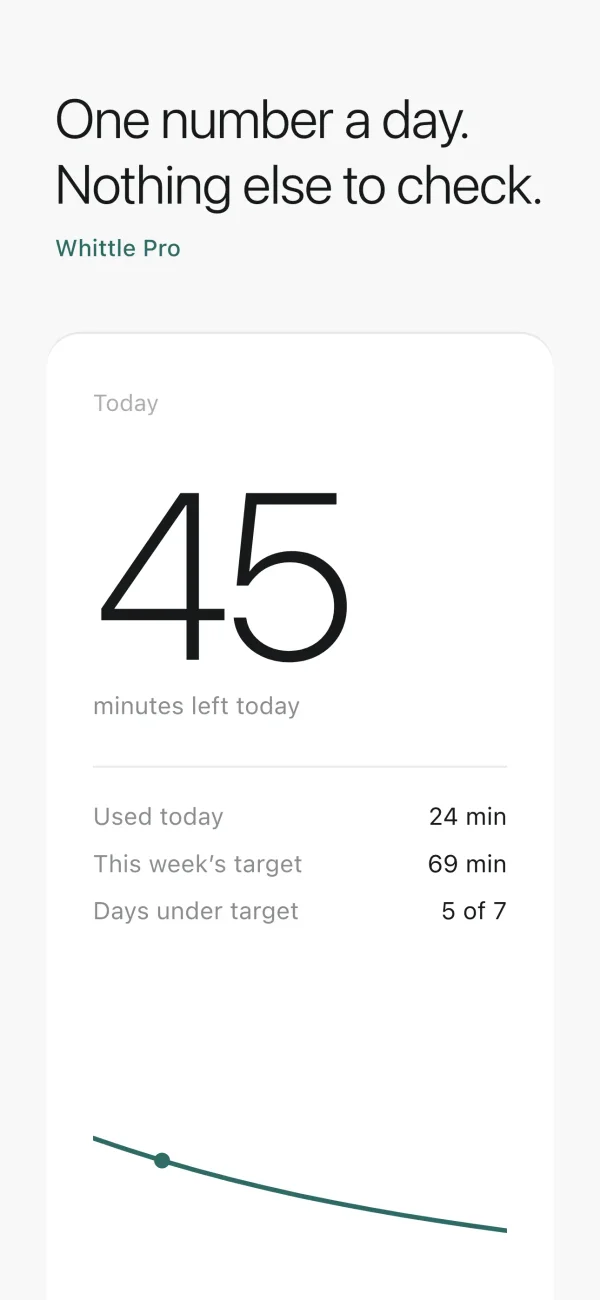
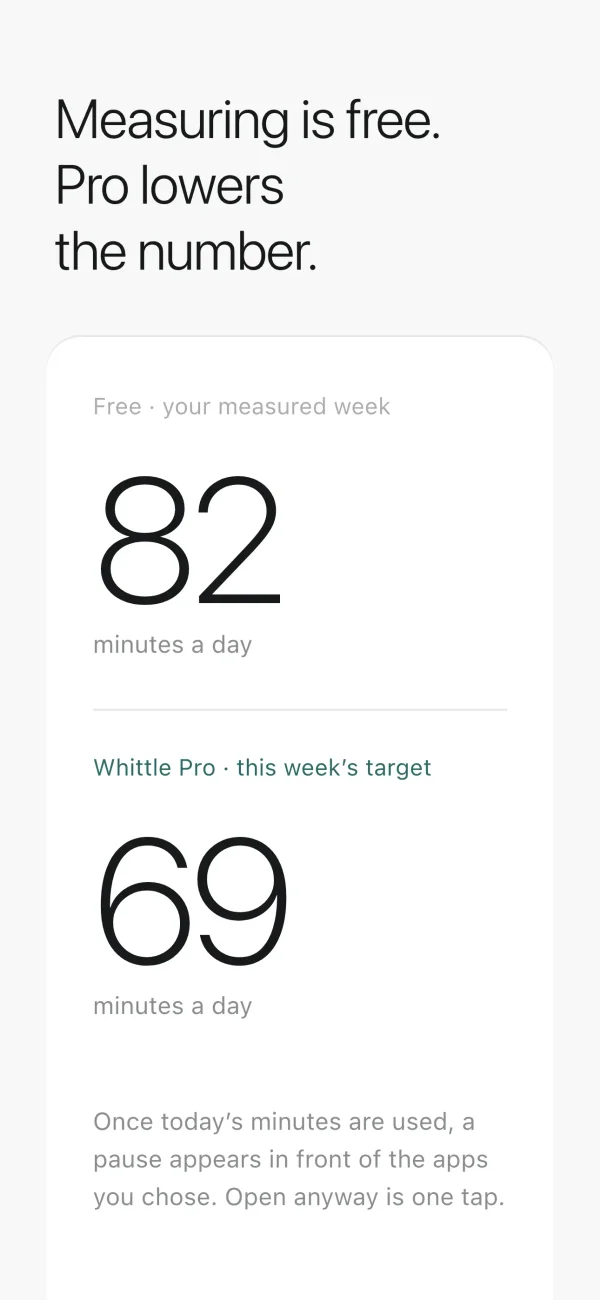
Measuring is free. Whittle counts a week of your own screen time on the apps you choose, then gives you one number: your daily average.
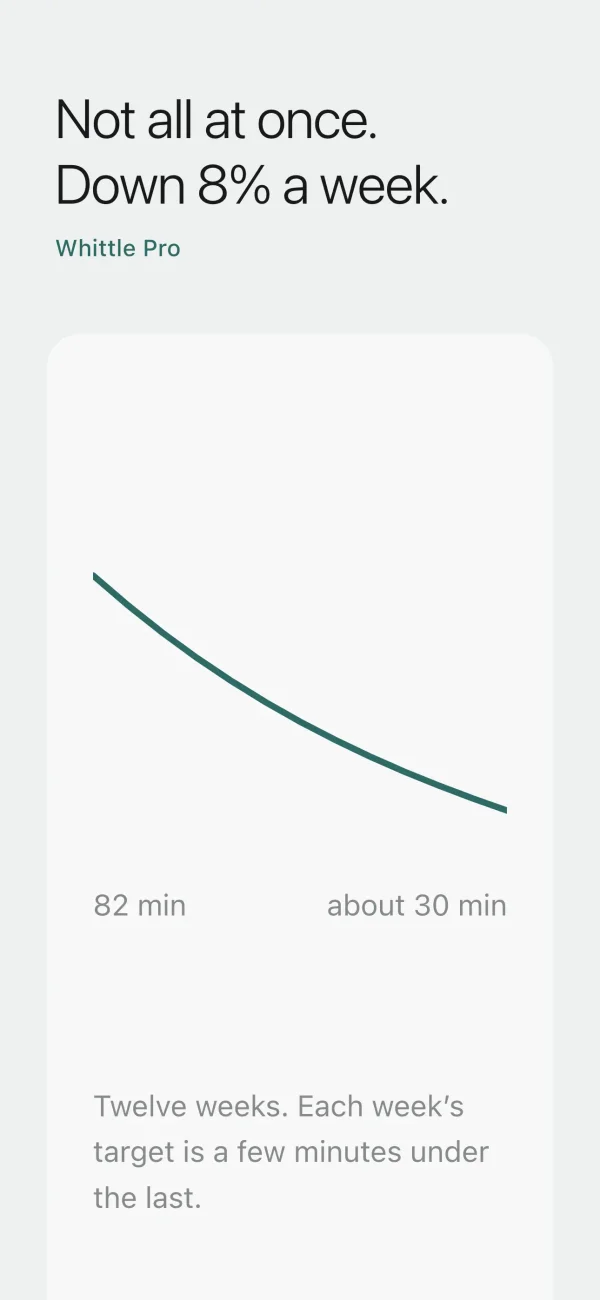
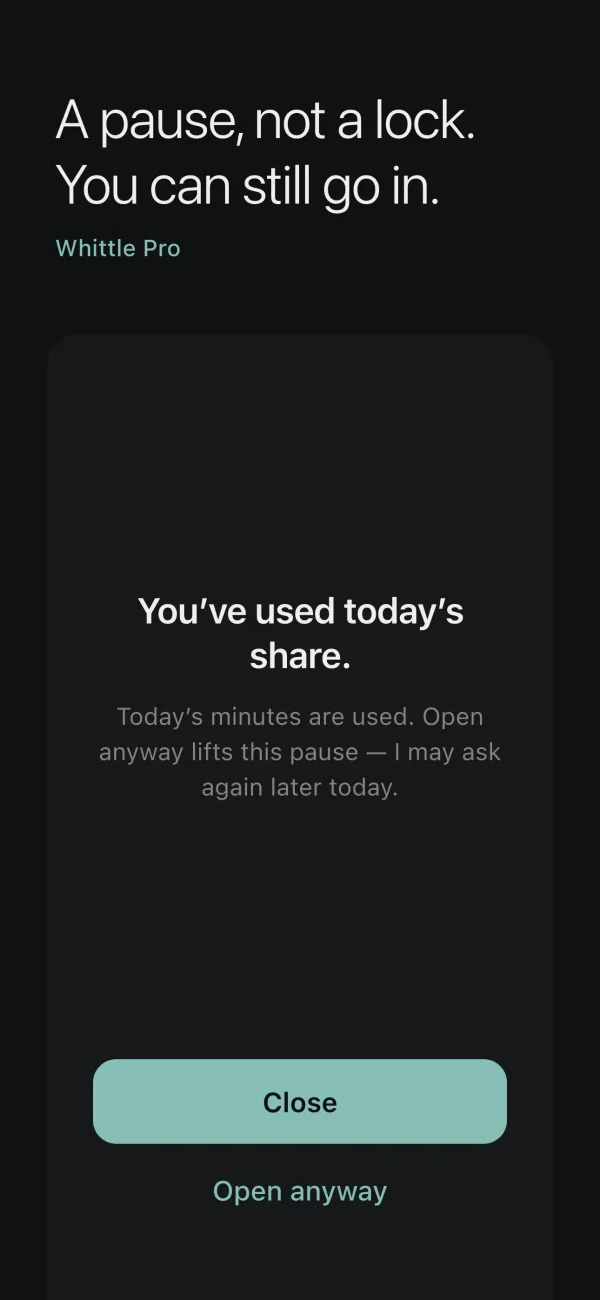
Whittle Pro lowers that number by 8% a week, over twelve weeks by default. Once today's minutes are used, a pause appears in front of the apps you chose. One tap on Open anyway lifts it. A pause, not a lock.
HOW IT WORKS
1. Pick the apps that take your time.
2. Whittle measures for a week. Nothing changes while it counts.
3. After a week you get one number, say 82 minutes a day.
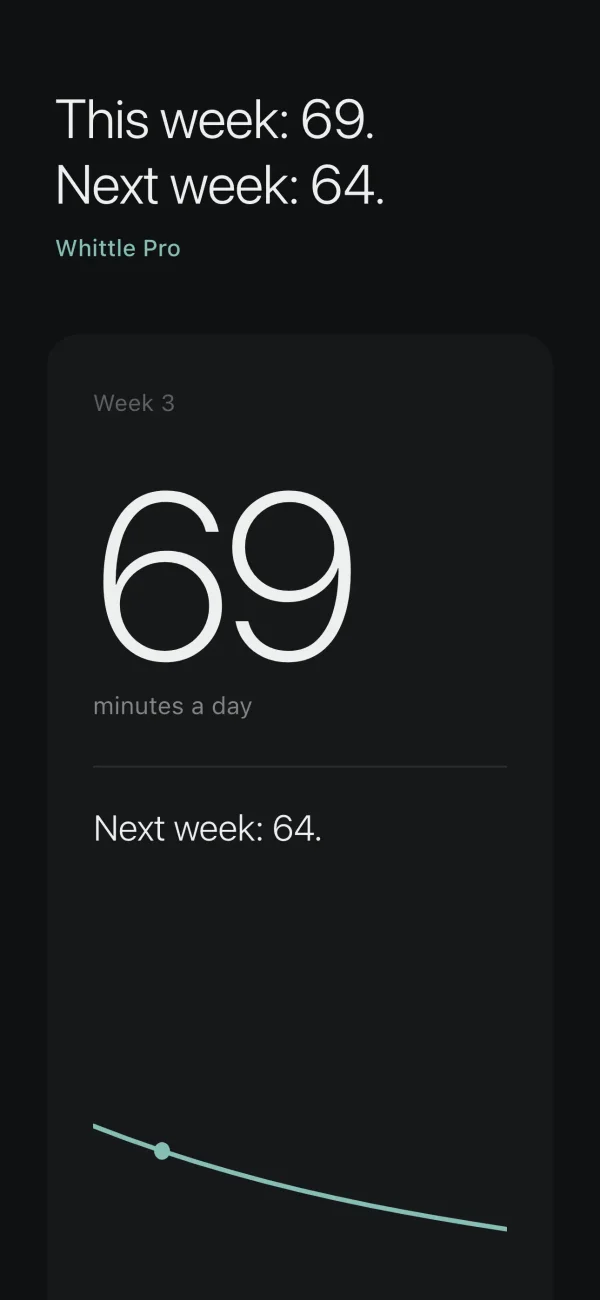
4. With Whittle Pro, each week's daily target is 8% lower: 82, then 75, then 69.
Eighty-two minutes a day becomes about thirty after twelve weeks. A few minutes at a time, small enough not to feel.
FREE
Measuring your week, and your number.
Today's minutes, and your history.
No account, no payment.
WHITTLE PRO
A daily target that falls 8% a week. The pace and the length of the programme are yours to change.
Once today's minutes are used, a pause in front of the apps you chose. Open anyway lifts it with one tap. It may ask again later that day.
On Sunday, next week's target.
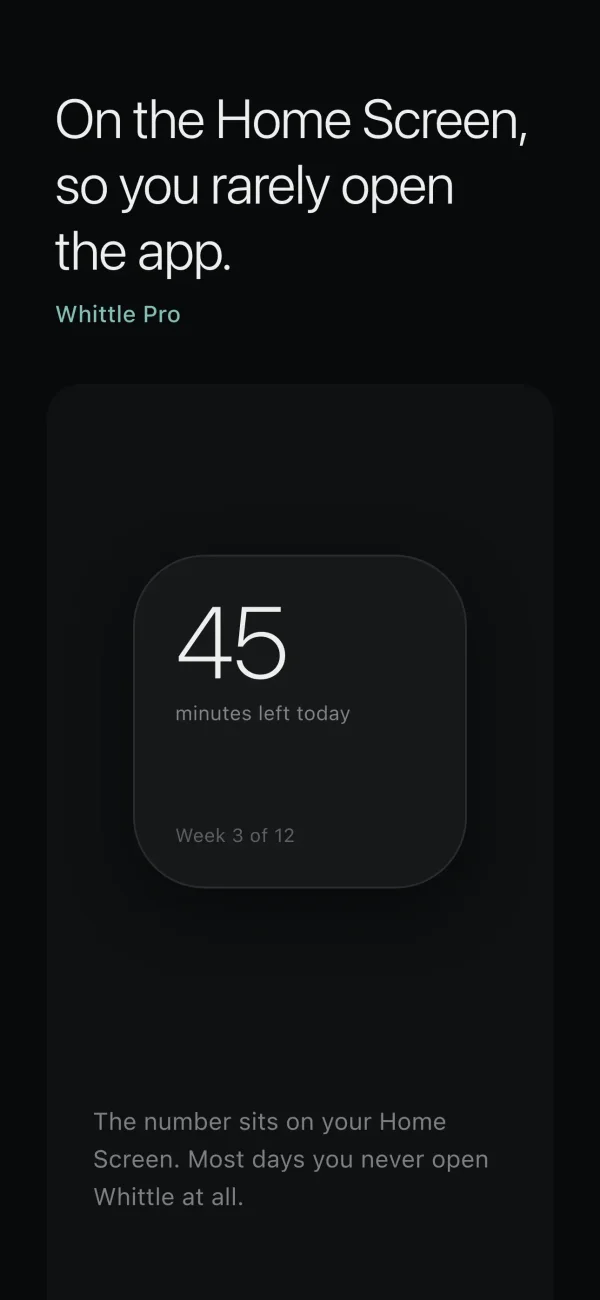
A widget that counts down what is left today.
If a week felt steep, hold the same target one more week.
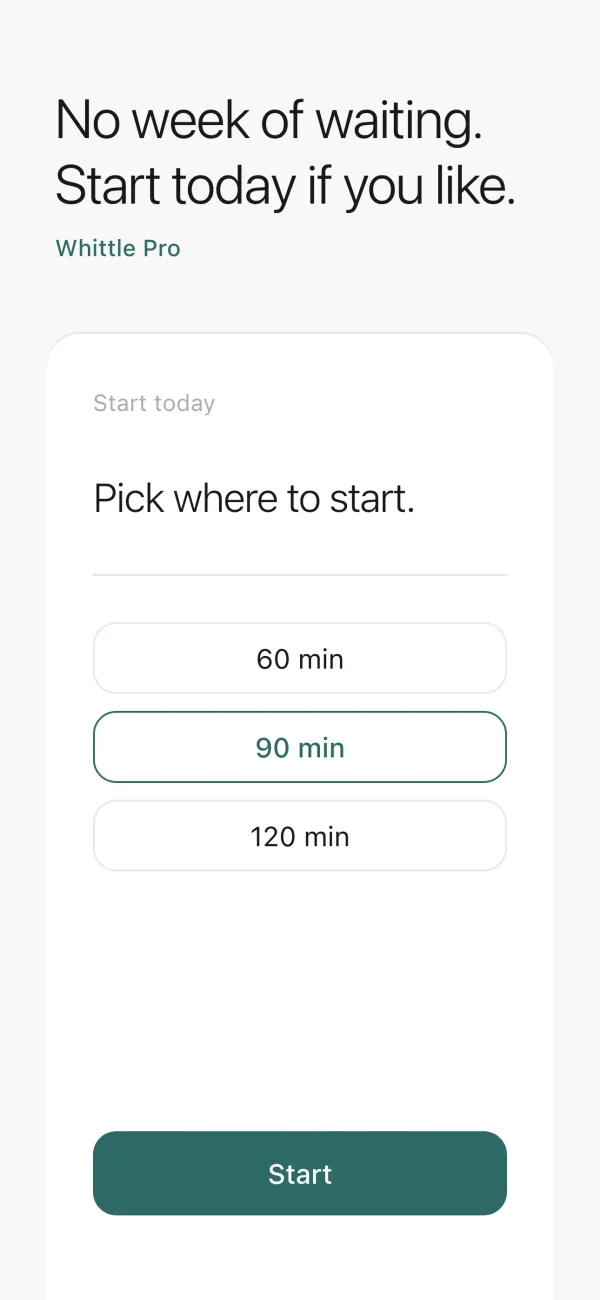
Don't want to wait a week? Start today from a limit you choose.
ABOUT THE PAUSE
While a pause is up, iOS may hold back notifications from those apps, so messaging apps like WhatsApp are best left off the list. You can turn the pause off in Whittle's settings; your minutes are still counted.
WHAT IT WON'T DO
No red. No streaks to lose. No badges, no confetti, no comparison with anyone else.
WHAT YOU GET BACK
82 minutes a day is 20 days a year. Twelve weeks later it's about seven.
PRIVATE BY DEFAULT
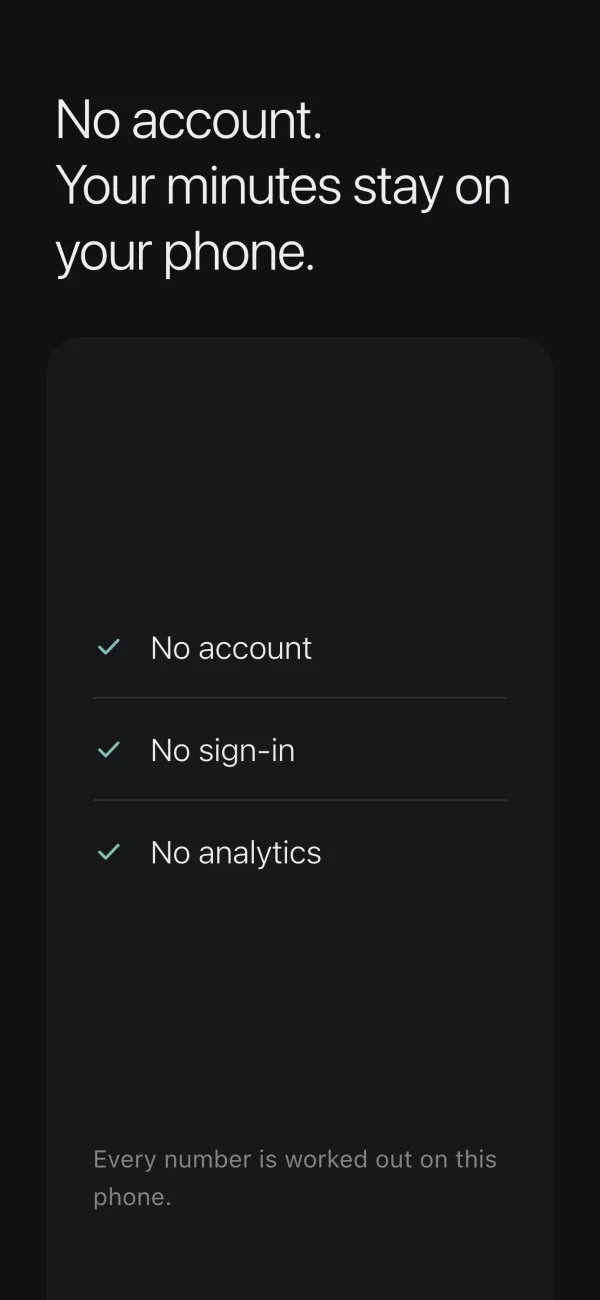
No account. No login. No analytics. Your minutes stay on the phone that measured them, unless you send a report yourself with Share diagnostics. The subscription is the one thing that talks to the outside, and it never carries a minute with it.
NOTIFICATIONS
A note when your number is ready. Then one each Sunday: your week, and with Whittle Pro, next week's target. No sound.
SUBSCRIPTION
Whittle Pro is an auto-renewable subscription, yearly or monthly. If you are eligible, the first 7 days are free; the price for your country is shown before you confirm. It renews automatically unless cancelled at least 24 hours before the end of the current period. Cancel at any time in Settings.
Terms of Use (EULA): https://www.apple.com/legal/internet-services/itunes/dev/stdeula/
Privacy Policy: http://mustafaemir.com/whittle/privacy.html
What’s new
Version 1.2.1 · Oct 6, 2026
This version fixes what the last one measured wrongly, and says what it could not say before.
- Your subscription is read from the store itself before Pro is ever taken away. A renewal the phone had not fetched yet used to read as a lapse.
- Before a free week turns into a paid one, a note names the day it ends. Settings shows when the free week ends, or the date you are paid through, and Manage subscription opens Apple's own sheet.
- The subscription screen says what the annual plan saves, and what it comes to per month.
- The day the counter is set up is a half-day. It no longer counts as a whole day kept, and no longer pulls your first week low.
- When the program ends you can hold at the number you landed on, keep lowering, or finish. A note the morning after says what the program did.
- The Home Screen widget stays honest between opens and starts each day with the whole share. On the Lock Screen: a circle and an inline line. The widget gallery reads in your language.
- Share your number, the time given back, or a finished program as one plain sentence.
- If Screen Time access is refused for a reason you can act on — no connection, no passcode — the screen says which.
- The pause's buttons keep their contrast in dark mode.
- Before measuring, you can say how long you think these apps take a day. On the day your number arrives, your guess stands beside it.
- Days over six hours are now counted up to twelve.
- Websites you pick are counted and paused too, and so are the websites in a category you picked.
- If you are on the monthly plan, Settings can switch you to annual; Apple shows when the change starts before you confirm.
App privacy
What MUSTAFA EMIR declares on the App Store about how this app handles data.
-
Data not linked to you
May be collected but is not linked to your identity.
- Purchases
- Identifiers
Privacy practices may vary, for example with the features you use or your age.
Information
- Seller
- MUSTAFA EMIR
- Category
- Productivity
- Version
- 1.2.1
- Updated
- Oct 6, 2026
- Released
- Aug 10, 2026
- Size
- 46.2 MB
- Requires
- iOS 16.4 or later
- Age rating
- 4+
- In-app purchases
- Yes
- Languages
- English, French, German, Italian, Japanese, Korean, Portuguese, Simplified Chinese, Spanish, Traditional Chinese, Turkish
- Copyright
- © 2026 Mustafa Emir
You might also like
-
 Eyle: App Blocker & FocusScreen Time, Better Habits
-
 Unscroll: Dopamine DetoxScreen Time & App Blocker
-
 Stillock: App Blocker & FocusLimit screen time & focus
-
 Ritsu - Dopamine Detox AI MonkJournal, focus & unplug
-
 Quietaskorganize your tasks, simply
-
 Frogoo: Screen Time & FocusComplete tasks. Unlock apps
-
 Odak - Social Media BlockerScreen Time & Focus
-
 Social Reps: Earn Your ScrollEarn your scroll with reps
-
 まず2分 - 先延ばし対策・習慣化Productivity
-
 Bounded Focus: App BlockerCut Screen Time & Distraction