
WhoDo
Turns text into Contacts!
Designed for iPhone, iPad, Mac, iPod touch
Free · In-app purchases
- Age rating4+
- CategoryProductivity
- DeveloperSwamp Dog, LLC
- LanguagesEnglish
- Size3.4 MB
Links to the official App Store page
Download.org hosts no file of WhoDo. The button opens its official App Store page, published by Swamp Dog, LLC. Listing last checked on Nov 15, 2026.
Screenshots

About
The same WhoDo app runs on iPhone, iPad - put WhoDo on ALL your iOS devices!
With Family Sharing - everybody in your family can also use WhoDo!
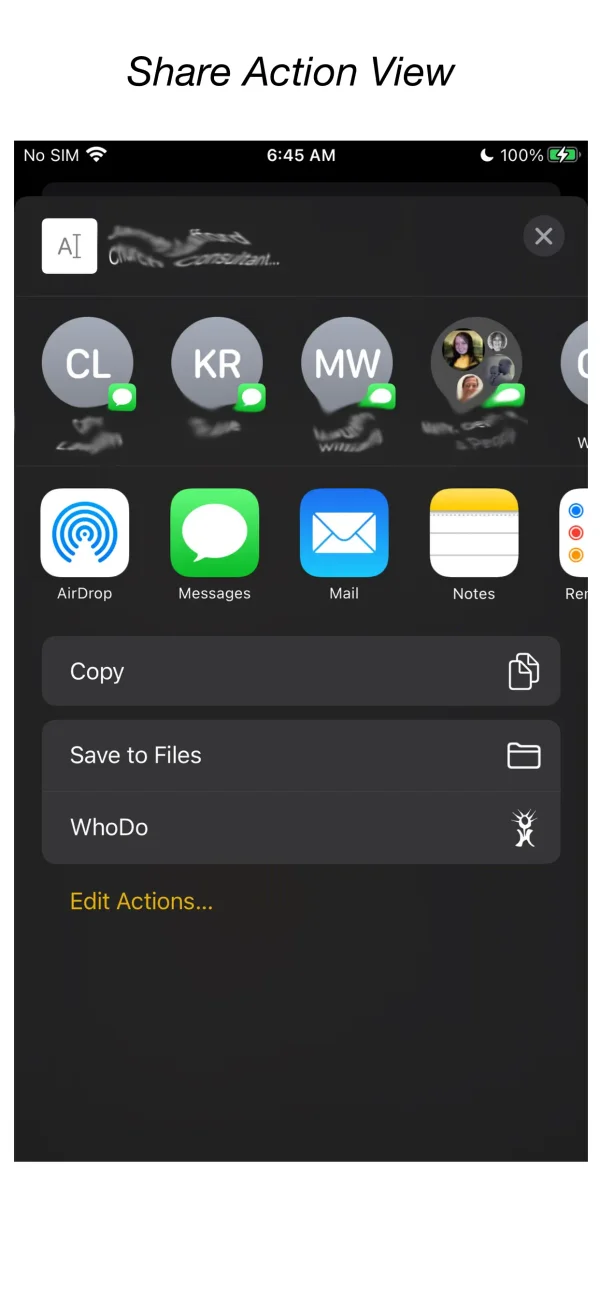
You don't need to launch an application to use WhoDo!
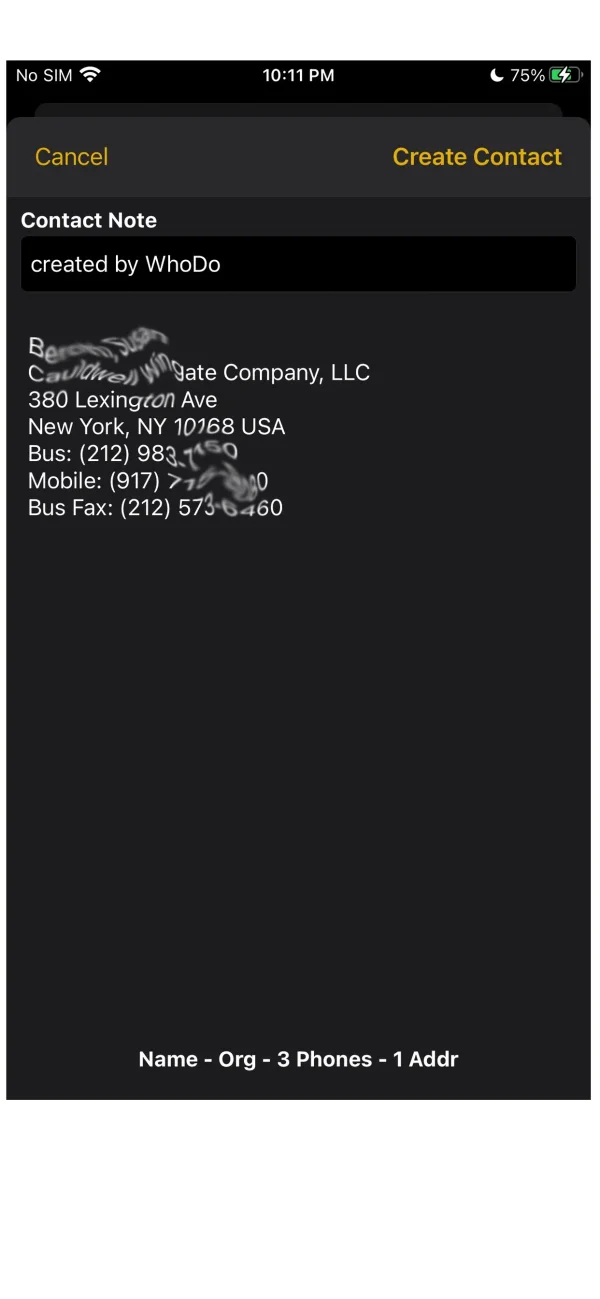
Just select the desired text in any application and use the Share action!
If Share is unavailable or inconvenient, you can also use 'Copy' and then switch to WhoDo.
Whenever you open WhoDo it immediately assesses the current clipboard for contact data.
WhoDo can handle multiple rows in a spreadsheet - this works best if you include the header row
WhoDo has a very minimal user interface - it has a single purpose and is designed to be the least possible interruption in your workflow.
WhoDo uses Apple's data detectors and natural language processing.
Download WhoDo for free - you can then create 3 contacts to verify WhoDo's functionality.
After you have created the 3 free trial contacts you must make an in-app purchase.
2 weeks usage - 99¢
1 year usage - $3.99
Permanent license - $7.99
WhoDo does NOT use subscriptions - there are no automated renewals.
You can purchase either of the short term usages as many times as you need.
WhoDo can:
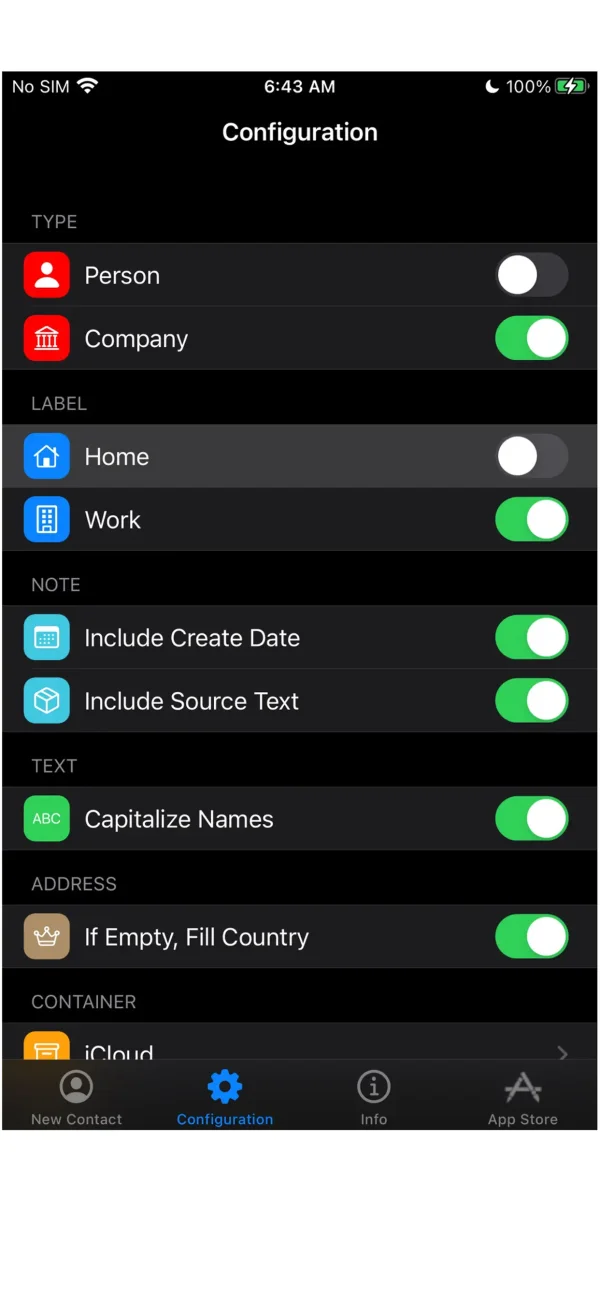
• assign the new contact to a specific Account (e.g. Gmail, Outlook, Yahoo, ...)
• assign the new contact to a Group (if Groups are supported in the Account)
• create either a Person or an Organization
• assign unlabelled values with either Work or Home labels
• automatically capitalize names of all types
• automatically supply the area code for casual phone numbers
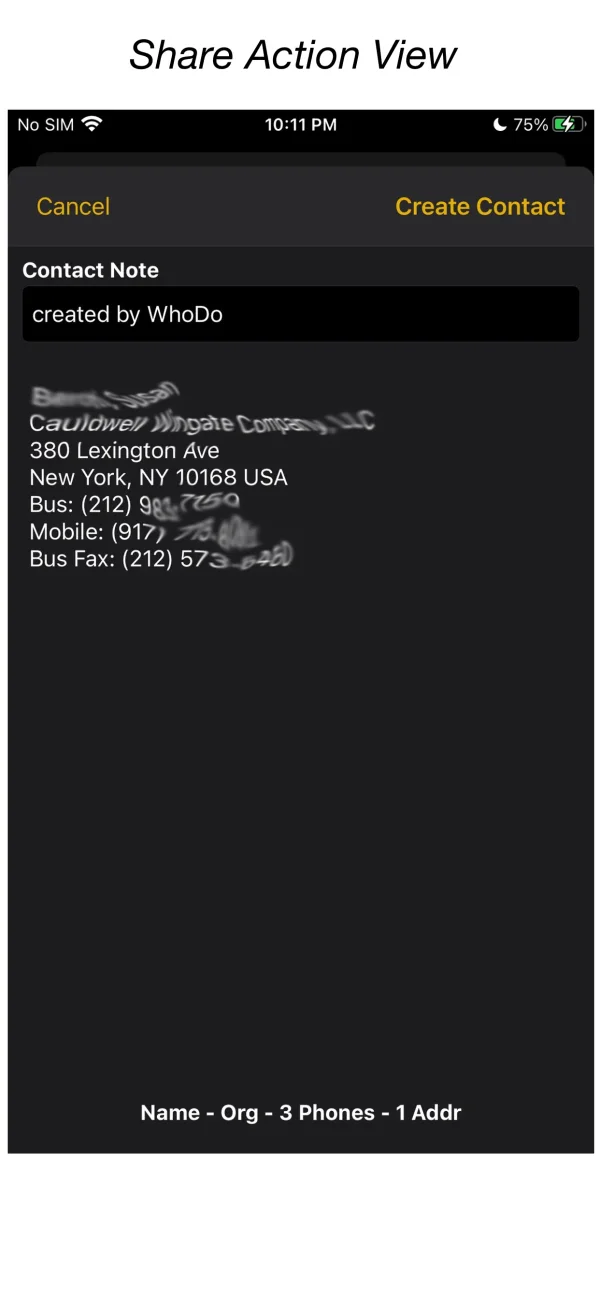
• populate the new contact's ‘Note’ with text of your choosing; you can also add the date & time of creation as well as the full text of source data.
• provides the contact in an editable Contact view for your final approval before you Save
• each time you open WhoDo it can provide the contents of the clipboard for use a new contact
so you can 'Copy' and then open WhoDo if that is more convenient than using 'Share'
• extract multiple contacts from Numbers - best if you include the header row
you can elect to process multiple contacts individually or in one bulk action.
WhoDo works with iOS 15.4 and later
Terms of Use: https://swampdog.info/whodo/core/termsOfUse/
NOTE: If you have any comments, general or technical issues, please contact us directly at developer@swampdog.info.
We will usually respond with one business day.
App privacy
What Swamp Dog, LLC declares on the App Store about how this app handles data.
-
Data not collected
The developer does not collect any data from this app.
Privacy practices may vary, for example with the features you use or your age.
Information
- Seller
- Swamp Dog, LLC
- Category
- Productivity
- Version
- 3.0.1
- Updated
- Jan 1, 2024
- Released
- Feb 18, 2019
- Size
- 3.4 MB
- Requires
- iOS 15.4 or later
- Age rating
- 4+
- Price
- Free
- In-app purchases
- Yes
- Languages
- English
- Copyright
- © 2024 Swamp Dog, LLC
You might also like
-
 WhatHadHappened MobileYour weekly work journal
-
 PostalPointProductivity
-
 VisionX PreviewerLow-code platform VisionX
-
 withAppDataProductivity
-
 typeApp: AI Keyboard & GrammarTranslator, Rewriter & Checker
-
 SkyTrack LiveLive Flight Map & Airport Info
-
 NoteChats - Store and OrganizeChat-based Note Manager
-
 pager.appsee who is free, w/o texting
-
 Stamp MailAI Email Client and Assistant
-
 Arca by Privacy EverywhereEasy to use encrypted email