
Wi-Fi Analyzer Network Scanner
pinger,scanner,dns & wifi map
Designed for iPhone, iPad, Mac, iPod touch
Free · In-app purchases
- Age rating4+
- CategoryUtilities
- DeveloperIgor Bidenko
- LanguagesEnglish+ 8 more
- Size15.2 MB
Links to the official App Store page
Download.org hosts no file of Wi-Fi Analyzer Network Scanner. The button opens its official App Store page, published by Igor Bidenko. Listing last checked on Nov 23, 2026.
Screenshots

About
Wi-Fi Analyzer Network Scanner is your complete network diagnostic toolkit that transforms your iPhone into a professional-grade network analyzer. This comprehensive WiFi analyzer and network scanner provides everything you need for network troubleshooting, WiFi optimization, and security monitoring.
Whether you are a network administrator managing enterprise infrastructure, an IT professional diagnosing connectivity issues, or a home user wanting to optimize your WiFi performance, this network tools suite delivers professional results with an intuitive interface.
WIFI SPEED TEST AND NETWORK PERFORMANCE
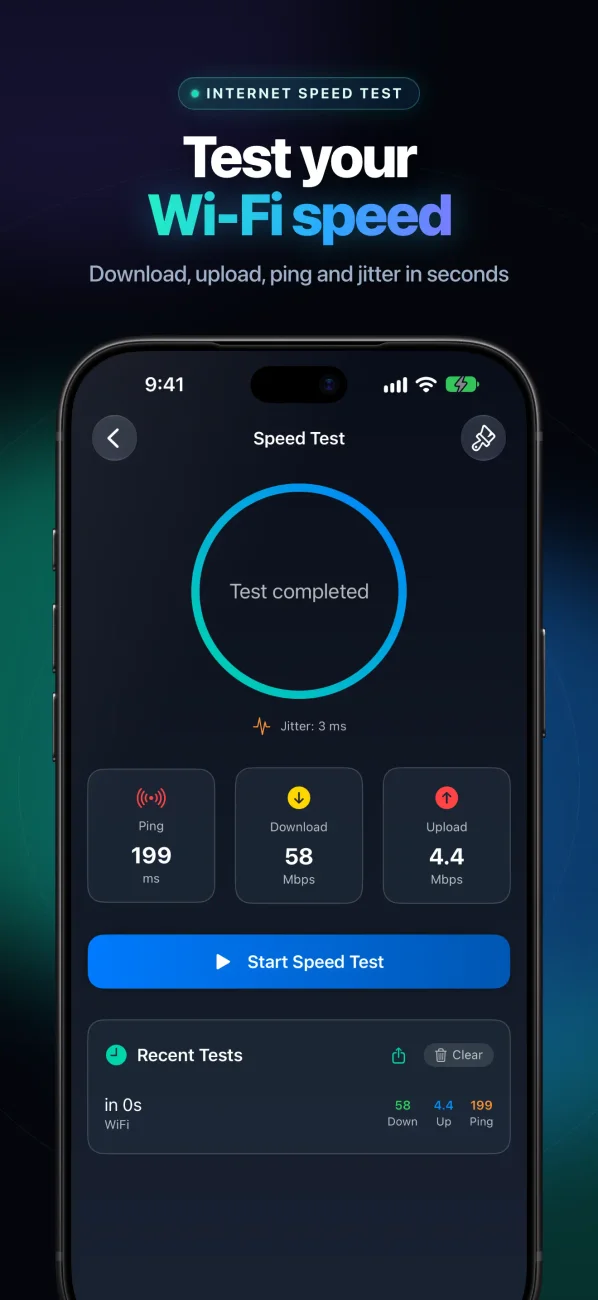
Our advanced speed test engine measures your internet connection with precision. Test download speeds, upload speeds, and latency to understand your true network performance. The WiFi analyzer displays detailed metrics including signal strength measurements, channel interference analysis, and network quality assessment.
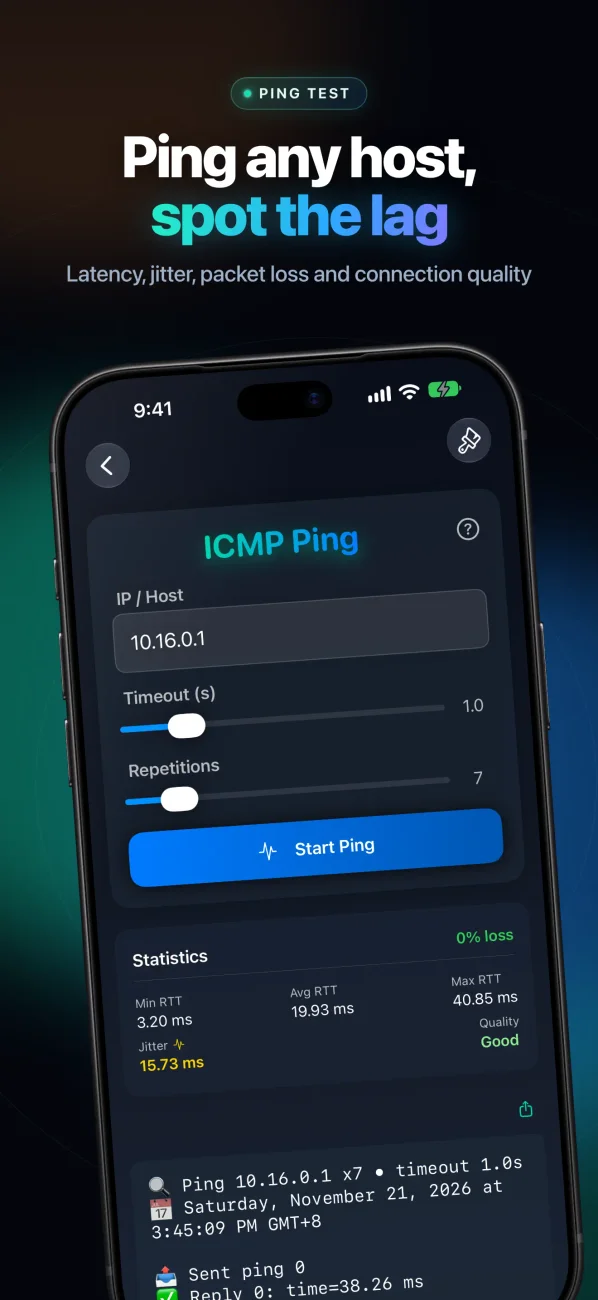
The integrated ping test supports both TCP and UDP protocols, allowing you to check connectivity to any server worldwide. Monitor response times, track packet loss, and analyze network stability with comprehensive statistics. New jitter measurement helps identify network consistency issues that affect VoIP calls, online gaming, and video streaming quality.
DNS PERFORMANCE BENCHMARK
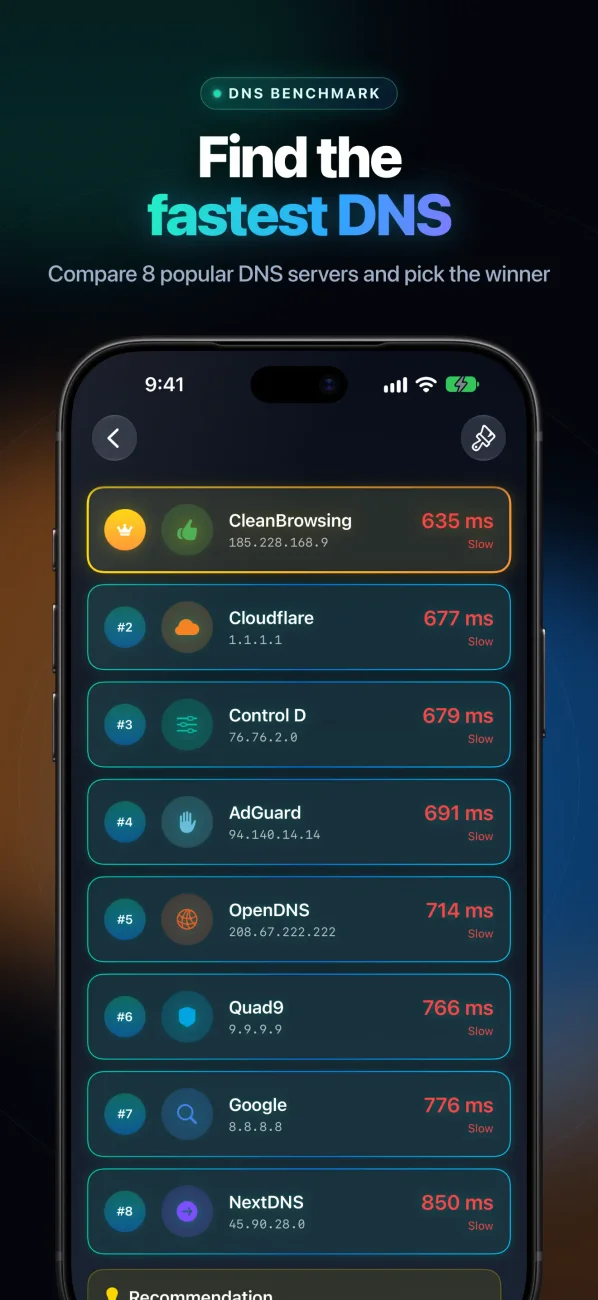
Compare DNS provider performance with our DNS benchmark feature. Test response times from eight popular DNS services including Cloudflare DNS, Google Public DNS, Quad9, OpenDNS, and AdGuard DNS. Our DNS lookup tool also supports comprehensive record type queries for technical analysis.
NETWORK LATENCY HEATMAP
Visualize your connection quality to servers around the world with our interactive latency heatmap. Test network latency across sixteen global server locations.
NETWORK SCANNER AND DEVICE DISCOVERY
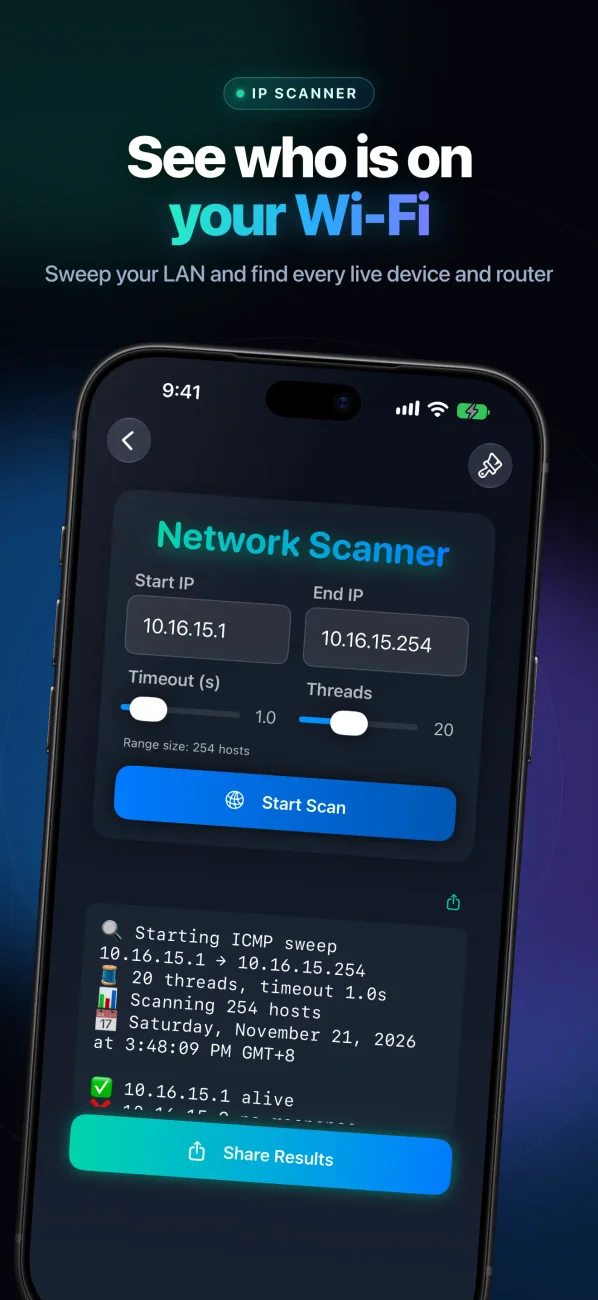
Discover every device connected to your local network with our powerful LAN scanner. The network scanner identifies all devices on your WiFi network, displaying IP addresses, MAC addresses, and vendor information. Create a complete inventory including routers, computers, smartphones, tablets, smart TVs, and IoT devices.
SECURITY MONITORING AND SPY DETECTOR
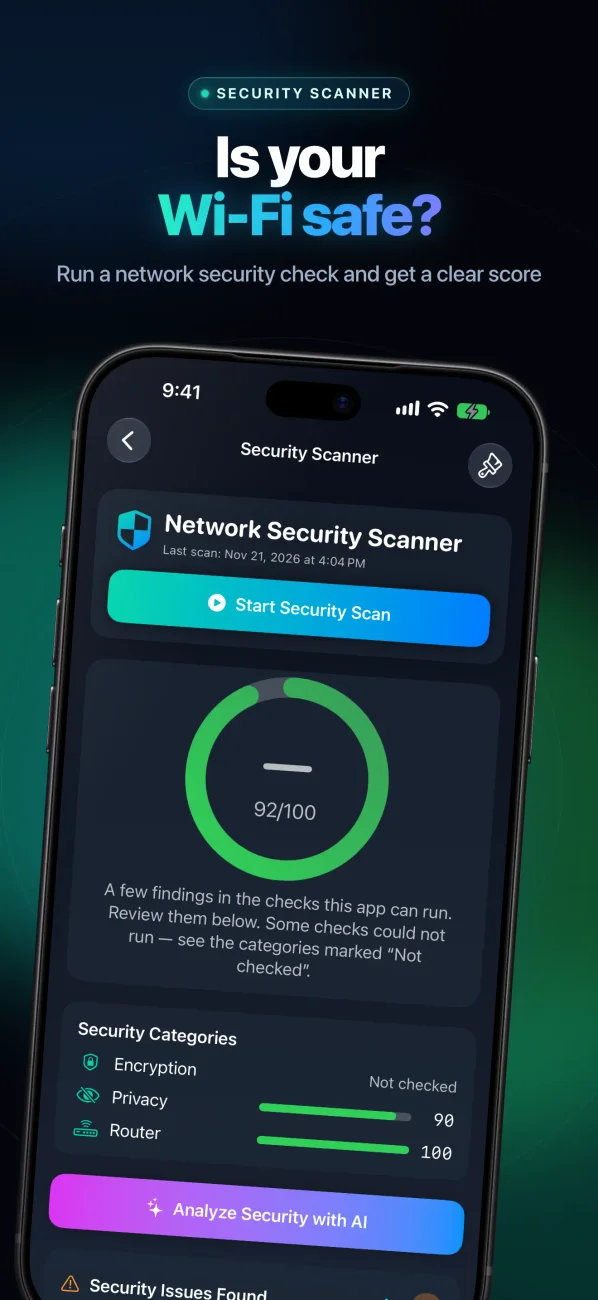
Protect your network with built-in security monitoring tools. The spy detector functionality helps identify suspicious or unauthorized devices connected to your WiFi network.
PORT SCANNER AND NETWORK DIAGNOSTICS
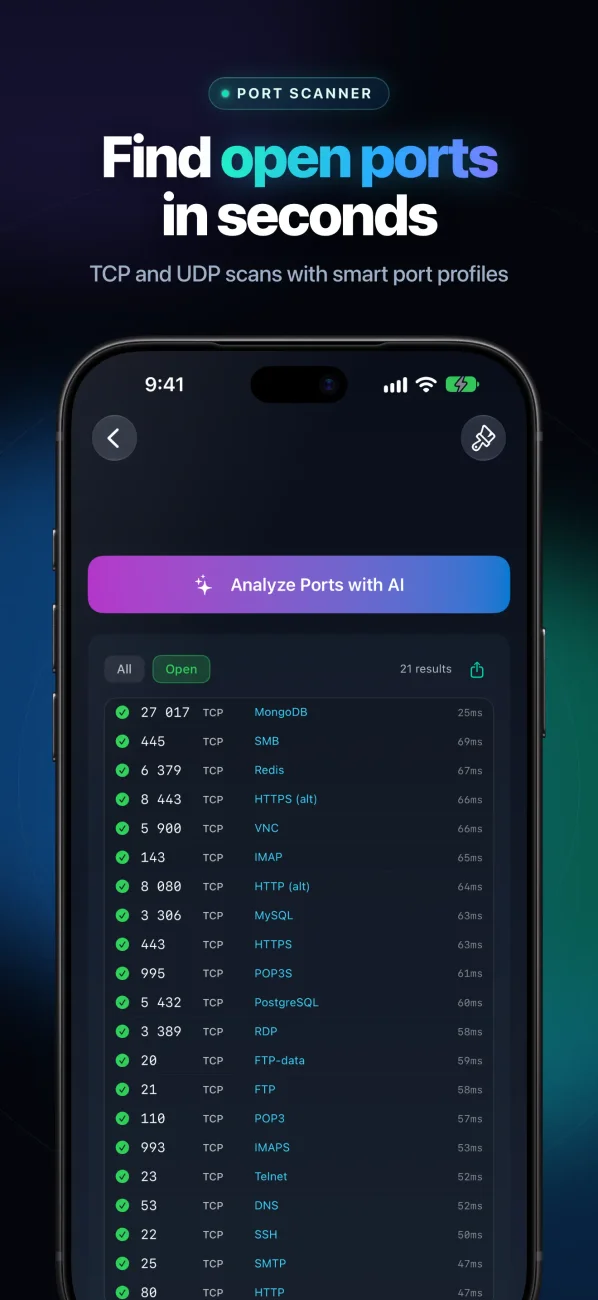
The professional port scanner checks for open TCP and UDP ports on any host. Customize port ranges for targeted scanning or use predefined ranges for common services. Identify running services, check firewall configurations, and diagnose connectivity issues with detailed scan results.
Additional diagnostic tools include MTU discovery for optimizing packet sizes, host analyzer for detailed network interface information, and Wake on LAN for remotely powering on computers.
IP TOOLS AND NETWORK UTILITIES
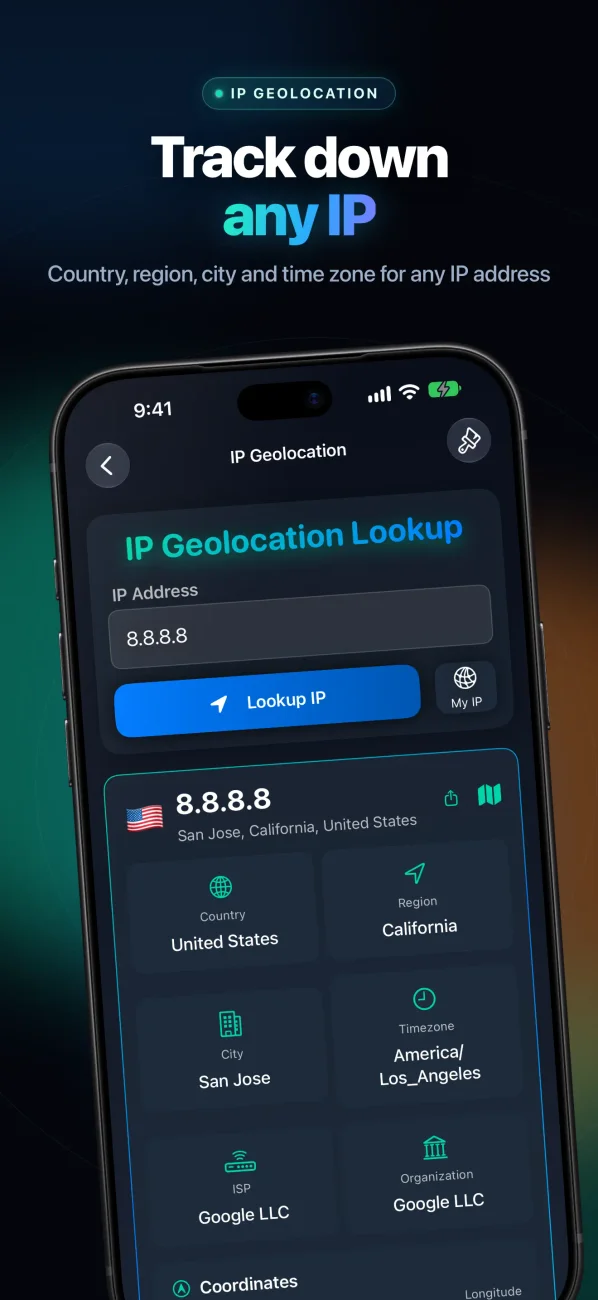
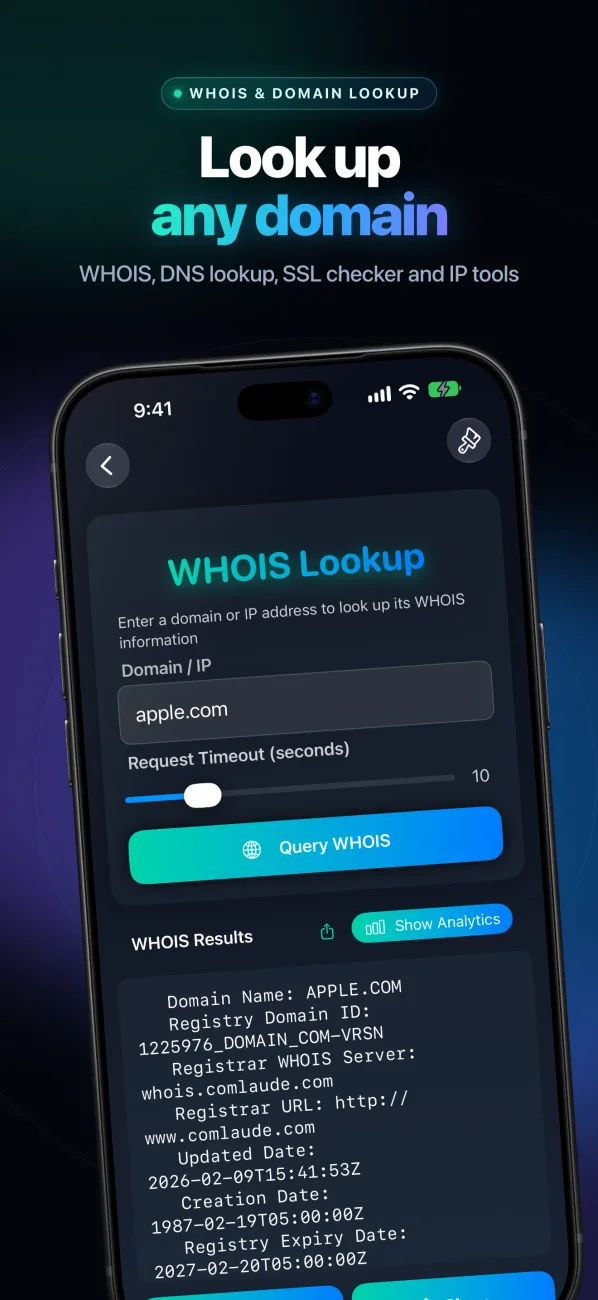
Access a complete suite of IP utilities within the app. The subnet calculator helps plan network addressing schemes with CIDR notation support. Reverse DNS lookup identifies hostnames from IP addresses. IP geolocation reveals geographic location and ISP information for any IP address worldwide. The WHOIS domain lookup provides registration details for any domain name. Our QR code generator creates shareable codes for WiFi credentials. Bonjour and mDNS service discovery identifies available network services automatically.
WIFI ANALYSIS AND SIGNAL OPTIMIZATION
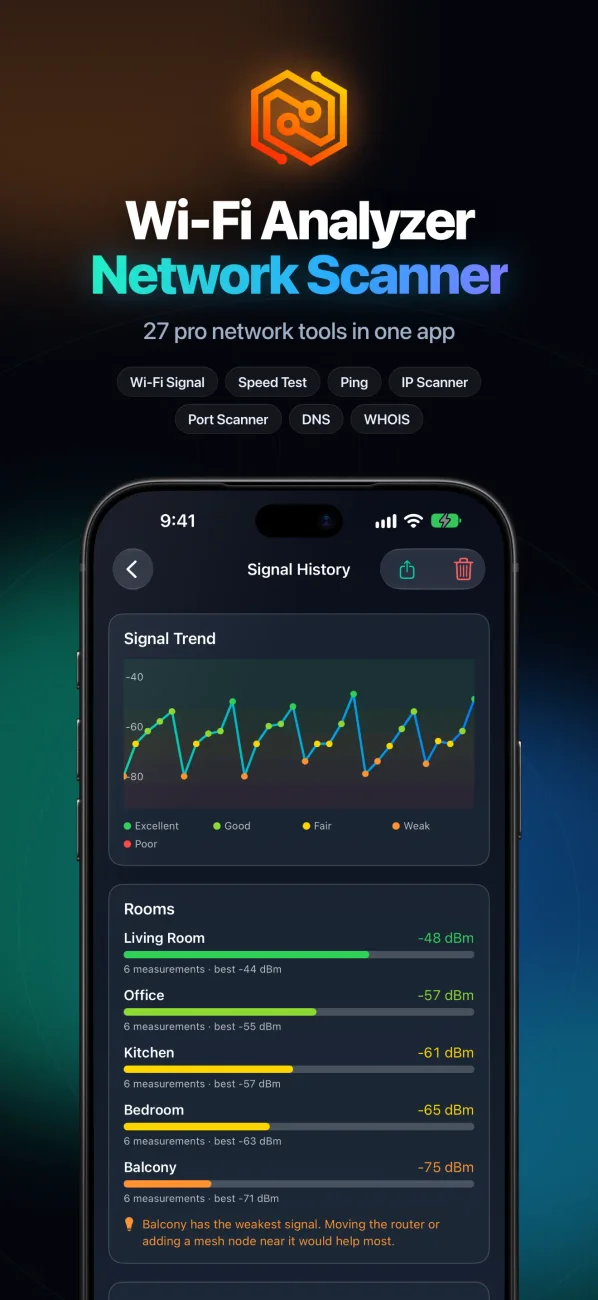
Our WiFi analyzer provides detailed channel analysis to identify interference and optimize router placement. Signal strength mapping helps locate dead zones and areas with weak coverage.
Whether you need to run a quick ping test, perform comprehensive WiFi analysis, scan your network for connected devices, benchmark DNS providers, or test global latency, this network analyzer toolkit has you covered.
Terms of Use: https://www.apple.com/legal/internet-services/itunes/dev/stdeula/
What’s new
Version 6.5 · Nov 21, 2026
SEE WHO IS ON YOUR WI-FI
- LAN Devices shows MAC addresses and manufacturers on iOS 27.
- Devices get better names and the right icons, so a TV no longer looks like a printer.
BETTER DIAGNOSTICS
- Port Scanner is faster and tells you right away when a host can't be reached.
- Security Scanner says "Not checked" when it can't test something. No guessed grades.
- SSL Checker follows the latest certificate rules.
- VPN Checker gives a clearer verdict.
- Latency Heatmap now measures real servers in 16 cities around the world.
BETTER ON IPAD
- Works in Split View and in resized windows, with a layout made for narrow screens.
SMALL THINGS THAT ADD UP
- Ping gives clear messages when a host can't be found and stays responsive.
- Exported CSV files open cleanly in Excel and Numbers.
- Welcome screens fit small iPhones.
- Many fixes in Traceroute, Whois, DNS Lookup, Wake on LAN and Speed Test.
Like the app? A quick rating helps a lot. Thank you!
App privacy
What Igor Bidenko declares on the App Store about how this app handles data.
-
Data not collected
The developer does not collect any data from this app.
Privacy practices may vary, for example with the features you use or your age.
Information
- Seller
- Igor Bidenko
- Category
- Utilities
- Version
- 6.5
- Updated
- Nov 21, 2026
- Released
- Aug 12, 2025
- Size
- 15.2 MB
- Requires
- iOS 15.0 or later
- Age rating
- 4+
- Price
- Free
- In-app purchases
- Yes
- Languages
- English, French, German, Italian, Japanese, Korean, Portuguese, Simplified Chinese, Spanish
- Copyright
- © Igor Bidenko
You might also like
-
 Flair WiFi AnalyzerWiFi & Network Analysis
-
 Wifi Analyzer Analyze NetworkWifi Status: Network Scanner
-
 NetWizard: Scan & AnalyzeNetwork Analysis Tool
-
 Network Monitor ∞ IP TrackerLive Connection & VPN Status
-
 WiFi Analyzer: Speed TestNetwork signal strength tool
-
 Network Analyzer: Speed TestWifi Signal, Ping, LAN Scanner
-
 Network Scanner ProWiFi Security & Device Scanner
-
 Network Analyzer Scanner NettyAR Wifi Speed Test & Security
-
 WiFi Network Signal ToolsInternet Speed and Device Info
-
 EasyNet: Network Scanner ToolPing, LAN, BLE & SSH Analyzer