Widget Learner
Vocabulary on your Lock Screen
Designed for iPhone
Free · In-app purchases
- Age rating4+
- CategoryEducation
- Developeryu te Lin
- LanguagesEnglish+ 18 more
- Size24.4 MB
Links to the official App Store page
Download.org hosts no file of Widget Learner. The button opens its official App Store page, published by yu te Lin. Listing last checked on Nov 23, 2026.
Screenshots



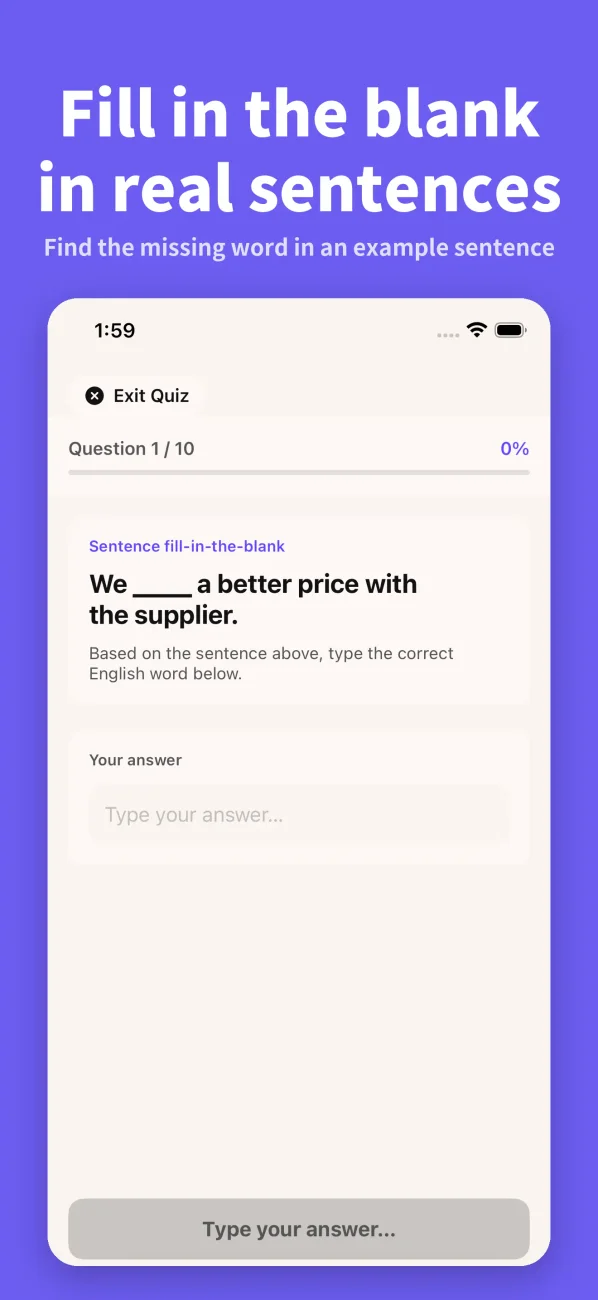
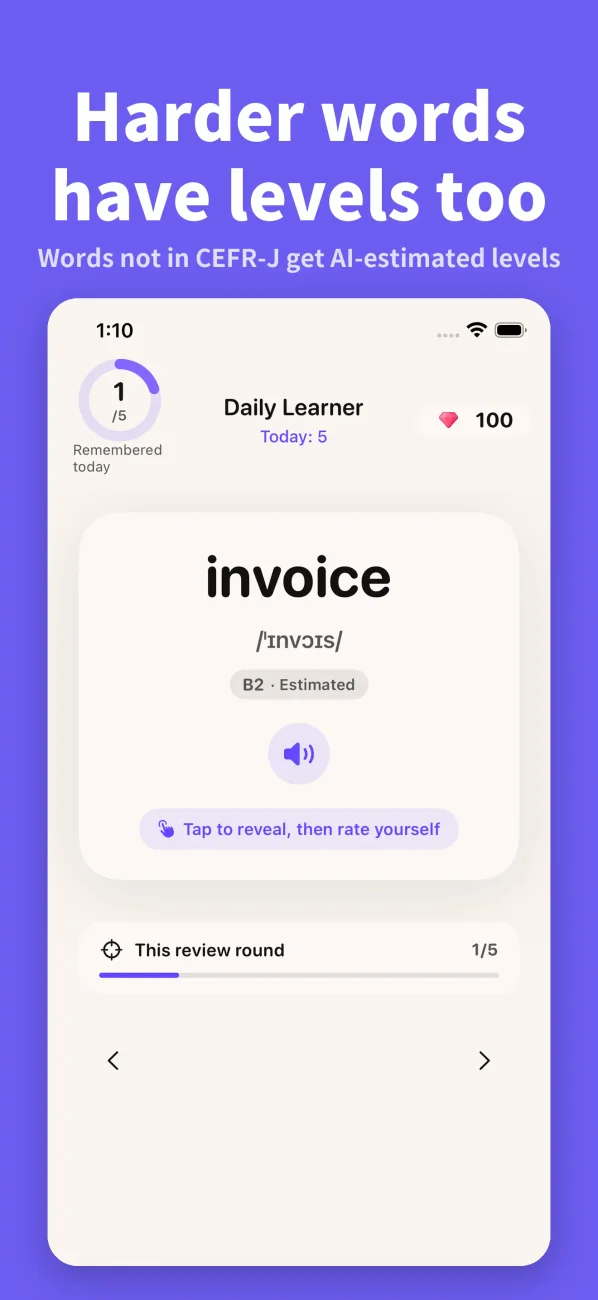
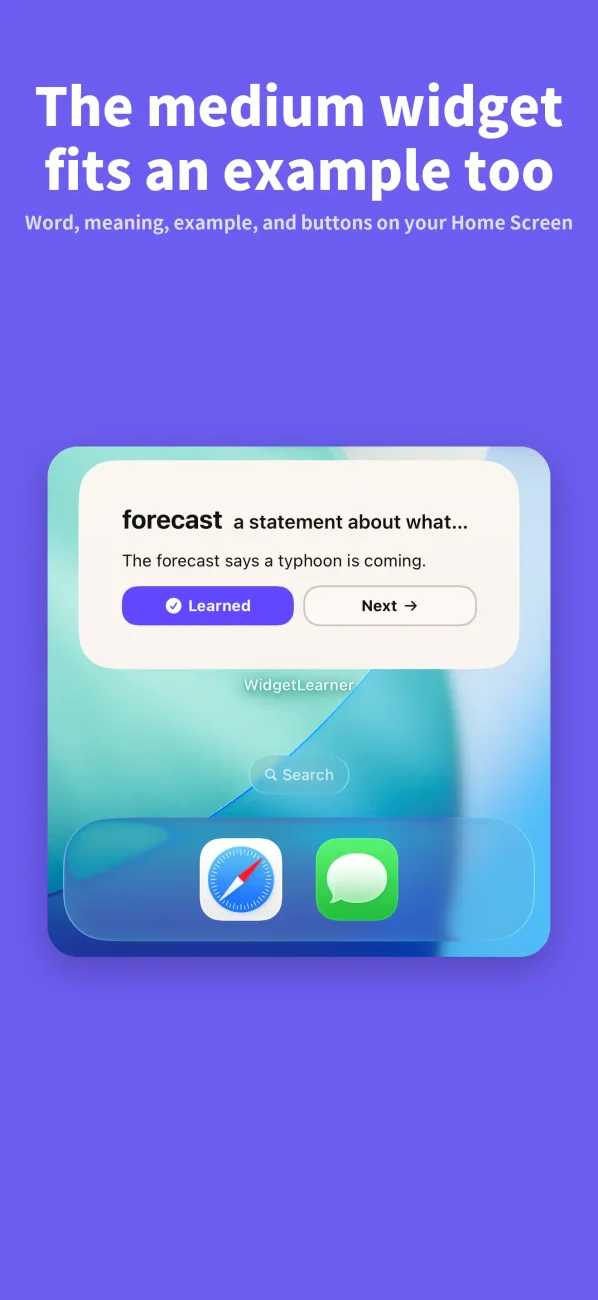
About
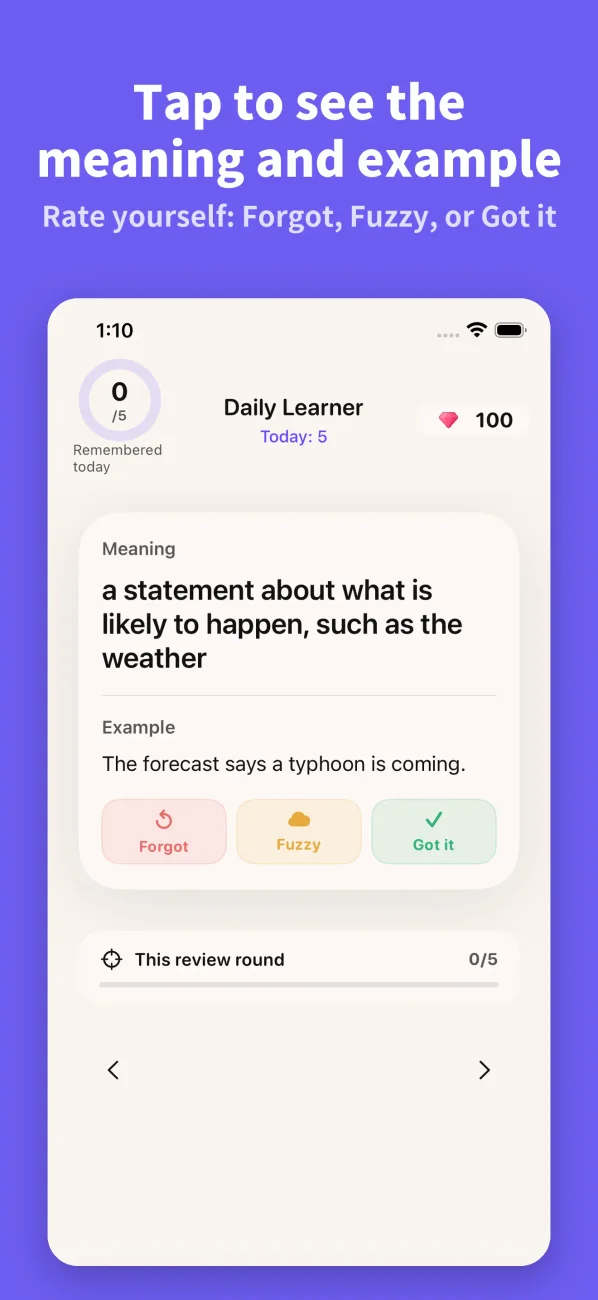
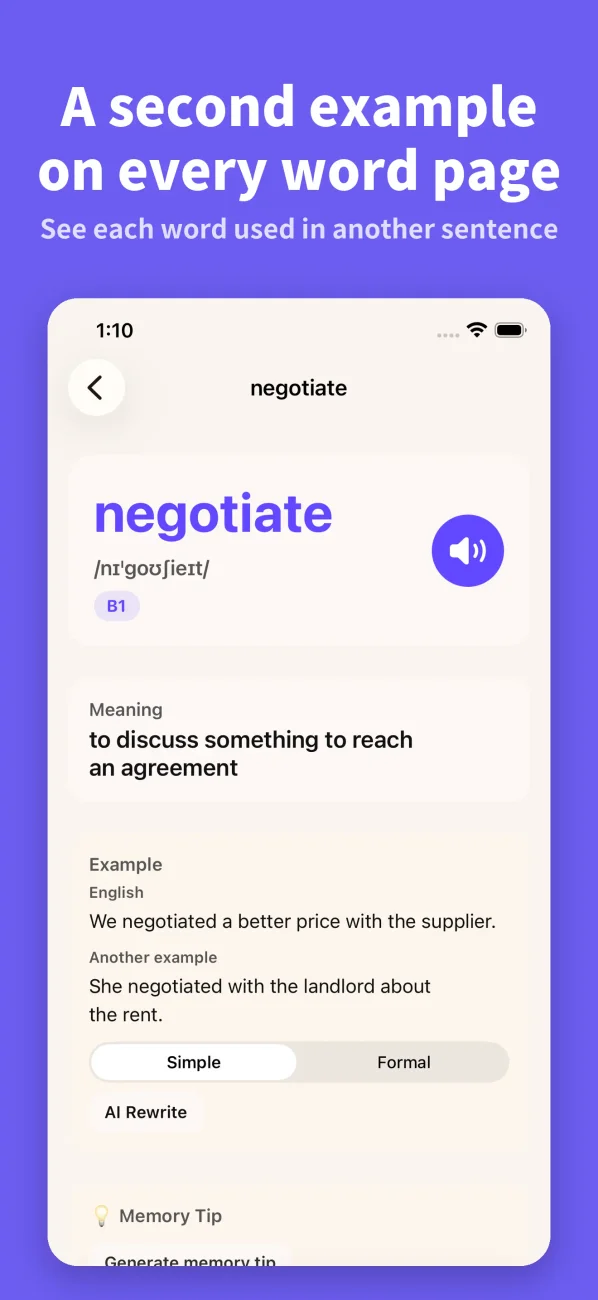
Learn English vocabulary without opening an app: Widget Learner puts new words right on your Home Screen widget. Lock them in with 4 quiz types and keep your review streak going. The app menus come in 19 languages. Word meanings and example sentences are in English.
You can also learn Japanese: in Settings, set Learning Language to Japanese, and kana readings appear next to kanji. All 4 quiz types work for Japanese too: Multiple Choice, Reverse Mode, Spelling Test, and Fill in the Blank.
Features:
• Home Screen widgets for quick review
• Pick a word level (Lv.1–4) for Learn, Exam, and your widget (Japanese has Lv.1 and Lv.2 for now)
• Daily vocabulary learning
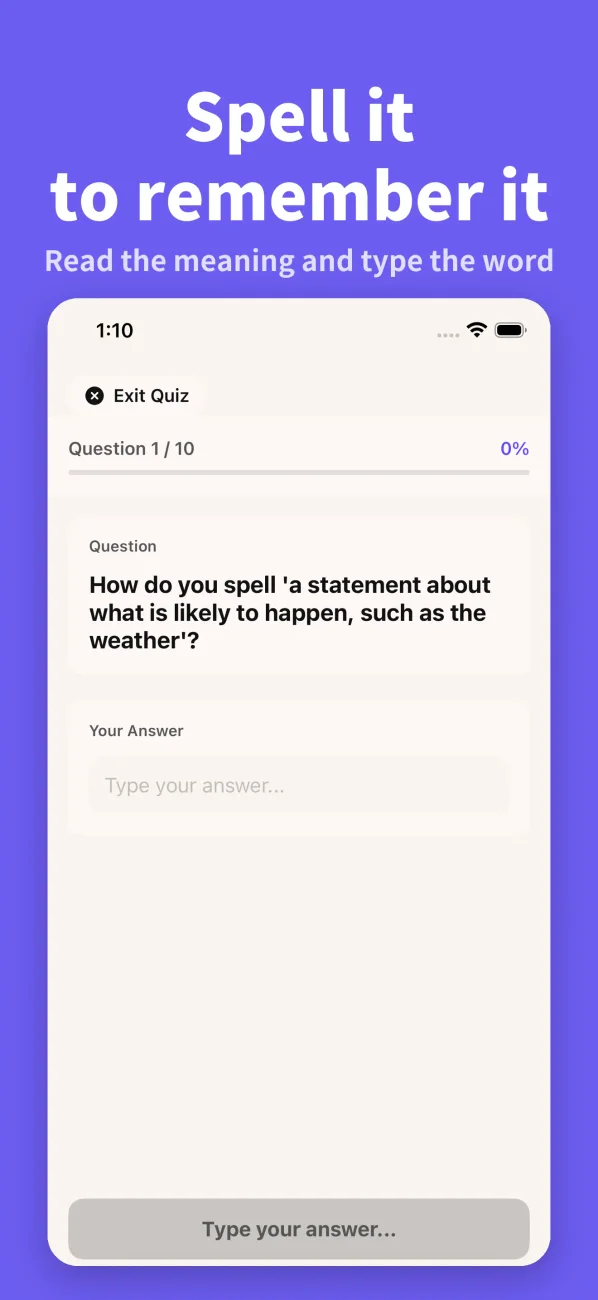
• Multiple quiz modes, including multiple choice, spelling, reverse mode, and fill in the blank
• Progress tracking and review tools
• A clean interface with light and dark themes
Widget Learner Pro (auto-renewing subscription)
Without a subscription, you can still flip cards, learn with the widget, and take Today’s Quiz once a day. Pro adds:
• No ads
• Unlimited widget words from day one
• Quizzes cost 0 gems, with no daily limit
• Full usage pack for more than 4,800 A1–B2 English words: 3 collocations, 1 common phrase, and 2 example sentences per word, with no translations (without Pro: 1 collocation per word)
• Restore your purchase on a new phone or after reinstalling
Pro comes as a monthly or yearly plan. The App Store shows the price.
• Payment is charged to your Apple ID account when you confirm the purchase.
• The subscription renews automatically unless you cancel at least 24 hours before the current period ends.
• The renewal is charged within 24 hours before the current period ends.
• To manage or cancel, go to Settings > [your name] > Subscriptions.
Terms of Use: https://www.apple.com/legal/internet-services/itunes/dev/stdeula/
Privacy Policy: https://keeponfirst.com/privacy/
What’s new
Version 1.0.21 · Nov 21, 2026
• If you change Learning Language in Settings during a quiz, the quiz now ends and you go back to Exam Modes. The next quiz uses the new language. Before, the quiz kept going in the old language.
• Words after numbers now use the right form, for example "1 word" instead of "1 words".
App privacy
What yu te Lin declares on the App Store about how this app handles data.
-
Data used to track you
May be used to track you across apps and websites owned by other companies.
- Identifiers
- Usage data
-
Data linked to you
May be collected and linked to your identity.
- Purchases
- Location
- Identifiers
- Usage data
- Diagnostics
-
Data not linked to you
May be collected but is not linked to your identity.
- Diagnostics
Privacy practices may vary, for example with the features you use or your age.
Information
- Seller
- yu te Lin
- Category
- Education
- Version
- 1.0.21
- Updated
- Nov 21, 2026
- Released
- Oct 15, 2026
- Size
- 24.4 MB
- Requires
- iOS 17.0 or later
- Age rating
- 4+
- Price
- Free
- In-app purchases
- Yes
- Languages
- English, Arabic, Dutch, French, German, Hindi, Indonesian, Italian, Japanese, Korean, Polish, Portuguese + 7 more
- Copyright
- © 2026 KeepOnFirst
You might also like
-
 PekaEducation
-
 LockVocab - Lock Screen WordsTOEIC & IELTS word wallpaper
-
 VocaBoca: AI Vocabulary CardsDaily words for any goal
-
 Wordly: Học tiếng AnhEducation
-
 Englint: Learn on Lock ScreenEnglish words every glance
-
 ConjuGate - 日文變形跑酷Education
-
 英文片刻Education
-
 Vocabulary Widget: VocaleafLock Screen Word, 13 Languages