Widget Remote for TV
Control TV Without the App
Designed for iPhone
Free · In-app purchases
- Age rating4+
- CategoryUtilities
- DeveloperOzuna Limited
- LanguagesEnglish
- Size76.9 MB
Links to the official App Store page
Download.org hosts no file of Widget Remote for TV. The button opens its official App Store page, published by Ozuna Limited. Listing last checked on Nov 14, 2026.
Screenshots


About
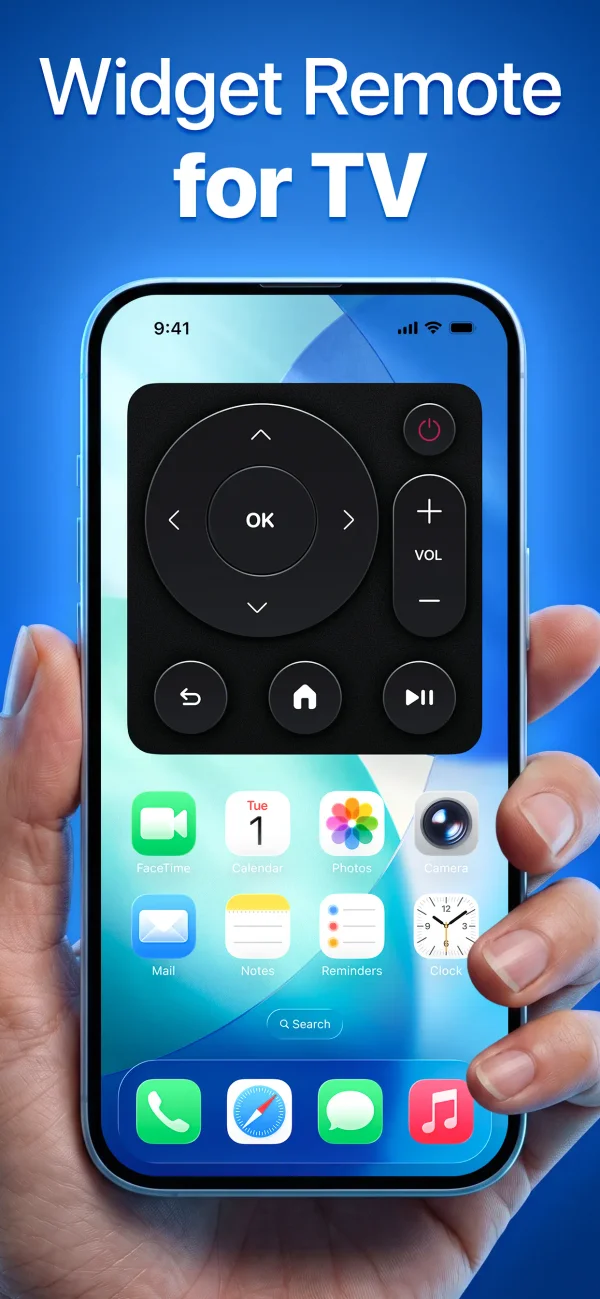
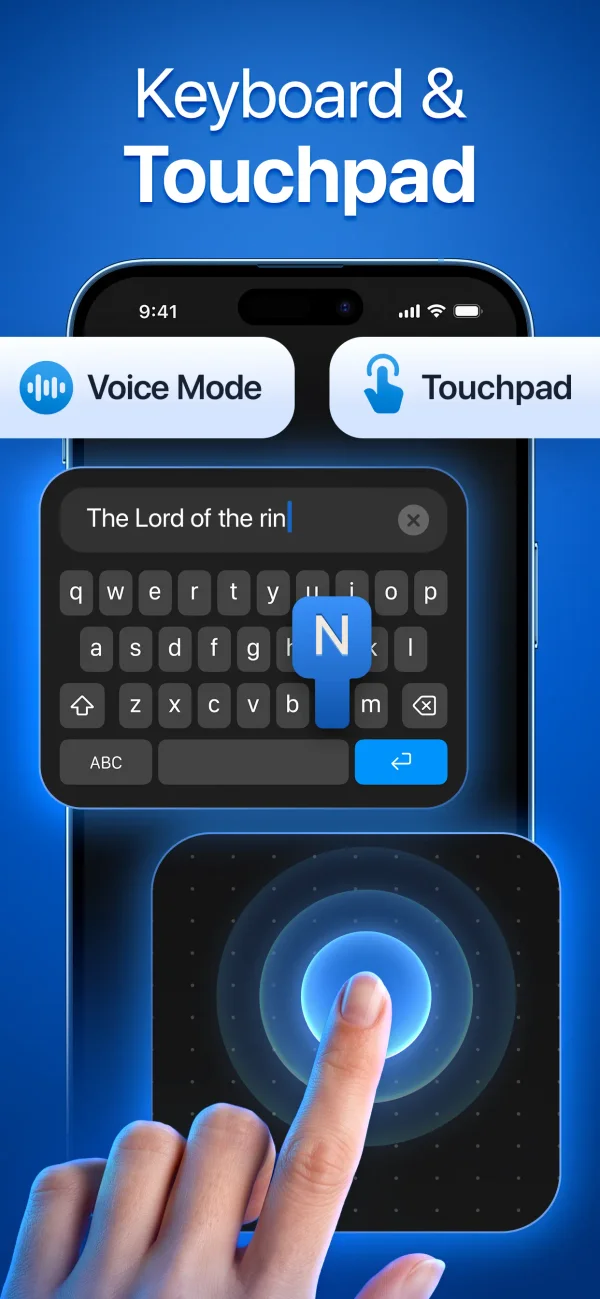
Widget Remote for TV is a TV widget app that helps you keep useful TV actions and shortcuts right on your iPhone Home Screen. Add customizable widgets for faster access to TV features without opening the app every time.
Create a TV setup that fits naturally into your iPhone Home Screen and keeps the actions you use within easy reach.
KEY FEATURES
• TV Widgets — add convenient TV widgets directly to your iPhone Home Screen for quick access to supported TV actions.
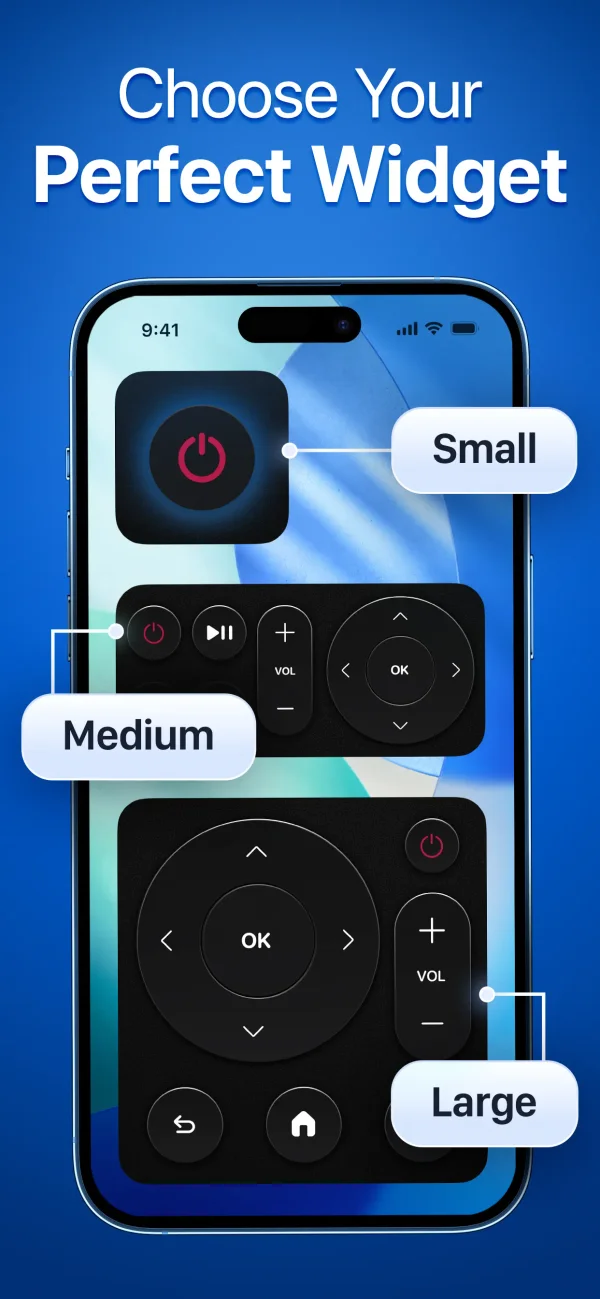
• Customizable Home Screen — choose and arrange widgets to create a TV setup that works for you.
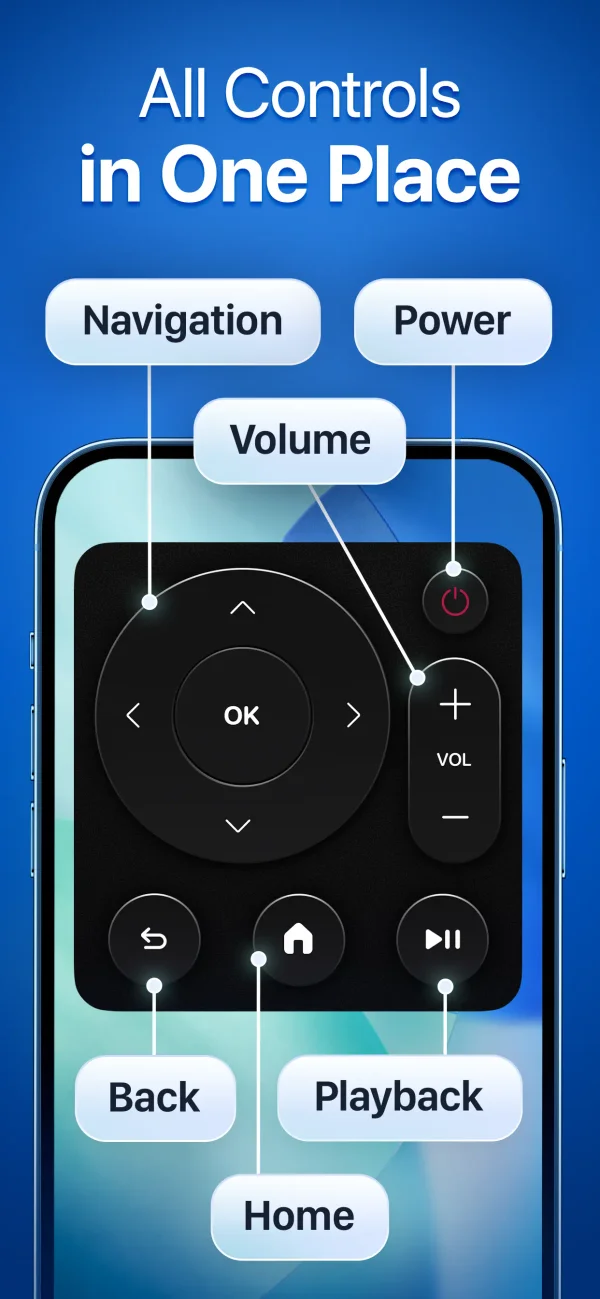
• Quick Access — reach frequently used TV features directly from your Home Screen without navigating through the app each time.
• Multiple Widget Options — choose from available widget layouts and functions to personalize your experience.
• Cast Photos & Videos — share personal photos and videos from your iPhone on the big screen.
• Easy TV Connection — connect your iPhone and compatible Smart TV over the same Wi-Fi network.
HOW DO TV WIDGETS WORK?
Open Widget Remote for TV, connect your compatible TV, and add the available widgets to your iPhone Home Screen. Your TV features are then easier to access whenever you need them.
WHO ARE TV WIDGETS FOR?
TV widgets are useful for anyone who wants frequently used TV actions available directly from the iPhone Home Screen instead of opening an app and navigating through menus.
CAN I CUSTOMIZE MY TV WIDGETS?
Yes. Choose from available widget options and arrange them on your Home Screen to match how you use your TV.
CAN I CAST CONTENT TO MY TV?
Yes. You can cast supported photos and videos from your iPhone to a compatible Smart TV and enjoy them on the big screen.
WHAT DO I NEED TO GET STARTED?
Connect your iPhone and compatible Smart TV to the same Wi-Fi network. Available widget features may vary depending on your TV model, software version, and network configuration.
With Widget Remote for TV, useful TV shortcuts become part of your iPhone Home Screen, while casting makes it easy to share your personal media on TV.
Subscription Information
Payment will be charged to your Apple ID account at confirmation of purchase. The subscription automatically renews unless it is canceled at least 24 hours before the end of the current period. Your account will be charged for renewal within 24 hours prior to the end of the current period. You can manage and cancel your subscriptions by going to your App Store account settings after purchase.
Privacy Policy: https://sm-remote.com/pp
Terms of Use: https://sm-remote.com/tou
App privacy
What Ozuna Limited declares on the App Store about how this app handles data.
-
Data used to track you
May be used to track you across apps and websites owned by other companies.
- Identifiers
-
Data not linked to you
May be collected but is not linked to your identity.
- Purchases
- User content
- Identifiers
- Usage data
- Diagnostics
Privacy practices may vary, for example with the features you use or your age.
Information
- Seller
- Ozuna Limited
- Category
- Utilities
- Version
- 1.0
- Updated
- Oct 30, 2026
- Released
- Oct 30, 2026
- Size
- 76.9 MB
- Requires
- iOS 18.0 or later
- Age rating
- 4+
- Price
- Free
- In-app purchases
- Yes
- Languages
- English
- Copyright
- © Ozuna Limited
You might also like
-
 Universal TV ‣ Remote ControlScreen Mirroring & Smart Cast
-
 Universal TV Remote Control Smart Controller for Any TV
-
 TV Remote Pro & Screen MirrorRemote Control & Mirroring
-
 Remoto: Universal Remote TVRemote for All TV & Cast to TV
-
 TV Remote Control · UniversalSmart Remote Control for TVs
-
 TV Remote · Smart TV ControlUniversal TV Remote Controller
-
 TV Remote – Universal ControlRemote for Roku, LG, Samsung
-
 Tapmote: Remote for TVUniversal Smart Controller
-
 TV Remote ManagerUniversal remote for your TV
-
 Any TV Remote ControlUniversal Smart TV Remote