WidgetHeaven: Custom Widgets
Home, Lock Screen & Wallpapers
Designed for iPhone, iPad
Free · In-app purchases
- Age rating4+
- CategoryUtilities
- DeveloperQuassum MB
- LanguagesEnglish+ 8 more
- Size42.4 MB
Links to the official App Store page
Download.org hosts no file of WidgetHeaven: Custom Widgets. The button opens its official App Store page, published by Quassum MB. Listing last checked on Nov 23, 2026.
Screenshots


About
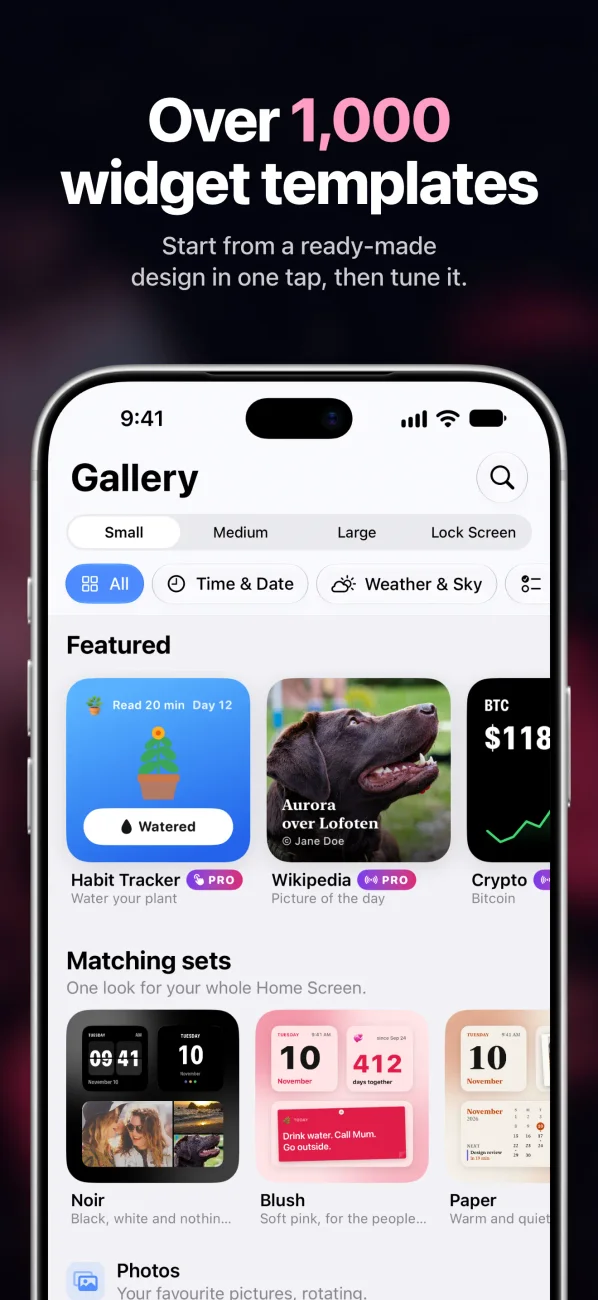
WidgetHeaven puts beautiful, useful widgets on your Home Screen and Lock Screen in a few taps. Pick from over 1,000 ready-made templates, tune the look, and you're done — no layout editor, no design skills needed.
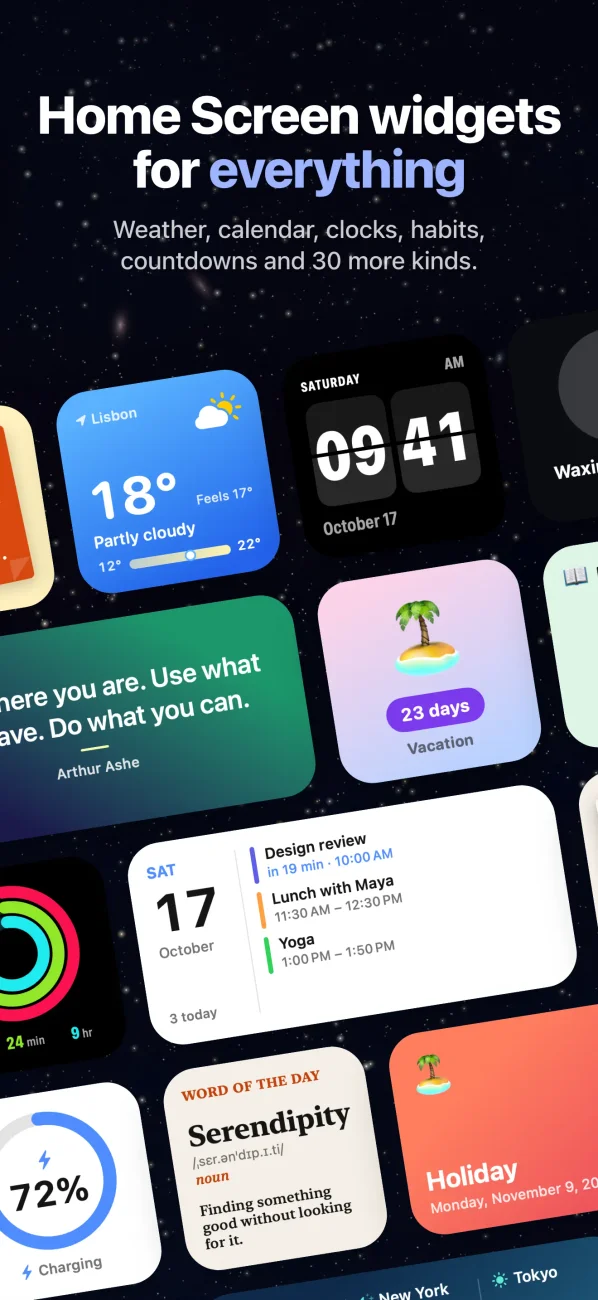
MORE THAN 35 KINDS OF WIDGETS
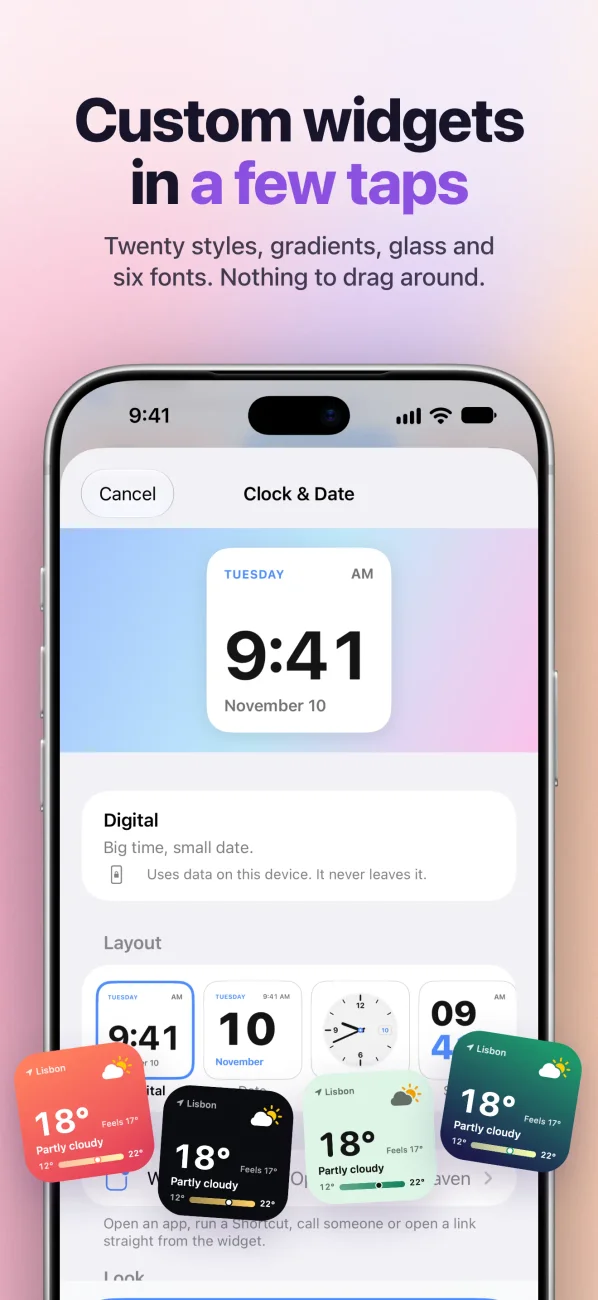
• Clock & Date — digital, analog, flip clock, the time in words, world clocks
• Calendar & Reminders — next event, agenda, month grid, tappable checklists
• Countdown & Holidays — days to your trip, birthday or the next public holiday
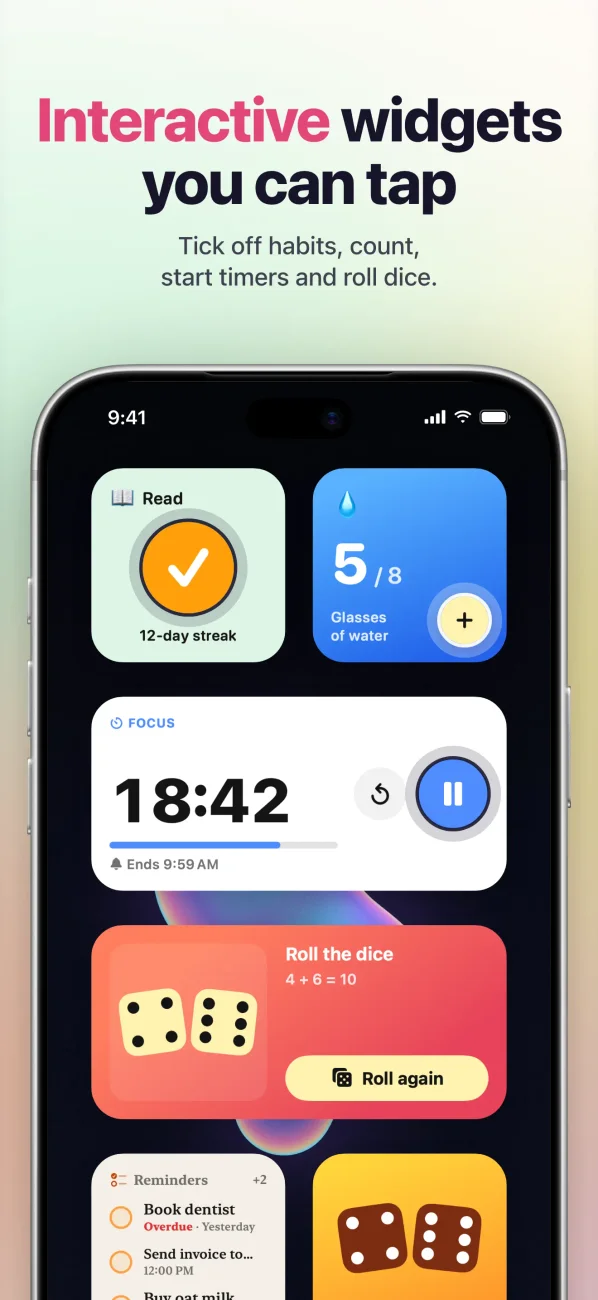
• Habit Tracker — tick off today right from the widget and keep your streak
• Timer — start a focus timer or stopwatch without opening the app
• Dice & Decisions — roll dice, flip a coin or let it pick dinner
• Counter, Notes, Progress, Moon, Photos and Battery
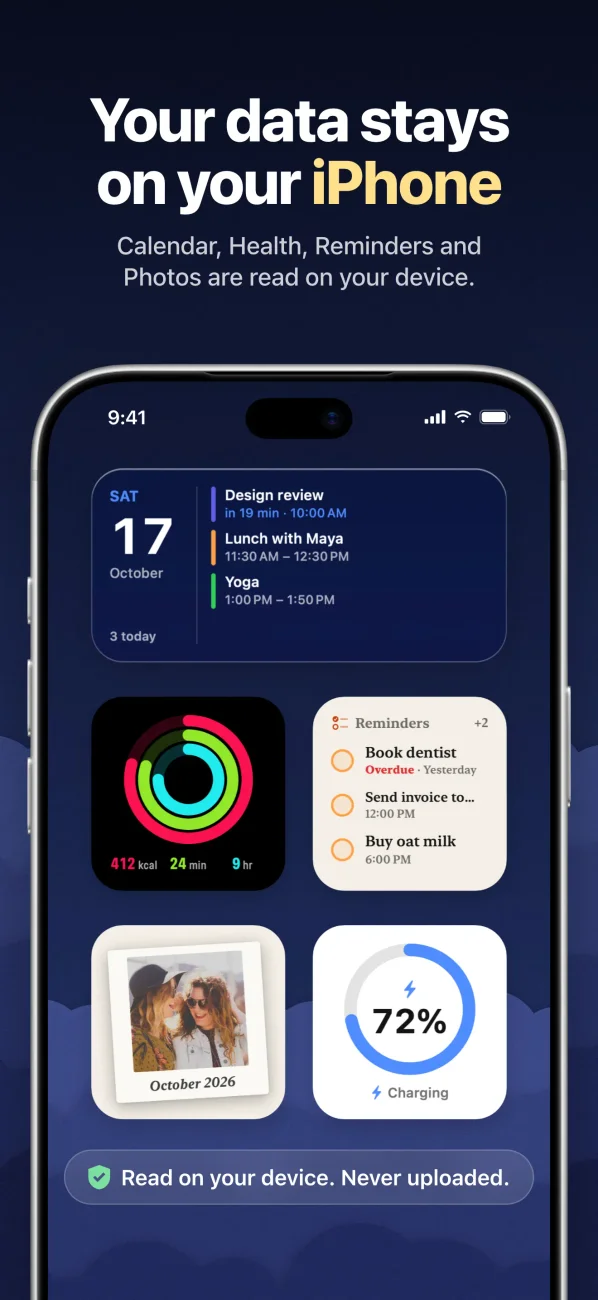
• Health — steps, activity rings, active energy and sleep from Apple Health (HealthKit), read on your device and never uploaded
• Shortcuts & Apps — buttons that open apps, run Shortcuts, call or message
PREMIUM CONNECTORS: LIVE DATA, AT A GLANCE
• Weather, Sun, Air Quality, Tides & Surf and Aurora
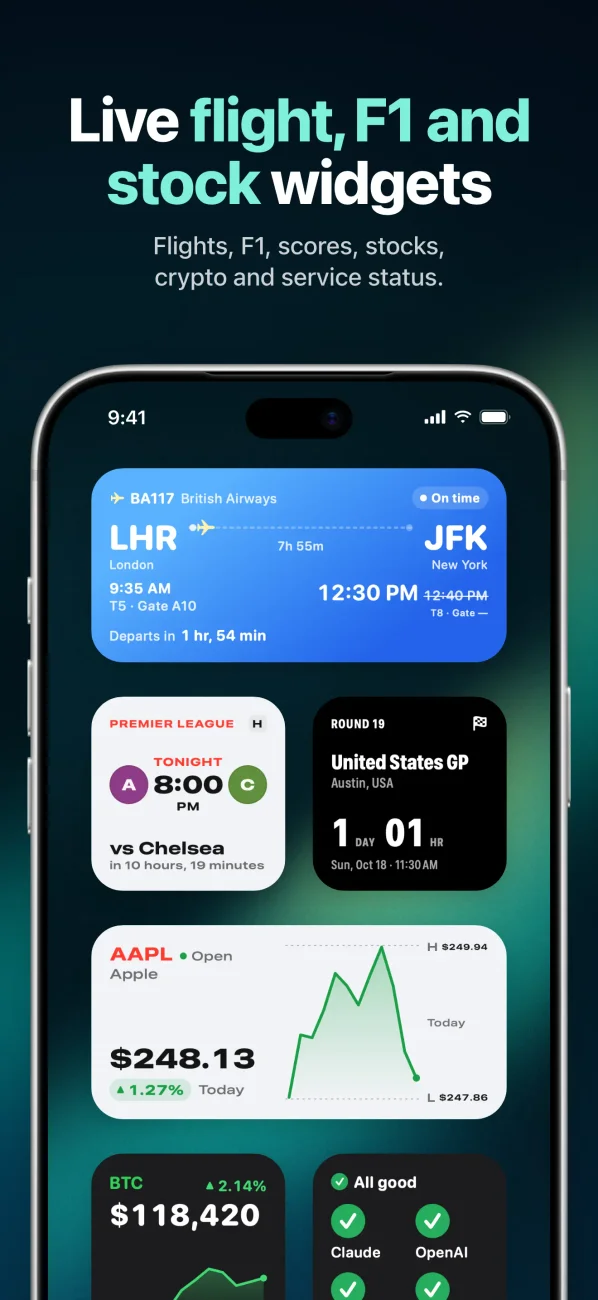
• Flight status with gate, delays and a live countdown
• Sports scores and fixtures for your team, and Formula 1
• Stocks, crypto and currency rates
• Service Status — is GitHub, Slack or Cloudflare down?
• News, Wikipedia, rocket launches, earthquakes and GitHub repos
DO MORE THAN LOOK GOOD
• Interactive widgets (Pro): tick habits, count, roll, start timers and check off reminders on the Home Screen
• Any widget can open an app, run a Shortcut, call, message or get directions
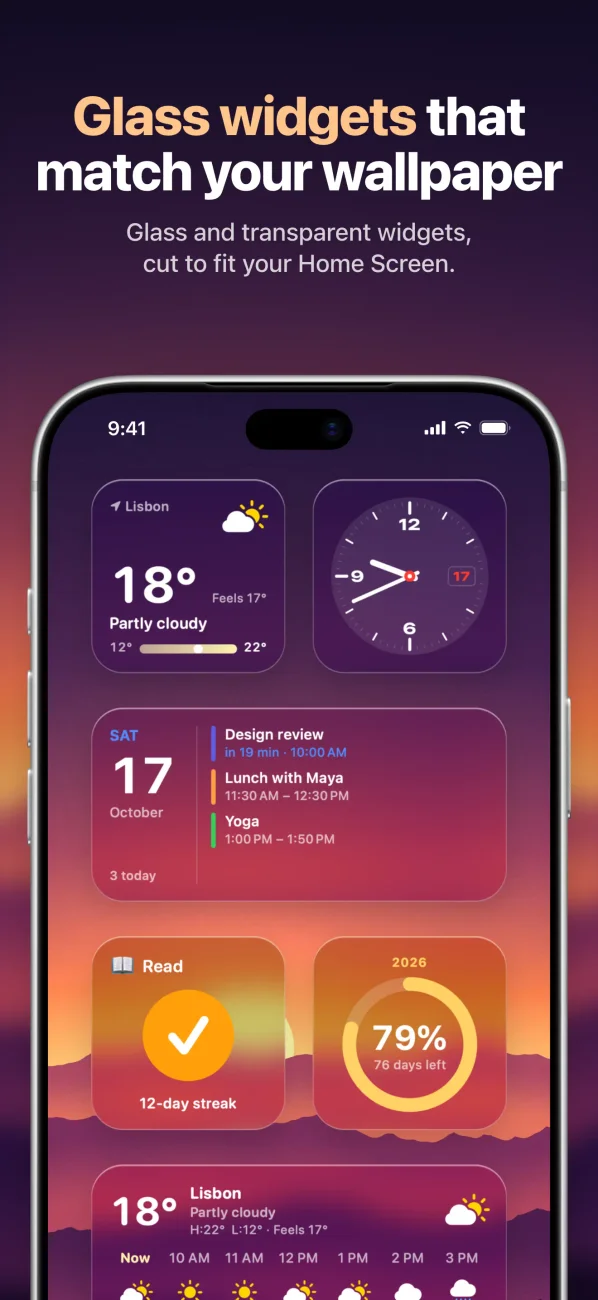
• Liquid glass and transparent widgets cut from your own wallpaper, lined up with where each widget sits
• Any photo as a background
• Lock Screen widgets, StandBy, and tinted and clear Home Screens
• Shortcuts and app buttons in Control Center
WALLPAPERS FOR IPHONE, IPAD AND MAC
70 original wallpapers made to sit behind widgets, each composed for iPhone, iPad and Mac: aurora skies, mountain ranges, contour maps, marble, Bauhaus shapes, glass, botanicals and more. Save one to Photos in a tap, then match your glass widgets to it.
MAKE IT YOURS
Start from a template, then choose from twenty styles, colours, gradients, glass and six fonts, and decide what each widget shows. Every option is clear; nothing to drag around. On iPad the live preview sits right beside the settings.
YOUR DATA STAYS ON YOUR DEVICE
Calendar, Reminders, Health, Photos and battery are read on your device and never uploaded. Live data is fetched by our servers and cached, with no account required.
FREE AND PRO
WidgetHeaven is free to use with as many widgets as you like and 22 kinds, including clocks, calendar, reminders, countdowns, habits, notes, photos in every frame, Health, quotes and Shortcuts buttons, in every layout and style. WidgetHeaven Pro makes interactive widgets work right on your Home Screen (tick habits, count, start timers, roll dice, check off reminders) and unlocks all premium connectors with live data and the Pro wallpapers.
Pro is an auto-renewable subscription: $1.99 per month or $19.99 per year (or the equivalent in your currency), each with a 7-day free trial for new subscribers. Payment is charged to your Apple Account when you confirm the purchase after the trial. The subscription renews automatically unless cancelled at least 24 hours before the end of the current period; your account is charged for renewal within 24 hours before the period ends. Manage or cancel your subscription in your Apple Account settings. Any unused part of a free trial is forfeited when you buy a subscription.
Privacy Policy: https://widgetheaven.app/legal/privacy
Terms of Use: https://widgetheaven.app/legal/terms
What’s new
Version 2026.11.8 · Nov 20, 2026
Small fixes and polish.
Also: if Pro isn't for you, one tap now tells us why, so we can make it better.
App privacy
What Quassum MB declares on the App Store about how this app handles data.
-
Data linked to you
May be collected and linked to your identity.
- Purchases
- Location
- Contact info
- User content
- Identifiers
- Usage data
Privacy practices may vary, for example with the features you use or your age.
Information
- Seller
- Quassum MB
- Category
- Utilities
- Version
- 2026.11.8
- Updated
- Nov 20, 2026
- Released
- Oct 21, 2026
- Size
- 42.4 MB
- Requires
- iOS 18.0 or later
- Age rating
- 4+
- Price
- Free
- In-app purchases
- Yes
- Languages
- English, French, German, Italian, Japanese, Korean, Portuguese, Simplified Chinese, Spanish
- Copyright
- © 2026 Quassum MB
You might also like
-
 Hands: Analog Clock WidgetsCustom Weather & Clock Dials
-
 Widgets Сlock: Digital, AnalogStyle Time Widgets Home Screen
-
 MNML: Minimal WidgetsHome & Lock Screen Widgets
-
 EXINTU Energietechnik MB100Utilities
-
 Desktop Time - Clock WidgetSet alarms and timers easily
-
 OnlyNumbersCount days, months, or years.
-
 Pomelo WidgetsDrag and drop inside widgets.
-
 Widgnest: Widget Maker & LockBeautiful home-screen widgets
-
 BrowseWide: Full Screen WebBuilt for the Duo front screen