
Widgen - Custom Widget Maker
AI Builder, Sticker, Countdown
Designed for iPhone, iPad
Free · In-app purchases
- Age rating4+
- CategoryGraphics & Design
- DeveloperOpiray
- LanguagesEnglish
- Size82.9 MB
Links to the official App Store page
Download.org hosts no file of Widgen - Custom Widget Maker. The button opens its official App Store page, published by Opiray. Listing last checked on Nov 23, 2026.
Screenshots
About
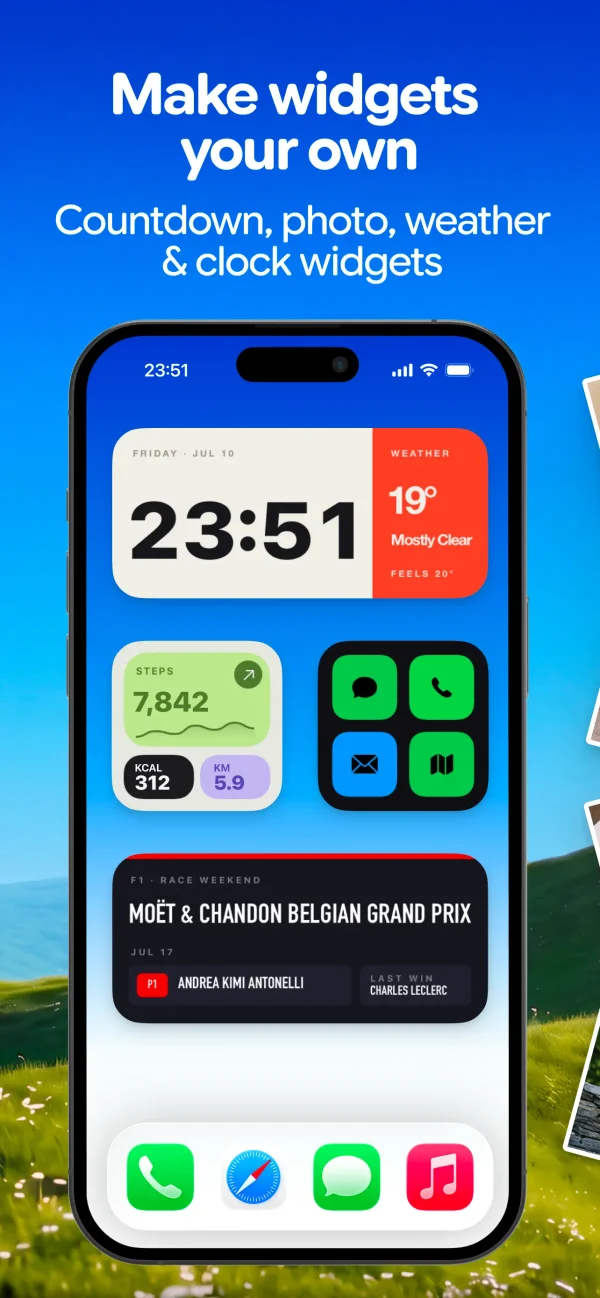
Create custom widgets for iPhone and iPad with AI or the visual editor. Design photo widgets, clocks, music players and useful dashboards with Widgen.
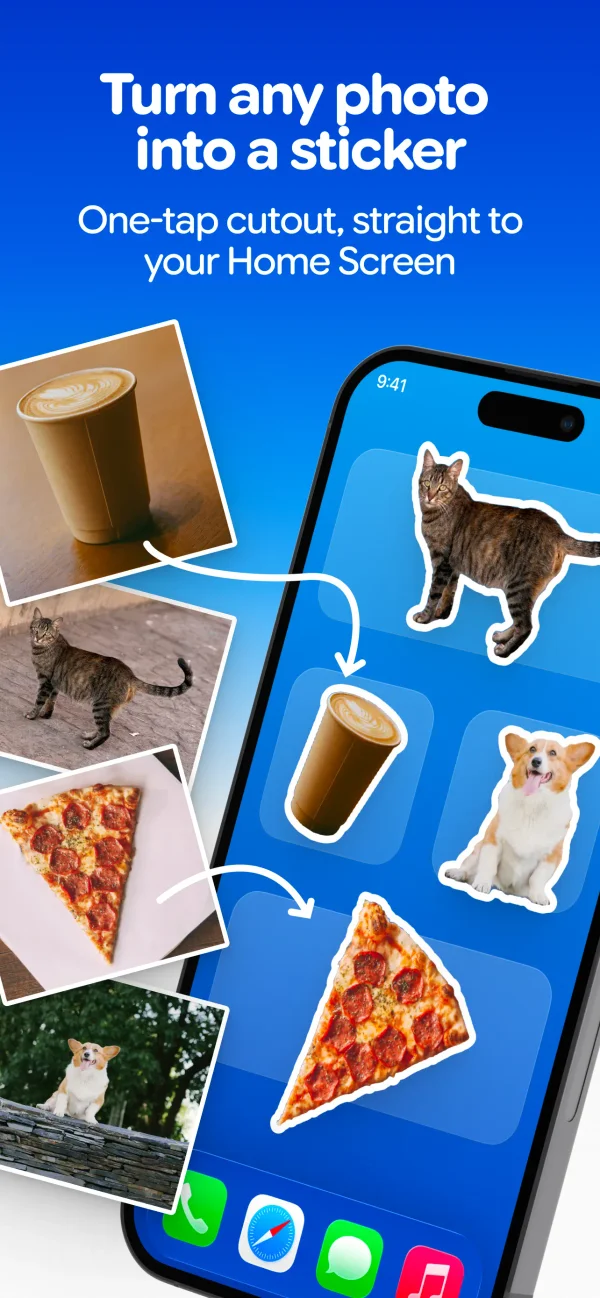
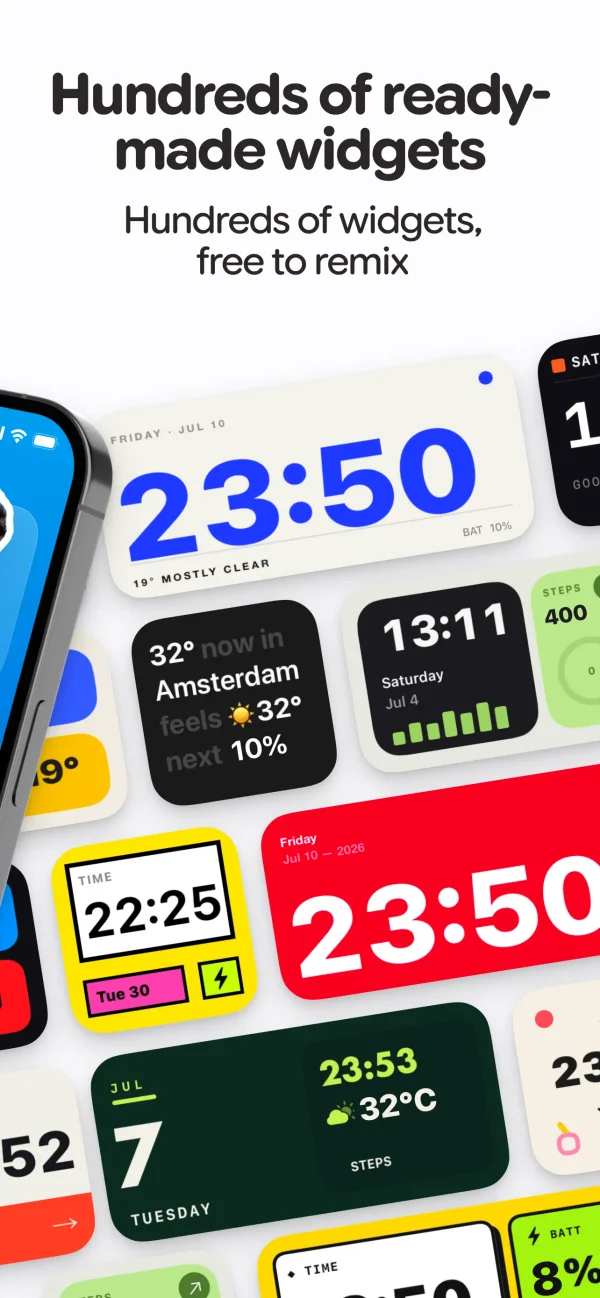
Start with one of 50+ templates or a blank canvas, then arrange layers, style text, add photos and choose the data you want to see.
BUILD YOUR WAY
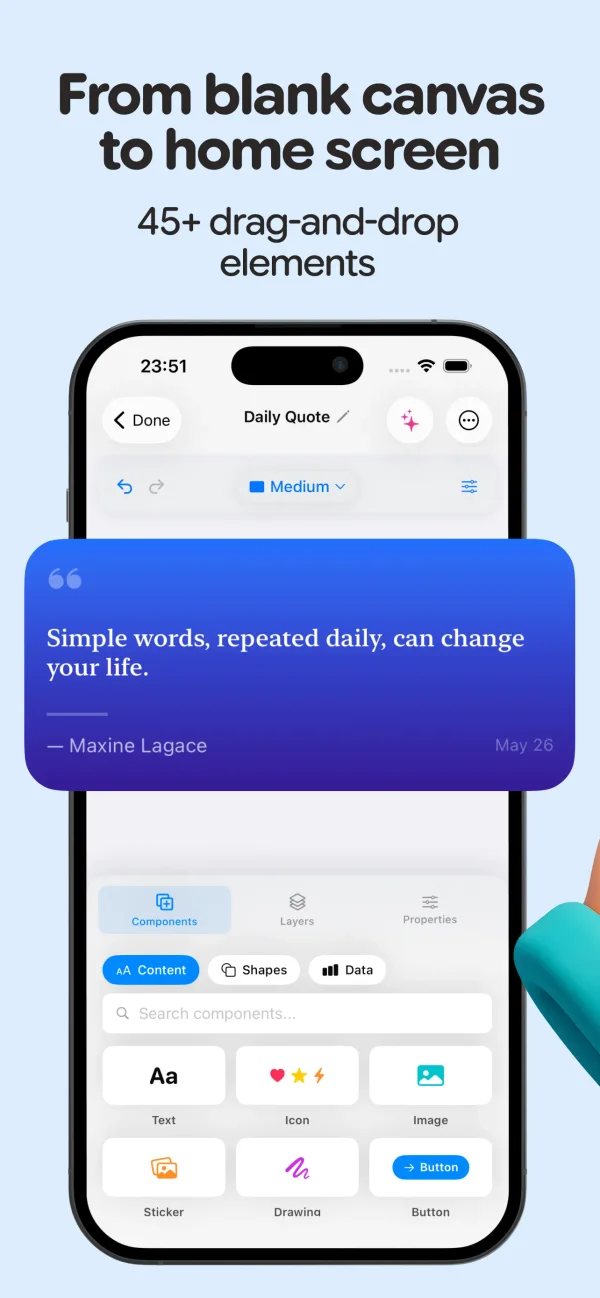
• Image fills with crop and opacity controls, plus editable combined shapes
• Custom grids, nested groups and transforms for multiple layers
• 45+ elements, including text, shapes, icons, photos, clocks, charts and gauges
• Layers, alignment tools, precise sizing and undo/redo
• Fonts, gradients, inner and outer shadows, and other styling effects
• Small, medium and large widgets, plus extra-large widgets on iPad
• Circular, rectangular and inline Lock Screen designs
• Preview your design while you edit
TRANSPARENT AND LIQUID GLASS WIDGETS
Create transparent designs that blend into your Home Screen. On iOS and iPadOS 26 or later, choose the Liquid Glass widget option for a translucent look with wallpaper blur. Appearance depends on your design and system settings.
YOUR MUSIC, YOUR DESIGN
Create Apple Music widgets with song details, playback controls, progress, artwork and a rotating vinyl component. Music text, controls and progress are available free. Artwork and vinyl components require Pro.
Apple Music permission is required. Catalog playback requires a separate Apple Music subscription. Playback availability depends on your music access.
AI WIDGET BUILDER
Describe an idea, generate a first draft and refine it in the editor. With your permission, online AI sends requests and design context to Google Gemini through our service. Relevant searches may also be sent to photo and sticker services. Selected media files are not uploaded with AI requests.
Widgen AI is in beta and requires an active paid Pro subscription, iOS or iPadOS 26 or later, an internet connection and permission for online processing. Usage limits apply. Apple Intelligence is not required. Reset AI permission in Settings to be asked again before your next request. Review generated designs before using or sharing them.
110+ TEXT TOKENS
Add time, date, battery and device information, or use supported weather, Health, calendar, reminder, finance and content data. Use Sun & Moon for sunrise, sunset and moon phase.
Some sources require Pro or permission. Widgen 2.0.0 uses Apple Weather through WeatherKit. Data availability and widget refresh timing depend on the system and provider. Financial values may be cached or delayed.
INTERACTIVE DESIGNS
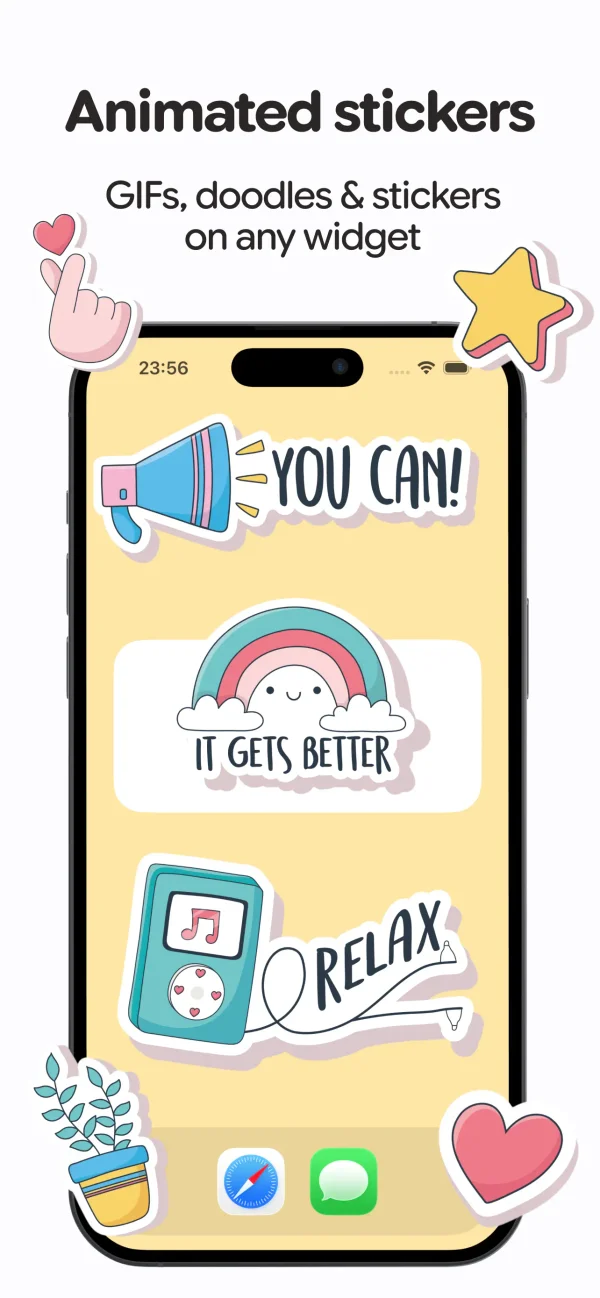
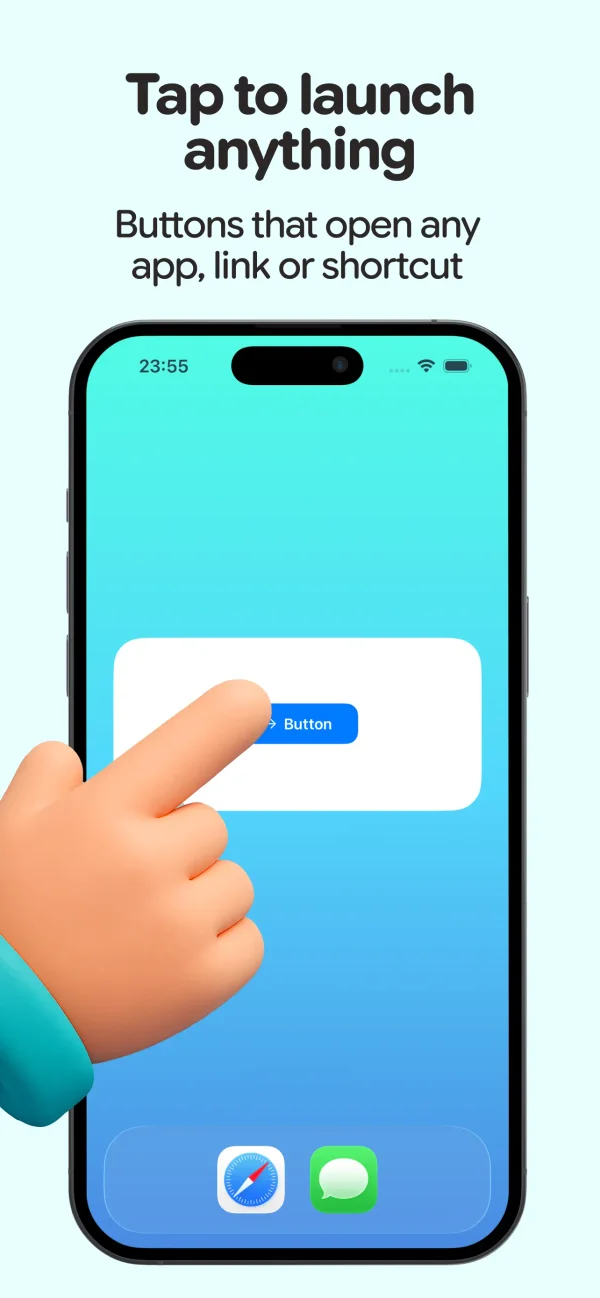
Use supported widget actions to refresh data, advance a photo slideshow, complete a reminder or control a Pomodoro session. Explore animated GIF stickers, drawings, QR codes and timers with Live Activities. Some elements and actions require Pro.
CREATE, SYNC AND SHARE
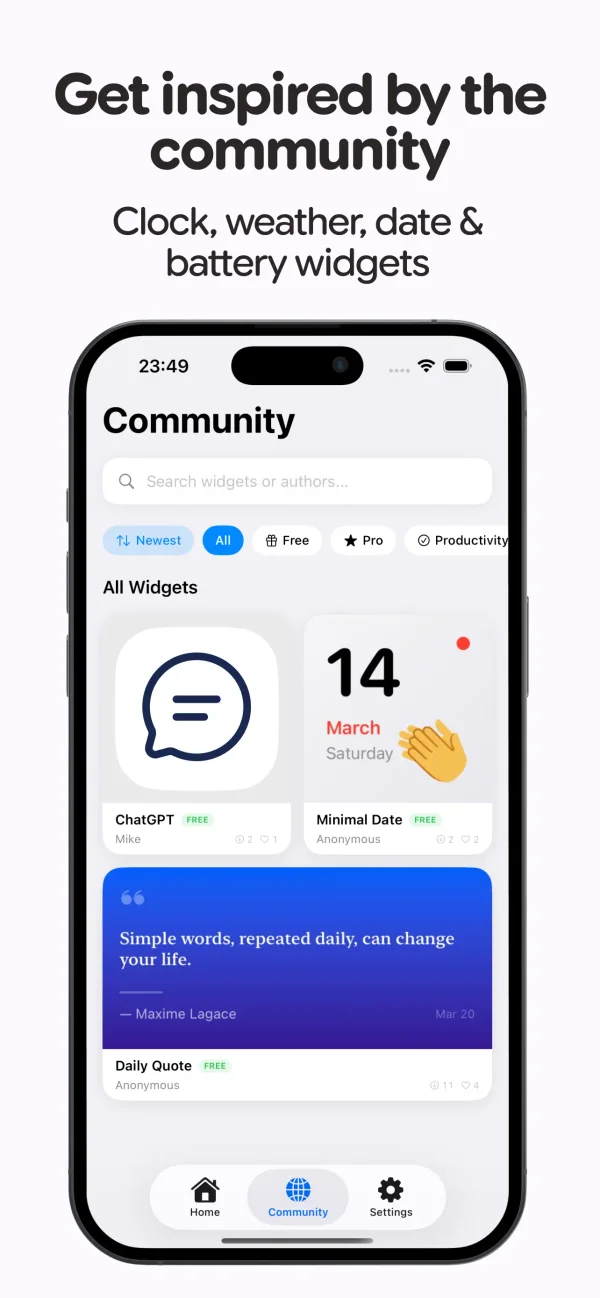
Optionally sync designs and their media through iCloud Drive. Discover community designs and customize them in the editor. With Pro, publish designs for others to use.
New Community uploads use sample values for live data in their public previews. Photos, typed text, links and other content you include in a published design become public. Review your content before sharing.
FREE TO START
Create up to three saved widgets with core elements and selected templates. Widgen Pro unlocks unlimited saved widgets, premium components and data features, Widgen AI, multi-page designs and photo slideshows.
Pro is an optional auto-renewing subscription. Prices and available plans are shown before purchase. Manage or cancel in your Apple Account subscriptions.
Privacy Policy: https://opiray.com/widgen/privacy
Terms of Use: https://opiray.com/widgen/terms
Terms of Use (EULA): https://www.apple.com/legal/internet-services/itunes/dev/stdeula/
Support: https://opiray.com/widgen/support
What’s new
Version 2.0.0 · Nov 22, 2026
Widgety is now Widgen.
Version 2.0 brings more ways to turn an idea into a personal widget:
- Create and refine designs with the AI Widget Builder, then adjust the details in the visual editor.
- Work with nested groups, shared transforms and more flexible visibility conditions.
- Fine-tune fills and gradients with the redesigned color picker. Add image fills to shapes and combined shapes.
- Use adjustable canvas grids and guides to arrange your designs.
- Explore hourly and daily weather layouts, interactive timers and counters, and more music options.
- Get started with editor tips and restart the guided tutorial whenever you need it.
Widgen continues to offer free core tools and optional Pro subscriptions.
App privacy
What Opiray declares on the App Store about how this app handles data.
-
Data linked to you
May be collected and linked to your identity.
- User content
- Identifiers
-
Data not linked to you
May be collected but is not linked to your identity.
- Purchases
- Location
Privacy practices may vary, for example with the features you use or your age.
Information
- Seller
- Opiray Creative Design Agency SRL
- Category
- Graphics & Design
- Version
- 2.0.0
- Updated
- Nov 22, 2026
- Released
- Jun 17, 2026
- Size
- 82.9 MB
- Requires
- iOS 18.0 or later
- Age rating
- 4+
- Price
- Free
- In-app purchases
- Yes
- Languages
- English
- Copyright
- Opiray © 2026
You might also like
-
 Tilekit: AI Widget BuilderAI widgets with your live data
-
 Facet: AI Widget Maker & ThemeCustom widgets for school+life
-
 Widget Vault: Live WidgetsClock, Weather, Calendar, Todo
-
 Shopping List on Lock ScreenAt a glance
-
 Tenday - Habit TrackerBuild daily routines & goals
-
 Today Events WidgetCalendar, Agenda, Countdown
-
 AI Voice Notes Recorder : GISTTranscribe, Summarize & Study
-
 TresorLink: Private BookmarksEncrypted Vault for Safari
-
 UnSub: Subscription TrackerTrack All Subscriptions
-
 Okviro: Custom WidgetsCustom Lock & Home widgets