
APTV Player: Cast to Car
IPTV & M3U Playlists in Car
Designed for iPhone
Free · In-app purchases
- Age rating4+
- CategoryNavigation
- DeveloperApplace
- LanguagesEnglish
- Size503.8 MB
Links to the official App Store page
Download.org hosts no file of APTV Player: Cast to Car. The button opens its official App Store page, published by Applace. Listing last checked on Nov 28, 2026.
Screenshots


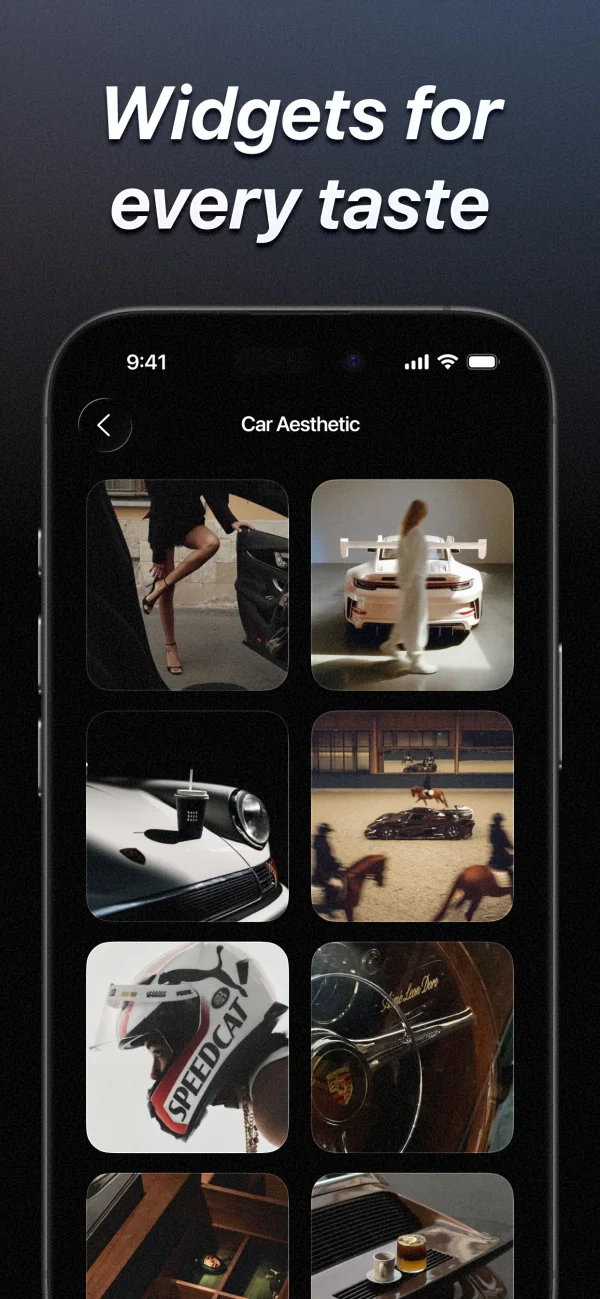
About
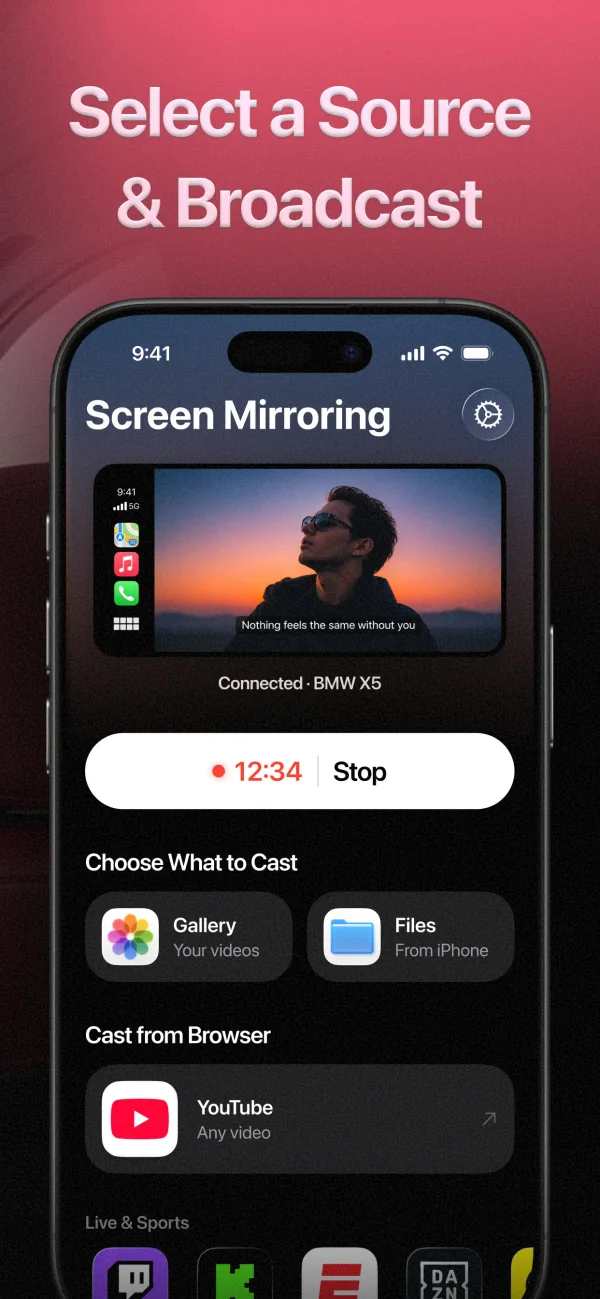
APTV Player brings video to the CarPlay screen in your car. Watch your own IPTV channels from M3U playlists, cast videos and photos from your iPhone or mirror your screen, and turn parking breaks into TV time.
FEATURES:
• Add your M3U playlists and watch IPTV channels
• Cast videos from your iPhone to the CarPlay display
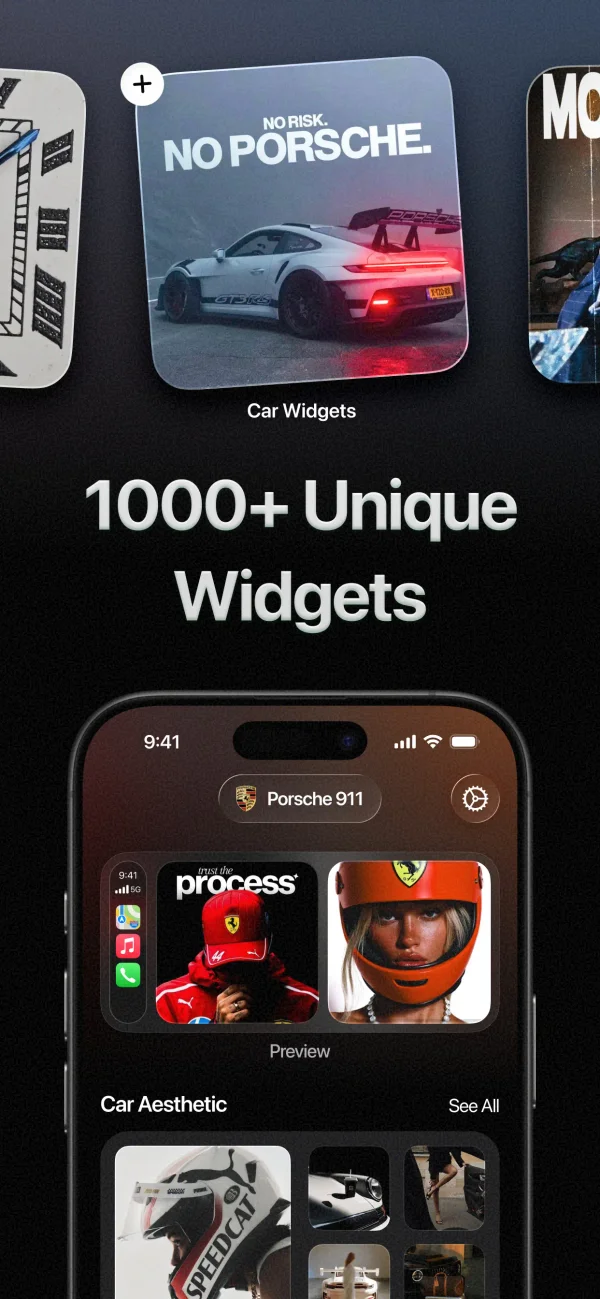
• Show photos and albums on the car screen
• Play videos from websites
• Mirror your iPhone screen and app interface in real time
• Cast to a Smart TV at home too
HOW IT WORKS:
1. Connect your iPhone to CarPlay.
2. Open APTV Player and add a playlist or choose a video, photos or screen mirroring.
3. Start casting and watch on the car screen.
BEFORE YOU START:
Video on the CarPlay screen requires a supported iOS version and a car or head unit that supports video playback, so not every car with CarPlay can show video. Watch only while your vehicle is parked, never while driving, and follow local traffic laws. APTV Player does not provide any channels or content: add your own playlists and use only content you have the right to watch. APTV Player is an independent app and is not affiliated with Apple. CarPlay is a trademark of Apple Inc.
APTV PLAYER PREMIUM:
A subscription unlocks:
• Casting of IPTV channels, videos and photos to the CarPlay screen
• Screen mirroring to CarPlay and a Smart TV
• Smooth casting of web videos
SUBSCRIPTION DETAILS:
Payment is charged to your Apple Account at confirmation of purchase.
The subscription renews automatically unless auto-renewal is turned off at least 24 hours before the end of the current period.
Your account is charged for renewal within 24 hours before the end of the current period, according to the plan you selected.
You can manage your subscription and turn off auto-renewal at any time in your Account Settings.
Any unused portion of a free trial is forfeited when you purchase a subscription.
Privacy Policy: https://docs.google.com/document/d/1KQpBmcmlYH6htQSoTRA4gMHGEBQcv-bnj8NjKwDTb4I/edit?tab=t.0
Terms of Use: https://www.apple.com/legal/internet-services/itunes/dev/stdeula/
Contact us: support@applace.io
What’s new
Version 1.7 · Nov 27, 2026
Meet APTV Player: watch your M3U playlists and cast videos, photos and your iPhone screen to the CarPlay display while parked.
App privacy
What Applace declares on the App Store about how this app handles data.
-
Data not collected
The developer does not collect any data from this app.
Privacy practices may vary, for example with the features you use or your age.
Information
- Seller
- APPLACE LIMITED
- Category
- Navigation
- Version
- 1.7
- Updated
- Nov 27, 2026
- Released
- Jun 30, 2026
- Size
- 503.8 MB
- Requires
- iOS 17.0 or later
- Age rating
- 4+
- Price
- Free
- In-app purchases
- Yes
- Languages
- English
- Copyright
- © Copyright 2026
You might also like
-
 Car TV Media: Cast & WidgetsStream IPTV Player & Dashboard
-
 GPS Live Navigation - Live MapOffline Maps, Routes & Traffic
-
 Ubii - Drive & EarnEarn on your schedule
-
 Audi RentBranded Rent a Car
-
 Project DryveNavigation
-
 Mira AviationFind your perfect flight
-
 CTRACK GPSNavigation
-
 Car GPSFind your parked car instantly
-
 Drive ANYWAYTravel
-
 Glide RideVoice pothole & bump radar