WiFi Analyzer: Network Master
Wi Fi Scanner & Speed Tester
Designed for iPhone, iPad, Mac
Free · In-app purchases
- Age rating4+
- CategoryUtilities
- DeveloperJoseph Jones
- LanguagesEnglish
- Size16.3 MB
Links to the official App Store page
Download.org hosts no file of WiFi Analyzer: Network Master. The button opens its official App Store page, published by Joseph Jones. Listing last checked on Nov 12, 2026.
Screenshots
About
WiFiMaster tells you whether to trust a network before you put your work on it. You just joined an Airbnb, a hotel, a coffee shop. A couple of taps tells you whether the Wi-Fi can carry real work, what else is on the network, and how much your connection gives away. No account. No analytics. Your data never leaves your device.
THE ARRIVAL PROTOCOL: Every new network, three questions.
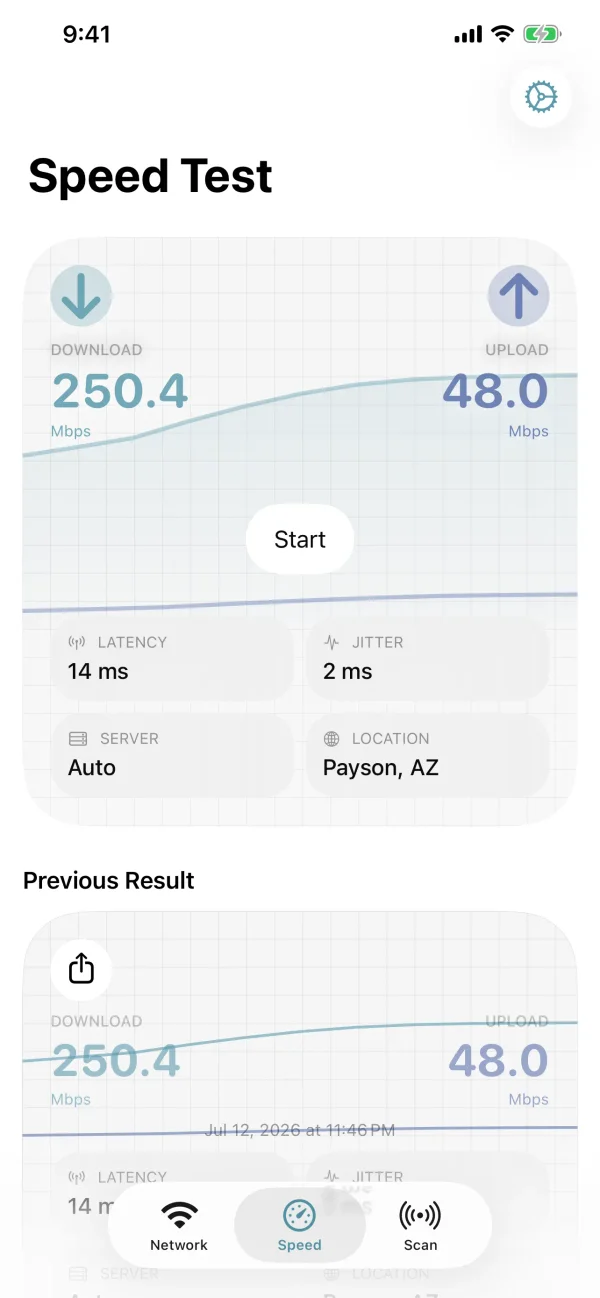
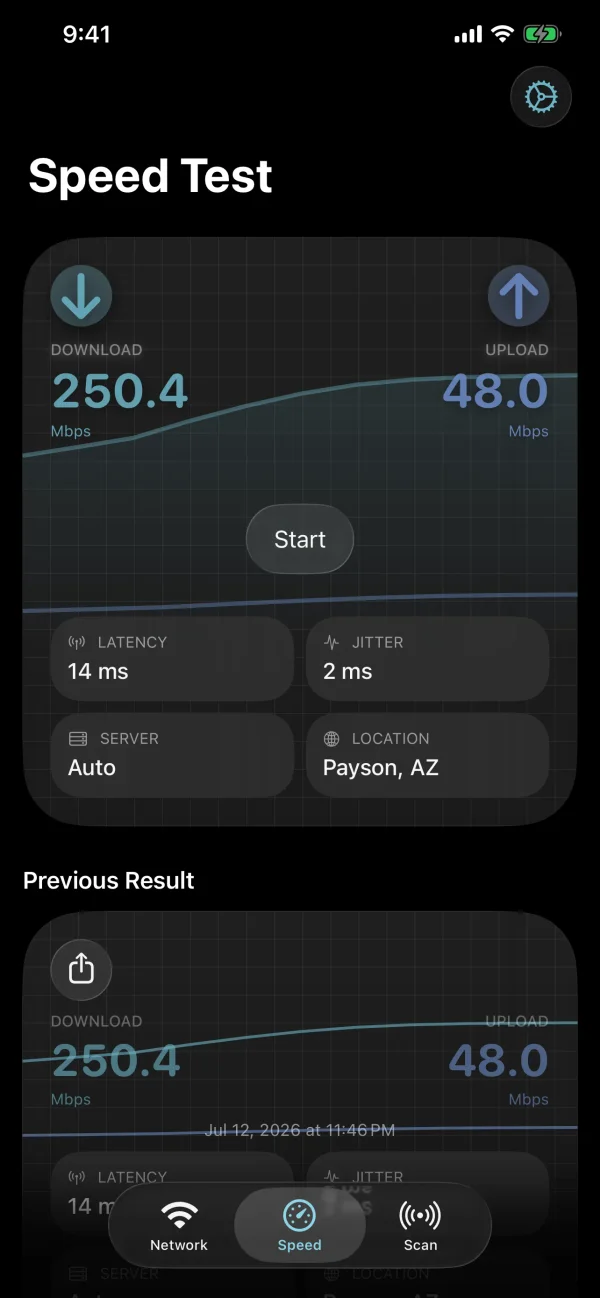
Can I actually work here? Run a speed test the second you connect: download, upload, latency, and jitter, so you know the Wi-Fi can carry a video call before you start one. Measured against Rimrock's own servers, not a mystery box.
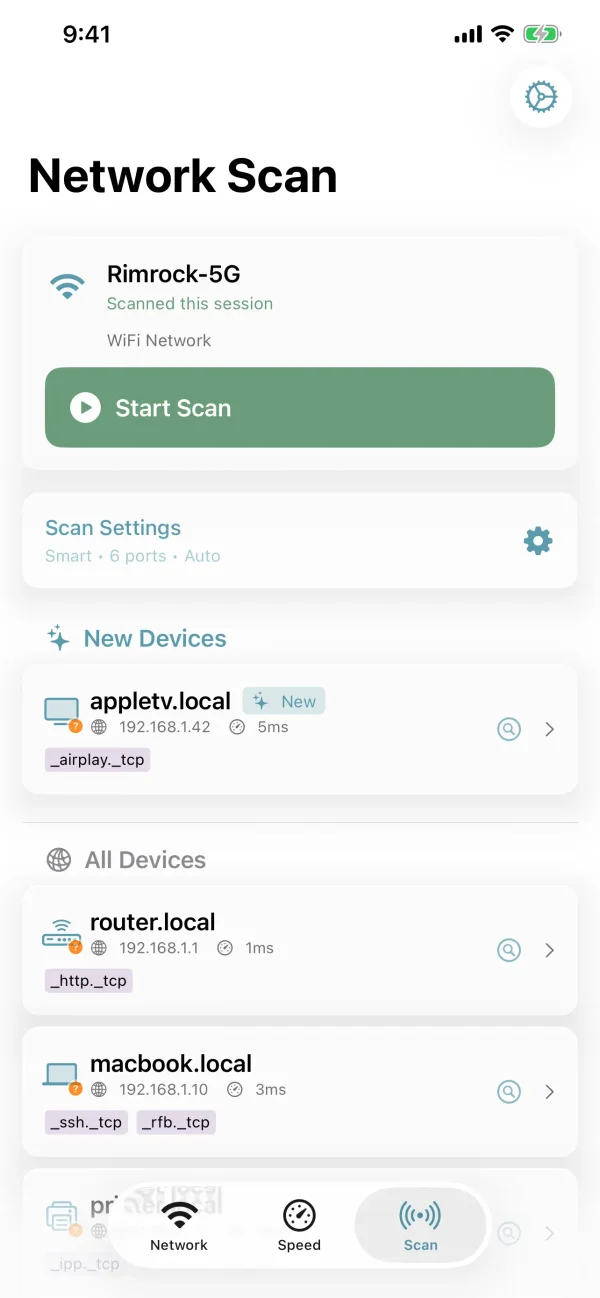
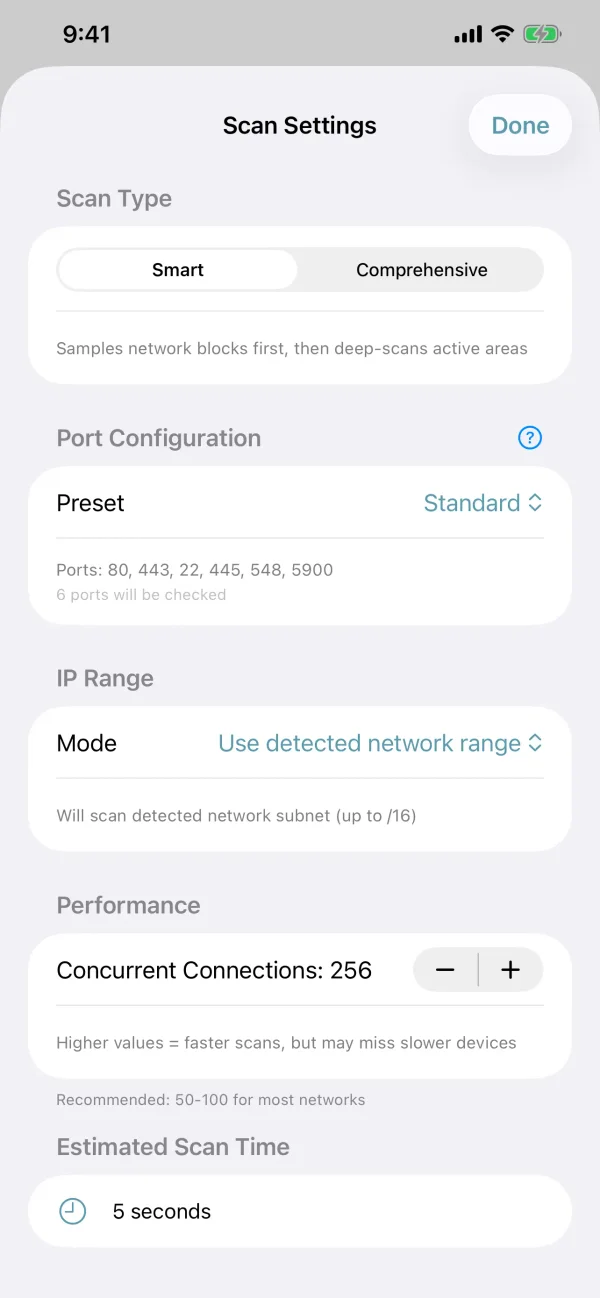
What else is on this network? Scan it with Bonjour and port scanning. Your devices sit next to everyone else's, laid out so the odd one out is easy to spot: an unknown computer, a camera named like it watches the inside.
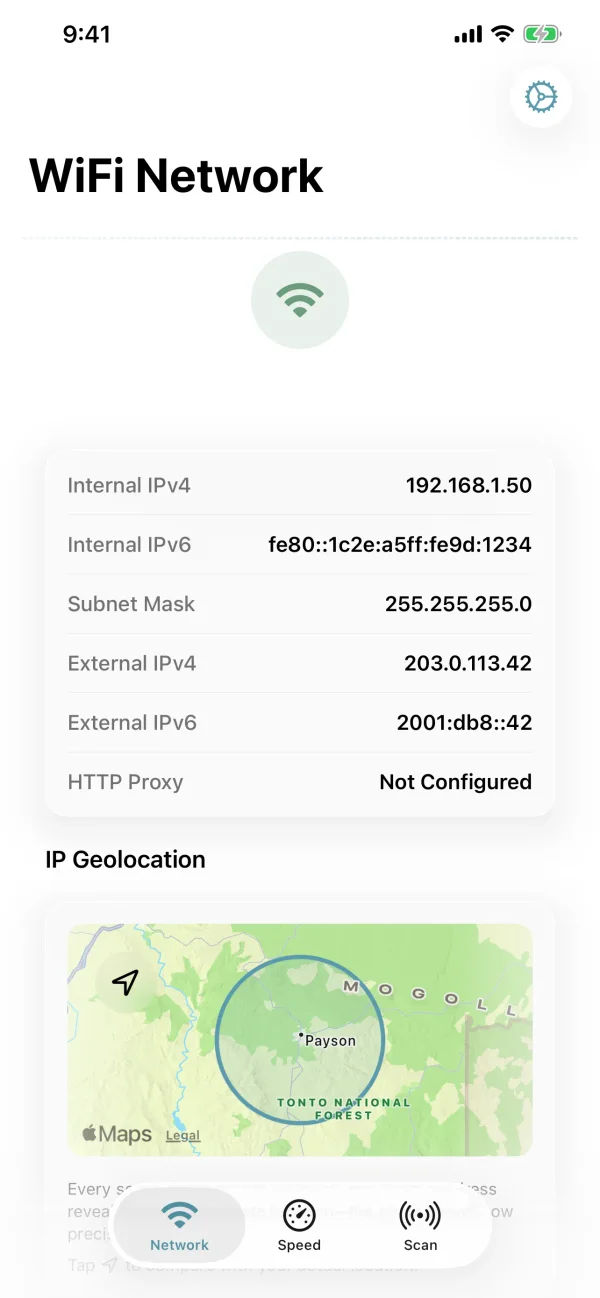
How much does this connection give away? WiFiMaster drops the location the internet guesses from your IP onto a map, next to where you actually are, then says in plain words how exposed you are. It's also a fast way to confirm a VPN moved you.
ALSO IN THE BOX
Connection details at a glance: IP, DNS, gateway, and status, without digging through Settings.
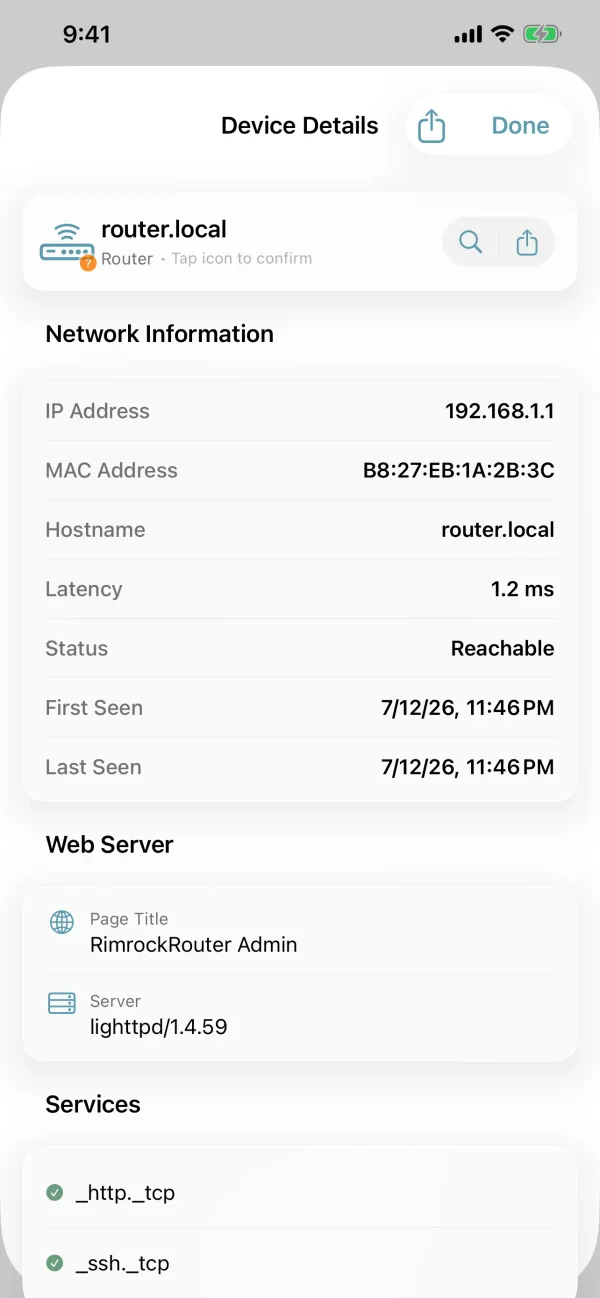
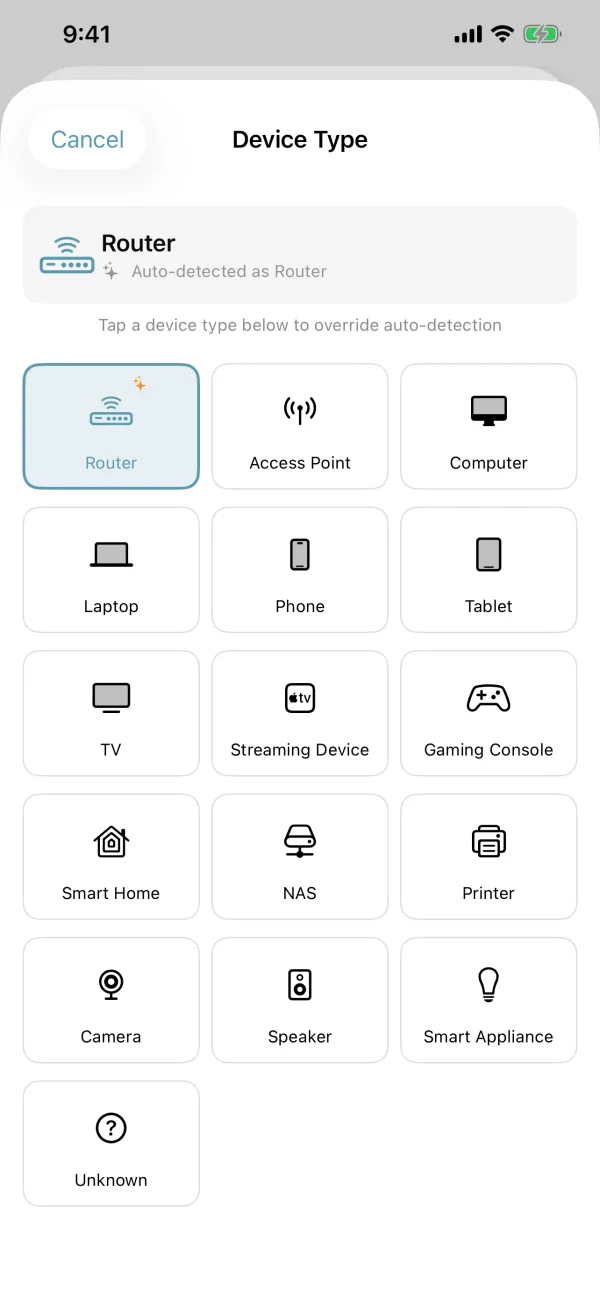
Device detail: drill into anything on the network to identify what it is and where it lives, so a stranger on the LAN doesn't stay a stranger.
BUILT FOR EACH PLATFORM
WiFiMaster is a native app on iPhone, iPad, Mac, and Apple Vision Pro. Not a web view, not one layout stretched to fit: each version is built for the platform it runs on.
PRIVACY
An app that helps you spot surveillance had better not be surveilling you. No account, no analytics, no trackers. The privacy policy is short enough to actually read.
Built by Rimrock Systems in Payson, Arizona.
Terms of Use: https://www.apple.com/legal/internet-services/itunes/dev/stdeula/
What’s new
Version 2.2.3 · Sep 12, 2026
(NEW) Built, tested, and validated for iOS 27
(FIX) Speed tests improved for fast connections: Download test now pulls from several sources at once, Rimrock servers and CDNs, and adds up the results. A single server can't fill a fast connection; several together can.
App privacy
What Joseph Jones declares on the App Store about how this app handles data.
-
Data not collected
The developer does not collect any data from this app.
Privacy practices may vary, for example with the features you use or your age.
Information
- Seller
- Rim Rock Systems LLC
- Category
- Utilities
- Version
- 2.2.3
- Updated
- Sep 12, 2026
- Released
- Sep 12, 2024
- Size
- 16.3 MB
- Requires
- iOS 26 or later
- Age rating
- 4+
- Price
- Free
- In-app purchases
- Yes
- Languages
- English
- Copyright
- © Rimrock Systems LLC
You might also like
-
 Home Detector: Hidden CameraSecurity Spy: Find Devices
-
 Camera Detector: hacker detectProtection hidden wifi spyware
-
 Air Detector, Device FinderBluetooth Tracker & Scanner
-
 Hidden Camera Finder: AppDetector, Scanner & Connect
-
 Hidden Camera Detector Pro.Finder, Scanner & Connect
-
 Hidden & Secret Device ScanFind Spy. Camera Detector
-
 Hidden Camera - Detect TrackerPhone Detector Find Blink Cam
-
 WIFI Speed Test & Internet MapNetwork Analyzer Hidden Device
-
 TV Remote for Roku: Smart appUniversal Controller: Control
-
 Hidden Camera: Spy Detector.Device Finder: Detect & Find