
WiFi Device – Network Scanner
IP Analyzer, Bluetooth Finder
Designed for iPhone
Free · In-app purchases
- Age rating4+
- CategoryProductivity
- DeveloperVladimir Ivakhnenko
- LanguagesEnglish+ 30 more
- Size31.9 MB
Links to the official App Store page
Download.org hosts no file of WiFi Device – Network Scanner. The button opens its official App Store page, published by Vladimir Ivakhnenko. Listing last checked on Nov 14, 2026.
Screenshots
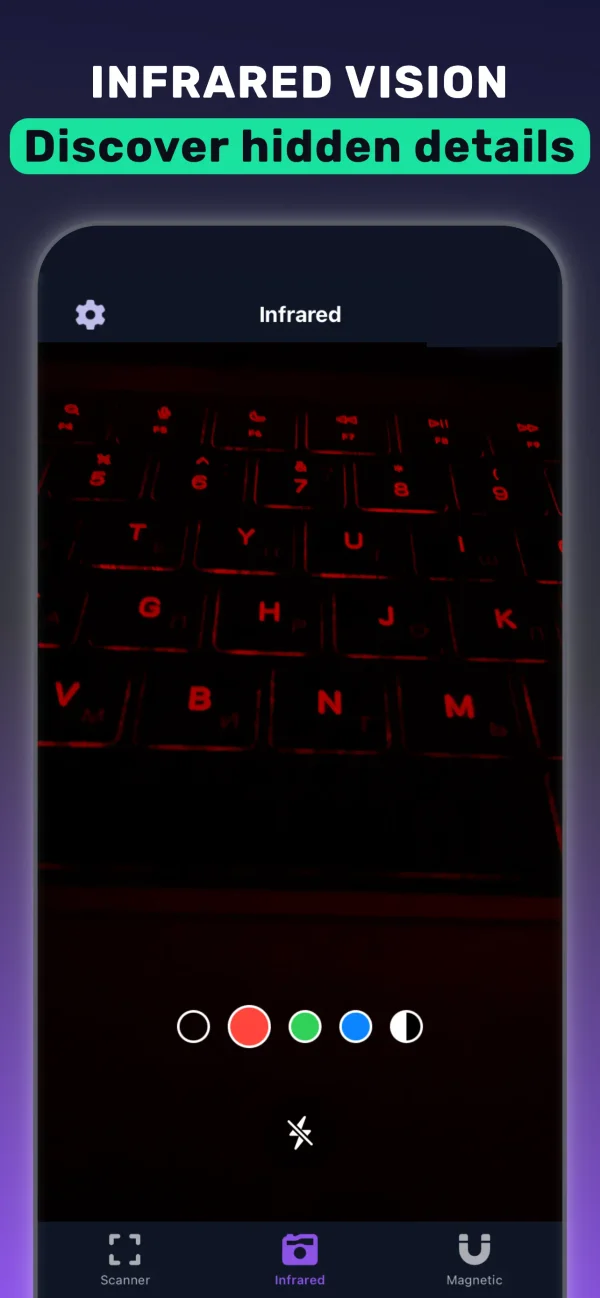
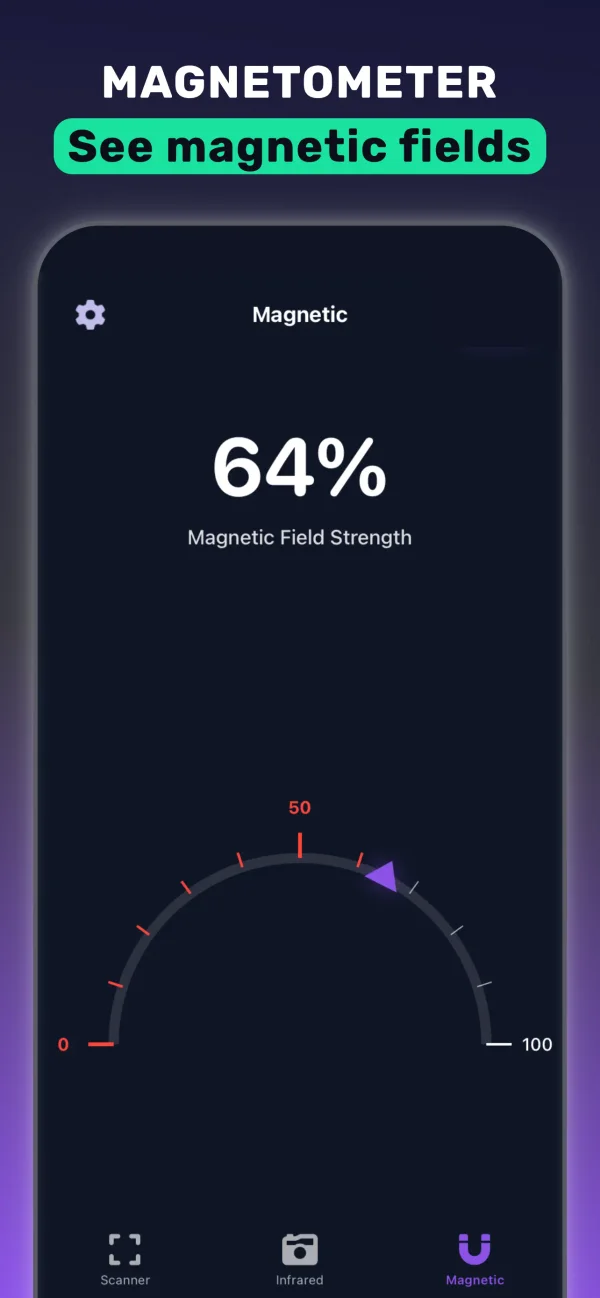
About
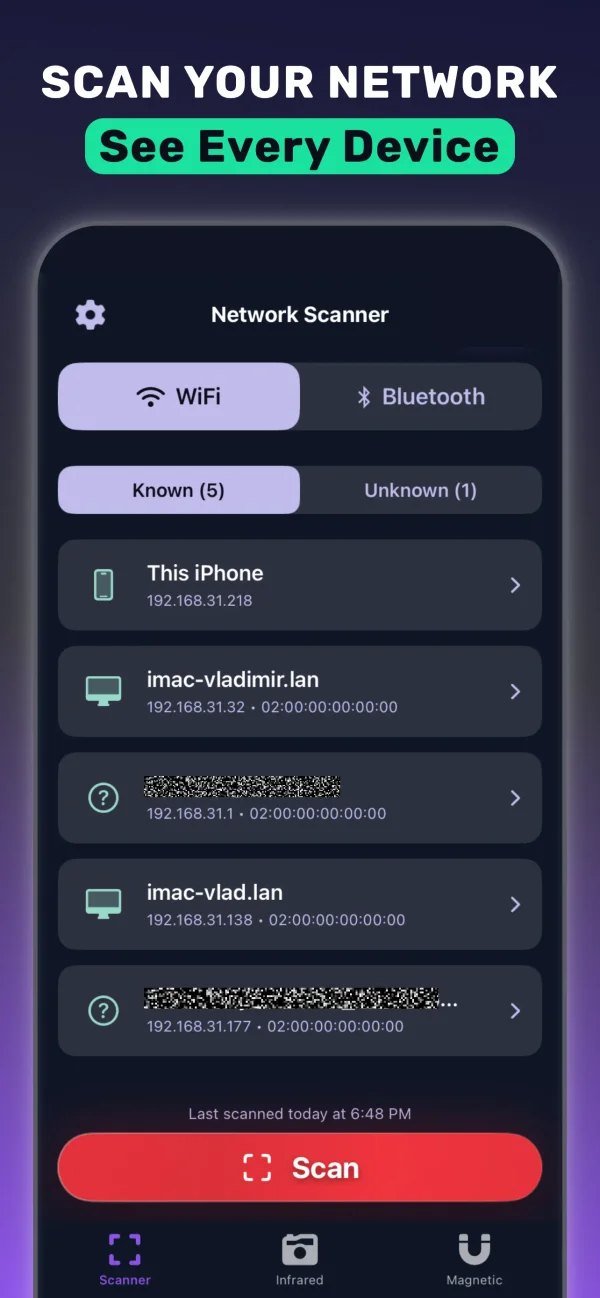
WiFi Device – Network Scanner is an iOS app for seeing every device connected to your WiFi or local network. Use this app to scan a home or small-office network and list phones, laptops, smart TVs, cameras, printers, and other gear with an IP address and a name. It is for anyone who wants to know who is on their WiFi without router admin access.
No router login and no technical setup. The scan runs on your iPhone.
WHO IS ON MY WIFI?
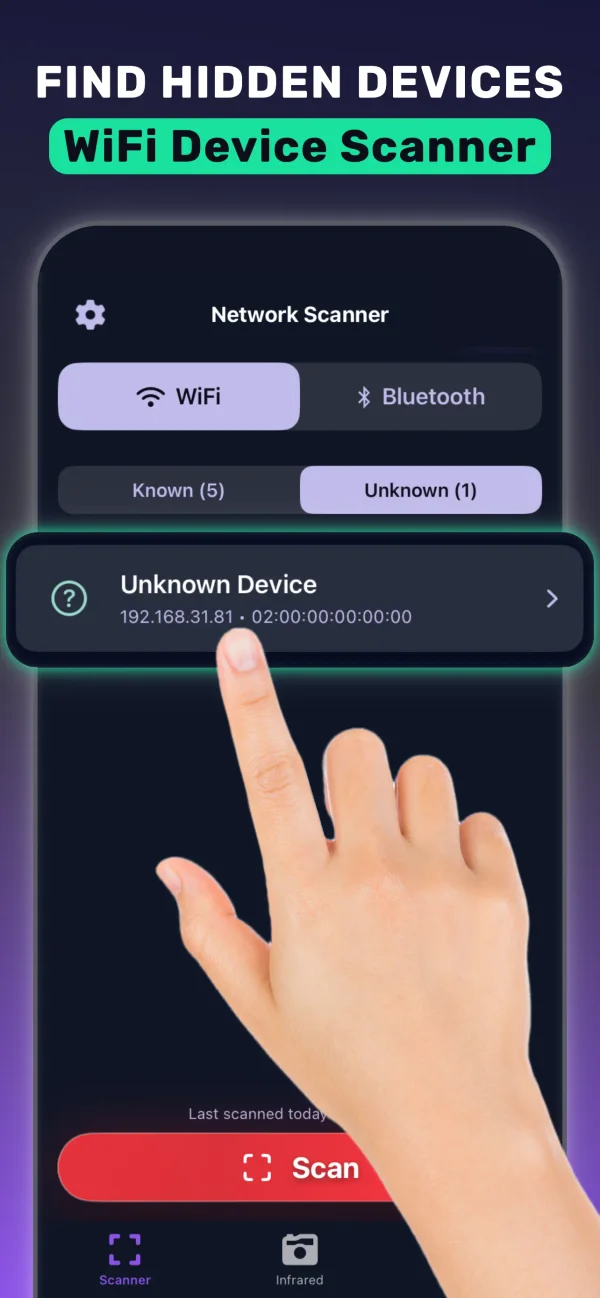
Internet suddenly slow, or a device name you do not recognize? WiFi Device – Network Scanner scans your local network and lists connected devices in one place. Compare the list with the devices you own. Anything you cannot identify may be a neighbor or a stranger on your WiFi. Change your WiFi password in your router, scan again, and confirm they are gone.
WHAT YOU CAN DO
- See all devices connected to your WiFi network
- Find unknown devices on your home network
- View IP address, hostname, and device details
- Count how many devices are on your network
- Keep an inventory of your home network devices
- Check the LAN when a device will not connect
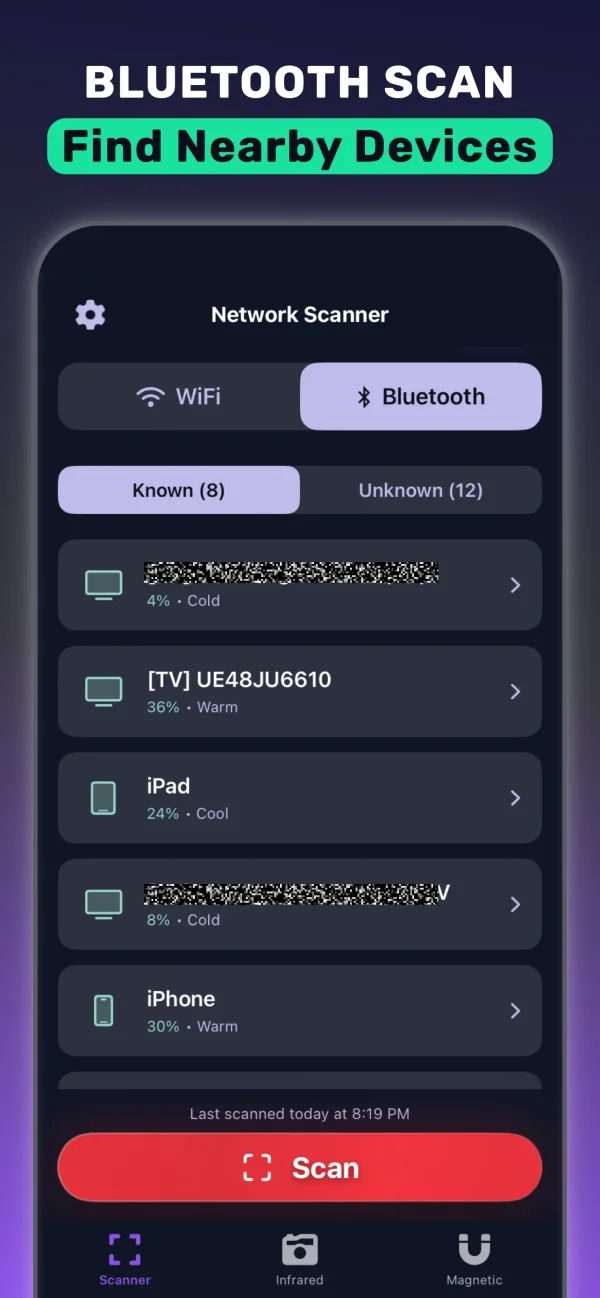
- Discover nearby Bluetooth devices and their signal strength
FIND A LOST BLUETOOTH DEVICE
Misplaced earbuds, headphones, a watch, or a speaker? Open the Bluetooth list, pick the device, and walk with the hot/cold proximity meter. The signal gets stronger as you get closer. It helps you search; it cannot promise the device is still in range.
CHECK A HOTEL ROOM OR RENTAL
Traveling? Connect to the hotel or vacation rental WiFi and scan it to see which cameras and smart devices share the network. Use the camera filter and flashlight to look for lens reflections, the magnetometer near suspicious objects, and the Bluetooth scanner for nearby devices. No app can guarantee to find every hidden camera, but these tools give you a fast first check.
EXTRA TOOLS
- Bluetooth scanner – list nearby Bluetooth devices by name and signal strength
- Magnetometer – notice magnetic field changes near cables and electronics
- Infrared-style camera filters – green, red, blue, and monochrome views
WHO IT'S FOR
- Anyone asking who is using my WiFi
- Parents who want to know which devices are on the family network
- People looking for lost earbuds or headphones
- Travelers checking hotel and rental WiFi
- Small offices that need a simple network device list
FAQ
How do I see who is connected to my WiFi on iPhone?
Open WiFi Device – Network Scanner, allow Local Network access when iOS asks, and tap Scan. You get a list of devices on your WiFi.
Do I need my router password or admin access?
No. WiFi Device – Network Scanner scans from your iPhone. No router login is required.
How do I remove an unknown device from my WiFi?
The app shows who is connected. To block a device, change your WiFi password or block it in your router settings, then scan again.
Does it work on mobile data?
Connect to the WiFi network you want to check. The app scans the local network your iPhone is on.
Is it private?
Scanning runs on your device and only covers the network you are connected to. Use it on networks you own or are allowed to check.
PRICING
Premium features are available through an optional in-app purchase.
Download WiFi Device – Network Scanner and see who is on your WiFi.
Terms of Use: https://c-basso.xyz/terms.html
Privacy Policy: https://c-basso.xyz/privacy.html
What’s new
Version 1.2.2 · Oct 22, 2026
This version of WiFi Device – Network Scanner includes small fixes
App privacy
What Vladimir Ivakhnenko declares on the App Store about how this app handles data.
-
Data not linked to you
May be collected but is not linked to your identity.
- Purchases
- Identifiers
- Usage data
- Diagnostics
Privacy practices may vary, for example with the features you use or your age.
Information
- Seller
- Vladimir Ivakhnenko
- Category
- Productivity
- Version
- 1.2.2
- Updated
- Oct 22, 2026
- Released
- Feb 8, 2026
- Size
- 31.9 MB
- Requires
- iOS 18.6 or later
- Age rating
- 4+
- Price
- Free
- In-app purchases
- Yes
- Languages
- English, Croatian, Czech, Danish, Dutch, Filipino, Finnish, French, German, Greek, Hebrew, Hungarian + 19 more
- Copyright
- © 2026 c-basso
You might also like
-
 iNet - Network ScannerKnow Your Network...
-
 Bluewex: WiFi & Bluetooth ScanFind Track Hidden Spy Cameras
-
 Ekahau AnalyzerProductivity
-
 Fing - Network ScannerOnline devices & security
-
 Network Toolbox Net securityWiFi Cell LAN scanning tools
-
 UTM Remote Virtual MachinesRemote desktop for VMs
-
 Wifi Password : Speed AnalyzerWifi Password and Speed Info
-
 Mi Wi-FiProductivity
-
 Mouse · Keyboardfor Mac or PC
-
 spacedesk - USB Display for PCPortable Multi Monitor Display