
WiFi Network Speed Meter
WiFi & 5G Speed Test
Designed for iPhone, iPad, iPod touch
Free · In-app purchases
- Age rating4+
- CategoryUtilities
- Developer佳俊 高
- LanguagesEnglish+ 2 more
- Size42.6 MB
Links to the official App Store page
Download.org hosts no file of WiFi Network Speed Meter. The button opens its official App Store page, published by 佳俊 高. Listing last checked on Nov 12, 2026.
Screenshots

About
A concise and easy-to-use network tool designed to help you quickly understand the current network connection performance. We provide accurate speed measurement data and clear testing history, allowing you to have a thorough understanding of network conditions.
[Application Function]
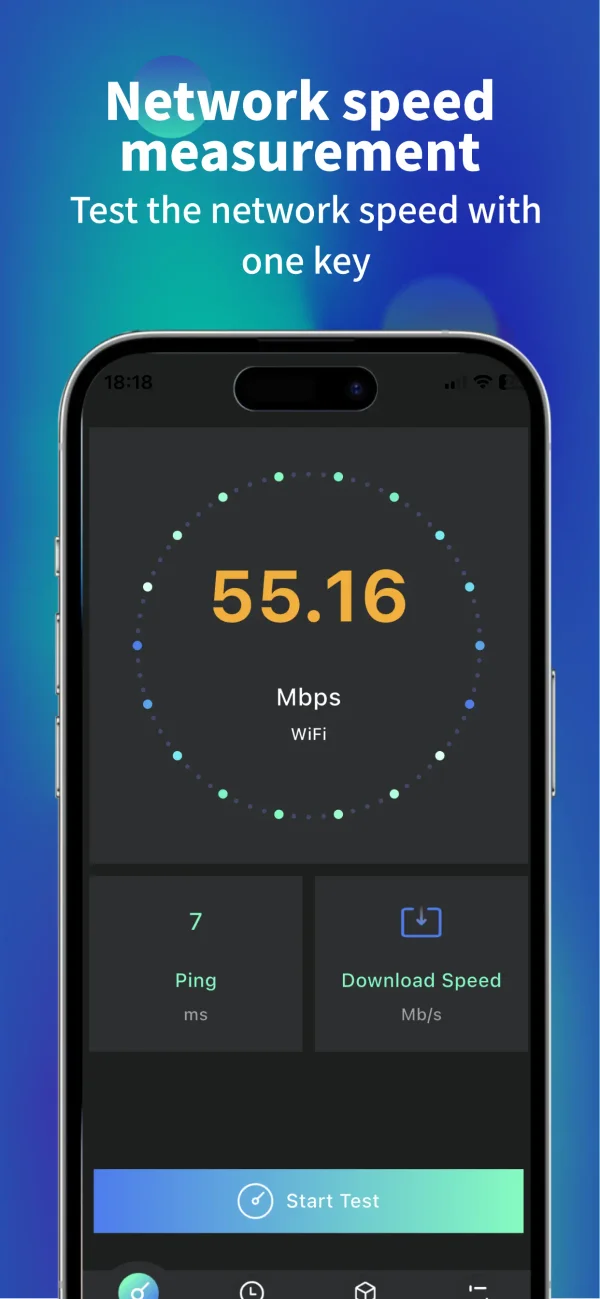
One click precise speed measurement
Quickly test the current download and upload speed.
Real time display of your network connection type (such as Wi Fi or 5G) and signal strength.
Comprehensive network analysis
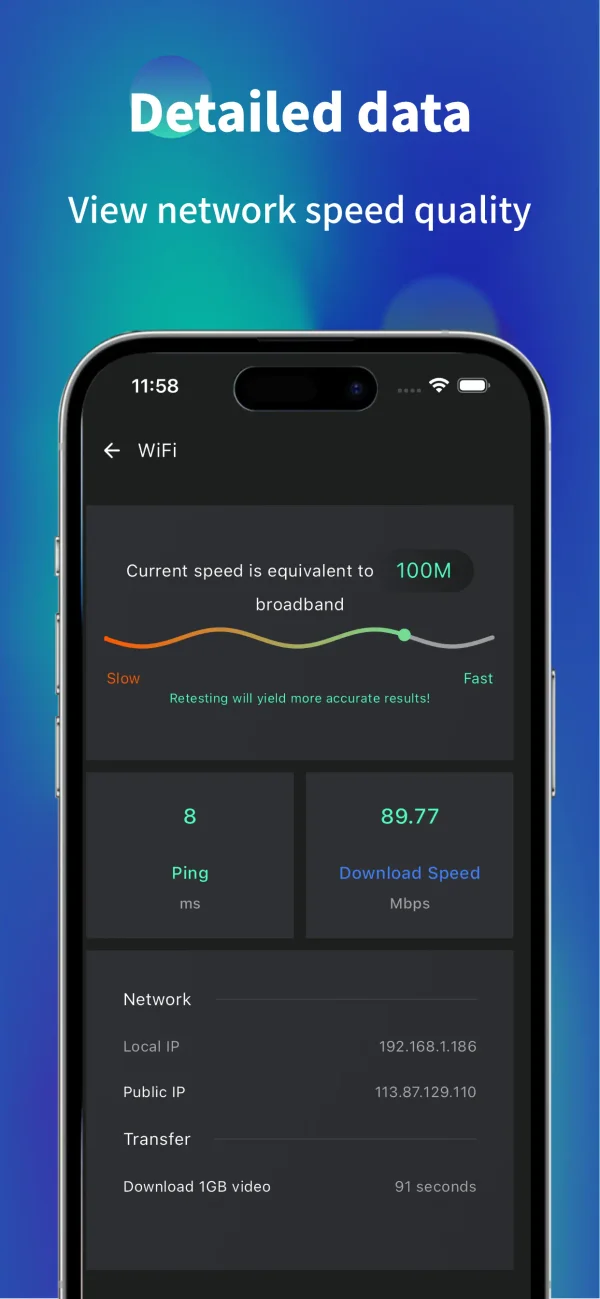
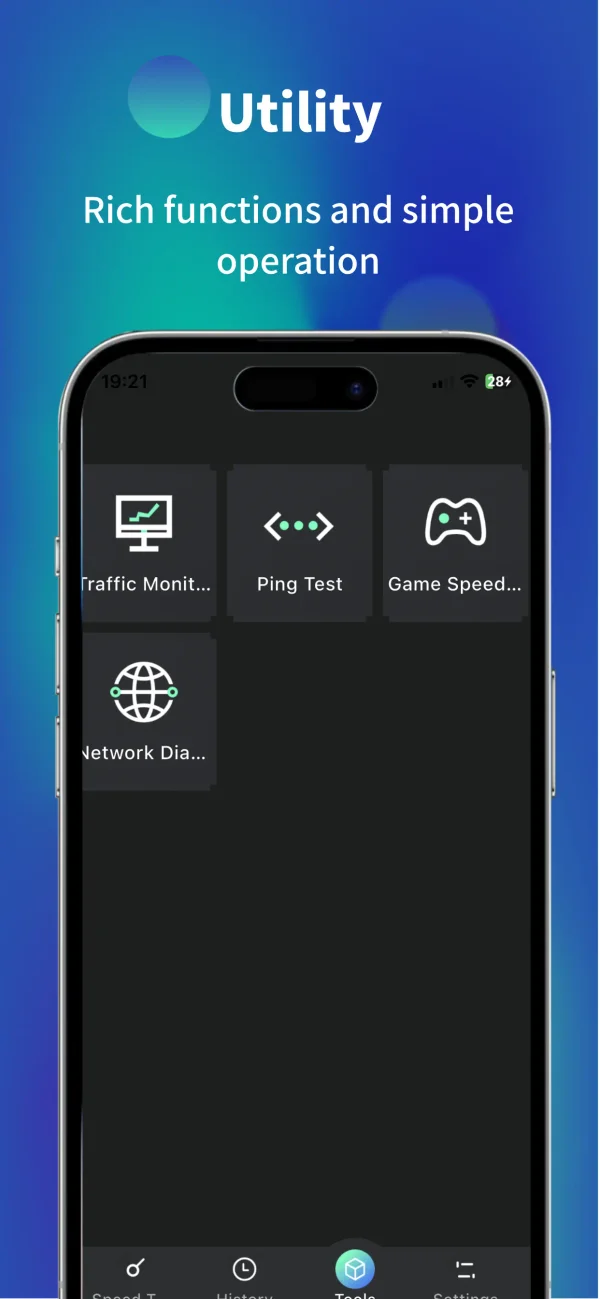
Ping Test: Measure the response time from your device to the server to understand network latency.
Connection stability assessment: Through multiple tests, help determine the stability of network connections.
Clear historical records
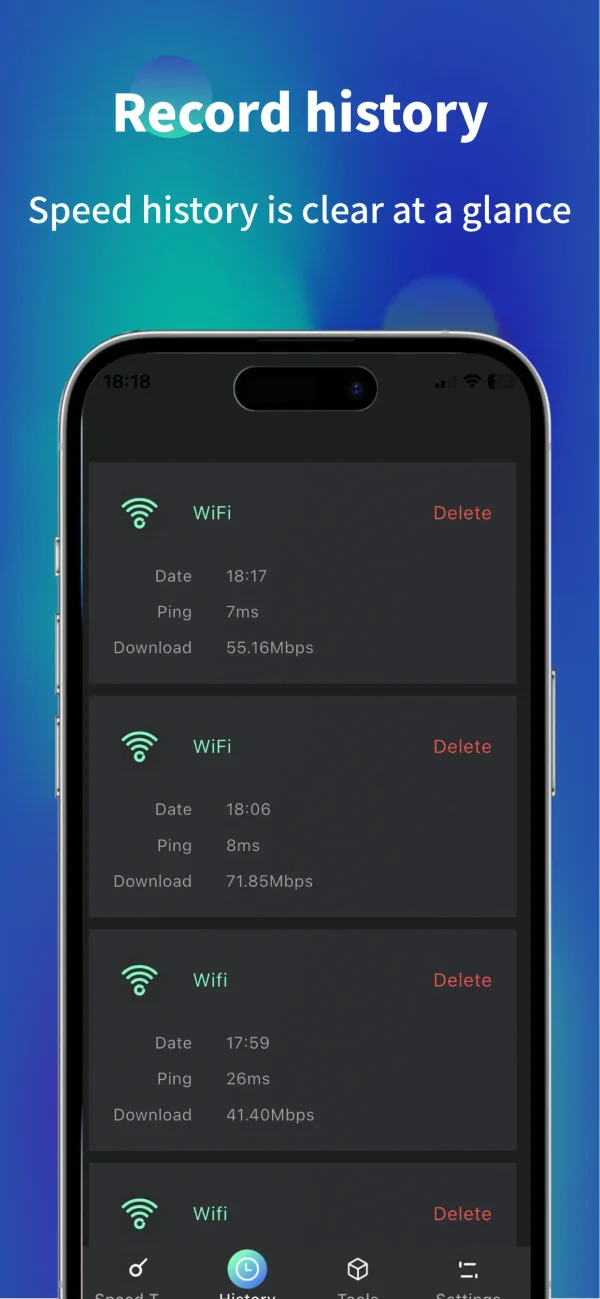
Automatically save each speed measurement result, making it convenient for you to review and compare network performance at different times and locations at any time.
View network information
Display basic connection information such as the current IP address of your device.
We cannot do it
To maintain absolute authenticity of the description, we explicitly state that this application is primarily used for measuring and displaying network performance data and cannot directly repair or optimize your physical network environment (such as carrier signal coverage issues, router hardware failures, etc.).
Thank you for your choice! We continue to optimize and provide you with reliable tools.
Subscription Information
Weekly Subscription – $6.99 / week
Auto-renewable, cancel anytime
Payment will be charged to your Apple ID after confirmation
Auto-renewal will be charged within 24 hours before the current period ends
Go to "Settings" → "Apple ID" → "Subscriptions" to manage or cancel
Privacy Policy: https://mirror-colony-164.notion.site/Privacy-Policy-2637b7610f9780ff9010c8e02e242780?pvs=73
Terms of Use: https://mirror-colony-164.notion.site/User-Agreement-2637b7610f9780d79251ff763a423c04
What’s new
Version 2.0 · Sep 10, 2026
Fixed some bugs
App privacy
What 佳俊 高 declares on the App Store about how this app handles data.
-
Data linked to you
May be collected and linked to your identity.
- Identifiers
- Diagnostics
- Other data
Privacy practices may vary, for example with the features you use or your age.
Information
- Seller
- 佳俊 高
- Category
- Utilities
- Version
- 2.0
- Updated
- Sep 10, 2026
- Released
- May 22, 2025
- Size
- 42.6 MB
- Requires
- iOS 15.6 or later
- Age rating
- 4+
- Price
- Free
- In-app purchases
- Yes
- Languages
- English, Simplified Chinese, Traditional Chinese
- Copyright
- © 2025GaoJiaJun
You might also like
-
 Speed Test - WiFi&5G AnalyzerInternet Download Speed Test
-
 Speed Test - WIFI AnalyserNetwork speed diagnostic tool
-
 Master of speedtestA precise and rapid speed test
-
 花瓣测速-花瓣网Utilities
-
 Wifi Speed Test - WiScanTest Your Network Speed
-
 SpeedBaby - 5G WiFi Speed TestInternet Ping, VPS & LAN Tools
-
 SpeedIQ – Speed Test & WiFiSpeed test, ping & WiFi
-
 5G Speed Test Master - WiFiWiFi 5G 4G LTE Speedtest Check
-
 Test Speed: WiFi & InternetWiFi Speed Test & Location
-
 WiFi Network Signal ToolsInternet Speed and Device Info