- Age rating4+
- CategoryUtilities
- DeveloperJIRO UENO
- LanguagesJapanese+ 1 more
- Size16.2 MB
Links to the official App Store page
Download.org hosts no file of Wifi Rig CTRL. The button opens its official App Store page, published by JIRO UENO. Listing last checked on Nov 23, 2026.
Screenshots

About
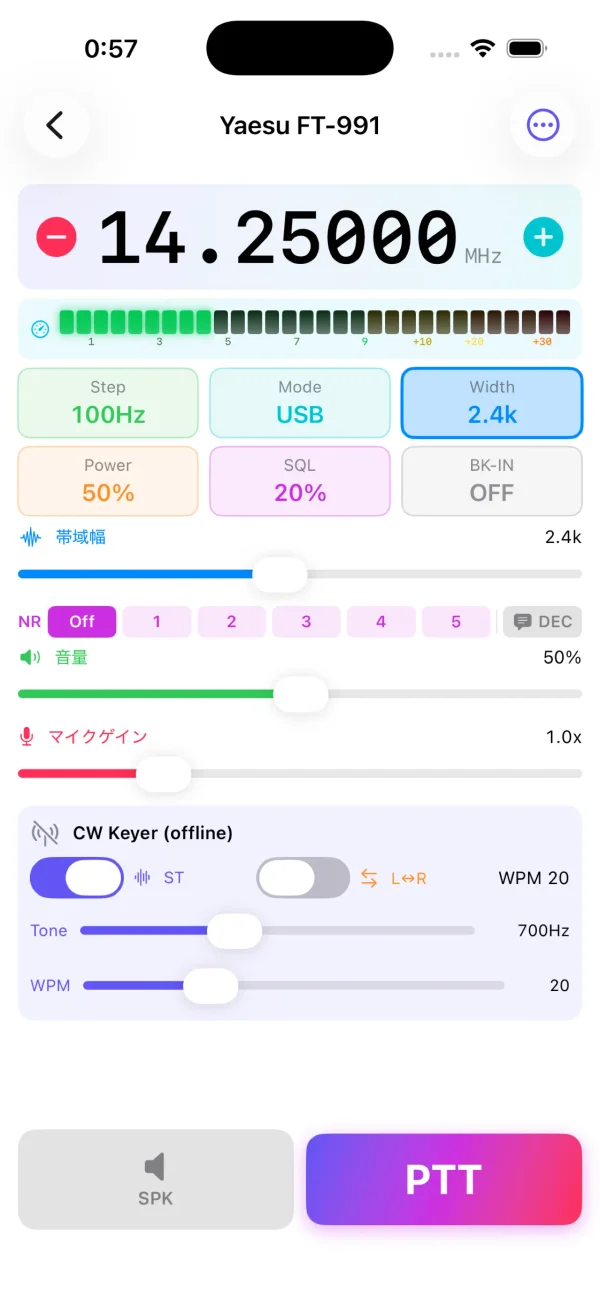
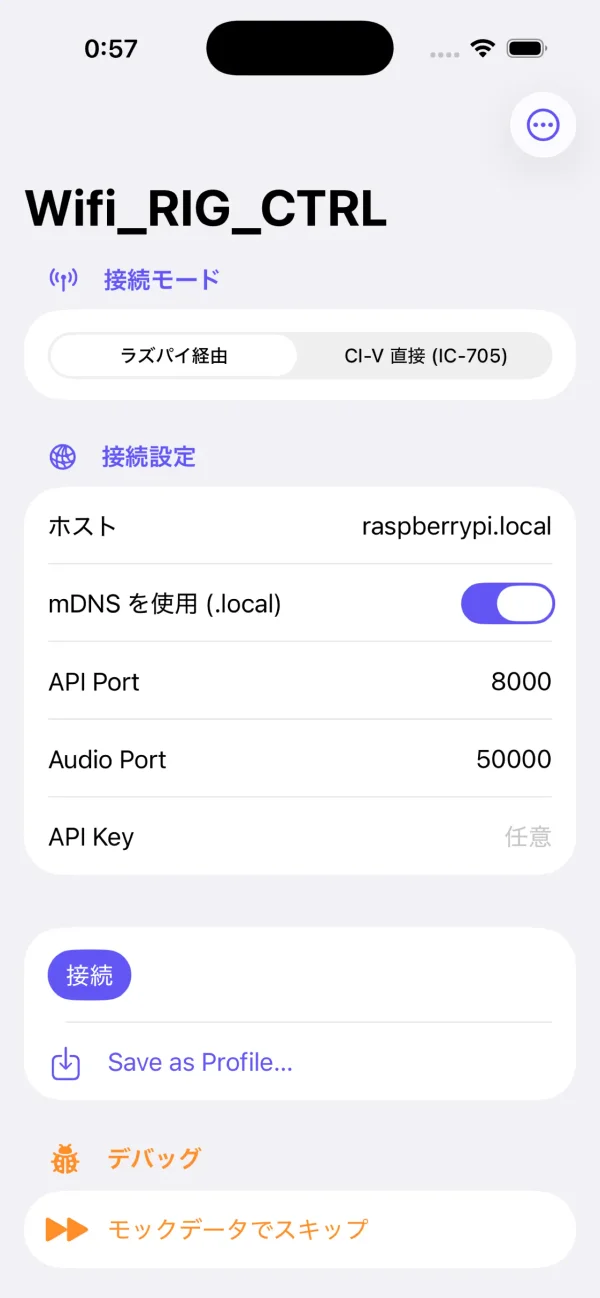
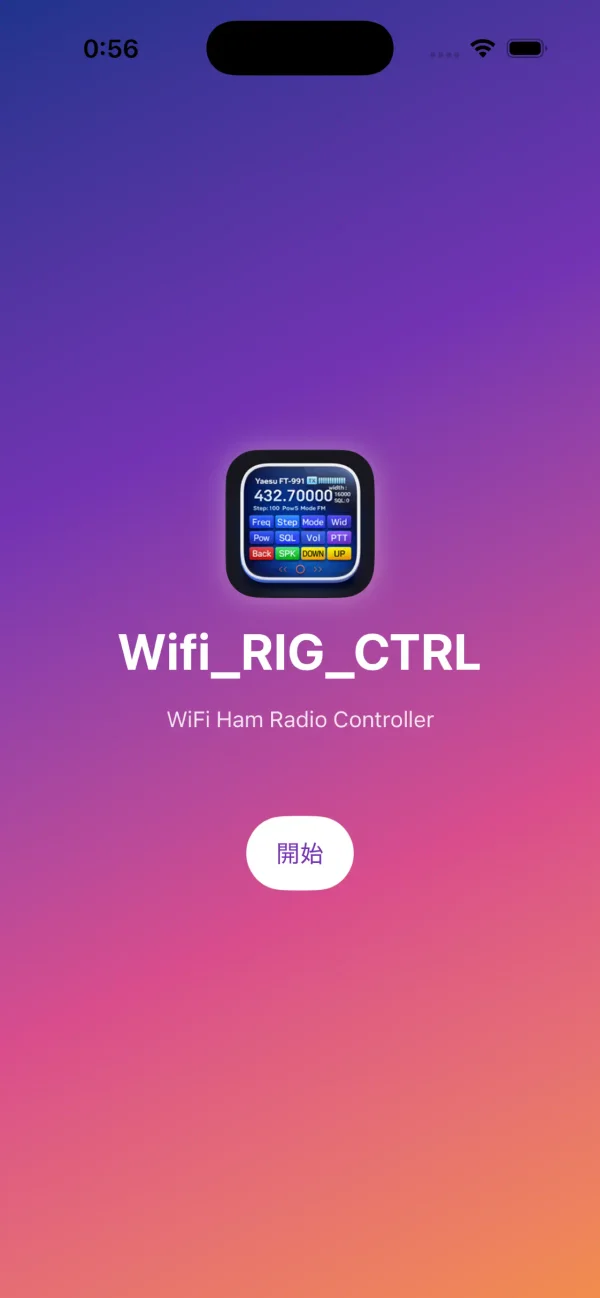
WifiRigCTRL is an iPhone / iPad app for remotely operating your amateur-radio transceiver via a Raspberry Pi or ICOM CI-V (Wi-Fi / Bluetooth).
Features:
- Real-time RX frequency, mode and S-meter display
- Change frequency, mode, power, squelch and filter width
- RX audio playback through the speaker (with noise reduction)
- PTT on/off and microphone transmit
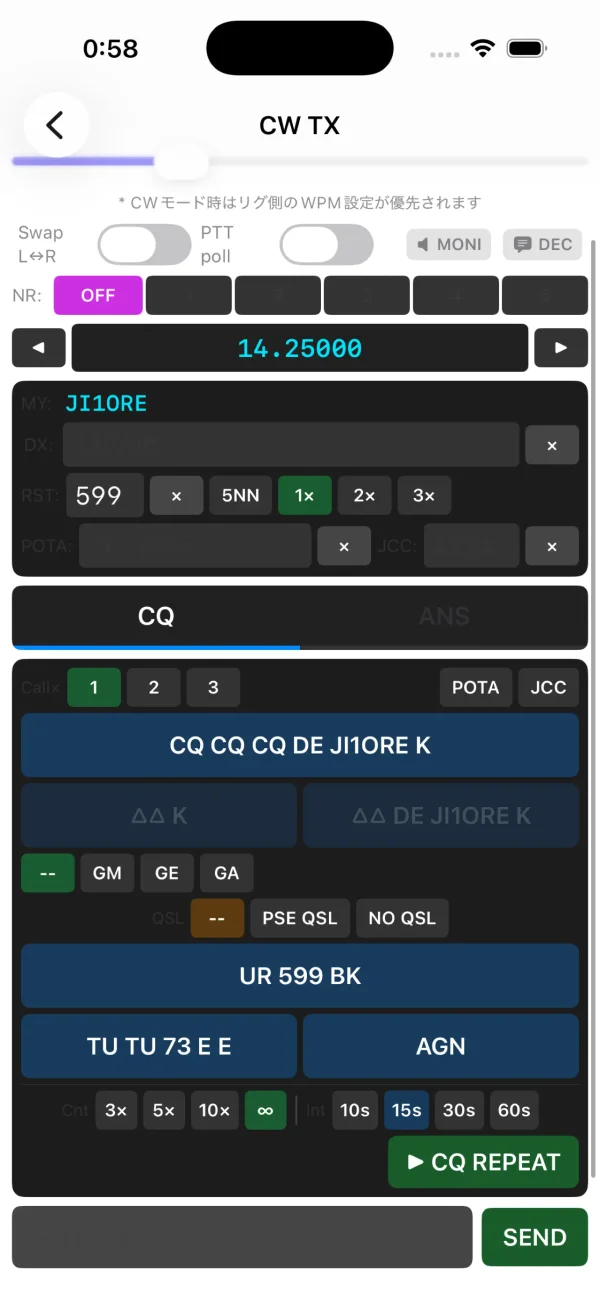
- CW Morse send and receive-decode (BLE / USB-NCM keyers)
- RTTY AFSK transmit/receive (on-device software modem or via the Raspberry Pi's minimodem, with spectrum display)
- FT8 / FT4 receive-decode and transmit
- Automatic FT8 all-decode log to ~/ALL.TXT (WSJT-X compatible)
- Band Scope (CAT single-sweep / native ICOM CI-V scope, with POTA/SOTA spots overlaid)
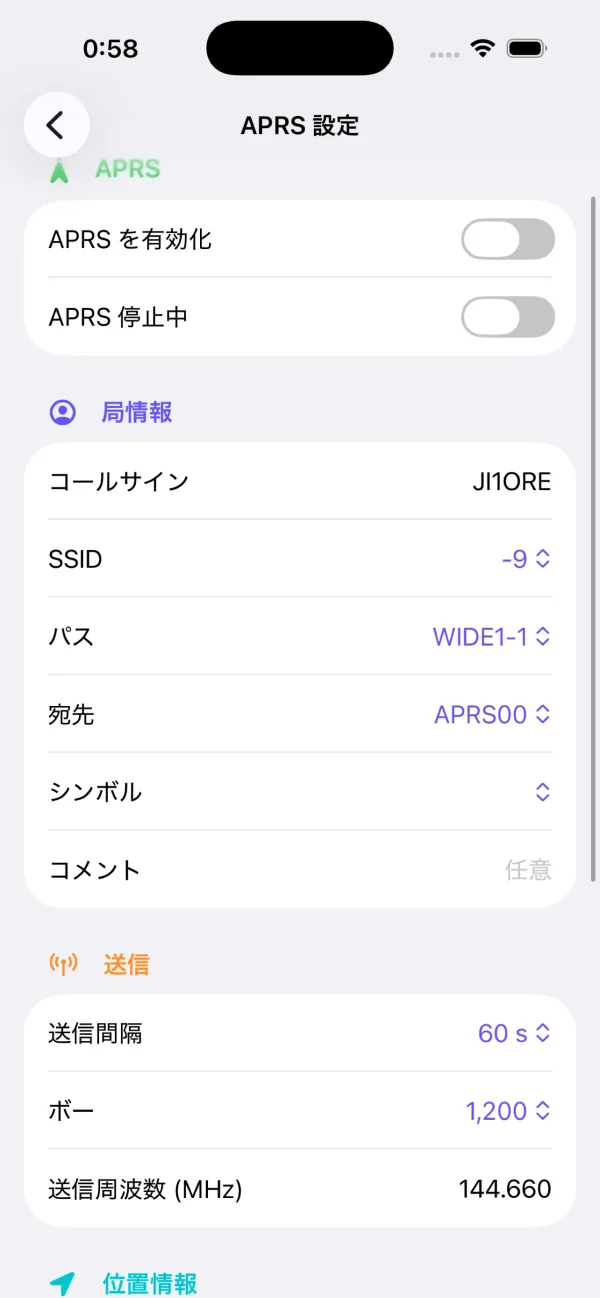
- APRS beacon transmit (GPS)
- QSO log (ADIF export, POTA/SOTA references)
- Operating-location (JCC/JGC, grid) registration and operating sessions
- eQSL auto-upload, Smart Ham Log integration, PSKReporter spotting
- Band memory, POTA/SOTA spot integration (SP2ALART)
- Multiple profiles, API-key auth, WireGuard VPN
- Direct Wi-Fi / Bluetooth CI-V to Icom IC-705 / IC-9700
- One-tap Raspberry Pi SSH setup
■ Requirements (Important)
This app does not work on its own. You need one of the following, owned by you:
A Raspberry Pi Zero 2W that is already set up (connected to your radio, with Hamlib/FastAPI installed), or
An IC-705 or IC-9700 (for a direct CI-V connection)
Connect either one to the same Wi-Fi network as your iPhone.
Setup instructions and firmware for the Raspberry Pi are available on GitHub:
https://github.com/ji1ore/M5CoreHamCAT
■ Intended Users
This app is for licensed amateur radio operators who have a compatible radio setup.
*This app contains no ads and no usage tracking. All data it collects is used only on your device and is never sent to an external server.
What’s new
Version 4.03 · Nov 21, 2026
- Added a "Find Pi on network" button to the SETUP (SSH) screen. It scans your Wi-Fi over SSH (port 22); just tap the Pi it finds to auto-fill its IP. It works even on a fresh, not-yet-set-up Pi
- The VNC-desktop choice now defaults to "None", so by default no VNC is installed and setup is faster and lighter (you can still choose XFCE / PIXEL)
- Note: this is an app-only release; no Pi update is required (the Pi API stays at 4.00)
App privacy
What JIRO UENO declares on the App Store about how this app handles data.
-
Data not collected
The developer does not collect any data from this app.
Privacy practices may vary, for example with the features you use or your age.
Information
- Seller
- JIRO UENO
- Category
- Utilities
- Version
- 4.03
- Updated
- Nov 21, 2026
- Released
- Jul 8, 2026
- Size
- 16.2 MB
- Requires
- iOS 17.0 or later
- Age rating
- 4+
- Languages
- Japanese, English
- Copyright
- © 2026 JI1ORE
You might also like
-
 Hotspot MonitorLive callers for WPSD hotspots
-
 ShackDeckHam radio receiver and FT8
-
 ZS6STN Radio CompanionAmateur Radio Field Toolkit
-
 GyeotStream Viewer for IP Cameras
-
 Polyglot Radio: Acoustic SDRAcoustic SDR Modem & Monitor
-
 N6YYO Remote BaseRun your ham station anywhere
-
 Mona RadioRadio Control & Digital Modes
-
 FT8 Hero RemoteRemote for the FT8 Hero app
-
 Carrier WaveAmateur Radio QSO Logger
-
 Greyline FT8Field-Ready Digital Ham Radio