- Age rating4+
- CategoryUtilities
- DeveloperBENJAMIN G RICHARDSON
- LanguagesEnglish
- Size1.9 MB
Links to the official App Store page
Download.org hosts no file of WiFiGuard. The button opens its official App Store page, published by BENJAMIN G RICHARDSON. Listing last checked on Nov 12, 2026.
Screenshots


About
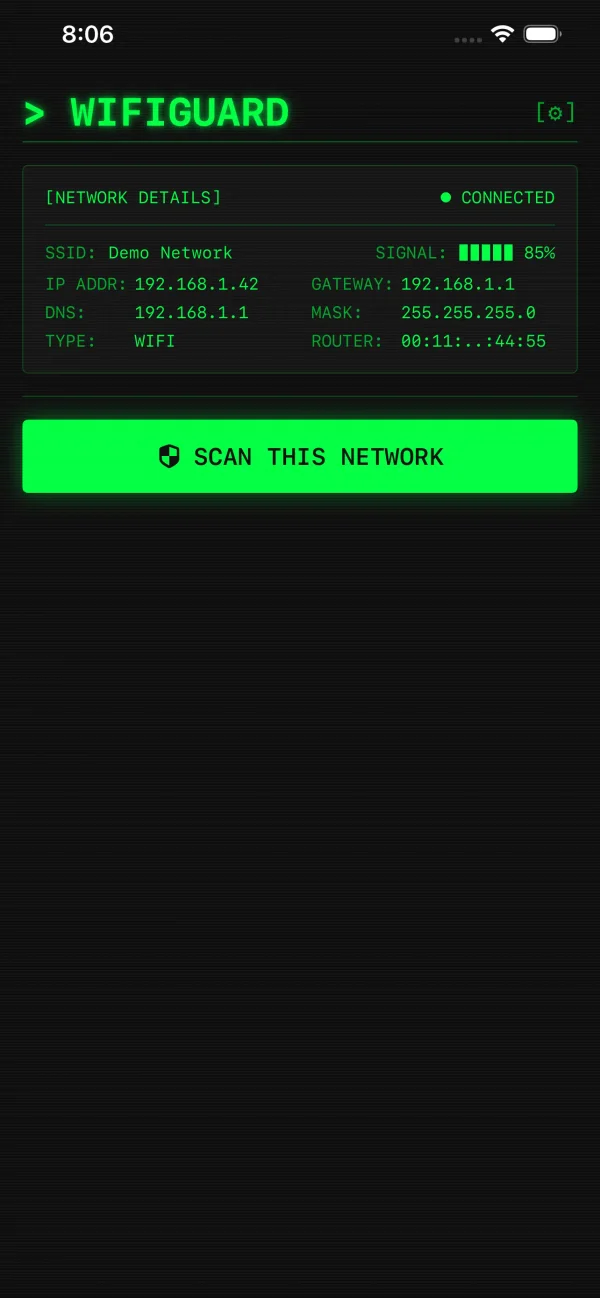
WiFiGuard checks the Wi-Fi network you're on for the things that actually go wrong on public and shared networks: fake hotspots, interception, tampered DNS and risky router settings. Every scan is free.
TEN CHECKS IN ONE TAP
- Network security: open (no password) and broken WEP networks
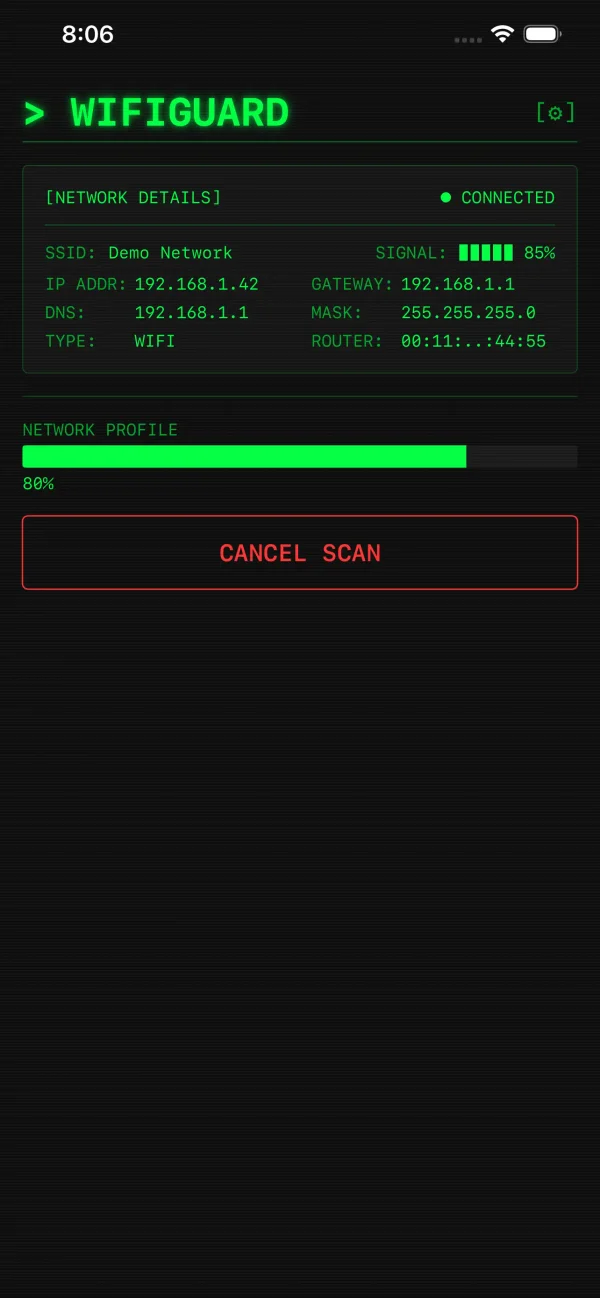
- Network profile: look-alike hotspot names such as "Starbuck5" or names spelled with letters from another alphabet, plus known WiFi attack hardware
- Certificates: validates HTTPS for major sites and spots traffic inspection, when an installed certificate lets someone decrypt your secure connections
- DNS security: asks your network's DNS server directly, compares its answers with encrypted DNS and checks anything different against the site's own certificate
- Login pages: detects captive portals, ones imitating big brands or asking for financial details, and ones that send passwords unencrypted
- Proxy detection: loads the same pages over HTTP and HTTPS and compares them, catching injected scripts and tracking headers, and spots a proxy set for your Wi-Fi
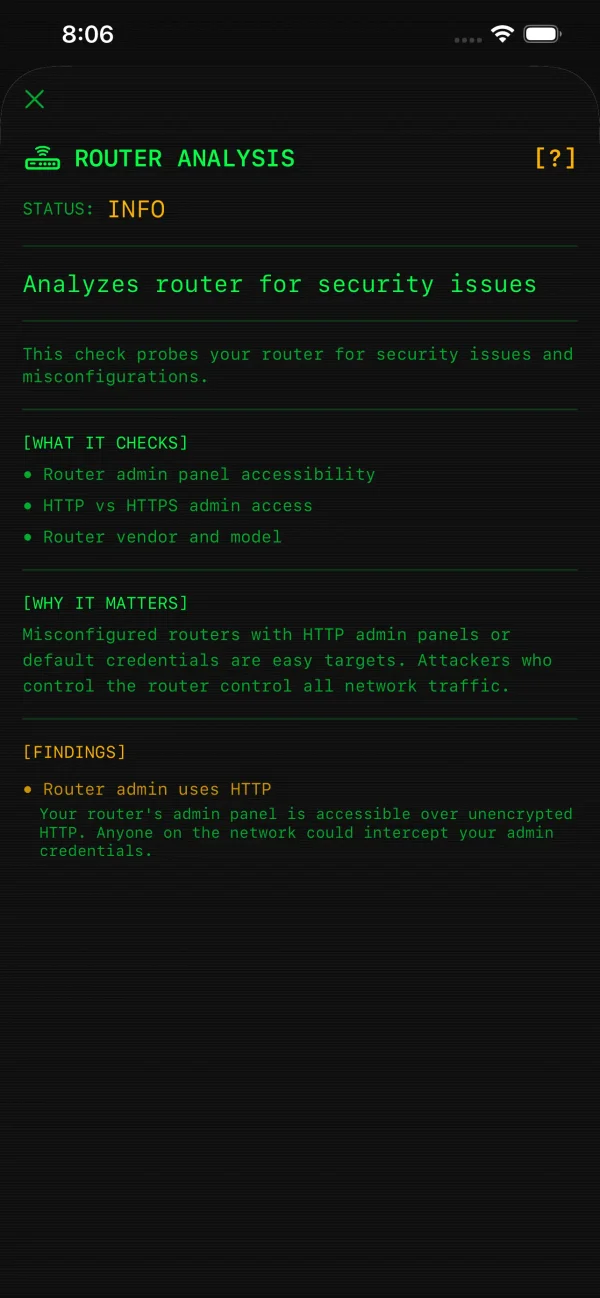
- Router analysis: admin page encryption, default-password warnings, UPnP, Telnet and FTP, and known-vulnerable models
- Exit point: your public IP, internet provider and where your traffic leaves the network
- Network services: attack tools, Telnet, exposed file sharing and rogue proxies on the local network
- Trusted network (Pro): compares your home or work network to how it looked when you trusted it
CLEAR, CALM RESULTS
Every finding explains what it means and what to do, in plain language. Dismiss something once and it stays hidden on that network only.
WIFIGUARD PRO (ONE-TIME PURCHASE)
- Secure DNS: encrypted DNS through Cloudflare, Quad9, AdGuard, Mullvad or your own NextDNS profile, blocking malware and phishing domains. Use it everywhere or only on networks you don't trust.
- Trusted networks: save the fingerprint of your home and work Wi-Fi. If a copy with the same name appears (an "evil twin"), or the router, DNS or internet provider changes, you'll know.
- Auto-scan on join: with a Shortcuts automation, WiFiGuard scans every network you join and notifies you if something's wrong. Works with Siri and the Action button too.
- History and reports: every scan saved, with PDF reports to share with IT or keep for your records.
One payment, no subscription, shared with your family.
PRIVATE BY DESIGN
- Analysis runs on your phone. No accounts, no analytics, no tracking.
- To test the network, WiFiGuard contacts well-known websites, public DNS resolvers and its own server, which sees your public IP address like any website and stores nothing.
- Location permission is only used because iOS requires it to read the Wi-Fi network name.
RETRO TERMINAL DESIGN
A dark, monospace, scanline-lit interface that looks as serious as the job it does.
IMPORTANT
WiFiGuard is a security awareness tool. No tool can detect every threat, and results describe the network at the time of the scan. Secure DNS is not a VPN: it protects DNS lookups, not the rest of your traffic.
What’s new
Version 2.1 · Oct 12, 2026
WiFiGuard 2.1 makes every check more accurate.
- Router analysis now spots routers that let devices open ports (UPnP), and Telnet or FTP left switched on
- The DNS check now asks your Wi-Fi's own DNS server and confirms any odd answer against the website's certificate, so it still tests the network with Secure DNS or iCloud Private Relay on
- Fixed: the login page and proxy checks couldn't run and were shown as passed
- Behind a hotel or café login page, checks that only make sense after you sign in are skipped instead of raising false alarms
- Checks that can't run now show as skipped, and the result says so
- Fewer false alarms from device names, NAS drives, backup internet lines, VPNs and mesh Wi-Fi
- A proxy set in your Wi-Fi settings is now reported clearly
- Scans stay on Wi-Fi and never fall back to mobile data
App privacy
What BENJAMIN G RICHARDSON declares on the App Store about how this app handles data.
-
Data not collected
The developer does not collect any data from this app.
Privacy practices may vary, for example with the features you use or your age.
Information
- Seller
- BENJAMIN G RICHARDSON
- Category
- Utilities
- Version
- 2.1
- Updated
- Oct 12, 2026
- Released
- Dec 30, 2025
- Size
- 1.9 MB
- Requires
- iOS 26.0 or later
- Age rating
- 4+
- Price
- Free
- In-app purchases
- Yes
- Languages
- English
- Copyright
- © Ben Richardson
You might also like
-
 Hidden Camera Detector - ScanFind Detect Spy Cameras Nearby
-
 Record Screen: Video RecorderThe Background with Audio app
-
 AI Cleaner: Photo Delete SwipeClean Up Storage & Duplicates
-
 BatteryManAIBattery Health Prediction
-
 LudyRec - Lossless RecorderPure Audio. No Compression.
-
 Tape Measure:3D ScannerTape measure metric calculator
-
 CountX: Countdown & Days UntilWidget, Birthday & Event Alarm
-
 Photo Cleaner: Swipe SorterDelete Similar Shots & Videos
-
 Clap Detector: Phone FinderFind Phone by Clap & Whistle
-
 Cleaner AI - Clean Up StorageSwipe to Delete Photos