
Wiggle: Daily Mobility
Feel-good mobility with Adam
Designed for iPhone, iPad, iPod touch
Free · In-app purchases
- Age rating4+
- CategoryHealth & Fitness
- Developeraadamrichardson ltd
- LanguagesEnglish
- Size126.8 MB
Links to the official App Store page
Download.org hosts no file of Wiggle: Daily Mobility. The button opens its official App Store page, published by aadamrichardson ltd. Listing last checked on Nov 27, 2026.
Screenshots
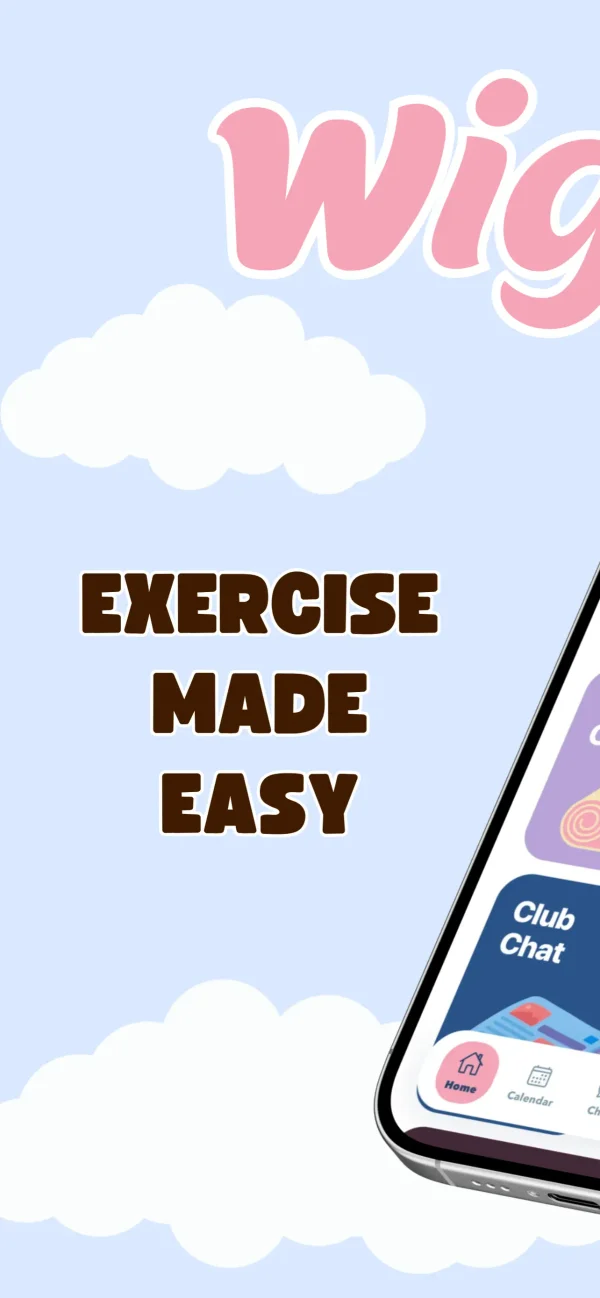
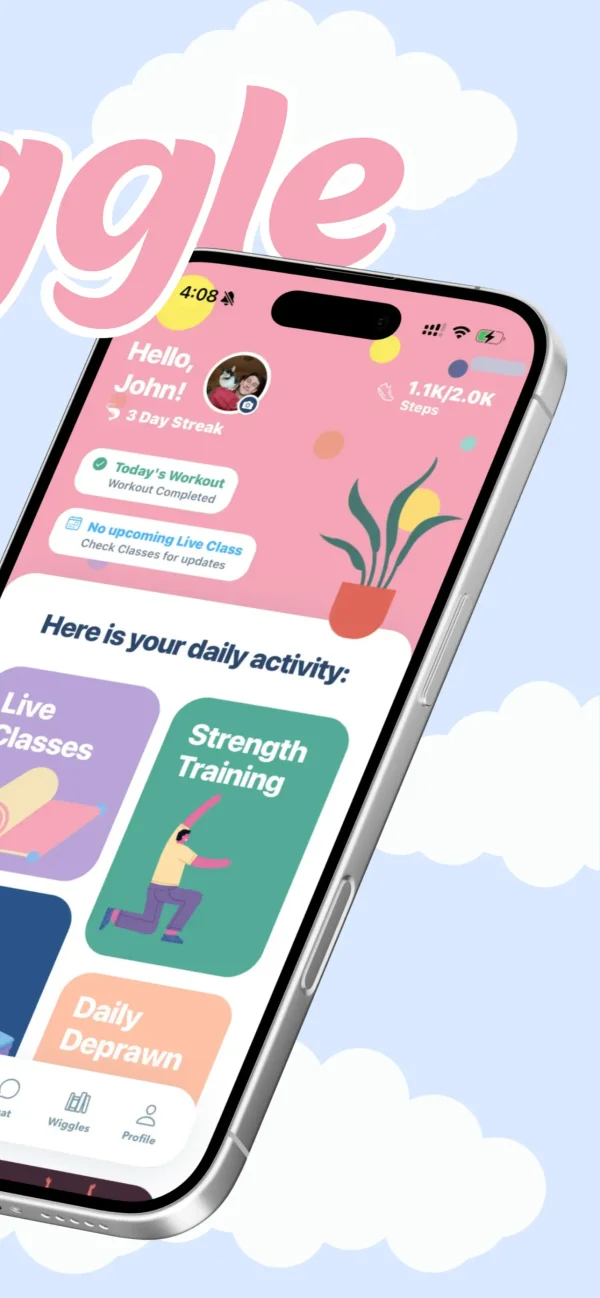
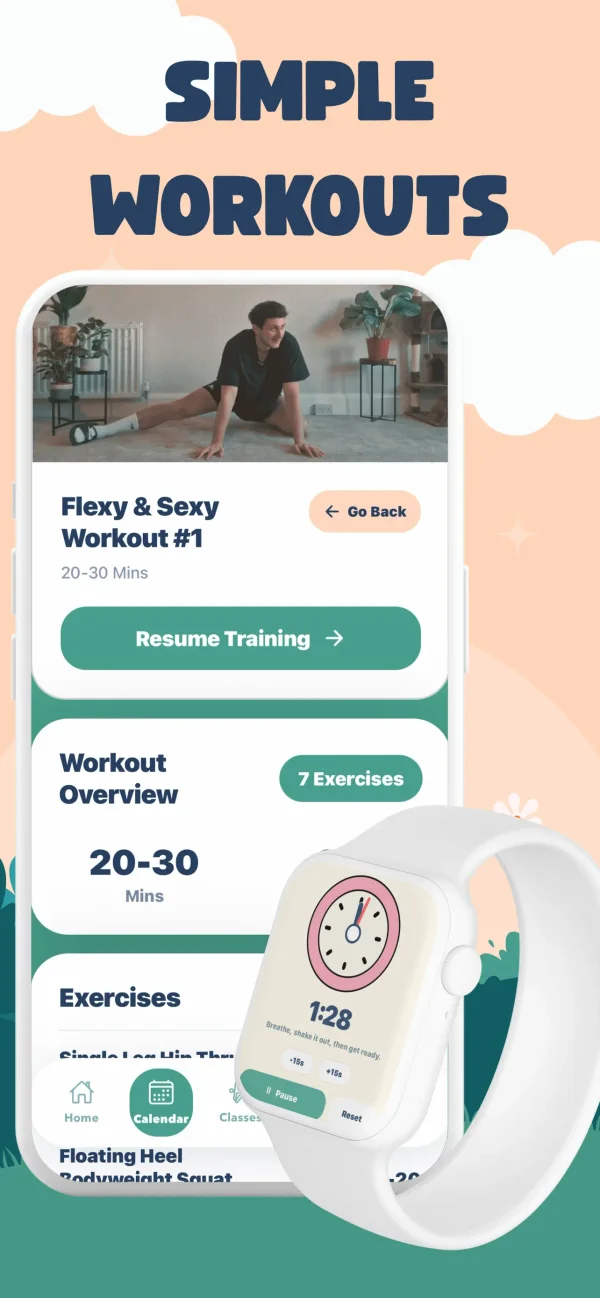
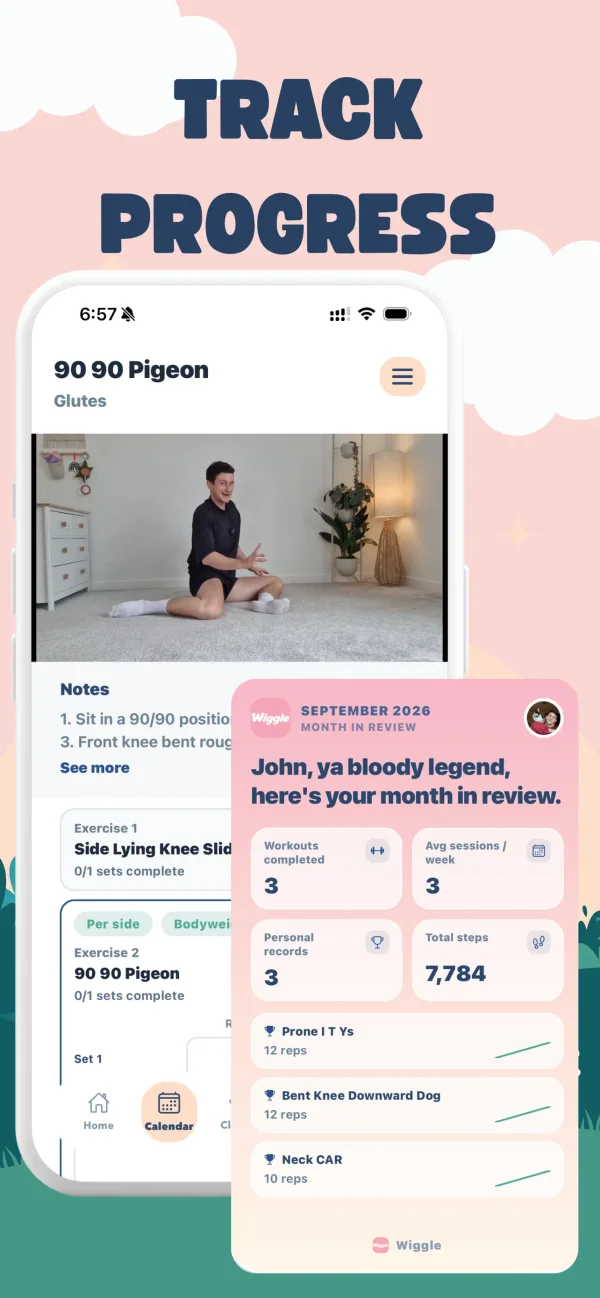



About
You're sitting like a prawn. Wiggle is Adam Richardson's feel-good mobility app: Daily Deprawn, live classes, and follow-alongs for the body you actually live in.
Shoulders rounded. Hips glued to the chair. Neck doing a little question mark at the laptop. That is the meat suit you cannot trade in, and this app was built so moving it would feel doable.
Short sessions. Beginner-friendly classes. Live mobility with Adam (and the occasional cameo from Gwen). A Daily Deprawn so you keep showing up even on the weeks you would rather melt into the sofa.
Jump back in, you desk-dwelling diva.
WHAT YOU GET EVERY DAY
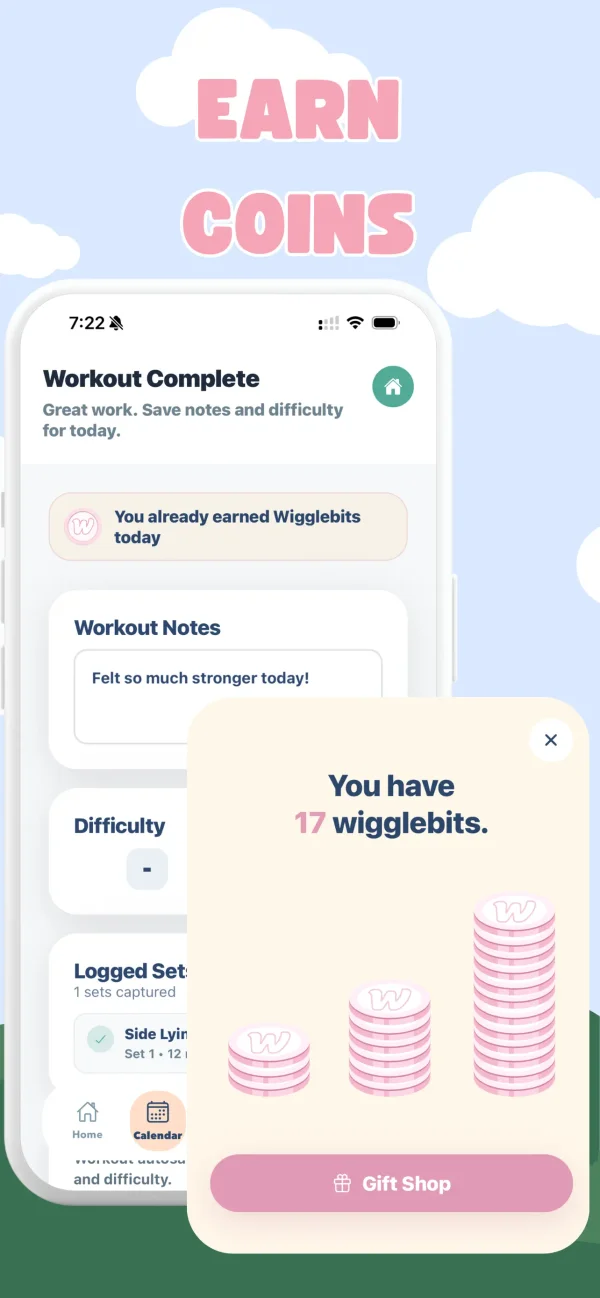
Daily Deprawn is the heartbeat of the app. Little trainin, bit of brainin, keeps the heart happy. Videos for your noggin. Watch today's clip, tick it off, keep the streak alive. Seven days in a row and Wigglebits drop into your pocket. Put the prawn on your Home Screen widget and let it look proud. Or worried. That depends how you treated your spine this week.
Live classes sit on the Classes tab. RSVP, drop them on your calendar, get a reminder, then join from your phone. Missed it because life happened? The recording lands in your Wiggle Library so you can follow along later. Sofa, floor, kitchen, AirPlay to the TV. Nobody is taking attendance.
THE LIBRARY, THE CALENDAR, THE STRENGTH BIT
The Wiggle Library holds 80+ follow-along workouts, mobility flows, and education videos. Five minutes or thirty-five. Head to toe. Most need no kit. Filter by level, favourite the ones your hips actually like, and come back whenever your body starts writing complaint letters.
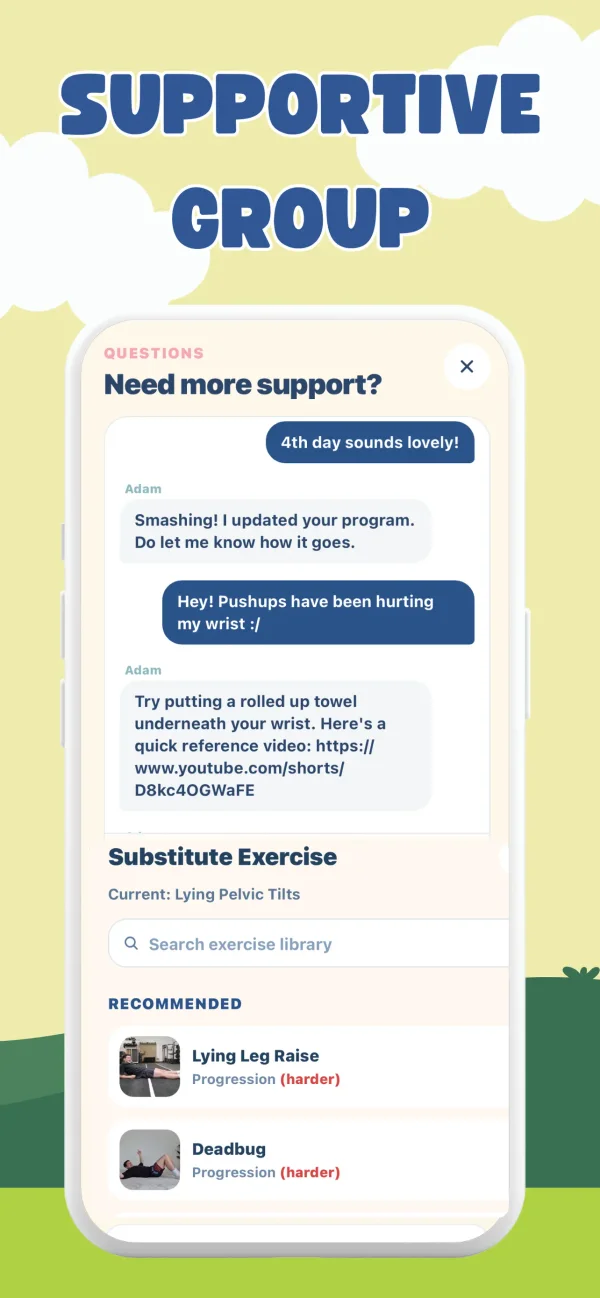
Your calendar is not a guilt machine. See what's on today, peek at tomorrow, drag sessions around when the week gets messy. Strength training sits next to mobility and rest days. Swap an exercise if your knee has opinions. Log what you finish. Rest still counts. Bendiness awaits, even on the chaotic weeks.
Education Station is a microdose of movement education so you know why you are doing the weird hip thing, not only how. Watch, learn, then take it into the next class. Slightly unhinged, in the best way.
COMMUNITY, COACHING, AND SOMEONE IN YOUR CORNER
Club chat is where the Wiggle crowd hangs out. Ask questions. Share wins. Post a form-review clip and get eyes on your technique. Coaching members can film a mobility assessment, get a personalised programme, send weekly check-ins, and hop on live calls. If you have a question at all, send a message. Please don't be afraid to say hi.
TRACK THE BITS THAT ACTUALLY MATTER
Connect Apple Health so Wiggle can read your steps, sleep, and heart rate, and write workouts you complete. Chase a weekly step goal. Keep a Daily Deprawn streak. Collect Wigglebits. Climb the leaderboard if you are that person. Set reminders so the app nags you like a friendly prawn, not a drill sergeant.
Habits, weigh-ins, nutrition logging, and a profile that actually remembers you are in here too. This is a home for your training, not another tab you open once and forget.
WHO THIS IS FOR
Desk workers. Hypermobile humans. People who tried gym culture, bounced off, and still want a body that lasts. Beginners who want to feel better in their joints without a 90-minute personality transplant. Anyone who wants to move more, sit a bit less, and stop folding like a prawn by 3pm.
New here? There is a tour of your Wiggly Home, then a few questions so we can pair you with a programme. Jump in straight away, or whenever suits you.
Wiggle is a membership. Create your account at aadamrichardson.com/wiggle, then sign in here with the same email. Manage or cancel from the website or inside the app. You keep access until the end of the billing period you already paid for.
Come in. Unprawn a little. Your meat suit will thank you.
Terms of Use (EULA): https://www.apple.com/legal/internet-services/itunes/dev/stdeula/
What’s new
Version 1.0.6 · Nov 16, 2026
- Save follow-alongs with notes and difficulty; they show up in Workout History.
- Cancel from Subscription Center without the scavenger hunt; billing dates read sensibly again.
- Reminders save even when one schedule grumbles; live classes show names, not number goblins.
- Retake your Onboarding Questionnaire from Profile (fresh answers, new match, arrange your week).
- Calendar month grid keeps all seven days on one row (Tue stays Tue).
- Master Schedule in Profile: drag your week from today, save, and your plan actually reshuffles on the calendar.
- Save follow-alongs with notes and difficulty; they show up in Workout History.
xo
App privacy
What aadamrichardson ltd declares on the App Store about how this app handles data.
-
Data linked to you
May be collected and linked to your identity.
- Health and fitness
- Contact info
- User content
- Identifiers
Privacy practices may vary, for example with the features you use or your age.
Information
- Seller
- aadamrichardson ltd
- Category
- Health & Fitness
- Version
- 1.0.6
- Updated
- Nov 16, 2026
- Released
- Oct 1, 2026
- Size
- 126.8 MB
- Requires
- iOS 15.1 or later
- Age rating
- 4+
- Price
- Free
- In-app purchases
- Yes
- Languages
- English
- Copyright
- © PTFlow LLC
You might also like
-
 SHE CollectiveThe SHE Collective
-
 Pilates for RunnersKeeping you running for life
-
 Kilted YogaKilt optional!
-
 Bits - Henley Fitness CoachingThe home of Henley Fitness.
-
 Wellness CloudHealth & Fitness
-
 Built to ThriveTransform your health together
-
 Dova Health Daily TrackingBlack Woman Owned
-
 Sober-ishHealth & Fitness
-
 Altered: Quit DrinkingPremium Alcohol Sober Tracker
-
 AI Workout Coach – BOTfitGamified gym, form check, plan