WingDeck
Trackpad, deck and remote
Designed for iPhone, iPad, iPod touch
In-app purchases
- Age rating12+
- CategoryProductivity
- DeveloperI Putu Surya Diputra
- LanguagesEnglish
- Size9.7 MB
Links to the official App Store page
Download.org hosts no file of WingDeck. The button opens its official App Store page, published by I Putu Surya Diputra. Listing last checked on Nov 9, 2026.
Screenshots



About
WingDeck turns the device already within reach into a flexible control surface for your Mac or Windows PC.
DECK CONTROLS
Launch apps, open links, trigger keyboard shortcuts, switch pages and profiles, and control OBS from customizable button decks.
MUSIC & LYRICS
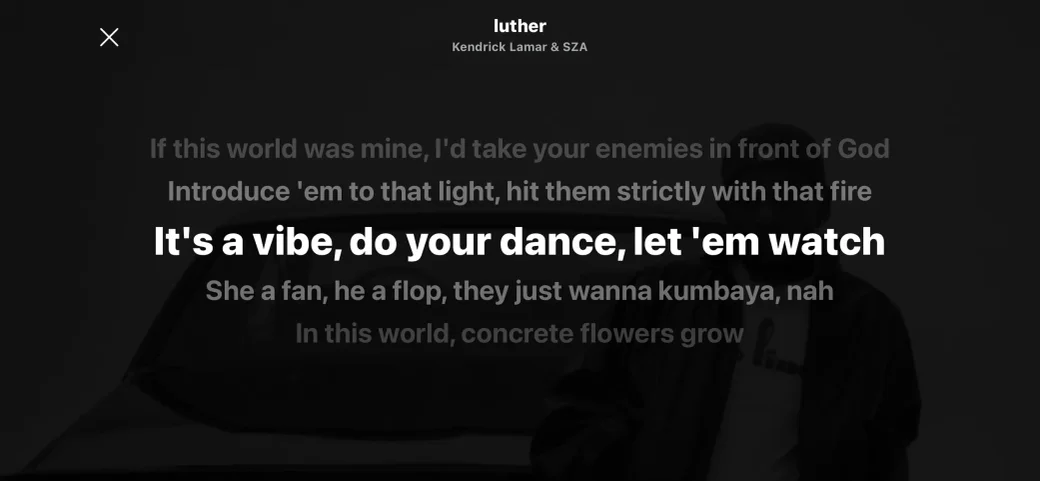
See now-playing artwork, title, artist, playback progress, synchronized lyrics, media controls, and computer volume.
TRACKPAD & KEYBOARD
Control the pointer with familiar gestures, type with a full hardware-style keyboard layout, or switch to a dedicated numpad. On supported Apple Watch models, WingDeck also provides a compact wrist trackpad.
SYSTEM MONITOR
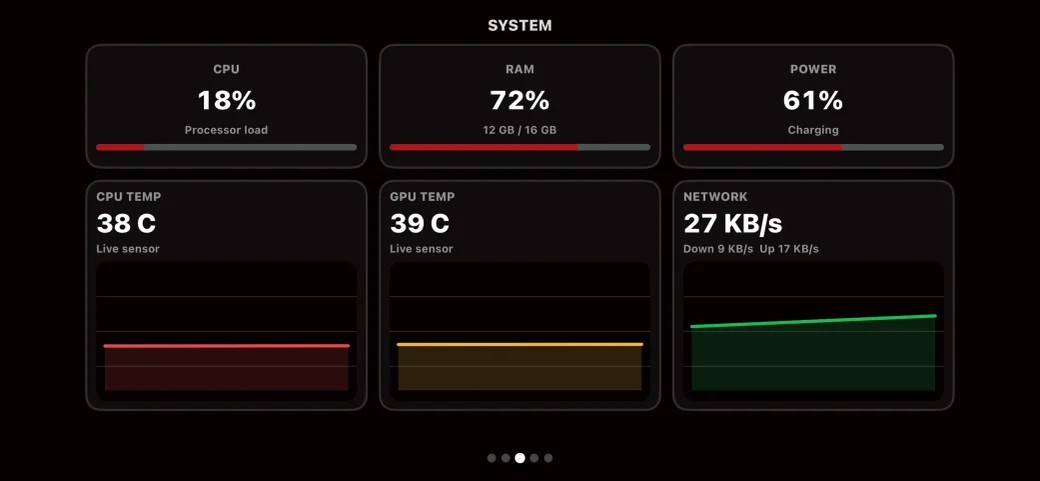
Follow CPU, memory, battery, temperature, and network activity from across the room.
DESK CLOCK
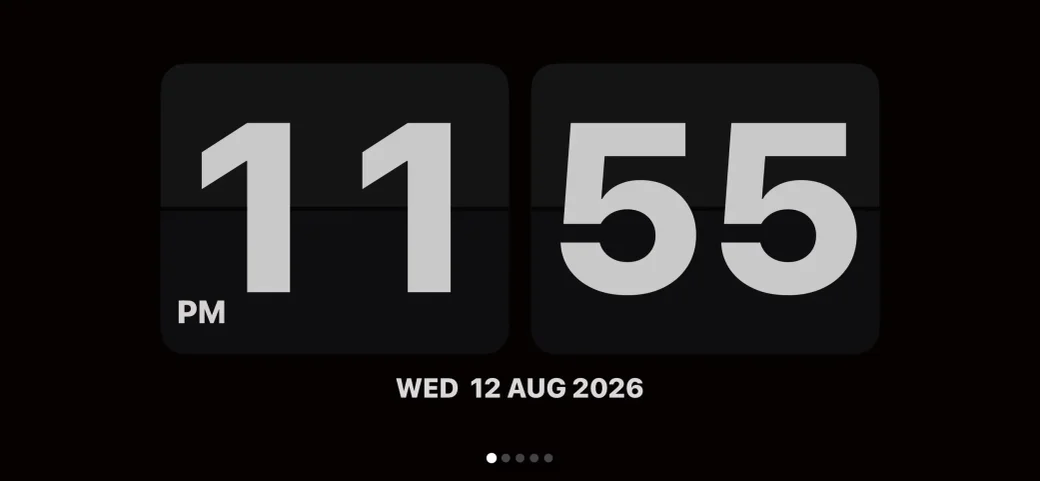
Give an older device a useful second life as a clear, always-on landscape clock.
LOCAL-FIRST
Your controls and clipboard move directly between your devices and the WingDeck desktop companion over your local network or USB connection. Pairing is protected and can be revoked from the computer at any time.
WingDeck requires the free WingDeck desktop companion for macOS or Windows, available at wing-deck.com.
The free edition may display banner ads. WingDeck Premium removes ads while the subscription is active. Optional rewarded ads can grant temporary ad-free time. Subscriptions renew automatically unless cancelled in App Store account settings.
Privacy Policy: https://wing-deck.com/privacy
Terms of Use: https://www.apple.com/legal/internet-services/itunes/dev/stdeula/
What’s new
Version 1.1.2 · Oct 7, 2026
Bug fixes and performance improvements.
New features:
- Use your phone as a webcam.
-Use your phone as a second screen.
App privacy
What I Putu Surya Diputra declares on the App Store about how this app handles data.
-
Data used to track you
May be used to track you across apps and websites owned by other companies.
- Identifiers
-
Data linked to you
May be collected and linked to your identity.
- Purchases
- Location
- Identifiers
- Usage data
-
Data not linked to you
May be collected but is not linked to your identity.
- Diagnostics
Privacy practices may vary, for example with the features you use or your age.
Information
- Seller
- I Putu Surya Diputra
- Category
- Productivity
- Version
- 1.1.2
- Updated
- Oct 7, 2026
- Released
- Sep 17, 2026
- Size
- 9.7 MB
- Requires
- iOS 15.0 or later
- Age rating
- 12+
- In-app purchases
- Yes
- Languages
- English
- Copyright
- © 2026 I Putu Surya Diputra
You might also like
-
 PomoLockedPomodoro Timer & App Blocker
-
 Saweria for StreamersOverlay, Push Notification
-
 Expense & Budget - MoimoneyPersonal Money Mgr. No Ads.
-
 arsip — Paperwork OrganizerOrganize documents & renewals
-
 MinutesMaster: AI Minute TakerMeeting notes & transcripts
-
 InAct HRISProductivity
-
 ROCK SURABAYAROCK Ministry Surabaya
-
 Kamadhuk LoyaltyOleh KPN Kamadhuk
-
 RMH NDI MViewerProductivity
-
 SyumraYour Umrah Companion