
Wireless Gamepad for PC
Wireless PC Gamepad controller
Designed for iPhone, iPad, iPod touch
Free · In-app purchases
- Age rating4+
- CategoryEntertainment
- DeveloperHamid Sher agha
- LanguagesEnglish
- Size72.9 MB
Links to the official App Store page
Download.org hosts no file of Wireless Gamepad for PC. The button opens its official App Store page, published by Hamid Sher agha. Listing last checked on Nov 23, 2026.
Screenshots
About
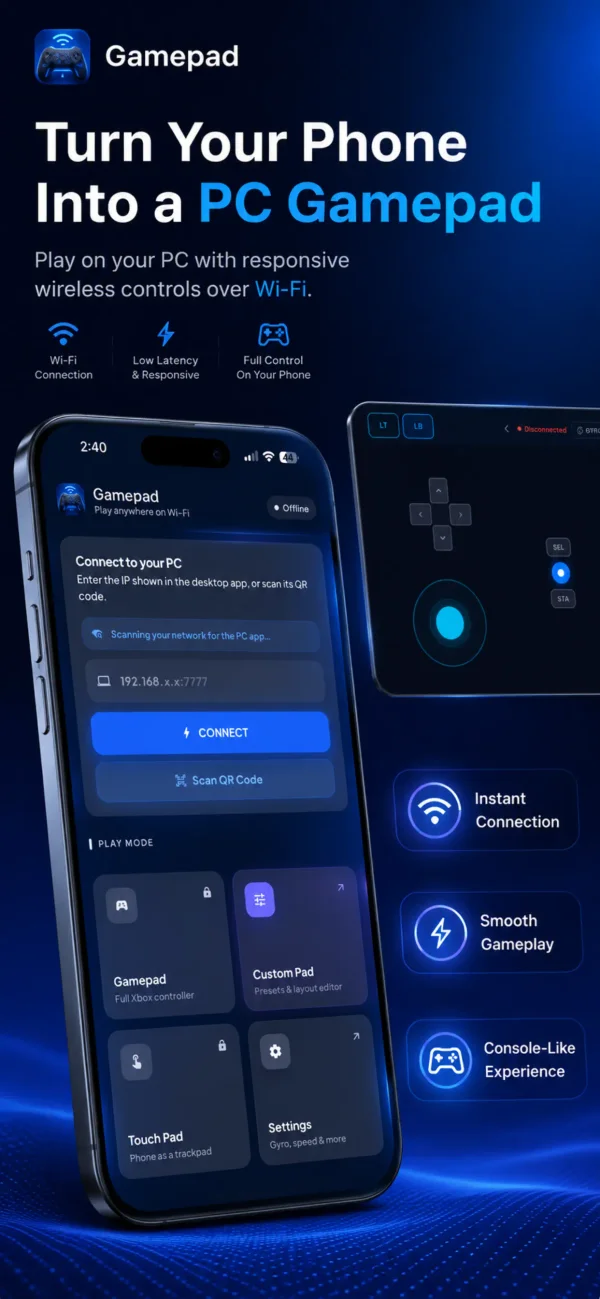
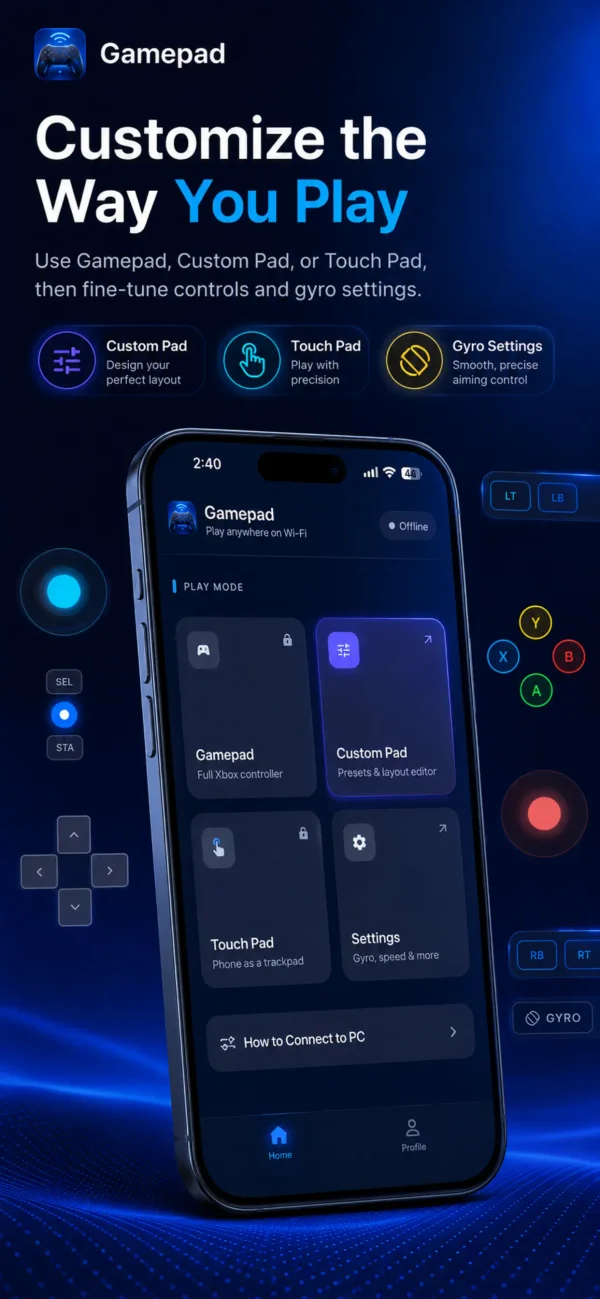
Gamepad Controller for PC turns your iPhone into a wireless gamepad controller for Windows PC gaming. Connect your phone over WiFi and use it as a virtual Xbox-style controller for PC games, racing games, action games, shooters, emulators, Steam games, and more.
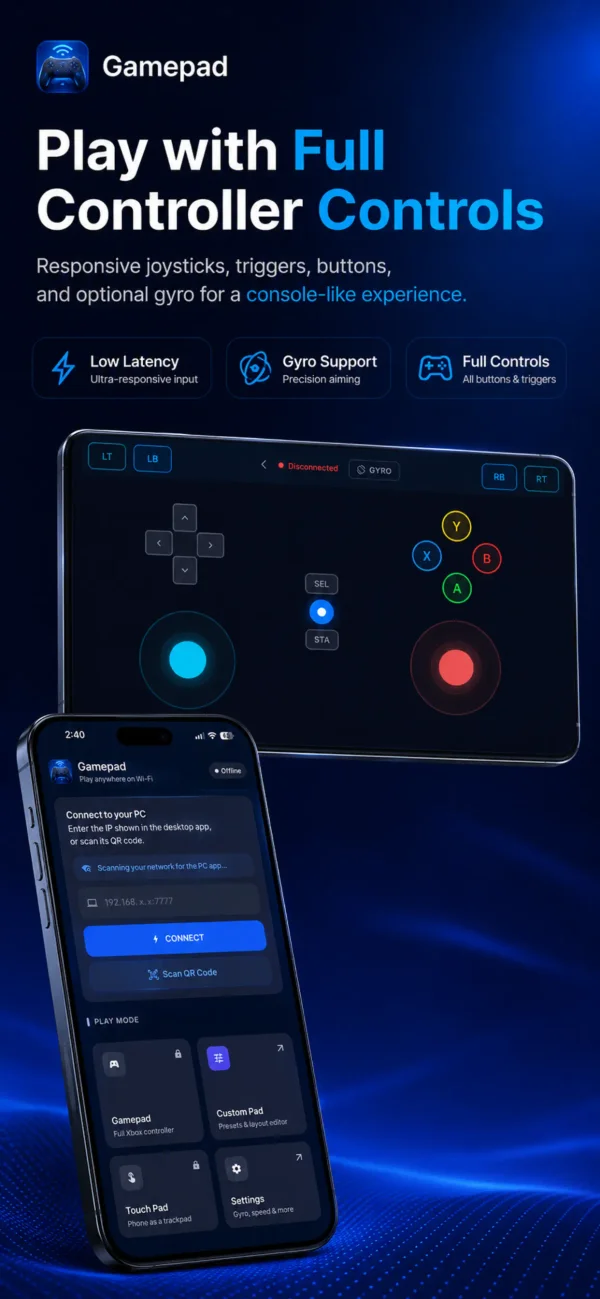
Enjoy smooth mobile game control with dual analog joysticks, D-pad, ABXY buttons, trigger controls, gyroscope aiming, and touchpad mouse mode. Gamepad Controller for PC is designed for players who want a simple, fast, and cable-free way to control PC games using their phone.
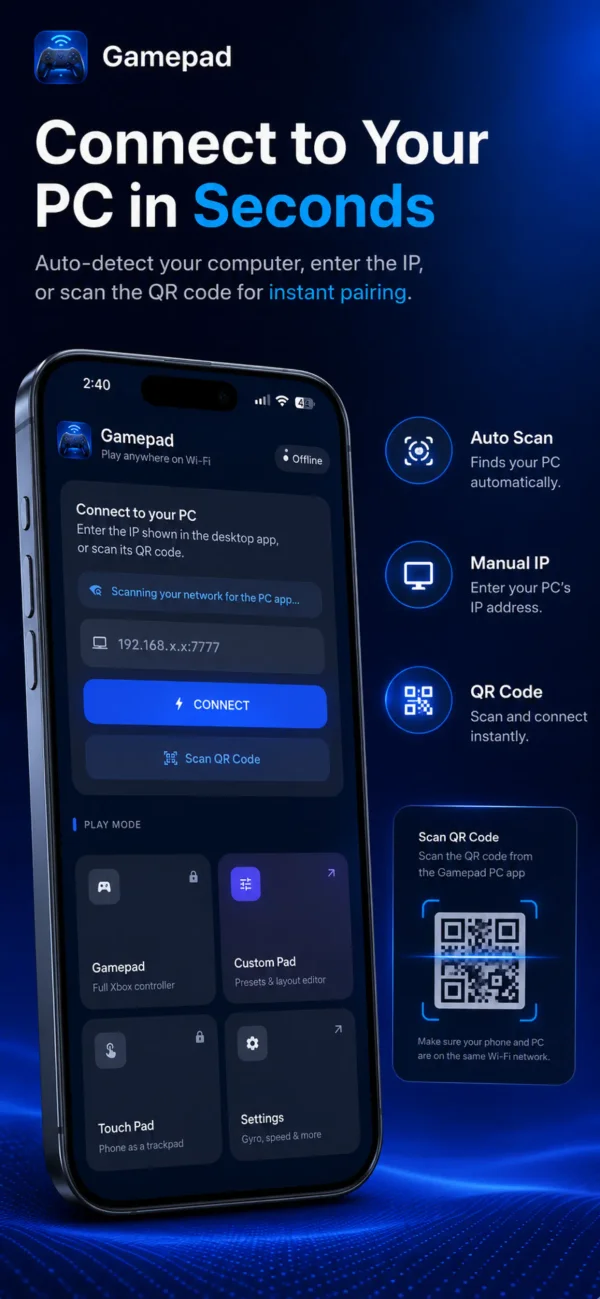
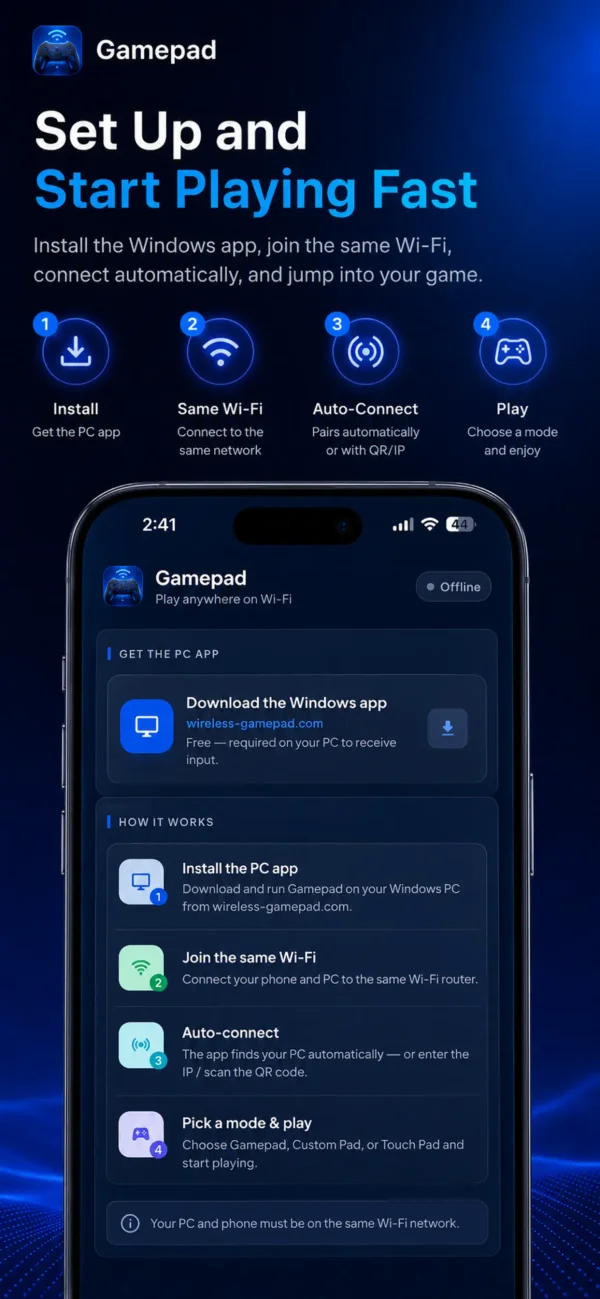
Setup is quick and easy. Install the Windows server app on your PC, connect your iPhone to the same WiFi network, scan the QR code, and start playing. No extra controller hardware is required. Your phone becomes a wireless PC controller that is ready for everyday gaming, casual play, racing, FPS, arcade games, and remote game control.
The app includes multiple layout presets, including Standard, FPS, and Racing layouts, so you can choose the control style that fits your game. Use gyro aiming for supported gameplay, switch to touchpad mode when you need mouse control, and enjoy auto-reconnect support when your WiFi connection drops.
Gamepad Controller for PC is built for gamers who need a lightweight wireless controller solution for Windows games. Whether you lost your controller, need an extra gamepad, want to play with friends, or prefer using your phone as a controller, this app gives you a practical and modern way to play.
Key Features:
Turn your iPhone into a wireless gamepad for PC
Use your phone as a virtual Xbox-style controller
Connect over WiFi with quick QR code pairing
Dual analog joysticks for smooth movement and camera control
D-pad and ABXY buttons for classic controller input
Gyroscope aiming for supported games
Touchpad and mouse mode for easy navigation
Standard, FPS, and Racing control layouts
Auto-reconnect when WiFi connection drops
Designed for Windows 10 and Windows 11 PC gaming
Works great for Steam games, racing games, shooters, arcade games, emulators, and casual PC games
No cables or extra controller hardware needed
Gamepad Controller for PC makes it easy to play PC games using the device already in your pocket. Download now and turn your iPhone into a wireless controller for Windows gaming.
Terms of Use (EULA): https://www.apple.com/legal/internet-services/itunes/dev/stdeula
What’s new
Version v4 · Nov 21, 2026
New control options added
App privacy
What Hamid Sher agha declares on the App Store about how this app handles data.
-
Data used to track you
May be used to track you across apps and websites owned by other companies.
- Identifiers
-
Data not linked to you
May be collected but is not linked to your identity.
- Identifiers
- Usage data
Privacy practices may vary, for example with the features you use or your age.
Information
- Seller
- Hamid Sher agha
- Category
- Entertainment
- Version
- v4
- Updated
- Nov 21, 2026
- Released
- Jun 2, 2026
- Size
- 72.9 MB
- Requires
- iOS 15.5 or later
- Age rating
- 4+
- Price
- Free
- In-app purchases
- Yes
- Languages
- English
- Copyright
- Copyright © 2026 Hamid. All rights reserved.
You might also like
-
 Space UIProcedural Sci-Fi Interfaces
-
 YoYo Decision - Gacha & WheelCute Random Party Chooser
-
 GamerPad: Phone GamepadTurn your phone into a gamepad
-
 Tap & ColorTap-to-Fill Coloring
-
 CoHost RLSFXStreets & Stage Sound Effect
-
 Countdown & MemoriesCount events, vacations, goals
-
 Magic 8 Ball: Talking OracleDecision maker, fortune teller
-
 Gamepad Remote For TV GamesTV Gamepad & Joystick
-
 Djubi Player - IPTV & M3ULive TV, VOD & Series Stream
-
 AHHH!-Scream Stress ReliefYell to blast your anger away