WKTV - IPTV player
Focusing on live TV experience
Designed for iPhone, iPad
Free · In-app purchases
- Age rating4+
- CategoryUtilities
- Developer前山 瓮
- LanguagesEnglish
- Size90.1 MB
Links to the official App Store page
Download.org hosts no file of WKTV - IPTV player. The button opens its official App Store page, published by 前山 瓮. Listing last checked on Nov 23, 2026.
Screenshots

About
WKTV is an IPTV player that only plays what you bring.
WKTV does not provide, host, bundle, or recommend any channels, playlists, or media. Add your own M3U / M3U8 / TXT playlist or Xtream Codes account, and WKTV organizes and plays it.
YOUR PLAYLISTS, YOUR RULES
• M3U / M3U8 / TXT playlist URLs and Xtream Codes accounts
• Manage multiple sources: switch, refresh, edit, and delete
• Playlists, favorites, history, and settings stay on your device by default — no account required
• Local network URLs supported for NAS and self-hosted setups
A PLAYER BUILT FOR LIVE TV
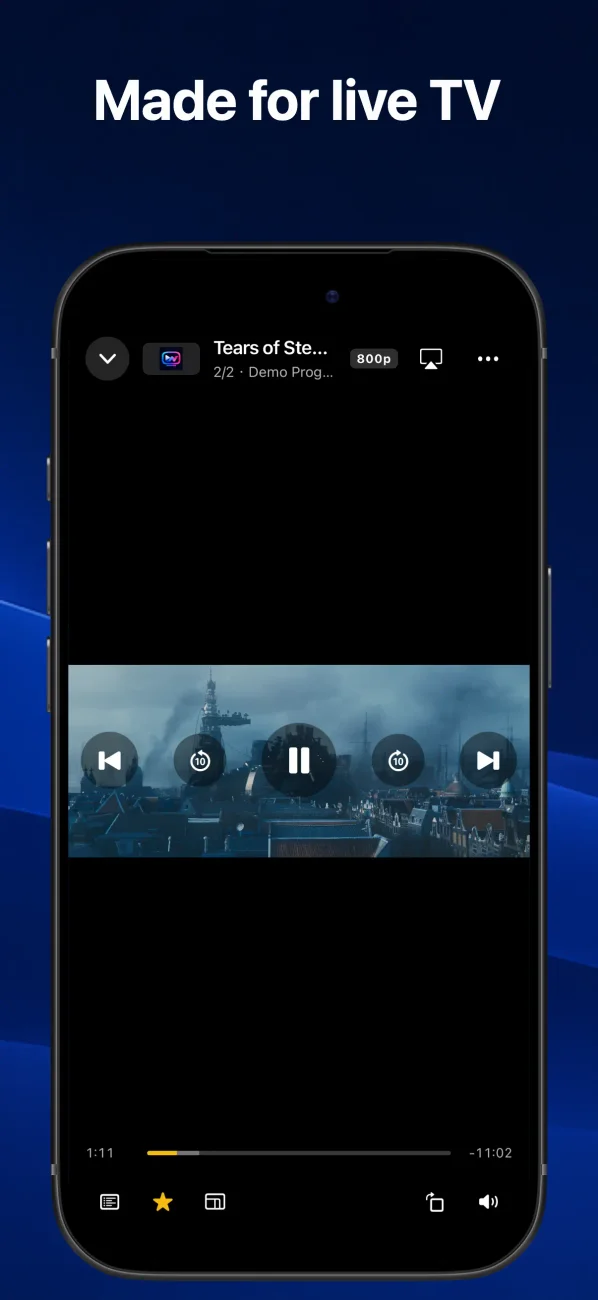
• Swipe up or down to change channels; the controls hide when you do not need them
• Automatic reconnect after timeouts and network changes
• HLS and MP4 playback with audio track and subtitle selection
• Picture in Picture, AirPlay, background playback, and Now Playing info
• Original or fill screen; pinch to switch
• Pure black playback background for OLED displays
FIND SOMETHING TO WATCH
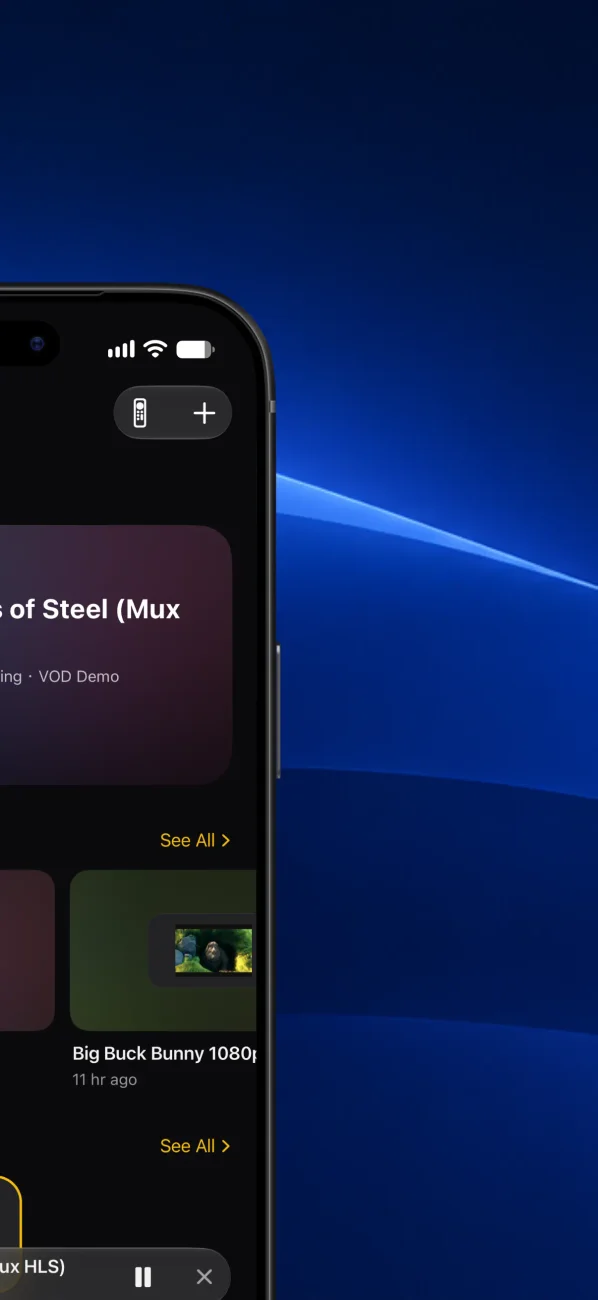
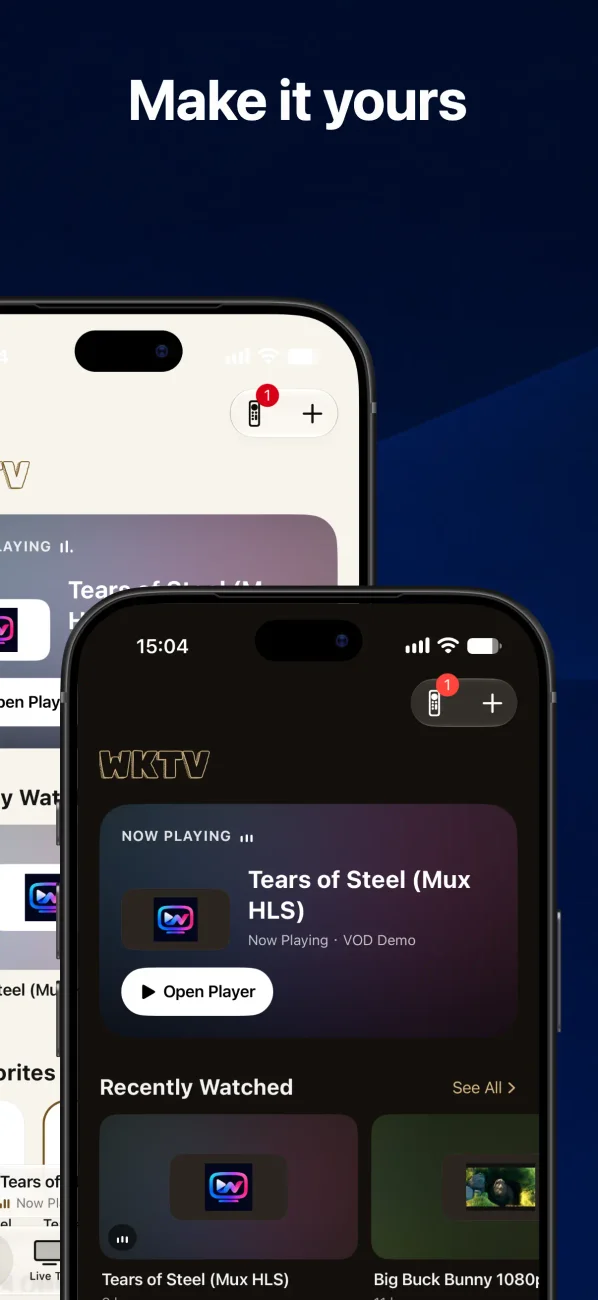
• Home shows Now Playing, Continue Watching, Recently Watched, and Watched Often
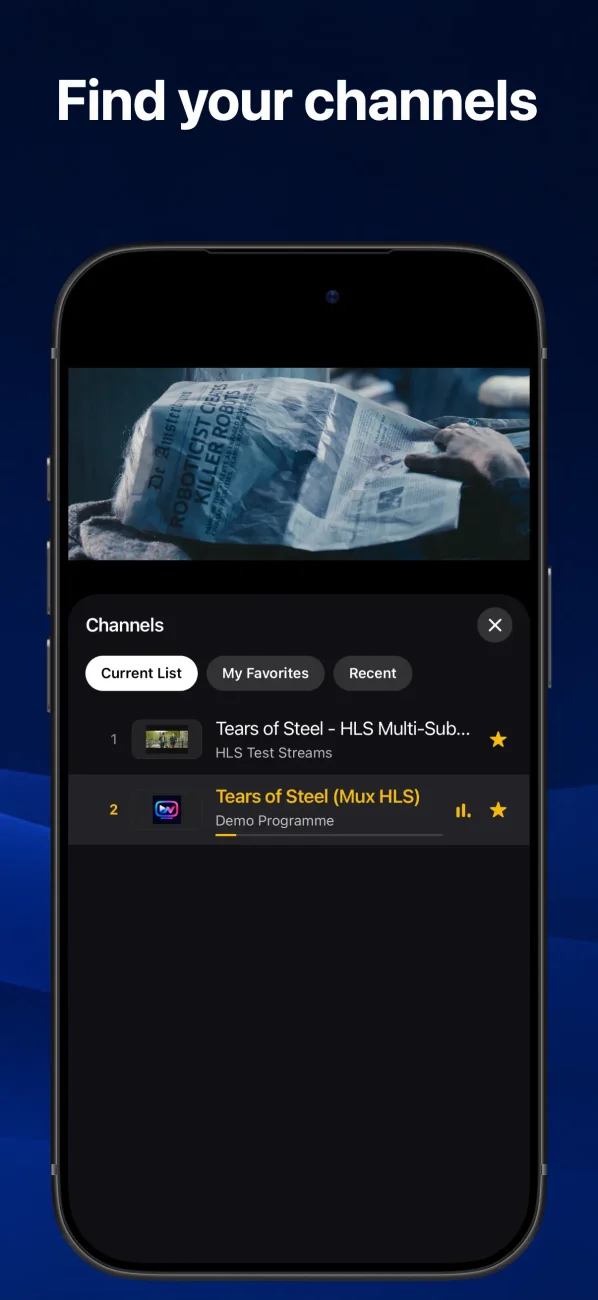
• Browse by category and search across every source
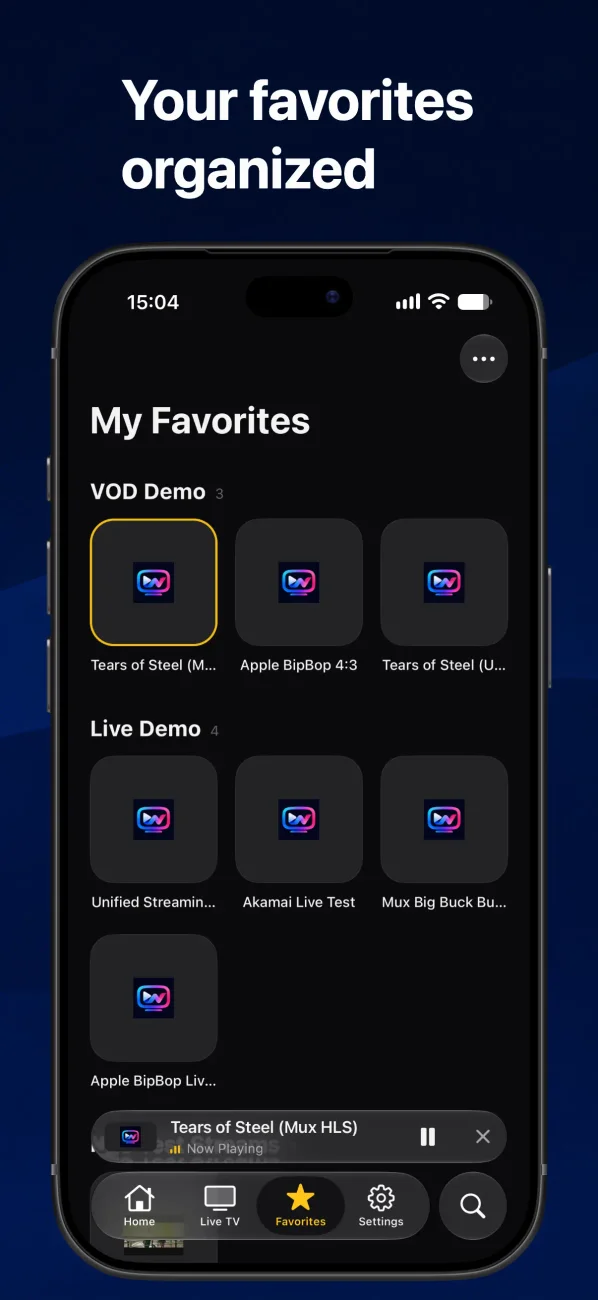
• Sort favorites by date added, name, or recently watched; group them by category
• History organized by Today, Yesterday, and Earlier
PROGRAM INFO
When your playlist provides an XMLTV guide, the player shows the current program. You can also add a guide URL to a source.
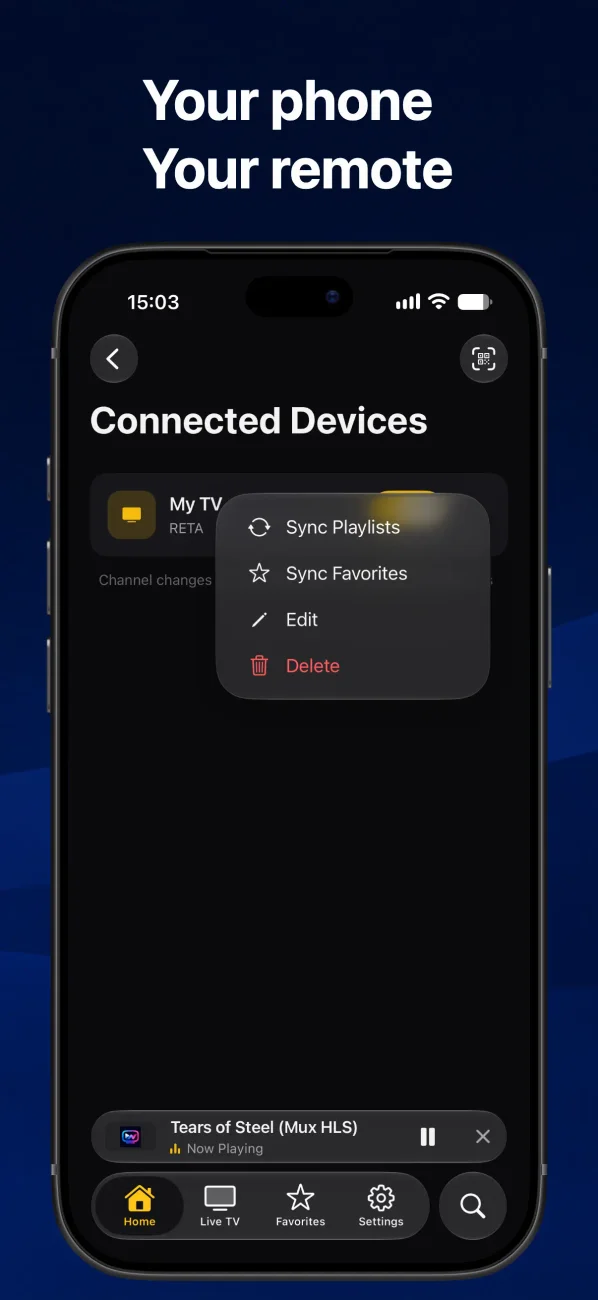
YOUR PHONE IS THE REMOTE
Pair your iPhone or iPad with WKTV on another device to change channels and sync playlists and favorites from your phone.*
* Remote control and sync are part of WKTV Pro. Apple TV requires WKTV 4.0 or later. Core playback works without a subscription.
MAKE IT YOURS
Dark, light, or system appearance, plus 20 Pro themes.
Available in English, Simplified Chinese, Japanese, Korean, Spanish, and Russian.
PRIVATE BY DEFAULT
• No account
• No ads in the app
• No IDFA and no cross-app tracking
• Playlists stay on your device by default; they are sent through our relay only when you choose to sync them to a TV
• Camera access is used only to scan a TV pairing QR code
ABOUT WKTV PRO
WKTV Pro is an auto-renewable subscription that includes the phone remote, playlist sync, and all Pro themes.
• Subscription periods: 1 month and 1 year
• Price is shown on the App Store purchase screen
• Payment is charged to your Apple Account at confirmation of purchase
• The subscription renews automatically unless auto-renew is turned off at least 24 hours before the end of the current period
• Manage or cancel in your Apple Account settings
• Any unused portion of a trial is forfeited when you purchase a subscription
Privacy Policy: https://wktv.fun/privacy
Terms of Use (EULA): https://wktv.fun/terms
Support: https://wktv.fun
WKTV does not provide, host, or recommend any channels, playlists, or media. You are responsible for the content you add and play, and you must have the rights to it. WKTV is not affiliated with any third-party content provider, broadcaster, or streaming platform.
What’s new
Version 4.0.0 · Nov 18, 2026
WKTV 4.0 brings a completely refreshed experience, from playback to channel management.
• New interface: a redesigned home with a clearer view of your channels.
• New player: smoother channel switching and automatic network recovery.
• Watch history: easily find channels you've watched recently.
• Global search: find channels across multiple playlists.
• Better favorites: custom sorting and category grouping.
• New sources: Xtream Codes and XMLTV program guide support.
• Device remote: pair your phone with WKTV on another device to switch channels and sync.
• Personalization: dark, light and 20 Pro themes.
• iPad experience: a redesigned layout for larger screens.
• iPhone Duo: the layout adapts when folded, half-open, or unfolded.
• More features: Picture in Picture, AirPlay, background playback and six languages.
No account required. No ads in the app.
Thank you for being part of WKTV.
App privacy
What 前山 瓮 declares on the App Store about how this app handles data.
-
Data not linked to you
May be collected but is not linked to your identity.
- Identifiers
- Usage data
Privacy practices may vary, for example with the features you use or your age.
Information
- Seller
- 前山 瓮
- Category
- Utilities
- Version
- 4.0.0
- Updated
- Nov 18, 2026
- Released
- Feb 19, 2024
- Size
- 90.1 MB
- Requires
- iOS 16.4 or later
- Age rating
- 4+
- Price
- Free
- In-app purchases
- Yes
- Languages
- English
- Copyright
- © WKTV
You might also like
-
 iTV: IPTV & M3U PlayerYour channels, your way
-
 Live IPTV Player: M3U & XtreamStream TV, Movies & Series
-
 AGC - Video PlayerYour personal home theater
-
 MEGO PlayerMEGO M3U Player
-
 DS One-Video Library&PlayerAn all-in-one NAS cloud tool
-
 Filmix - AI Renamer & LibraryInfuse, NAS & WebDAV Manager
-
 M3U8 Player ProM3U8 Player
-
 TVBox - IPTV Playerstreaming media live broadcast
-
 File Explorer & Playerstream video & music from Mac
-
 Player Master - Video PlayerVideo Music Media Player